

Steam Mobile App: Play and Manage Your Gaming Experience On-the-Go
The Steam Mobile App offers gamers a seamless way to stay connected with the Steam ecosystem anytime, anywhere. This free application transforms your mobile device into a powerful tool for managing your gaming library, staying updated with the latest news, and securing your account — all while on the move. Whether you're browsing for new PC games, managing downloads, or confirming trades and market transactions, the Steam Mobile App is designed to enhance your overall gaming experience.
Convenient Store Browsing and Game Purchases
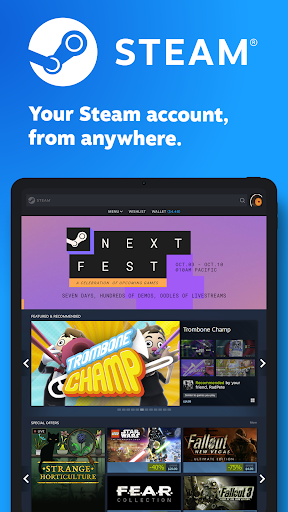
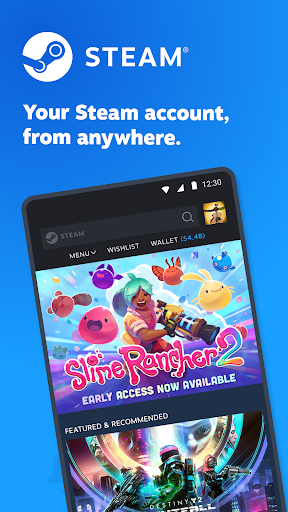
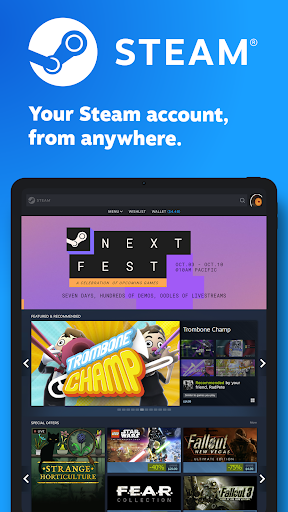
With the Steam Mobile App, you can easily browse the extensive Steam catalog of PC games directly from your phone. This feature ensures that you never miss a sale and can take advantage of special offers in real-time. Buying games has never been more straightforward, allowing you to purchase titles instantly and add them to your library without switching devices. The app's optimized interface provides a smooth shopping experience tailored for mobile screens, making it simple to discover new titles and explore ongoing discounts.
Enhanced Security with Steam Guard
Security is a top priority, and Steam Guard ensures your account remains protected. The app leverages two-factor authentication to prevent unauthorized access, giving you peace of mind. Features include:
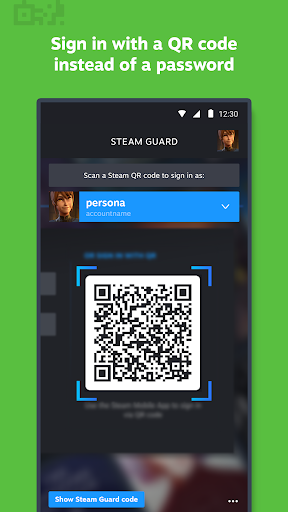
QR code Sign-In
Scan a QR code to sign into Steam instead of manually entering your credentials, streamlining the authentication process.
Sign-In Confirmation
Approve or deny sign-in attempts directly from your mobile device, adding an extra layer of security to your account.
Manage Your Library and Downloads Remotely
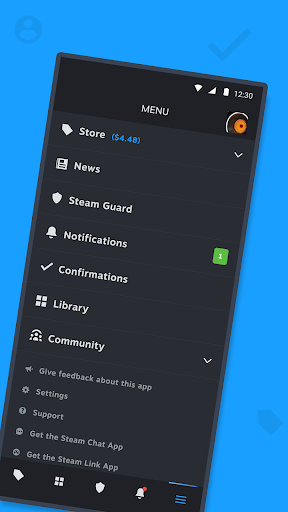
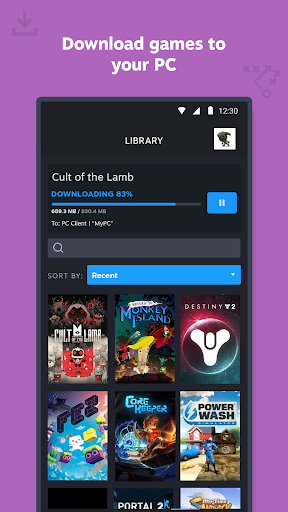
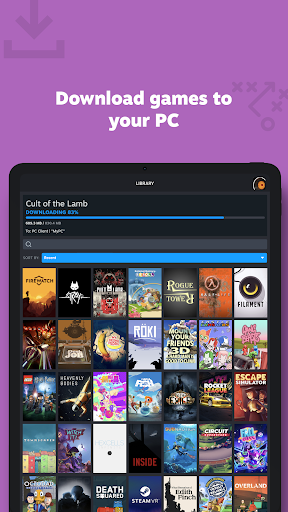
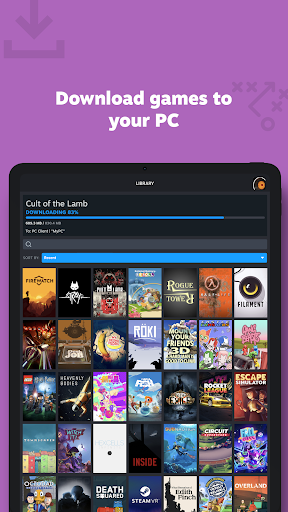
The app introduces a new Library view designed for quick access to your games, discussions, guides, and support resources. You can also manage game downloads and updates directly to your PC remotely. This feature allows you to initiate downloads, pause updates, or resume game installations even when you're away from your computer, ensuring your gaming setup is ready when you are.
Trade and Market Confirmations
Speed up your in-game trades and marketplace transactions by confirming them through the app. The streamlined confirmation process reduces wait times and enhances your trading efficiency, making Steam's community features more accessible and convenient to use.
Personalized News Feed and Notifications
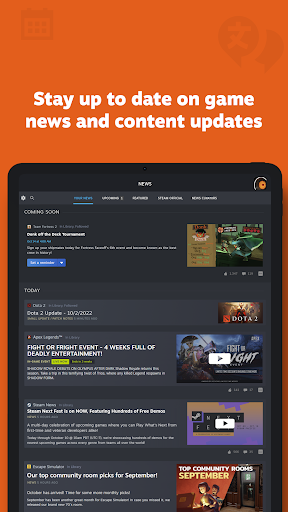
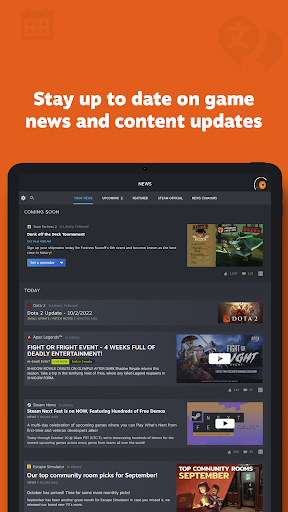
Stay informed with a personalized news feed based on your game library, displaying the latest news, updates, and content from publishers and developers. The app also offers customizable notifications for wishlist updates, sales, comments, trade offers, discussions, friend requests, and more, keeping you engaged and in the loop without cluttering your device.
Community Access and Social Features
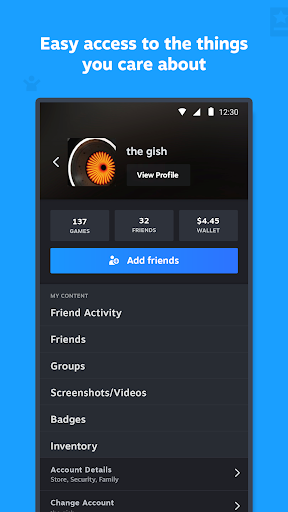
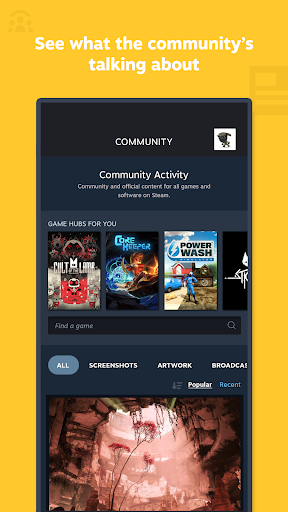
Explore the full breadth of the Steam Community on your mobile device. Access discussions, groups, guides, the Marketplace, Workshop, broadcasts, and more. Connect with friends, view activity, manage your friend list, share screenshots, and monitor your inventory and wallet—all within the app. These features help you stay connected with the gaming community and coordinate with friends effortlessly.
Account Management and Customization
Manage authorized devices easily by controlling which systems have access to your account. The app also supports multiple Steam accounts, allowing you to switch between profiles smoothly. Additionally, you can customize your main tabs to prioritize the content most relevant to you, creating a personalized and efficient mobile gaming hub.
Conclusion
The Steam Mobile App is an indispensable companion for gamers who want to stay connected, secure, and in control of their gaming experience from anywhere. With features like remote library management, secure account protection, instant access to community content, and effortless transaction confirmations, this free app ensures you are always just a tap away from your favorite games and gaming community. Embrace the convenience and power of Steam on your mobile device today and elevate your gaming lifestyle.
Pros
- Offers a user-friendly interface that simplifies navigation and usage.
- Provides a comprehensive set of features that cater to various user needs.
- Ensures high performance and stability during operation.
- Includes regular updates that improve functionality and security.
- Offers reliable customer support to address user queries and issues.
Cons
- May have a steep learning curve for new users unfamiliar with similar applications.
- Some advanced features might require additional training or guidance.
- Performance could be affected on lower-end devices or systems.
- Limited customization options for certain interface elements.
- Occasional bugs or glitches that may impact user experience.