

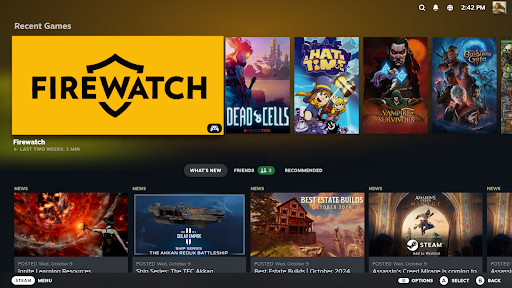
Introduction to Steam Link
The Steam Link app revolutionizes the way gamers experience their favorite titles by bringing desktop gaming directly to your mobile device or TV. Whether you're a casual player or a dedicated gamer, this innovative application unlocks the full potential of your existing Steam library with seamless remote streaming capabilities.
How Does Steam Link Work?
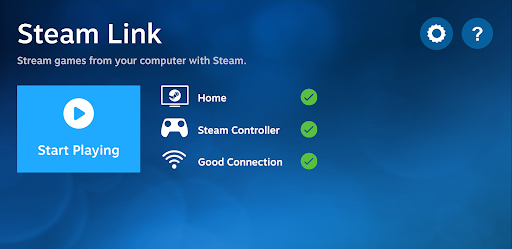
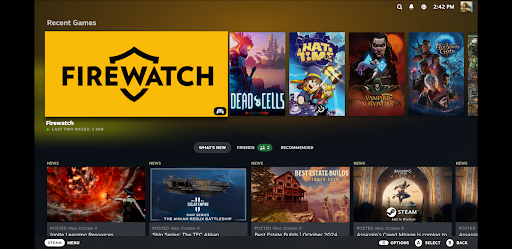
With Steam Link, you can effortlessly stream your entire collection of Steam games from your gaming PC to various devices such as smartphones, tablets, or smart TVs. Simply pair a compatible Bluetooth controller or a Steam Controller with your device, connect to your computer running Steam, and you're ready to play. This setup enables users to enjoy high-quality gaming experiences without being confined to a desk or living room.
Optimizing Performance for Different Devices
Best Practices for Android TV
For optimal performance on Android TV, it is recommended to connect both your computer and your Android TV directly to the router using Ethernet connections. This wired setup minimizes latency and ensures smooth gameplay, making your remote gaming sessions highly responsive and immersive.
Best Practices for Tablets and Phones
If you're playing on tablets or smartphones, connect your gaming PC via Ethernet to a 5GHz WiFi router. Then, connect your mobile device to the same 5GHz band. Keeping your Android device within a reasonable range of your router enhances the streaming quality, reducing lag and buffering to deliver a near-native gaming experience.
Why Choose Steam Link?
Modern technology has transformed gaming from a stationary activity into a flexible and portable experience. With Steam Link, gamers can enjoy their favorite PC games anywhere—from the comfort of their couch to their daily commute. This app eliminates the need for multiple gaming setups and allows you to leverage the power of your gaming PC across a variety of devices.
Key Features of Steam Link
Simple Setup Process
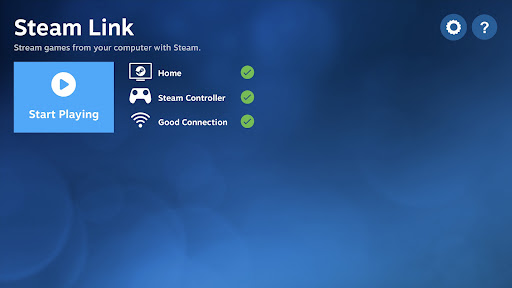
Getting started with Steam Link is straightforward. Make sure your gaming PC and streaming device are on the same network, download the app, and log in with your Steam account. The user interface is designed to be intuitive, ensuring that even those unfamiliar with remote streaming can set up and enjoy their games in minutes.
High-Performance Gaming
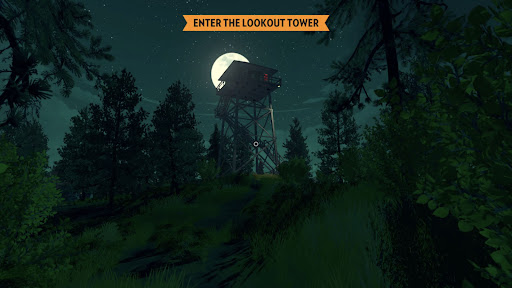
Thanks to advanced streaming technology, gameplay over Wi-Fi feels remarkably smooth with minimal lag. With a robust connection, you can immerse yourself in first-person shooters, RPGs, or any other genre, with visuals that can reach 4K resolution. The app's responsiveness makes it feel as if you're playing directly on your PC, providing a truly immersive experience.
Broad Compatibility and Features
Steam Link supports a wide range of controllers and input devices, giving you the freedom to choose your preferred setup. It is compatible with Android, iOS, and select smart TV platforms, making it accessible on virtually any device. Additionally, the app supports various resolutions and streaming qualities to adapt to your network conditions, ensuring a high-quality gaming experience at all times.
Final Thoughts: Embrace the Future of Gaming
The Steam Link app represents a significant leap forward in remote gaming technology. By removing physical and geographic constraints, it offers a new level of gaming flexibility and convenience. Whether you're relaxing on your sofa, commuting, or simply want to free up space in your gaming room, Steam Link makes your PC gaming library available at your fingertips. If you're ready to elevate your gaming experience, it's time to explore the possibilities with Steam Link and enjoy your favorite games anytime, anywhere.
Pros
- Simple setup process
- Excellent streaming quality
- Controls are responsive
- Compatible with multiple devices
- Free to access
Cons
- Requires a stable internet connection
- Limited to Steam game library
- Lacks support for iOS controllers
- Occasional lag problems
- Requires a PC with Steam running