Spectrum TV App Overview
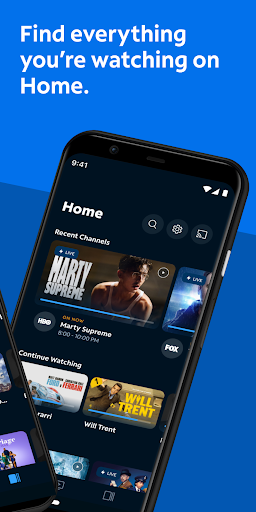
The Spectrum TV app is a versatile streaming solution designed to enhance your digital entertainment experience. Whether you're at home or on the go, this app allows you to access a wide array of live TV channels and on-demand content across multiple devices. With Spectrum TV, you can turn any screen into a television and enjoy your favorite shows, movies, and sports anywhere you have an internet connection. This seamless platform offers a user-friendly interface that makes navigation simple, even for those new to streaming apps. It’s akin to having a mini cable box right in your pocket, providing convenience and extensive entertainment options all within one app.
Key Features of Spectrum TV
Stream Live and On Demand Content
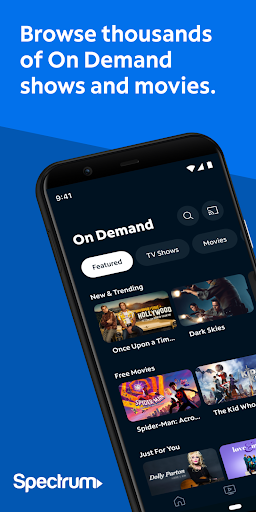
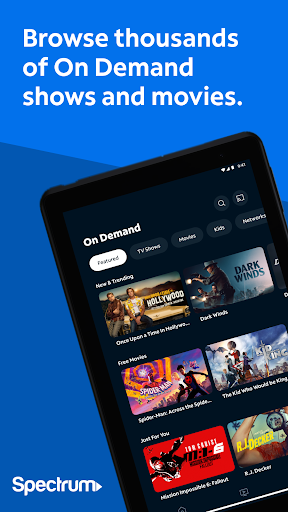
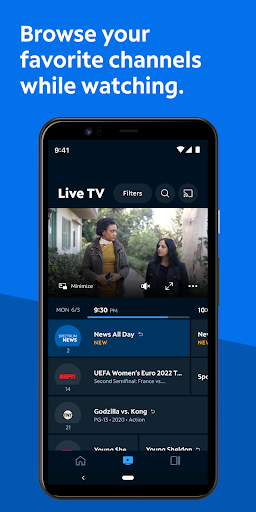
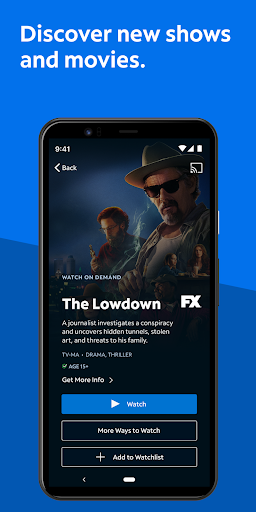
With the Spectrum TV app, you can stream live television broadcasts wherever you are. Whether you're commuting, relaxing outdoors, or sitting in a coffee shop, your favorite channels are just a tap away. Additionally, the app offers thousands of On Demand shows and movies, allowing you to watch your preferred content at your convenience. A notable feature is casting content from your phone or tablet directly onto compatible TVs using Chromecast, turning your mobile device into a remote control and a source for your larger screens.
Personalized Channel Guide & Content Search
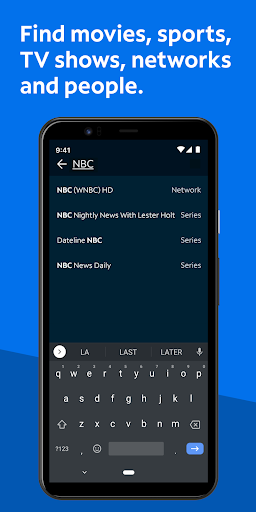
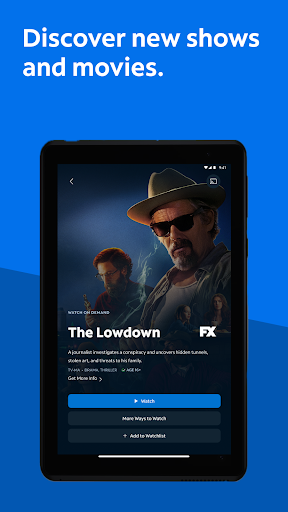
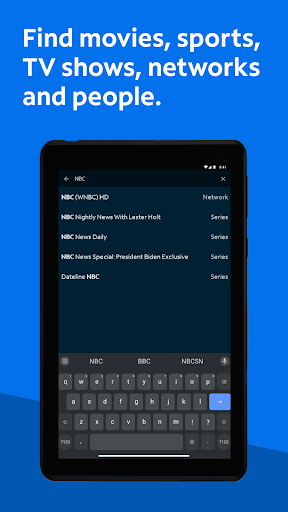
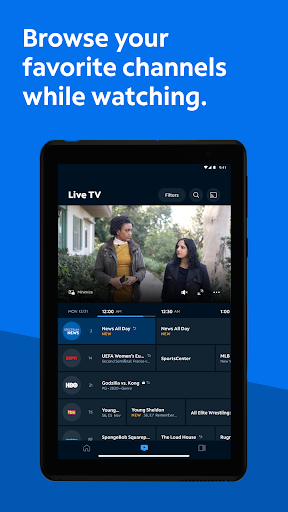
The app provides an intuitive way to find your favorite programming. You can create a customized guide by selecting your preferred channels, making browsing quicker and more tailored to your interests. The powerful search functionality lets you find content by title, network, actor, or sports team. Plus, you can add new Spectrum Originals shows to your Watchlist, keeping track of exciting new content.
Manage Your TV and DVR
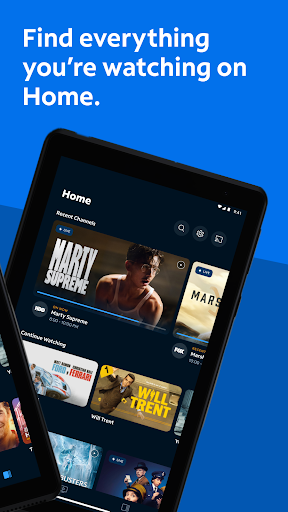
Control your viewing experience directly through the app. You can change channels on your Spectrum Receiver, view showtimes, and record your favorite TV shows or movies if you subscribe to DVR services. The app also allows you to modify, delete, or play DVR recordings on your TV, provided your DVR is compatible. This integrated control provides a convenient way to manage your content without switching devices.
Parental Controls for Peace of Mind
The Spectrum TV app includes parental control features that enable parents to restrict access to shows based on channel or rating. By setting a PIN, you can block certain content, ensuring that children only view appropriate programming. These blocks apply across all household devices synced with the app, providing consistent control and peace of mind.
Requirements and Additional Information
To access the Spectrum TV app, users need an active Spectrum TV subscription, along with their username and password. The availability of programming depends on your specific Spectrum TV package. Some titles may require you to connect to your Spectrum In-Home WiFi network for streaming. Additionally, the app integrates Nielsen’s proprietary measurement software, which helps in market research such as TV ratings. If you wish to opt out of Nielsen’s measurement, further information is available online.
Why Choose Spectrum TV?
Spectrum TV offers a comprehensive entertainment experience that consolidates live TV, on-demand shows, and movies into one convenient platform. Its easy navigation and user-friendly interface make finding content straightforward, even for those who are less tech-savvy. The ability to stream content anytime and anywhere liberates you from the constraints of traditional cable packages and enables you to maintain your entertainment routine seamlessly. Whether you’re a sports fan, a movie buff, or a reality TV enthusiast, Spectrum TV caters to diverse interests while providing customizable viewing options and parental controls for added security.
Conclusion
If you're searching for a flexible, all-in-one streaming app that combines the best of live TV and on-demand entertainment, Spectrum TV is an excellent choice. Its robust features, ease of use, and ability to control your content across devices make it an attractive option for modern viewers. Give it a try and see how this powerful app can elevate your viewing experience, keeping you connected to your favorite programming anytime and anywhere.
Pros
- Wide selection of channels available.
- Easy-to-use interface and navigation.
- Supports multiple devices and platforms.
- Offers on-demand content and live TV options.
- Includes parental controls for content safety.
Cons
- Requires a Spectrum subscription.
- Limited features when not connected to the internet.
- Occasional issues with streaming quality.
- Not accessible outside of the country.
- Advertisements may disrupt the viewing experience.