




Smart Noter - AI Note Taker
Are you tired of the chaos that often accompanies traditional note-taking during meetings, lectures, or while watching videos? Smart Noter - AI Note Taker is here to revolutionize your approach to capturing and organizing information. Designed to cater to professionals, students, and anyone who values their time, this innovative app transforms your recordings, transcripts, and documents into structured, actionable insights with remarkable ease.
Effortless and Instant Note Capture
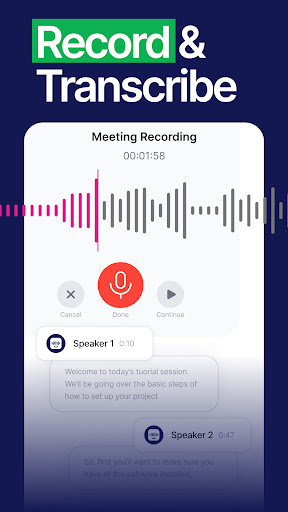
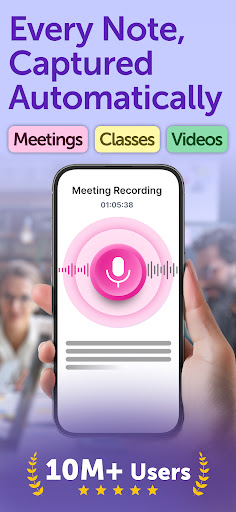
Instant Notes for All Occasions allow users to quickly catch the essence of a meeting, lecture, or video with a simple tap. No more manual note-taking or missed points — just record, and let the app do the rest. Whether you're in a bustling conference room or a noisy cafe, Smart Noter’s advanced voice recognition features ensure that your recordings are accurate and reliable.
Advanced Transcription and Summarization
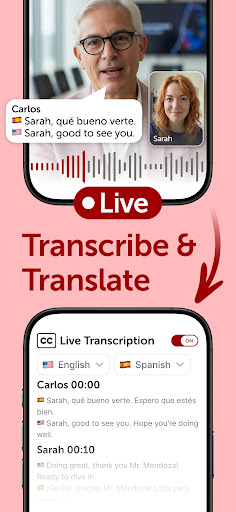
The app excels at real-time transcription, supporting multiple languages to accommodate a diverse user base. It can identify and differentiate speakers, making it easier to follow multi-part conversations. After transcription, Smart Noter then generates concise summaries, highlighting key topics and critical points to save you valuable review time.
Interactive Notes and AI-powered Insights
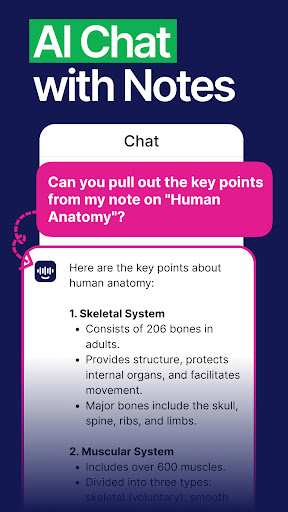
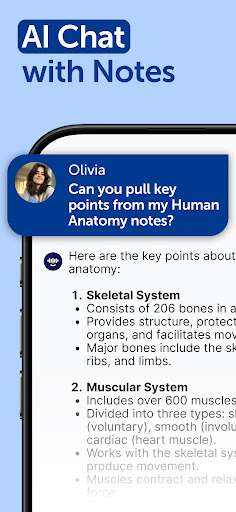
Transform your notes into a dynamic resource with its interactive chat feature. You can ask questions, generate additional summaries, and extract essential information effortlessly. This interactive approach makes it easier to digest complex topics and enhances your understanding of the content.
Boost Productivity with Action Items
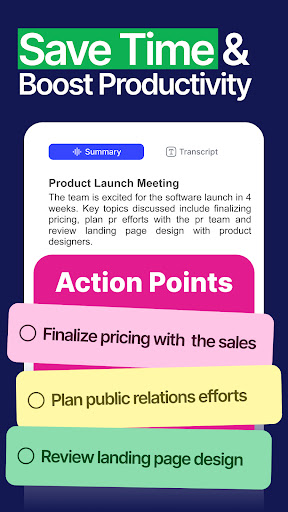
Smart Noter goes beyond simple note-taking by automatically creating to-do lists and action points from your notes. This helps you stay organized and efficiently manage your tasks, whether it’s following up on a project or preparing for an upcoming presentation.
Seamless Collaboration and Easy Sharing
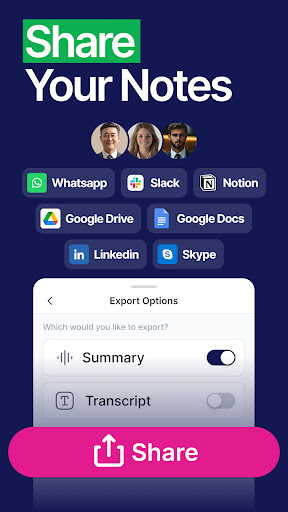
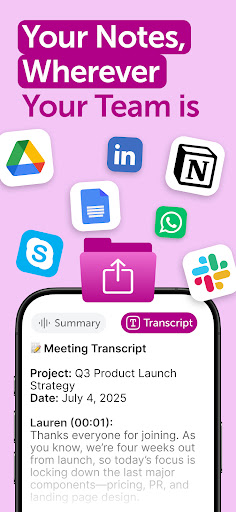
Share your notes seamlessly by exporting them in various formats or directly sharing through platforms like Slack, Notion, and Google Docs. The app’s integrated sharing capabilities facilitate teamwork and collaboration, ensuring everyone stays on the same page.
Organize and Access Your Notes Anywhere
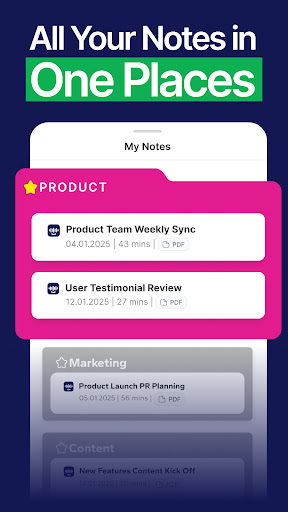
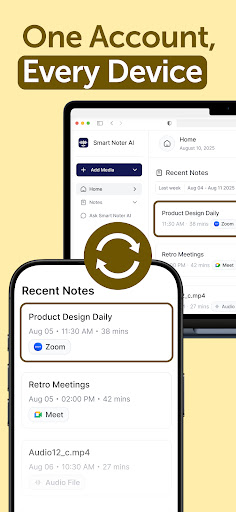
With intuitive organization tools, you can categorize your notes into folders and subfolders, making retrieval quick and straightforward. The cloud-sync features allow you to access your notes anytime, across multiple devices, ensuring your valuable information is always at your fingertips.
Versatile Content Summarization
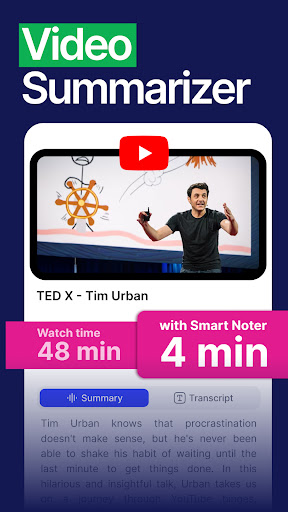
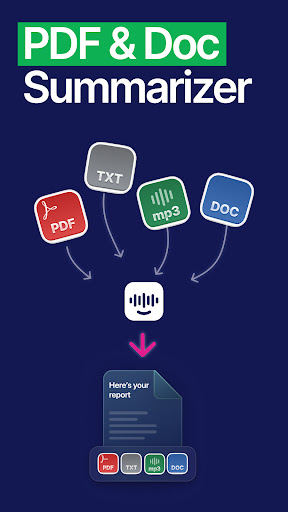
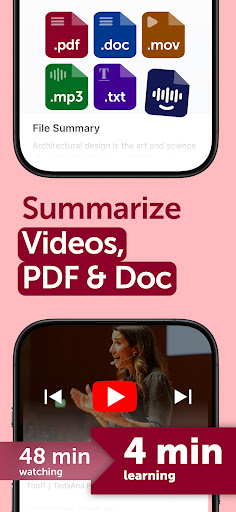
Whether it’s videos, PDFs, or audio files, Smart Noter provides rapid, concise summaries to help you grasp the core ideas within seconds. This feature is particularly useful for students or professionals who need to quickly review large volumes of information.
Multilingual Support
Break language barriers with support for multiple languages. The app transcribes and translates content with high accuracy, making it an ideal companion for international users or multilingual environments.
Why Choose Smart Noter - AI Note Taker?
If you often find yourself overwhelmed with note-taking and information management, Smart Noter - AI Note Taker offers a reliable, efficient solution designed to streamline your workflow. Its user-friendly interface and powerful AI capabilities make it suitable for all users, regardless of technical expertise.
By converting chaotic notes into structured, actionable insights, this app enhances productivity and organization. Perfect for students juggling multiple classes, professionals managing numerous meetings, and anyone seeking to optimize their learning or work processes, Smart Noter is a must-have tool that redefines what digital note-taking can be.
Pros
- Intuitive interface for easy navigation
- AI-powered note organization
- Seamless synchronization across devices
- Customizable themes and fonts
- Efficient voice-to-text conversion
Cons
- Limited offline functionality
- Occasional lag in AI processing
- Subscription required for premium features
- Lacks direct cloud storage integration
- Limited options for exporting notes











