
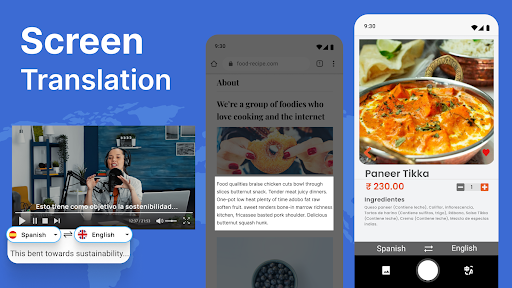
Discover the Power of the Screen and Photo Translator App
Are you tired of language barriers holding you back during travels, studying, or everyday online interactions? The Screen and Photo Translator app is your ultimate multilingual companion, designed to make translation quick, seamless, and accessible. Whether you're exploring foreign streets, reading international websites, or communicating with global friends, this all-in-one app empowers you to understand and be understood effortlessly.
Explore Versatile Features for Every Need
Our Screen and Photo Translator app offers a suite of innovative features crafted to help you navigate a multilingual world with ease:
✅ Free Photo Translator
Capture images of signs, menus, or documents and instantly translate the text with a single tap. No need for manual input—just snap a photo, and let our smart translator do the rest!
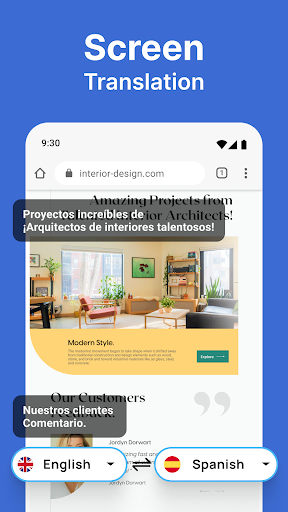
✅ Screen Translate
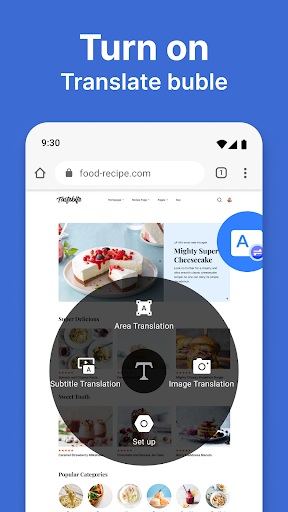
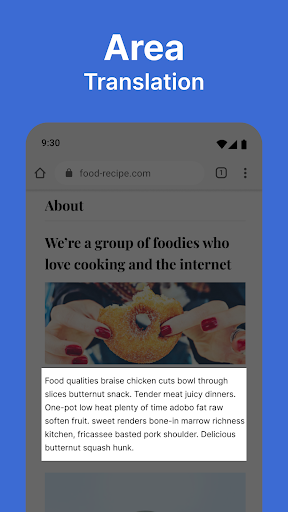
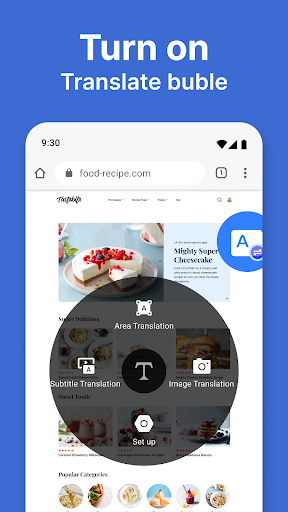
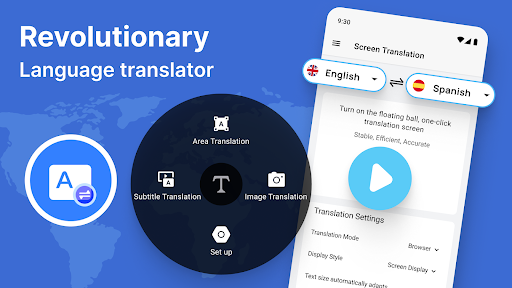
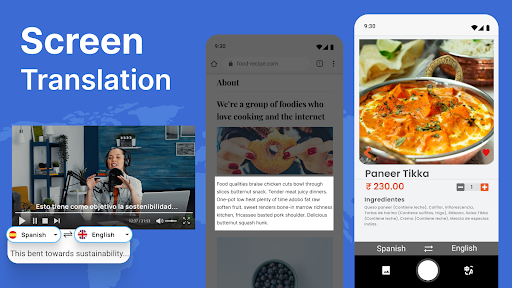
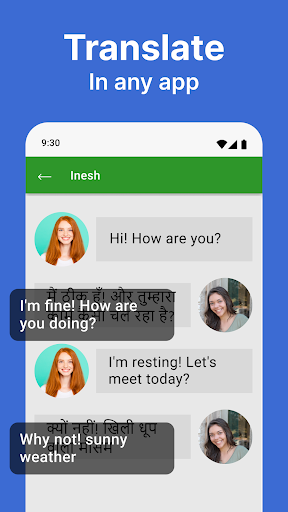
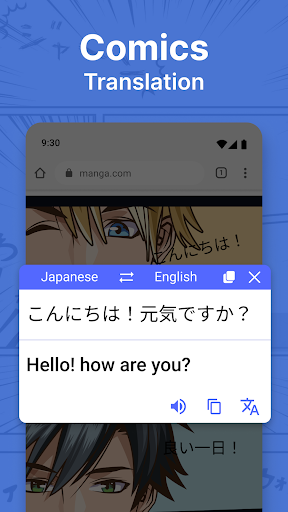
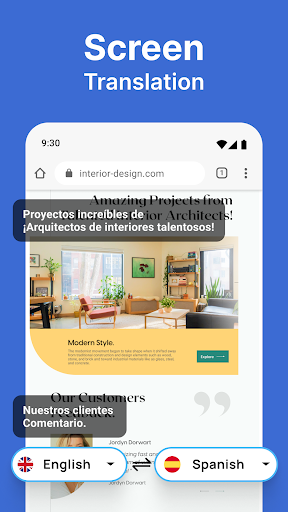
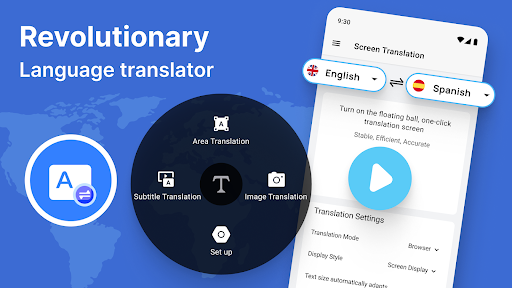
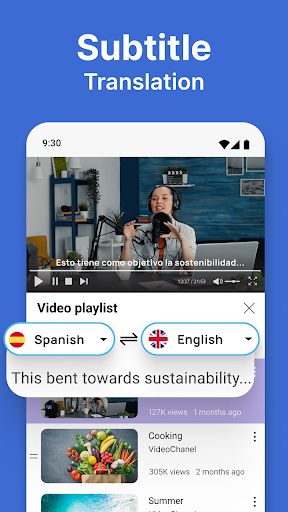
Easily translate any on-screen text, whether it's within apps, social media, or games. Our screen translate app recognizes and converts text in real-time, removing language barriers on your device.
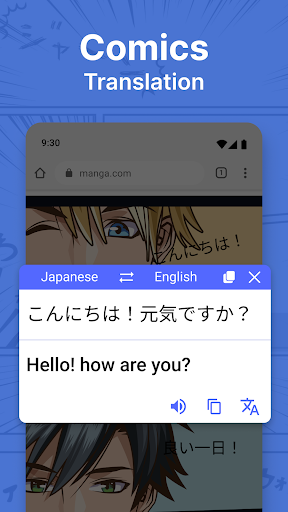
✅ Picture Translator
Supports over 100 languages, enabling seamless communication worldwide. Use it to translate the content of images from anywhere, making your travels, studies, or international business effortless.
✅ Translate on Screen
Read foreign websites, articles, or social media posts with quick and easy translate on screen functionality. This feature allows instantaneous translation of text directly on your display.
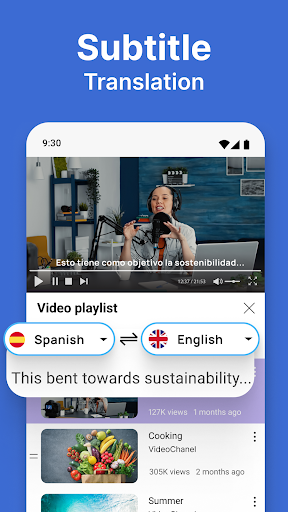
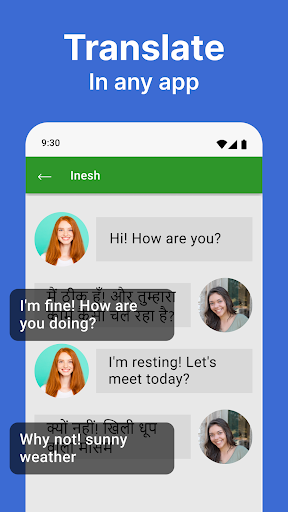
✅ Screen Translation App
Translate messages, notifications, or any text on your device's screen. Perfect for understanding foreign dialogues, instructions, or even translating game content effortlessly.
How to Use the Screen and Photo Translator Effectively
Using the app is straightforward and designed for maximum convenience:
1. Capture
Use your camera to take a photo of the text you want to translate, such as a street sign or menu.
2. Translate
Our advanced image translator recognizes the text, regardless of font or angle, and provides an instant translation.
3. Enjoy
Read and comprehend the translated text seamlessly, making your experience smooth and stress-free.
Applications: Making Your Life Easier in Many Situations
The Screen and Photo Translator app is invaluable in numerous scenarios:
• Navigating Foreign Places
Easily read signs, menus, and labels in unfamiliar countries. Whether you're exploring a bustling market or dining out, this photo translator makes understanding your surroundings effortless.
• Language Learning
Enhance your language skills by translating words and phrases from popular apps and learning resources. It’s a practical tool for students and enthusiasts eager to master new languages.
• Traveling and Tourism
Travelers can quickly decipher foreign texts, making sightseeing and cultural experiences more enjoyable and less confusing.
• Business and Communication
Use it to translate documents, web pages, or messages during international dealings, ensuring clear communication across language gaps.
• Gaming and Entertainment
Understand instructions or dialogues in foreign games, or translate content on social media to stay connected worldwide.
Why Choose Our All-Languages Screen Translator?
Our app stands out with its intuitive interface and reliable performance. It offers accurate translations within seconds, supporting a vast selection of languages, making it an indispensable tool for travelers, students, and professionals alike. From translating street signs to social media posts, no text is too small, and no language too obscure. Plus, with features that recognize funky fonts and complex layouts, your translation experience remains smooth and efficient.
Join Millions of Satisfied Users
Download the Screen and Photo Translator app today and break down language barriers effortlessly. Whether you're exploring distant lands, studying new languages, or just curious about foreign content online, this app is your key to understanding the world better. Experience seamless translations, enhanced communication, and a more connected life—right from your smartphone.
Pros
- Accurate text recognition in images.
- Supports multiple languages for translation.
- User-friendly interface for quick navigation.
- Fast processing and translation speed.
- Offline mode available for premium users.
Cons
- Limited features in the free version.
- Occasional errors with complex texts.
- Optimal results require good lighting conditions.
- Premium version can be expensive.
- Large app size may impact device storage.











