

Introduction to the Scratch App
Discover the world of Scratch, a captivating platform that empowers users to unleash their creativity through building interactive stories, games, and animations. Designed to be both engaging and accessible, Scratch is available as an official app for Chrome and Android tablets, making it easy for learners of all ages to dive in and start creating. Used by millions of children worldwide, Scratch is more than just a coding tool—it's a vibrant community where ideas come to life, whether in classrooms or at home.
Get Started with Scratch
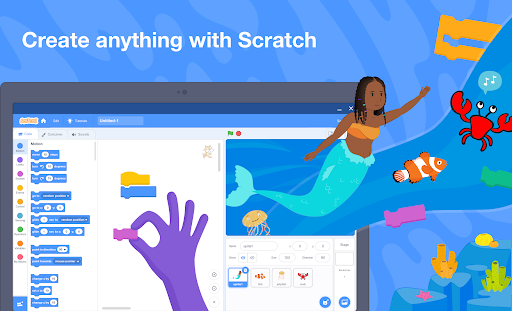
When you open Scratch, you'll be greeted with a lively, colorful interface that sparks creativity. It functions as a digital playground tailored for easy navigation, even for those without prior coding experience. All it takes is an inquisitive mind and a spark of imagination to begin crafting your own projects. The app's intuitive, block-based coding system simplifies programming, allowing beginners to focus on storytelling and problem-solving without getting bogged down by technical complexity. Drag-and-drop blocks make the coding process feel like assembling digital LEGO bricks—making learning both fun and straightforward.
Key Features of Scratch
Creative Flexibility and Resources
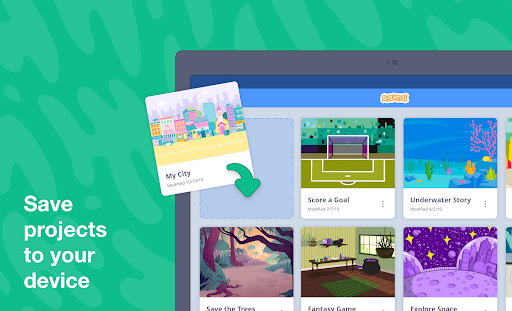
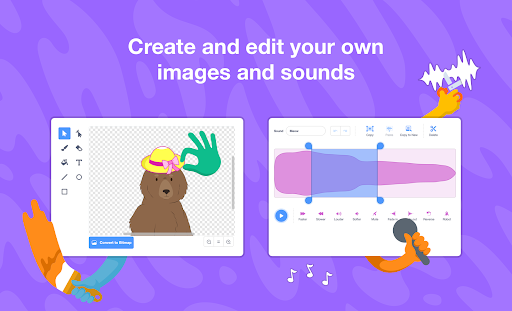
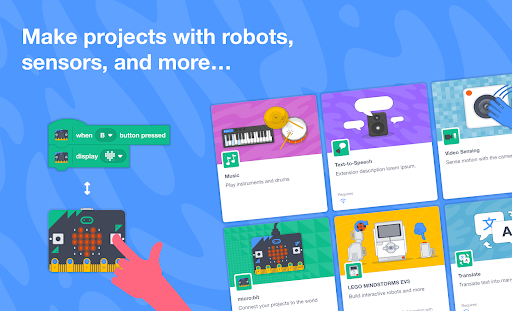
Choose from an extensive library of characters and backdrops or create your own to personalize your projects. Enhance your stories and games with a library of sounds or record your own to add a unique touch. Connect to physical devices such as micro:bit, Makey Makey, LEGO MINDSTORMS, and even your computer’s webcam to expand your creative possibilities. The app supports offline work, meaning you can create and save projects without an internet connection, perfect for on-the-go creativity.
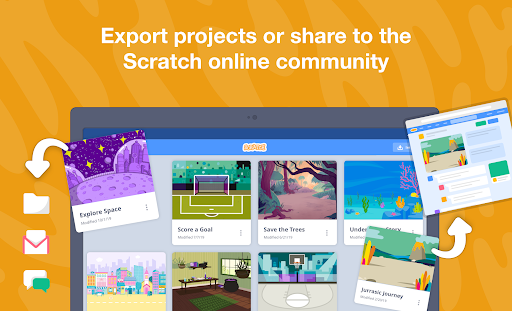
Sharing your projects is effortless—exports allow you to showcase your creations with friends, family, or the Scratch global community. Creating an account opens the door to sharing your work with millions of other users worldwide and receiving valuable feedback to improve your skills.
Educational Resources and Tutorials
Whether you're just starting or looking to deepen your knowledge, Scratch offers a wealth of educational resources. Visit Scratch Ideas for tutorials and guides to help you kickstart or advance your projects. Educators can access specialized resources at Scratch Educator Resources, designed to facilitate classroom integration and inspire young learners to explore coding and creativity in an engaging way.
Why Choose Scratch?
Beyond its user-friendly design, Scratch is a powerful educational tool that nurtures problem-solving, logical thinking, and collaborative skills. Its expansive community encourages users to share, learn, and collaborate on projects, fostering a supportive environment for digital creators of all levels. Whether you're creating a simple animation or a complex game, Scratch provides the tools and resources to bring your imagination to life. It's a perfect platform for learners, educators, and hobbyists eager to explore the potentials of coding and digital storytelling.
In essence, Scratch is more than just an app; it's a gateway to endless creative possibilities and a step into the exciting world of programming and digital art. So, why not dive in today and see where your creativity can take you?
Pros
- Highly educational for beginners.
- User-friendly drag-and-drop interface.
- Supportive large online community.
- Free to use with no advertisements.
- Fosters creative thinking.
Cons
- Lacks advanced programming features.
- Requires internet connection for full functionality.
- Not optimized for mobile devices.
- Limited sound editing capabilities.
- Some features may experience slow loading times.











