
Discover the Convenience of the Remote for Fire TV & FireStick App
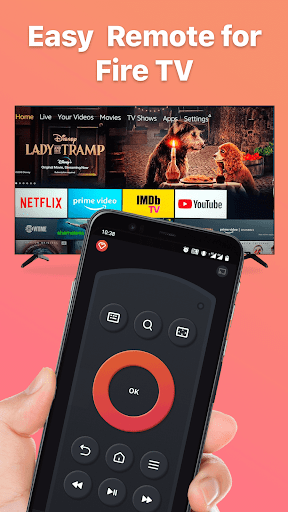
Are you tired of losing your physical Fire TV remote or struggling with limited control options? The Remote for Fire TV & FireStick app offers a smart and efficient solution by transforming your Android or iOS device into a fully functional remote control. Designed specifically for Fire TV Box, Fire TV Stick, Fire TV Cube, and Fire TV, this app simplifies your entertainment experience, making managing your Fire TV easier than ever before.
Seamless Connection & Easy Setup
Setting up the Remote for Fire TV & FireStick app is straightforward. Ensure that your Android or iOS device and your Fire TV or Fire Stick are connected to the same Wi-Fi network. To connect, simply enable •ADB debugging on your Fire TV device and follow the on-screen instructions. The app automatically detects your Fire TV in your home network, eliminating the hassle of manual configuration. For optimal experience, you can also use our companion app, Screen Mirroring for Fire TV, which allows you to mirror your phone’s screen with low latency for a smooth casting experience.
Key Features That Elevate Your Entertainment
The Remote for Fire TV & Fire Stick app offers a suite of features designed to enhance navigation, control, and streaming. Enjoy the following capabilities:
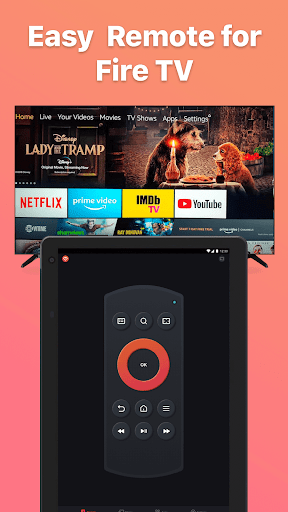
- Fully functional remote control: Navigate your Fire TV interface just like with the original remote.
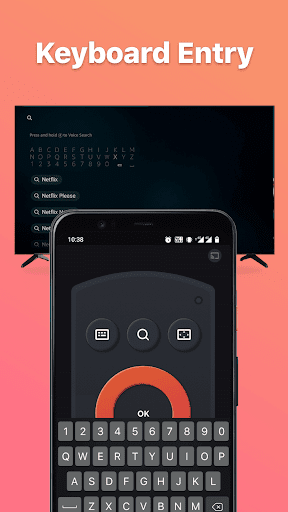
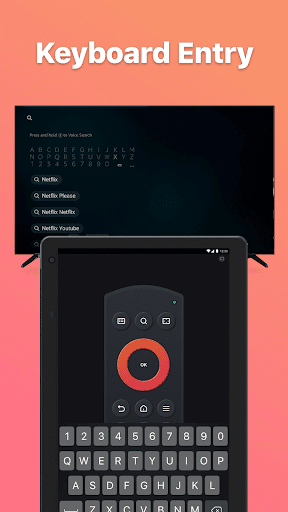
- Keyboard feature: Simplify text input for searches or passwords with an integrated keyboard.
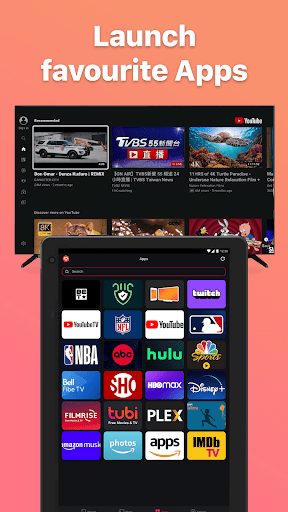
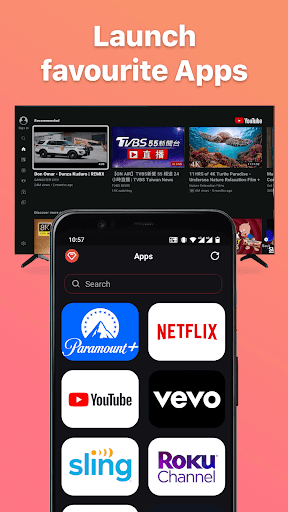
- Quick access: Easily jump to your favorite channels and apps.
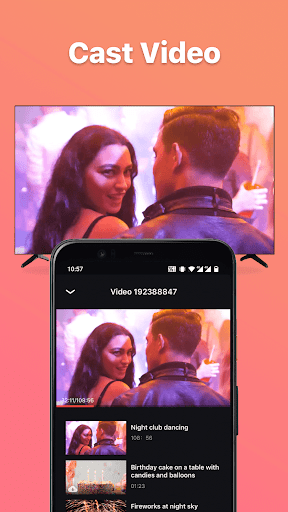
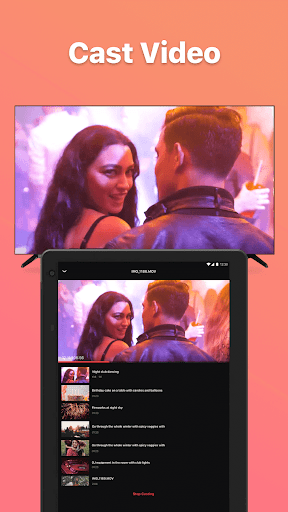
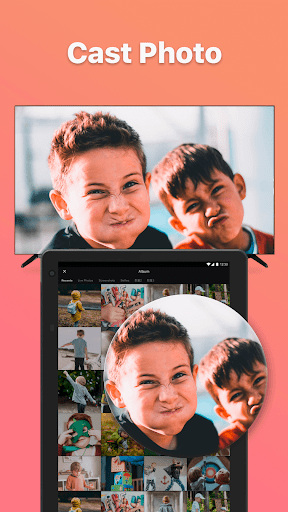
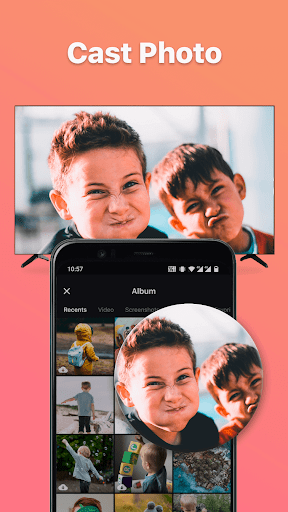
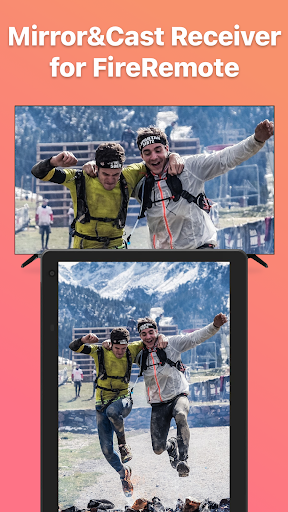
- Screen mirroring & casting: Mirror your phone screen or cast local photos and videos directly to Fire TV with minimal latency.
- Power control: Turn your Fire TV ON/OFF with a simple tap.
- Volume adjustment: Increase or decrease volume effortlessly.
- Auto-connect control: Enable seamless control of your Fire device without manual reconnects after setup.
How to Connect & Mirror Your Screen
To connect your device:
- Enable •ADB debugging
- Ensure your Fire TV is connected to your home Wi-Fi network
- Make sure your mobile device's Wi-Fi is turned on and connected to the same network
- Tap the connect button; the app searches and lists available Fire TV devices
- Launch the remote app and connect to Fire TV on the same Wi-Fi network
- Click "Mirror" to start screen mirroring
- Download and install Screen Mirroring Receiver for Fire TV on your TV when prompted
- Restart mirroring or cast from your phone, then enjoy your content on the big screen
Note: For best performance, ensure your devices are on the same network and keep your apps updated.
Additional Benefits & User Experience
This smart remote app provides unmatched convenience, especially if you’re someone who frequently misplaces your physical Fire TV remote. Its user-friendly interface allows easy navigation with swipe, tap, and scroll gestures, making browsing through apps and menus quicker than ever. Voice search functionality is also integrated, enabling you to find shows, movies, or control volume using just your voice—no need to lift a finger!
The app's compatibility with Alexa enhances your smart home experience, allowing you to control your Fire TV with voice commands seamlessly. Moreover, controlling multiple Fire TV devices from a single app makes it ideal for households with several TVs, offering a unified control center for all your streaming needs.
The app's compatibility with Alexa enhances your smart home experience, allowing you to control your Fire TV with voice commands seamlessly. Moreover, controlling multiple Fire TV devices from a single app makes it ideal for households with several TVs, offering a unified control center for all your streaming needs.
Final Thoughts
The Remote for Fire TV & FireStick app is the ultimate companion for anyone looking to improve their TV control experience. Whether you’re tired of hunting for your lost remote or want a smarter way to manage your Fire TV, this app has you covered. It’s easy to set up, packed with features, and compatible with various Fire TV devices. Make your entertainment setup more intuitive and enjoy a more relaxing viewing experience today.
Pros
- Seamless integration with Fire TV
- User-friendly interface
- Quick setup process
- Wide range of control features
- Supports voice commands
Cons
- Requires a stable internet connection
- Limited to Fire TV devices
- Occasional lag with older devices
- Ads present in the free version
- No support for other streaming devices