
Discover the Power of Pydroid 3 - IDE for Python 3
If you're a passionate Python developer or a coding enthusiast, finding a reliable and feature-rich IDE that works seamlessly on your Android device can be a challenge. Pydroid 3 - IDE for Python 3 emerges as a leading solution, offering an impressive array of tools designed to bring the full power of Python programming to your portable device. This article explores the key features of Pydroid 3, highlighting why it's an essential app for anyone looking to code on the go.
Why Choose Pydroid 3?
Pydroid 3 stands out as the most user-friendly and powerful educational Python 3 IDE available for Android smartphones and tablets. Its focus on simplicity and capability makes it incredibly popular among learners, students, and professional developers alike. With a well-designed interface and comprehensive support for various Python libraries, this app democratizes access to Python development—no matter where you are.
Core Features of Pydroid 3
Offline Python Interpreter and Extensive Library Support
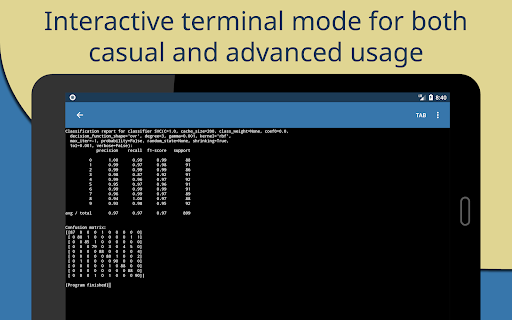
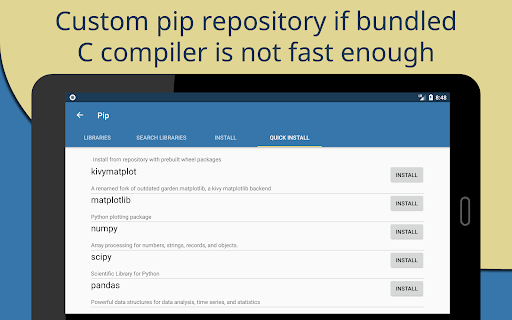
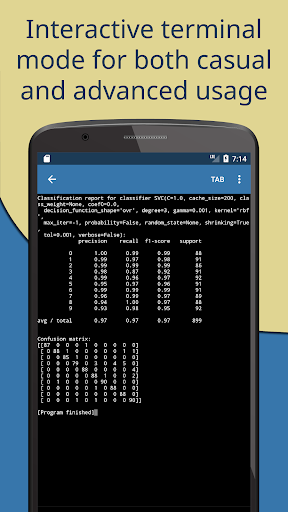
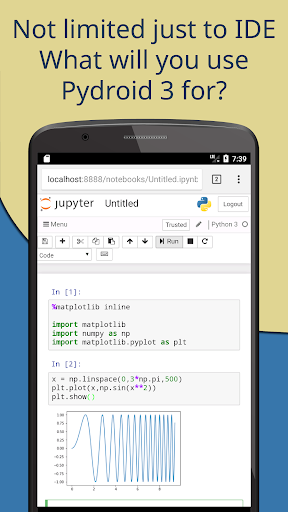
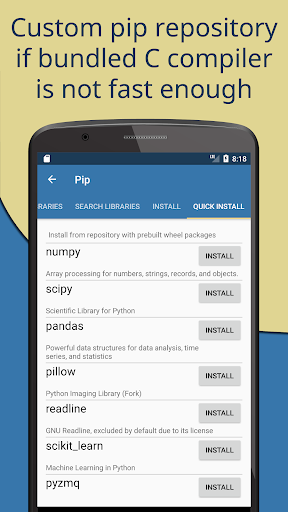
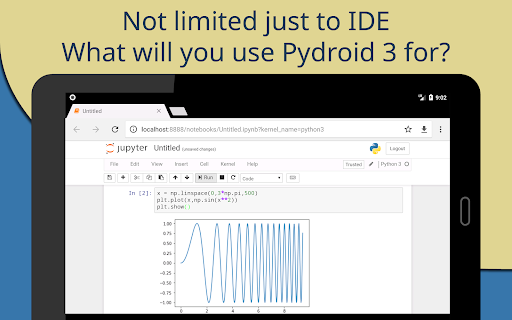
One of the most significant advantages of Pydroid 3 is its offline Python 3 interpreter. This means you can run and develop Python code without requiring an internet connection—perfect for traveling, commutes, or remote locations. The app also includes a Pip package manager with a personalized repository offering prebuilt wheel packages for scientific libraries like numpy, scipy, matplotlib, scikit-learn, and jupyter. These libraries are essential for data science, machine learning, and scientific computing tasks, making Pydroid 3 highly suitable for educational and professional projects.
Support for Advanced Libraries and Frameworks
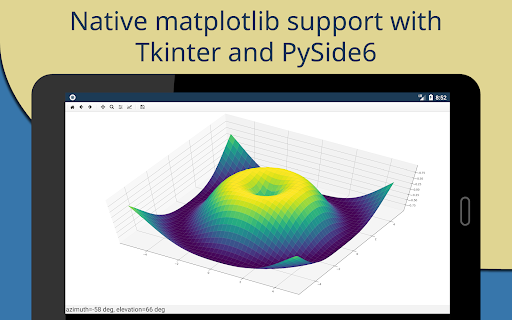
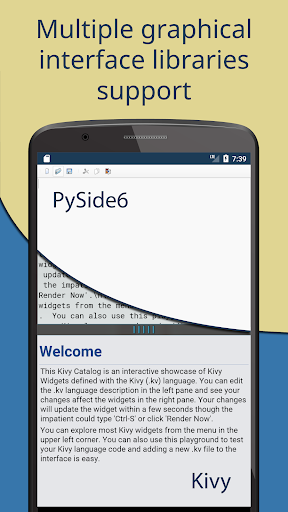
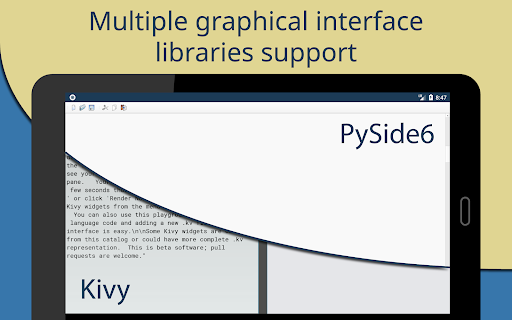
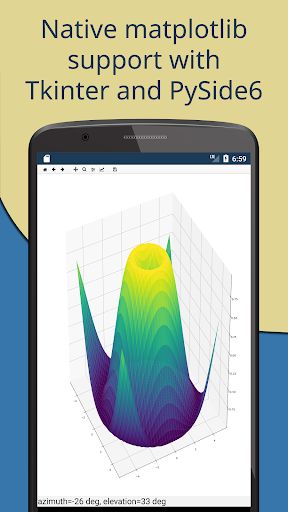
For developers working on computer vision and machine learning, OpenCV (on devices with Camera2 API support), TensorFlow, and PyTorch are readily available within the app. The support extends further with accessories like PySide6 and Matplotlib Kivy, enhancing graphical user interface (GUI) development and visualization capabilities. The app also supports game development through pygame 2.
Robust Development Environment
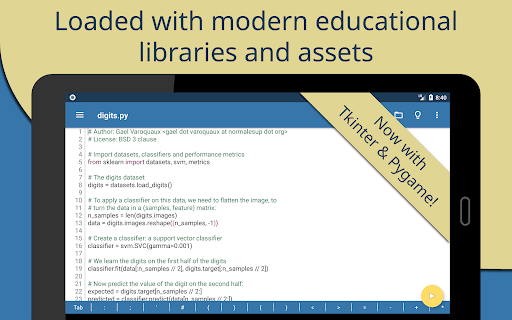
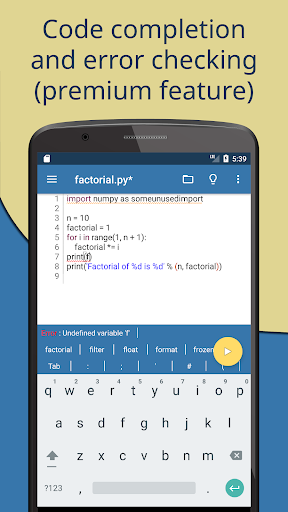
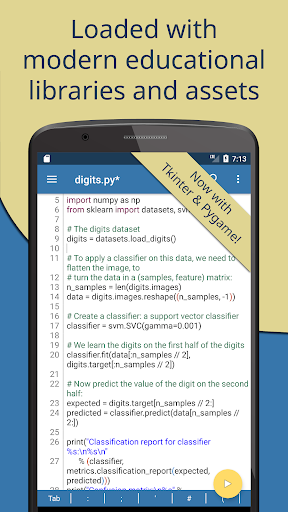
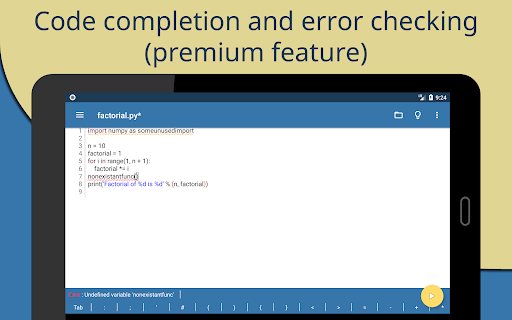
The editor in Pydroid 3 boasts features you'd expect from a professional IDE: code prediction, auto indentation, syntax highlighting, themes, and tabbed project management. It also includes an extended keyboard bar with quick access to programming symbols, making coding more efficient on a mobile device. Interactive code navigation with 'go to' features and one-click sharing via Pastebin facilitate collaborative and productive workflows.
Powerful Debugging and Compilation Tools
Developers can leverage the PDB debugger with breakpoints and watches to troubleshoot code effectively. Additionally, the built-in C, C++, and Fortran compilers allow building libraries from pip even with native code dependencies—an impressive feat for a mobile IDE. Support for Cython enhances performance for computationally intensive applications.
Ease of Use and Configuration
Getting started with Pydroid 3 is straightforward. The app recommends at least 250MB of free internal memory, with more necessary for heavier libraries like scipy. For debugging, simply place a breakpoint by clicking on the line number. It detects the inclusion of frameworks like Kivy, PySide6, SDL2, tkinter, and pygame based on import statements or specific run modes (e.g., #Pydroid run kivy).
Premium Libraries and Developer Support
Some high-complexity libraries are exclusive to the premium version due to the difficulty of porting them, such as certain scientific or GUI libraries. Often, these are provided under special agreements with developers. However, the app encourages the community to contribute by developing open-source forks or offering bug reports and feature requests to improve Pydroid 3 continually.
Final Thoughts: The Mobile Python IDE You Can Rely On
In summary, Pydroid 3 - IDE for Python 3 is a comprehensive, portable, and user-friendly environment that brings desktop-grade Python development to Android devices. Whether you're a student eager to learn Python, a data scientist needing quick calculations on the move, or a professional developer testing ideas away from your workspace, this app has you covered. Its support for a multitude of libraries, robust debugging tools, and intuitive interface make it an invaluable tool for coding on the go. While some features require a premium upgrade, the core offering provides enough power and convenience to make mobile Python development a seamless experience. So, why not give Pydroid 3 a try and elevate your Python programming experience wherever life takes you?
Pros
- Intuitive interface suitable for beginners
- Offline Python 3 interpreter accessible without internet
- Supports a wide range of Python libraries
- Receives regular updates with new features
- Includes built-in PIP for straightforward package management
Cons
- Limited compatibility with external hardware devices
- Takes up significant storage space on devices
- Experiences occasional performance slowdowns
- Contains advertisements in the free version
- No support for Python 2











