
Procare: Childcare App - Streamlining Childcare Management
Managing a childcare center or keeping an eye on your child's daily activities can often become overwhelming. That's where Procare: Childcare App comes in as a comprehensive solution designed to simplify operations and enhance parent-provider communication. With over 30 years of experience, Procare Solutions has developed a trusted platform that supports early childhood educators and parents alike in creating a seamless childcare experience.
Why Choose Procare?
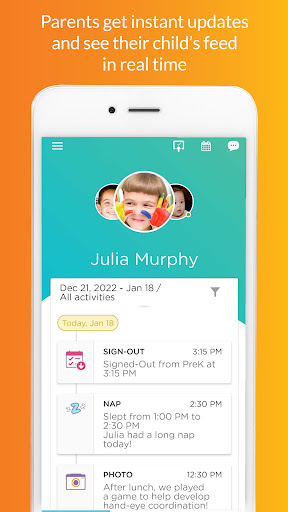
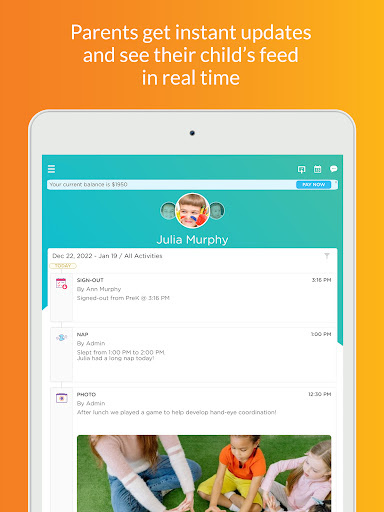
Procare has built a reputation for helping childcare providers streamline operations and foster meaningful connections with families. The app allows staff to share child care activities, daily reports, and milestones efficiently. It also enables real-time updates, which keeps parents well-informed and engaged in their children’s day-to-day progress. The app's features are tailored to make communication, documentation, and management effortless, making it an essential tool for any childcare center.
Key Features of Procare Childcare App
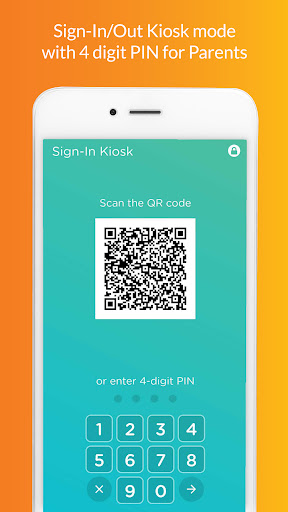
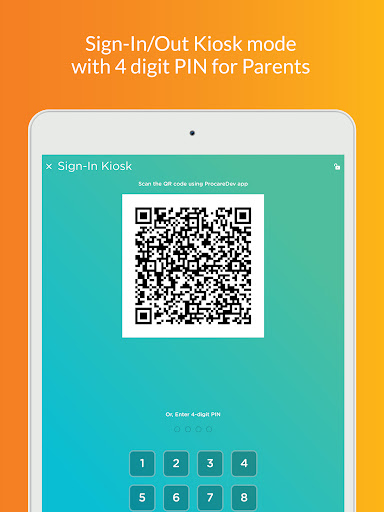
Contactless Sign In/Out: Parents can use QR codes or GeoLocation to sign their children in or out without contact, ensuring safety and convenience.
Student Attendance: Replace paper sheets with digital check-ins, document absences, and transfer students between rooms. Generate industry-standard reports for licensing, with an offline mode for operations without internet.
Parent Kiosk: Facilitates easy drop-off and pick-up, with optional PIN security. It supports recording signatures and drop-off details.
Staff Timecard: Staff can check-in via the app using a PIN, and administrators can build accurate payroll reports from the website.
Track Ratios: Ensures licensing compliance by monitoring ratios in real-time across all rooms.
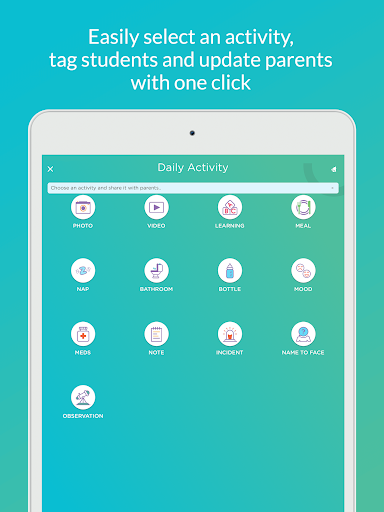
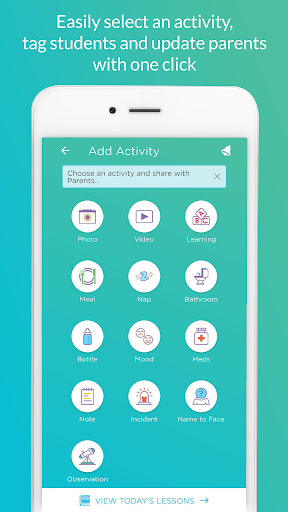
Photos and Videos: Send unlimited photos and videos, tagging students with ease, and share with parents instantly.
Learning & Daily Sheets: Record student activities, development skills, and daily routines such as nappies, bottles, naps, and meals, which are automatically shared with parents.
Billing, Incidents, and Communication
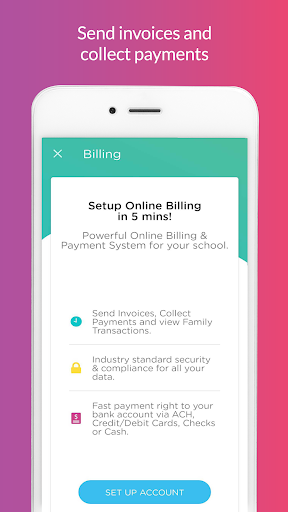
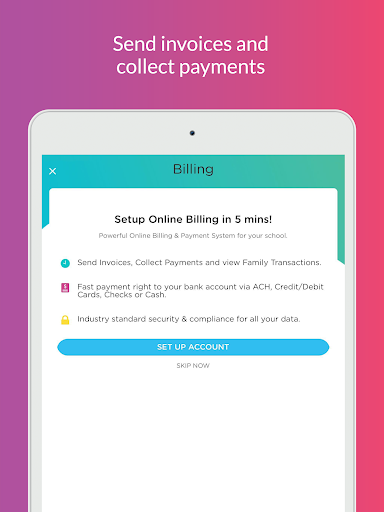
Billing: Generate invoices, manage payments, refunds, and credits seamlessly within the app.
Incidents: Log and report student incidents, send reports to parents, and obtain signatures digitally.
Calendar & Family Communication: Share upcoming events and send instant messages, texts, or emails to parents and guardians, keeping everyone connected easily.
Management and Reporting Tools
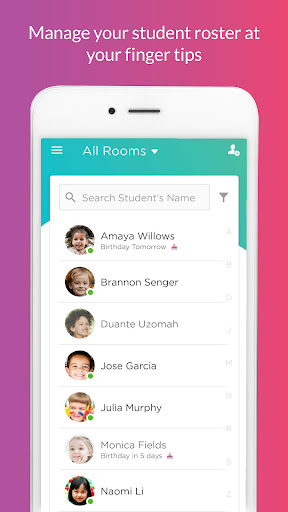
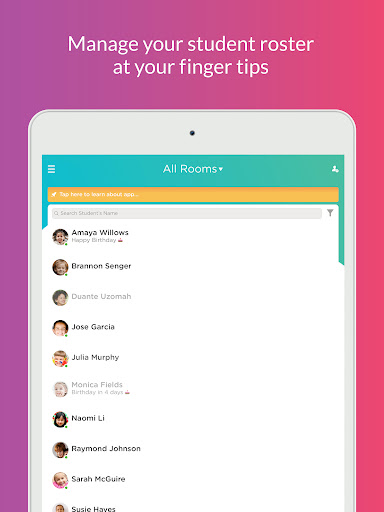
Keep your entire roster and family database organized and accessible. The platform offers detailed reports on attendance, staff timecards, billing, and family information, effortlessly available via the website. Integration capabilities with popular systems like QuickBooks and other student information systems (SIS) streamline administrative tasks and accounting processes.
Security, Reliability, and Support
Procare prioritizes data security to protect sensitive information. The app is designed for reliability with minimal bugs or crashes and provides a robust support system. Assistance is readily available to address any technical issues or feature inquiries, giving peace of mind to users.
Final Thoughts: Is Procare the Right Choice for Your Childcare Needs?
If you're seeking a comprehensive, user-friendly child care management solution, Procare: Childcare App is a top contender. Its rich feature set—from attendance tracking, parent communication, to billing and reporting—makes managing a childcare center more efficient. Whether you're a busy parent or a daycare provider, this app acts as a reliable digital assistant, ensuring smooth operations and better engagement with families. Invest in Procare to transform your childcare management experience and focus on what truly matters — the children in your care.
Pros
- User-friendly interface facilitating easy navigation
- Secure communication channels with childcare providers
- Real-time updates on child's activities
- Digital check-in and check-out for added convenience
- Comprehensive management of child's profiles
Cons
- Limited functionality when offline
- Occasional synchronization issues with updates
- Premium features require a subscription
- Notifications may become overwhelming
- Initial setup process can be time-consuming











