Overview of Pose Tool 3D
Are you an artist seeking a revolutionary figure posing tool? Look no further! Pose Tool 3D has been recognized as one of the Top 10 must-have apps by ImagineFX magazine. This powerful application provides you with a virtual reference model accessible at all times, enabling seamless creation of dynamic and realistic poses. Whether you are working on digital art, illustration, manga, comics, or animation, Pose Tool 3D is designed to elevate your artwork to the next level.
Main Features of Pose Tool 3D
Intuitive Posing Interface
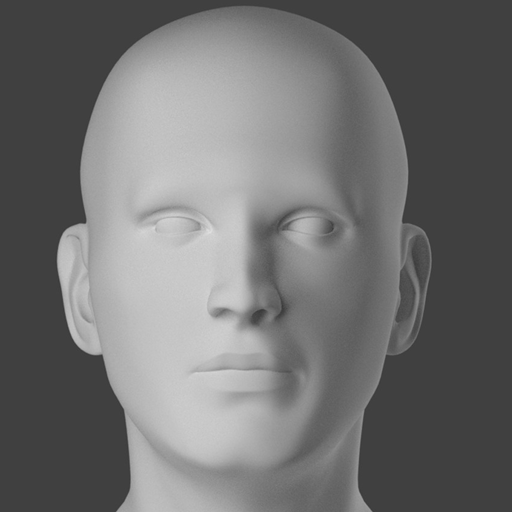
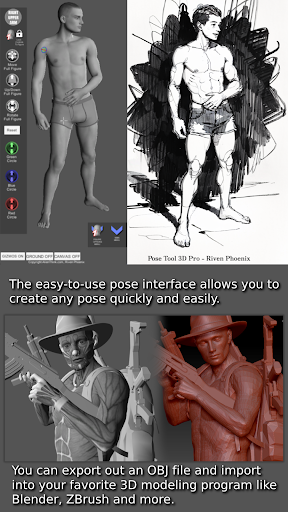
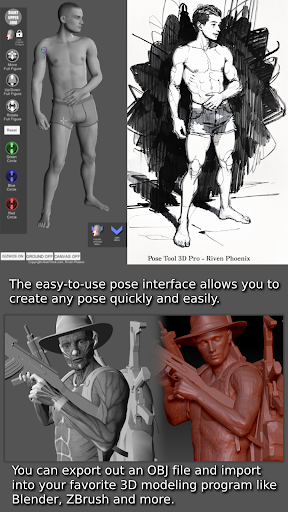
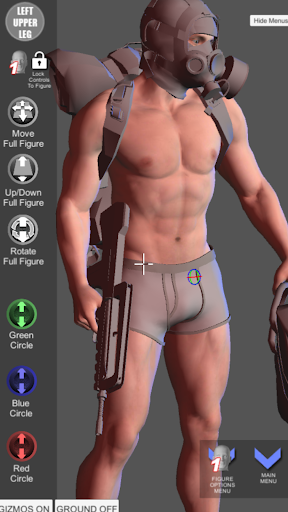
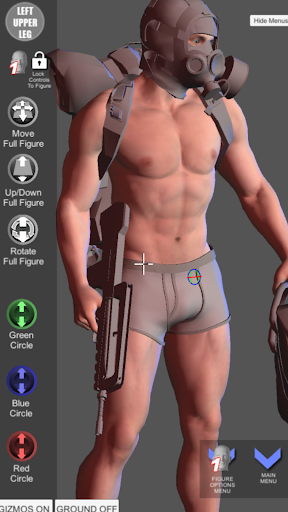
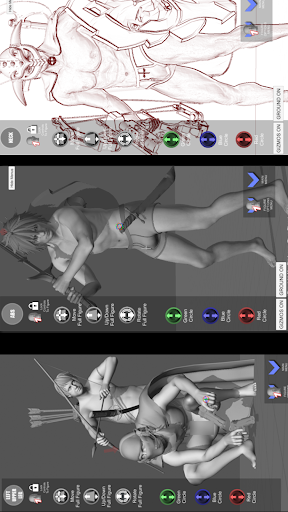
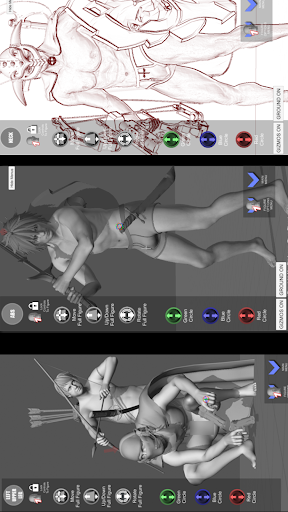
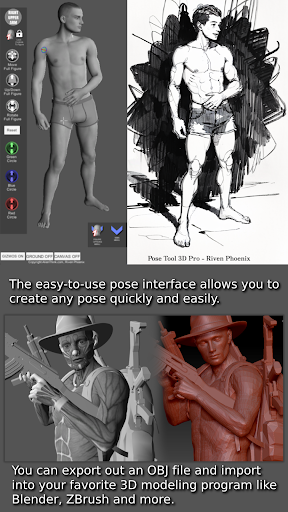
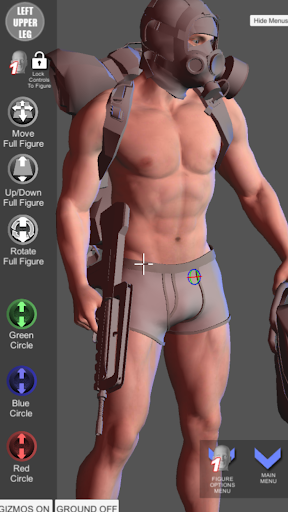
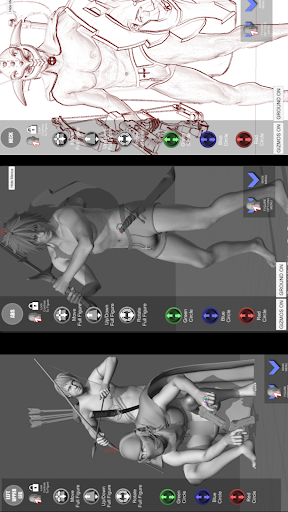
The user-friendly interface allows you to craft any pose effortlessly. You can manipulate both male and female figures with no constraints—intersecting geometry and extreme angles become possible, fostering creative freedom. This feature makes it ideal for artists aiming to depict everything from realistic figures to exaggerated anime stances.
Extensive Pose Library and Customization
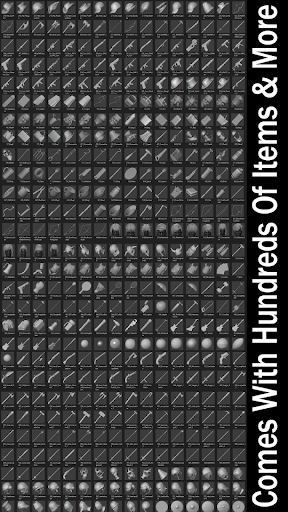
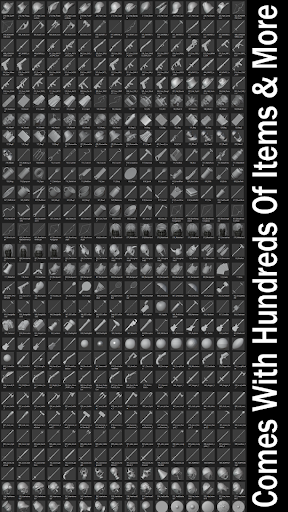
With a vast inventory system including hundreds of items, objects, and weapons, the app enables you to add realism and depth to your scenes. Attach these accessories to different parts of your model – hands, arms, or torso – enhancing storytelling and visual interest. Saving and loading custom poses streamlines your workflow, making repeated use easy and efficient.
Advanced Visualization and Drawing Modes
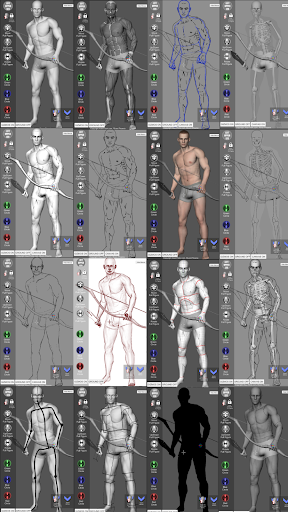
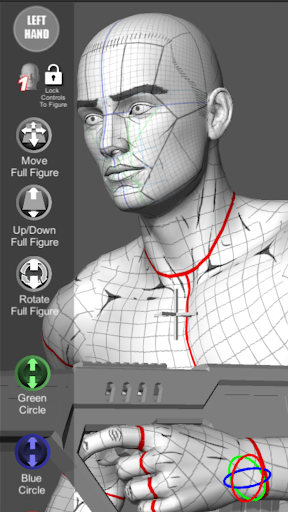
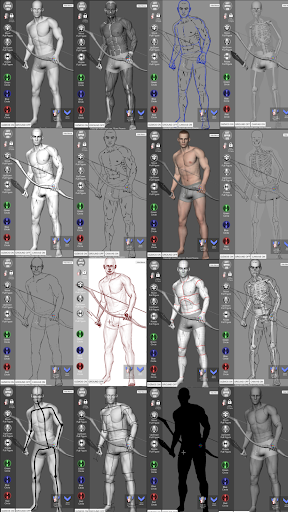
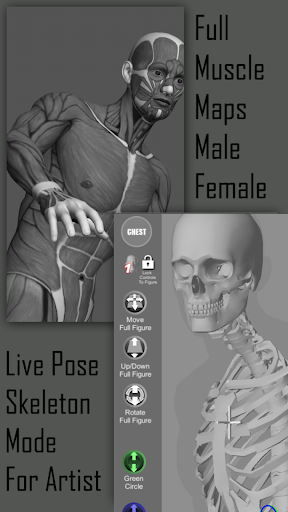
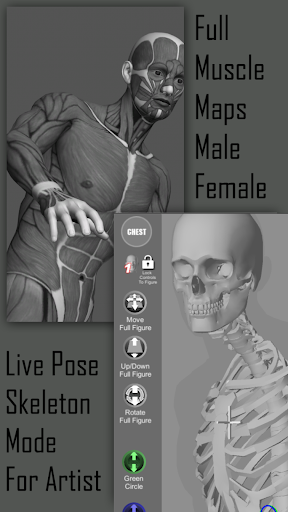
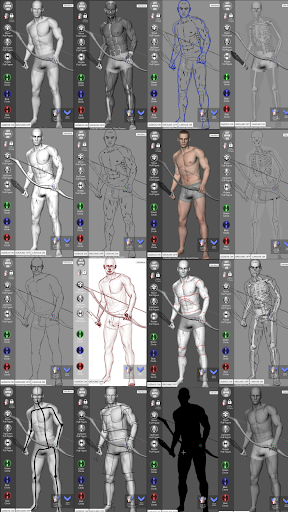
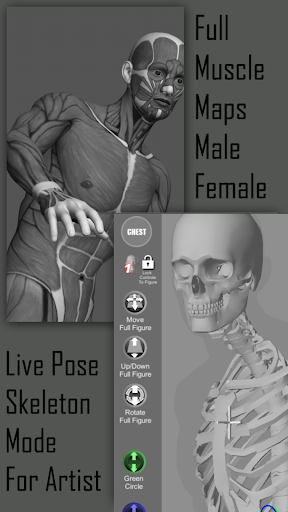
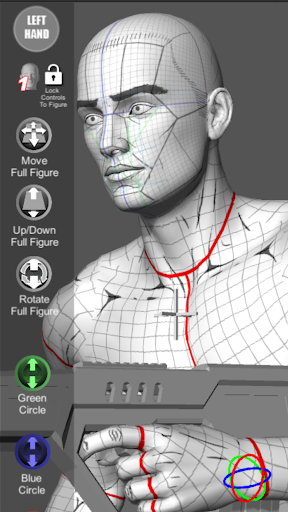
The app supports multiple drawing modes, whether in 2D or 3D, giving artists flexibility to work according to their preference. Features like muscle maps provide insight into how muscles move and flex during posing, aiding in creating anatomically convincing figures. Modes such as Mannequin, Skeleton, and various Sketch options allow for detailed visualizations suitable for both beginners and professionals.
Touch Controls for Precise Manipulation
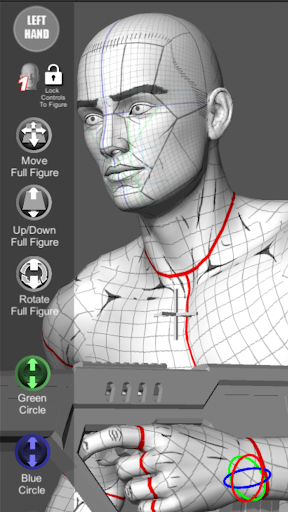
The app offers intuitive touch controls to set up dramatic or complex scenes quickly. Use one finger to orbit around the figure, tap to select body parts, and pinch to zoom and pan. Notably, the Pose Hips feature allows for precise adjustments of complex angles, while the reset options restore figures to default T-poses.
Lighting and Camera Tools
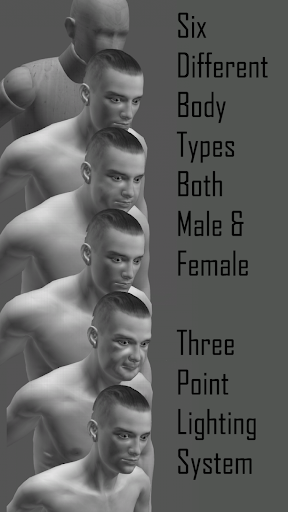
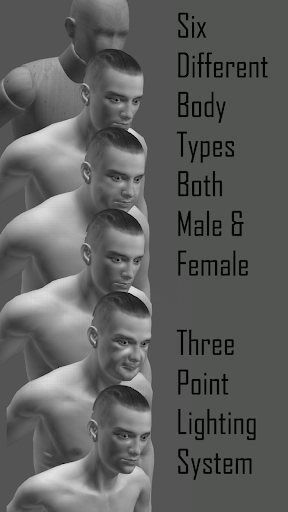
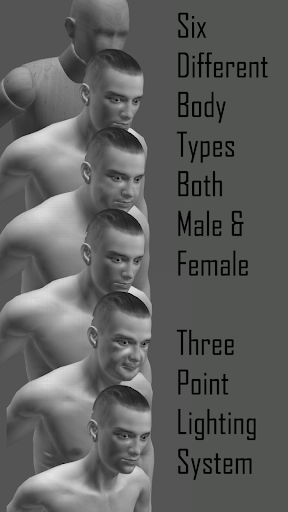
Enhance your scenes with a 3 Point lighting system and adjustable camera FOV for perspective. Features like Center Figure and Screenshot enable you to capture your best work easily, perfect for presentations or portfolio development.
Organic and Bodypart Movement
Control real-time movement of key body parts such as head, arms, legs, and more. This allows for fine-tuning poses with precision, producing highly authentic and dynamic character illustrations.
Why Artists Love Pose Tool 3D
Many artists appreciate Pose Tool 3D for its ability to support both beginners and professional illustrators. The app’s flexibility ensures that, whether you’re creating simple sketches or complex scenes, you have all the tools needed at your fingertips. It broadens creative possibilities by including various animal models and body types, such as heavy, old, skinnier, and muscular figures, making it suitable for a wide range of artistic styles and projects.
Creative Uses and Applications
Designed for diverse artistic pursuits, Pose Tool 3D is ideal for storyboarding, comic book creation, manga drawing, digital painting, and animation. Its versatility streamlines the creation process by providing an interactive and realistic 3D environment where you can visualize poses, test compositions, and perfect anatomy beforehand.
The app’s ability to visualize muscle movement enhances anatomical accuracy, which is crucial for life drawing and character design. Whether you’re sketching in mono or color modes, gesture system modes, or engaging in cube mode for abstract compositions, this tool adapts seamlessly to your workflow.
Conclusion
In summary, Pose Tool 3D is more than just a posing app—it's a comprehensive digital art studio that empowers artists to explore limitless creativity. Its features foster a deeper understanding of anatomy, lighting, and composition, making it an invaluable resource for both beginners learning about body mechanics and seasoned professionals aiming for precise, dynamic visuals. Download Pose Tool 3D today and experience how easy and inspiring digital figure posing can be. Unlock new possibilities for your illustrations, comics, storyboards, and beyond, turning imaginative ideas into reality with just a few touches.
Pros
- Realistic 3D models enabling precise posing
- Extensive selection of customizable poses
- Intuitive interface for straightforward navigation
- Ability to support multiple characters simultaneously
- Detailed anatomy for accurate adjustments
Cons
- Limited free features without a subscription
- Reports of occasional app crashes
- High storage consumption due to 3D models
- Some tools have a steep learning curve
- In-app purchases may be expensive