PlayStation App – Your Ultimate Gaming Companion
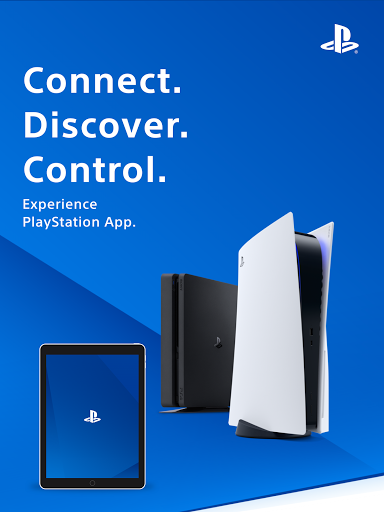
The PlayStation App is an essential tool for every gaming enthusiast who wants to stay connected with the PlayStation universe on the go. Designed to bring the full PlayStation ecosystem to your fingertips, this app offers seamless social features, game management, and latest news updates, making it a must-have for both casual and hardcore gamers alike. Whether you're looking to connect with friends, discover new titles, or control your console remotely, the PlayStation App elevates your gaming experience to a whole new level.
Stay Connected with Friends
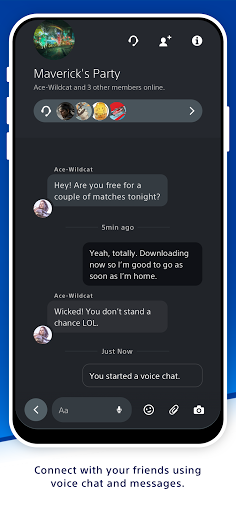
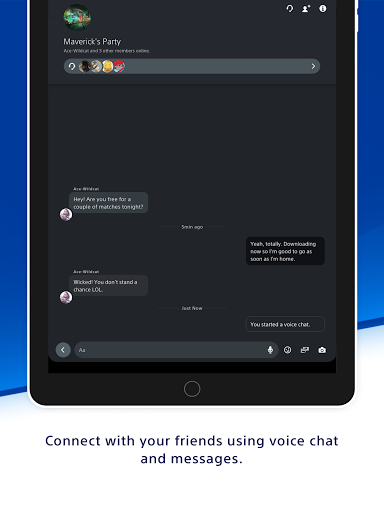
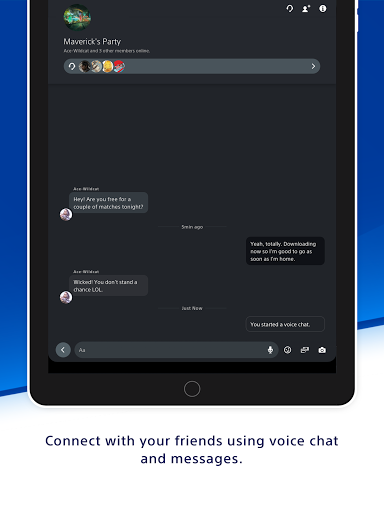
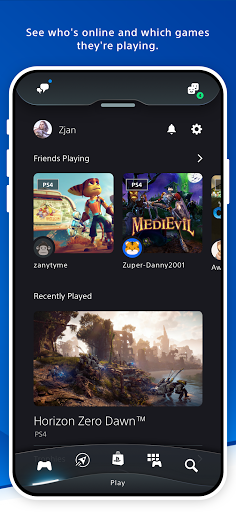
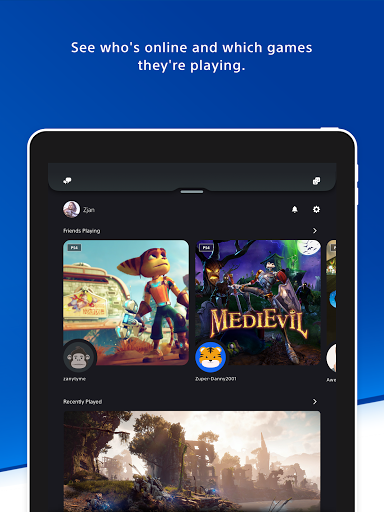
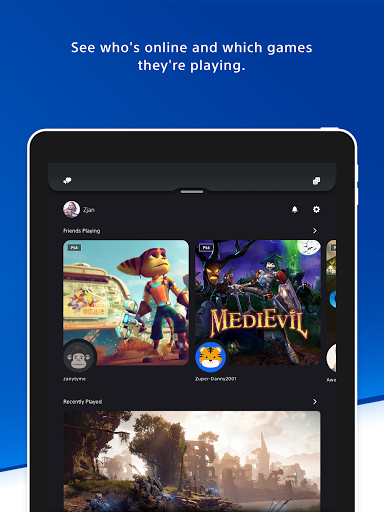
One of the standout features of the PlayStation App is its ability to keep you connected with your gaming friends. Easily see who is online and check out what games they're playing, creating opportunities for impromptu multiplayer sessions. Send messages or initiate voice chat to coordinate your next gaming move without ever needing to be near your console. The app also allows you to view detailed player profiles and examine trophy collections, giving you a window into your friends’ gaming achievements and progress.
Discover New Games and Stay Updated
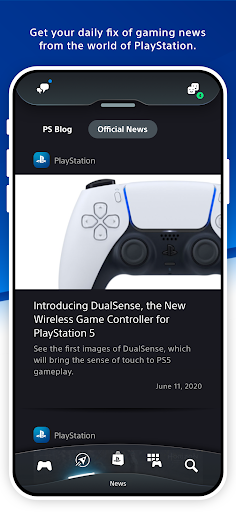
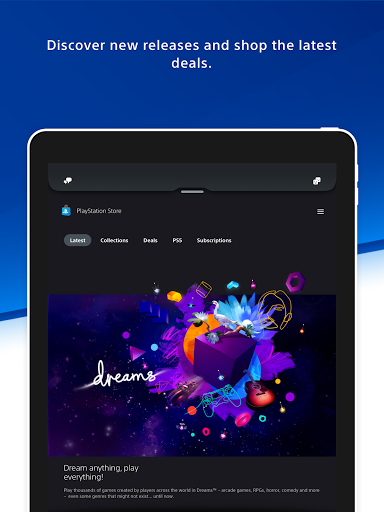
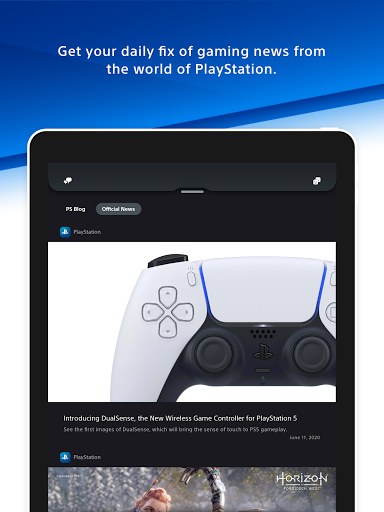
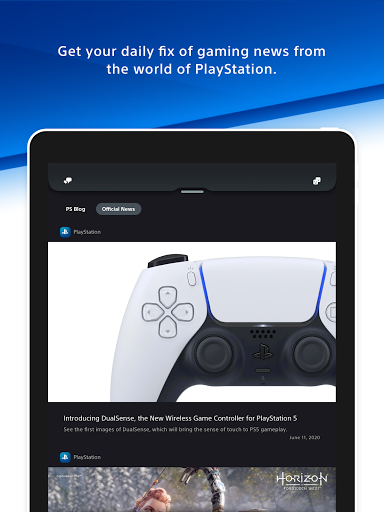
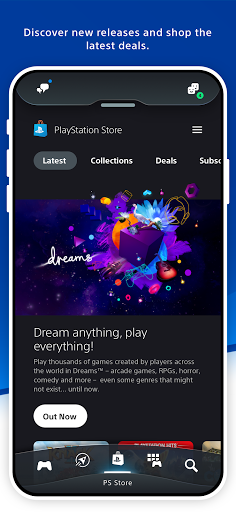
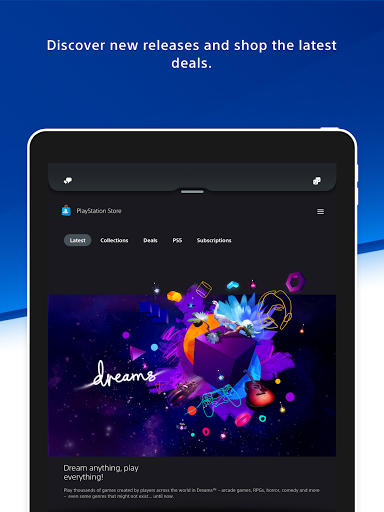
For gaming enthusiasts eager to stay ahead of the curve, the PlayStation App offers a comprehensive news feed packed with the latest game releases, updates, trailers, and exclusive offers. Browse through new titles, pre-order upcoming releases, and grab special deals and discounts on the PlayStation Store. Moreover, stay informed with instant notifications about invites, updates, and special promotions directly on your phone lock screen, so you're always in the loop.
Control Your Console Anytime, Anywhere
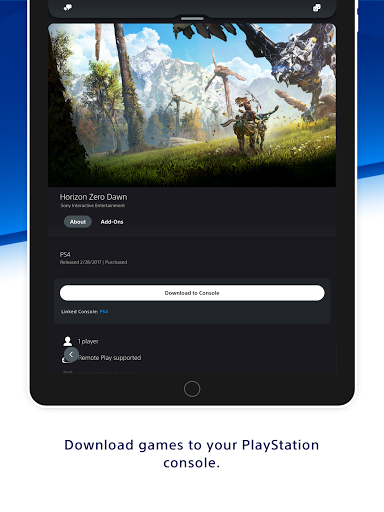
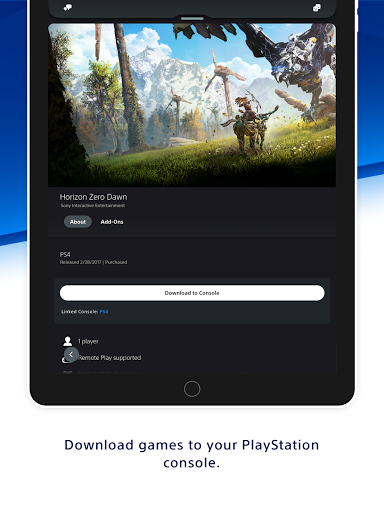
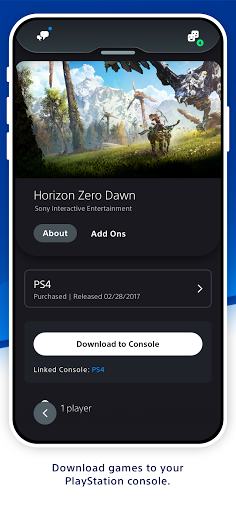
The app transforms your smartphone into a remote control for your PS5 console. Download games and add-ons remotely, even when you're away from home, so they’re ready to play exactly when you want. Manage your console storage effortlessly if you're running out of space, and multiple features like quick sign-in and remote game launching make gaming sessions smoother. This level of control ensures you can prepare your gaming environment without interruption, no matter where you are.
Enhanced Social & Gaming Experience
The PlayStation App is more than just a controller extension; it's your gateway to a vibrant gaming community. By connecting with friends, managing your game library, and staying updated with the latest Sony game news, your gaming journey becomes more integrated and enjoyable. Whether you’re coordinating multiplayer sessions, discovering new titles, or just browsing the latest gaming trends, this app helps you get the most out of your PlayStation experience.
Note on Compatibility and Usage
Please note that the PlayStation App requires a PlayStation Network account for full functionality. Some features, such as remote game control and storage management, are compatible only with PS4 or PS5 consoles. The availability of certain content and features may vary depending on your country/region. All trademarks like PlayStation, PS5, and PS4 are registered or unregistered trademarks of Sony Interactive Entertainment Inc.
Final Thoughts
In conclusion, the PlayStation App stands out as an indispensable companion for anyone immersed in the world of PlayStation gaming. It offers easy social interaction, efficient game management, and essential updates that enhance your overall experience. Whether you’re managing your game library, chatting with friends, or staying in the loop with the latest industry news, this app is tailored to elevate your gaming lifestyle. If you haven't yet explored it, give the PlayStation App a try and unlock a new dimension of gaming convenience.
Pros
- Seamless connection to your PS4/PS5
- Easy access to the PS Store and game library
- Real-time notifications and updates
- User-friendly interface
- Remote control capability for PS consoles
Cons
- Requires a constant internet connection
- Occasional app crashes
- Limited features without PS Plus
- High battery usage
- Does not support older PS consoles