Beauty Camera: Filters For Pictures
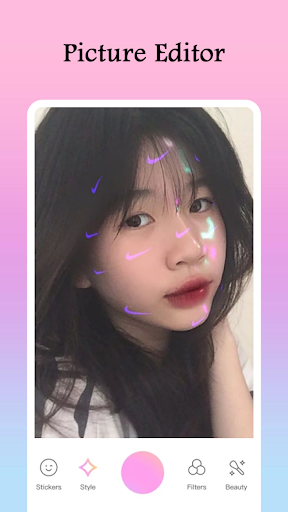
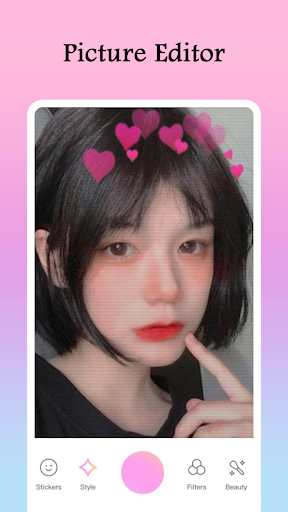
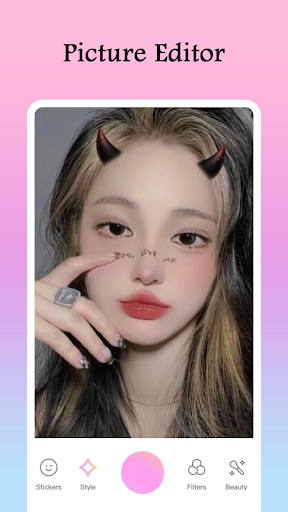
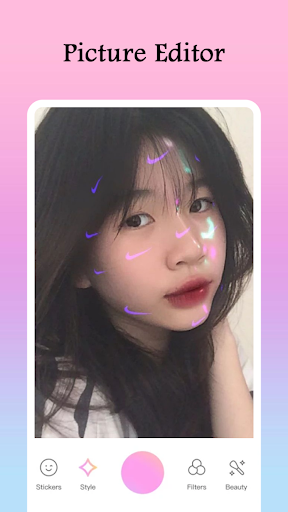
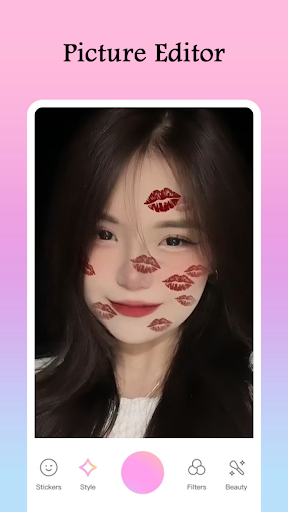
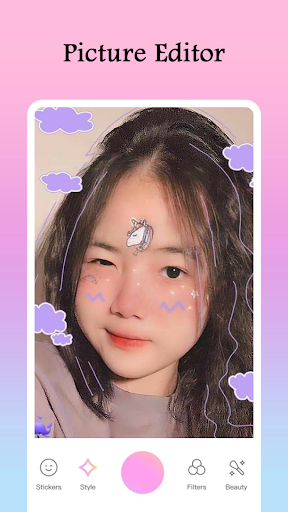
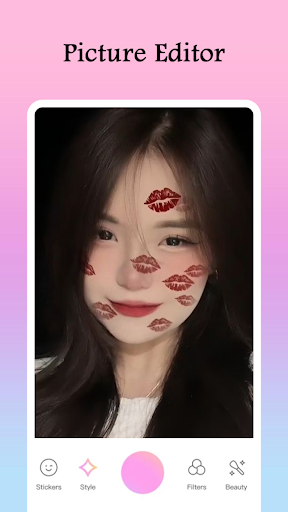
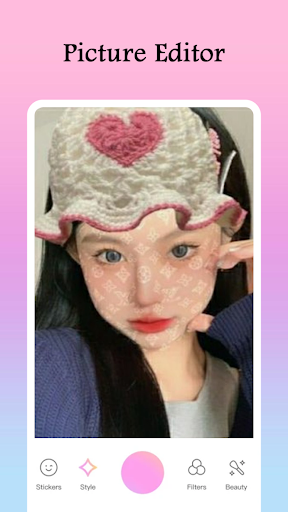
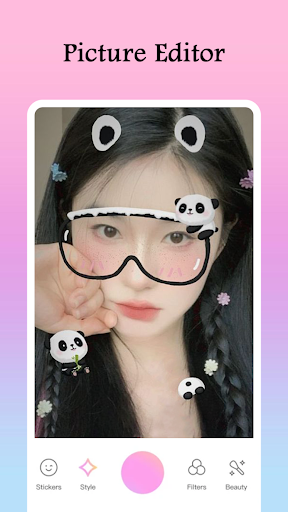
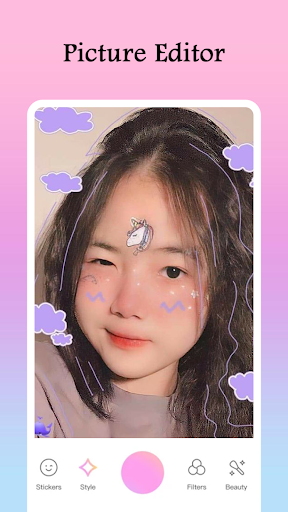
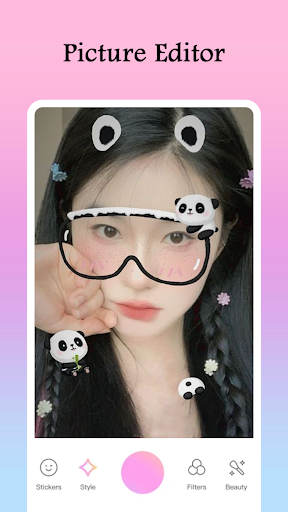
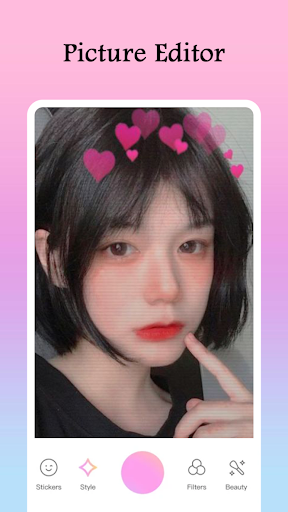
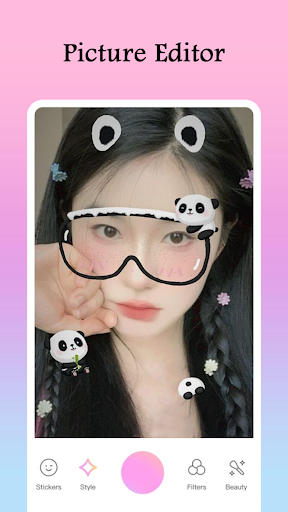
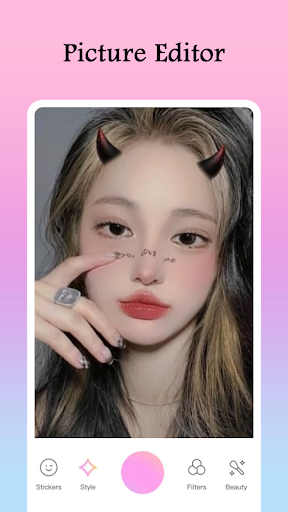
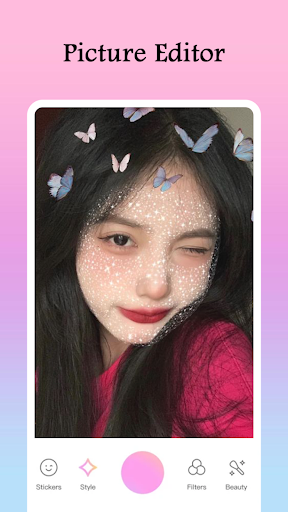
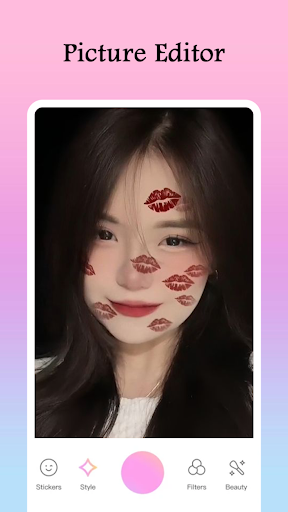
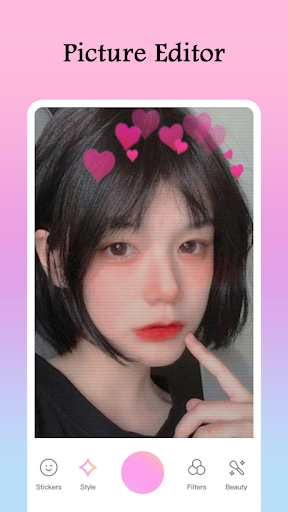
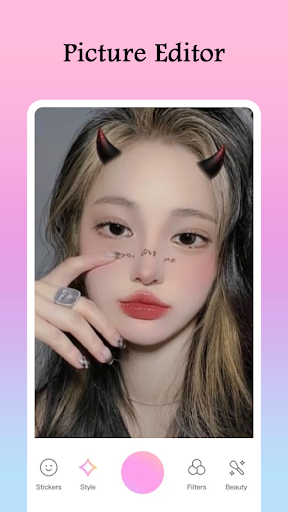
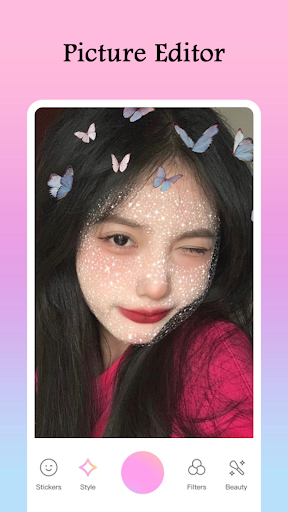
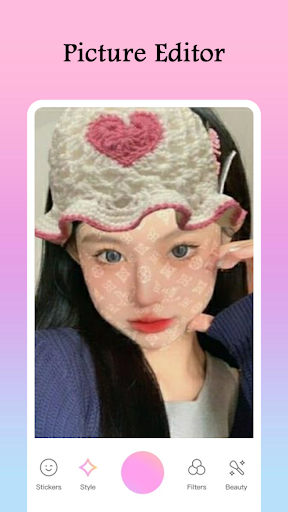
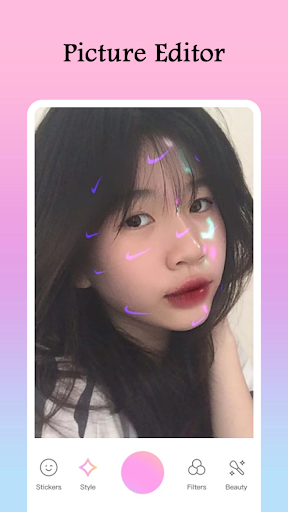
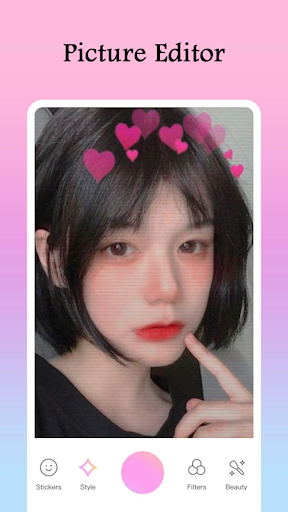
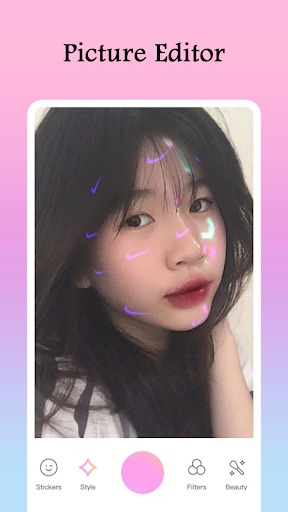
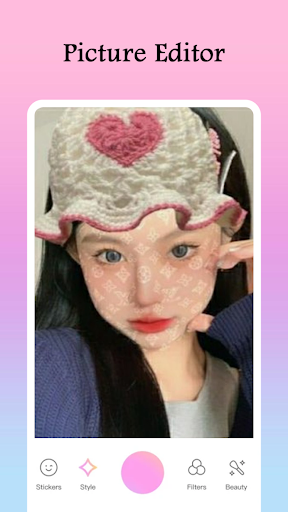
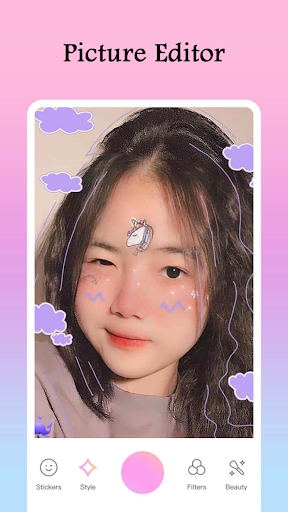
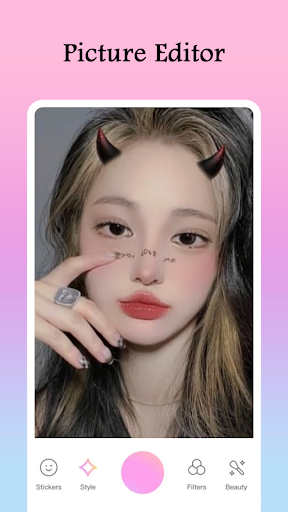
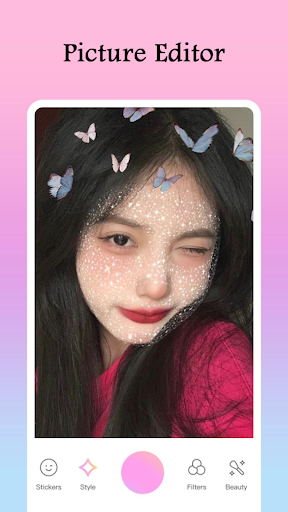
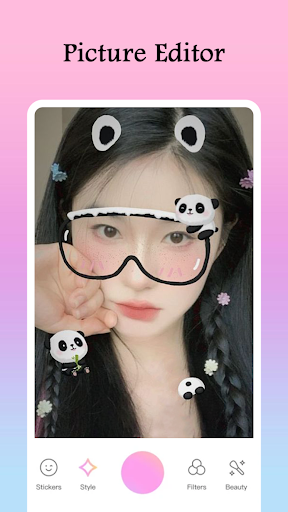
Are you looking for the perfect way to enhance your selfies with cute face filters? The Beauty Camera: Filters For Pictures is here to help you easily capture stunning photos. You can take your photo editing skills to the next level with excellent filter options like the Sweet Selfie Camera Filters and beautiful stickers. Whether adding animal face stickers or heart crowns, this Filter Camera Picture Editor offers everything you need to create stunning photos with Sweet Camera Picture Filters. Say goodbye to boring selfies and hello to the beautiful experience where you can express your creativity with beautiful face filters!
Key Features of Beauty Camera: Filters For Pictures:
✨ Professional editing tools for flawless photos.
✨ Stunning Sweet Selfie Camera Filters for a cute and stylish look.
✨ Lightweight and smooth performance on all devices.
✨ Share your pictures quickly and easily with Sweet Camera Picture Filters.
✨ Beautiful Camera: Cute Face Filters that make your photos pop.
✨ Customize your photos with endless filter options.
Sweet Selfie Camera Filters - Your Perfect Selfie Companion!
Capture the best version of yourself with the Sweet Selfie Camera Filters. This beautiful tool offers a wide range of Selfie Filter For Pictures and effects to make your selfies look professional. Whether snapping a photo for fun or editing a picture for social media, the Filter Camera Picture Editor ensures you have the right tools to enhance your shots.
How to Use the Filter Camera Picture Editor
Select your favorite photo or snap a new one with the Beauty Camera: Filters For Pictures.
Add Sweet Camera Picture Filters or customize your image with Beautiful Camera: Cute Face Filters.
Adjust the size, position, and effects to perfect your look.
Preview your edited masterpiece using the selfie filter for pictures feature.
Save your photo and share it with friends, or keep it for your collection.
Beautiful Camera: Cute Face Filters - Transform Your Selfies
With the Beauty Camera: Filters For Pictures, you can explore endless possibilities to create the perfect selfie. The Sweet Selfie Camera Filters are designed to highlight your best features, offering a beautiful blend of style and fun. Whether you want to add cute face filters, heart crowns, or playful stickers, this selfie filter for pictures app will help you shine.
Capture and Share Stunning Photos
Once you've perfected your photos with the Sweet Camera Picture Filters, sharing them is easy! Whether showing off your beautiful shots or having fun with friends, the Beauty Camera: Filters For Pictures lets you save and share your creative masterpieces in a snap.
Get Creative with Filter Camera Picture Editor
Bring your photos to life with the versatile Filter Camera Picture Editor. From beautiful Selfie Filter For Pictures to cute stickers, you’ll have everything you need to enhance your selfies and share your best moments. Dive into the world of photo editing and express yourself with the perfect Sweet Camera Picture Filters today!
Picture Editor
In a world where we're constantly capturing moments, having the right tool to edit and perfect those snapshots is crucial. Enter the Picture Editor, an app that promises to transform your ordinary photos into stunning visual masterpieces. But does it live up to the hype? Let's dive in and find out.
First Impressions
When I first downloaded the Picture Editor, I was immediately impressed by its sleek and intuitive interface. It's like the app knew exactly what I wanted to do with my photos, and it guided me through the process seamlessly. Whether you're a seasoned photo editing pro or just someone looking to touch up vacation pics, this app caters to all skill levels.
Features That Stand Out
The app is packed with features that make it a go-to for photo editing enthusiasts. One of the highlights is the vast array of filters available. From vintage vibes to modern aesthetics, there's a filter for every mood. I found myself experimenting with different looks, and it was surprising how a simple filter could transform a photo's entire feel.
Another standout feature is the precision editing tools. The app offers everything from basic cropping and rotating to more advanced options like adjusting exposure, saturation, and contrast. It's like having a mini Photoshop in your pocket, without the overwhelming complexity.
User Experience
One thing that really sets Picture Editor apart is its user-friendly design. Navigating through the app is a breeze, and the tools are clearly labeled, making it easy to find what you're looking for. I particularly appreciated the tutorial section, which offers tips and tricks for getting the most out of the app. It's perfect for beginners who might be a bit overwhelmed by the plethora of options available. Additionally, the app is surprisingly fast. Editing and processing images happen almost instantaneously, which is a huge plus for those of us who are always on the go. No one likes waiting around for edits to render, and thankfully, that's not an issue here.
Final Thoughts
After spending some quality time with the Picture Editor, I can confidently say it's a must-have for anyone who loves photography. Whether you're looking to make minor tweaks or completely overhaul an image, this app has got you covered. It's packed with features, yet remains incredibly user-friendly, making it accessible to everyone. So, if you're on the hunt for a reliable photo editing app that won't let you down, give Picture Editor a shot. You might just find it becoming your new favorite tool in your photography arsenal. Happy editing!
Pros
- User-friendly interface for quick edits
- Wide range of filters and effects
- High-resolution export options
- Supports various image formats
- Regular updates with new features
Cons
- In-app purchases for premium features
- Occasional ads disrupt editing flow
- Limited free version functionality
- Requires internet for some features
- Can be resource-intensive on older devices