Discover the Phone Mirror app - True Mirror: Your Ultimate Beauty and Screen Mirroring Solution
In today’s fast-paced world, having a reliable and versatile tool to enhance your beauty routines and simplify screen viewing experiences is essential. The Phone Mirror - True Mirror app combines innovative features to transform your smartphone into a comprehensive beauty companion and a powerful screen mirroring device. Whether you're looking to perfect your makeup, style your hair, or effortlessly share content on larger displays, this app offers all the functions you need in one easy-to-use package.
Features of the Phone Mirror - True Mirror App
Mobile Mirror - The Perfect Beauty Assistant
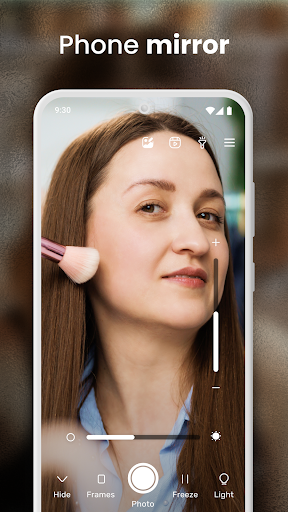
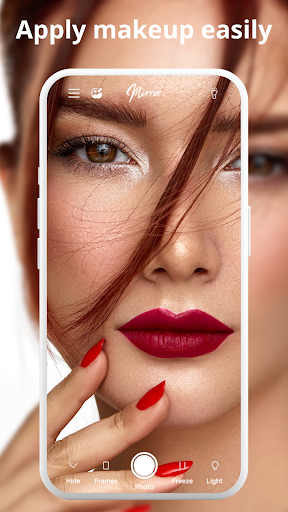
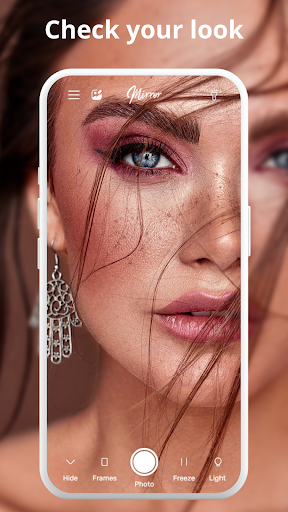
• Mobile Mirror App: Your ultimate beauty companion! This free mirror application transforms your phone into a versatile all-in-one beauty mirror. It's ideal for makeup application, hair styling, or quick look checks anytime, anywhere. More than just a camera mirror, it acts as your personal beauty makeup partner.
True Mirror Experience: Get an authentic reflection that mimics a high-quality face mirror, ensuring you see every detail clearly. Perfect for applying makeup, fixing your hair, or just checking your appearance before stepping out.
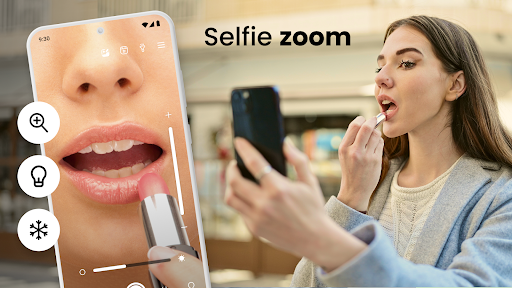
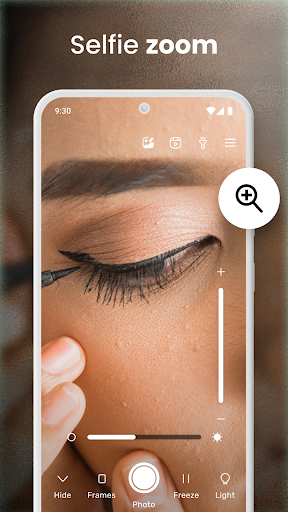
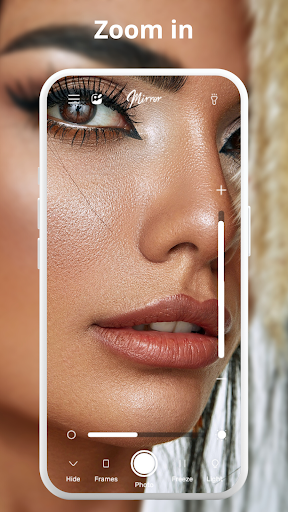
Magnifying Mirror: Zoom in with precision to reveal every fine detail. This feature helps in achieving flawless makeup, perfect eyeliner, or clean contact lenses without any guesswork.
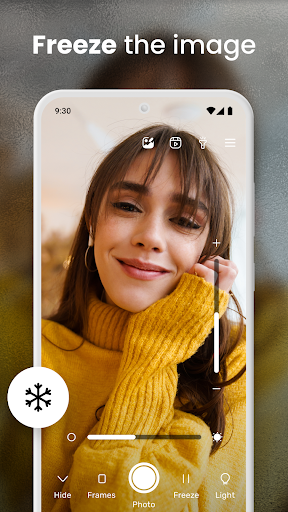
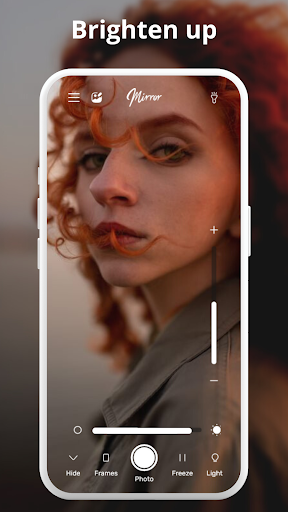
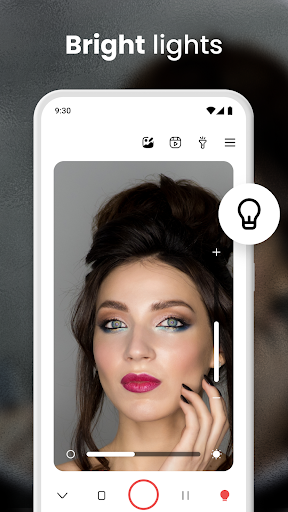
Light feature: Poor lighting? No problem. Brighten your face with the built-in light option, making sure you look perfect even in dim environments.
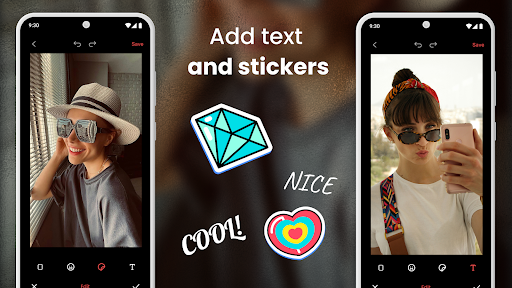
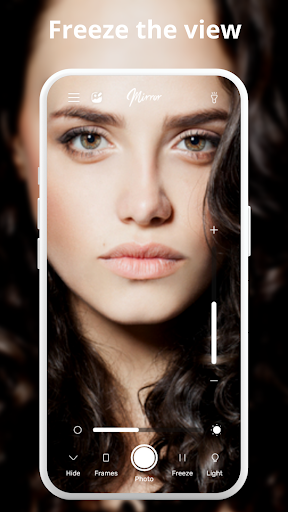
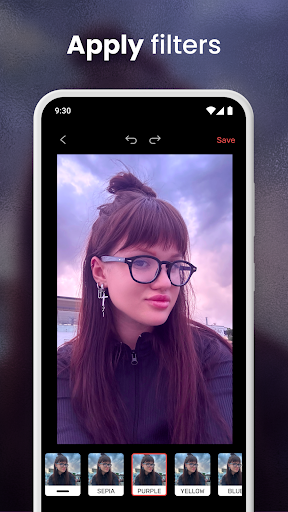
Photo Mirror: Capture your best looks effortlessly. The integrated photo editor allows you to enhance images, compare different styles, and easily share your stunning results.
Selfie Mode: Perfect your selfies with advanced features designed to help you get that ideal shot. Become an influencer, or simply share your look with friends.
Makeup Mirror: Achieve a flawless makeup look with specialized tools for foundation, eyeliner, lipstick, and more. This feature ensures a precise and confident application every time.
All these features come free of charge, providing a comprehensive beauty tool right on your phone without spending a dime.
Transform Your Phone into a True Mirror Camera
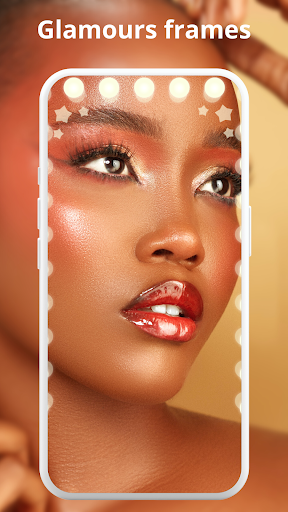
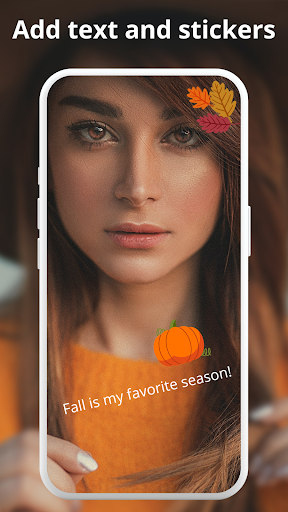
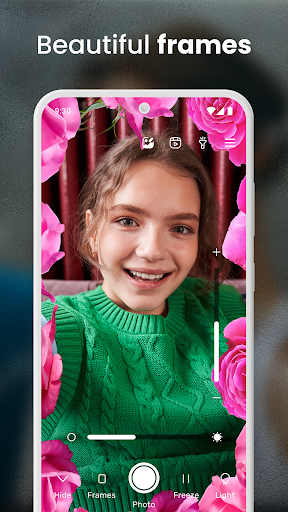
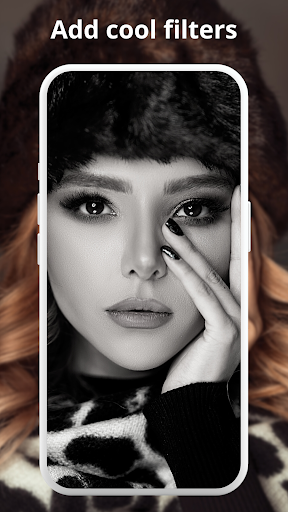
Explore additional functionalities such as the zoom feature, allowing for close-up shots ideal for meticulous skincare or makeup tasks. The app also lets you capture and automatically save images, edit photos with various filters and frames, and ensure your reflection looks perfect at all times. Designed with offline support, it guarantees seamless use across various devices.
Why Choose Phone Mirror - True Mirror for Screen Mirroring
Beyond its beauty features, Phone Mirror excels as a screen mirroring solution, enabling you to project your phone's display onto larger screens effortlessly. Whether connecting to a PC, smart TV, or projector, this app supports high-definition mirroring with minimal lag, making it ideal for streaming videos, sharing presentations, or enjoying mobile games on a big screen.
The setup process is straightforward, with an intuitive user interface that requires no technical expertise. With encrypted connections, your data remains secure during mirroring sessions. The ability to control your device directly from the mirrored screen adds convenience, transforming your phone into a fully functional remote control.
Imagine hosting a movie night, giving a business presentation, or playing multiplayer games with friends—Phone Mirror makes these tasks simple and hassle-free. Its versatility extends to entertainment, work, and personal sharing, making your device a true all-rounder.
Final Thoughts
The Phone Mirror - True Mirror app is a powerful tool that combines beauty enhancement and advanced screen mirroring capabilities. It transforms your smartphone into a professional-grade mirror and a seamless casting device, all in one package. With its user-friendly design, high performance, and secure connection, this app is an excellent choice for anyone looking to elevate their mobile experience. Whether for personal grooming, entertainment, or presentations, give it a try—you won’t be disappointed.
Pros
- User-friendly interface.
- Real-time screen mirroring.
- Compatible with multiple devices.
- High-quality mirrored images.
- Free basic version available.
Cons
- Requires a stable internet connection.
- Contains ads in the free version.
- Features are limited without upgrading.
- Mirroring may experience occasional lag.
- Privacy concerns related to app permissions.