

Introducing the Nationwide Mobile App: Enhanced Features & User Experience
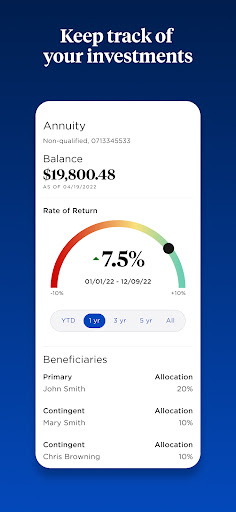
The Nationwide Mobile app has recently undergone significant updates designed to improve user experience, streamline insurance management, and provide convenient features tailored to customer needs. With a focus on performance, security, and user-friendly functionality, the latest version offers a comprehensive platform for managing your auto, motorcycle, pet, and homeowners insurance policies.
Key Updates Based on User Feedback
In response to valuable customer feedback, Nationwide has introduced several new features aimed at simplifying your insurance management process:
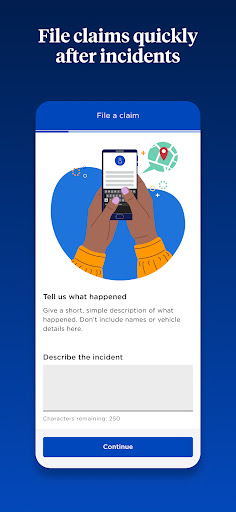
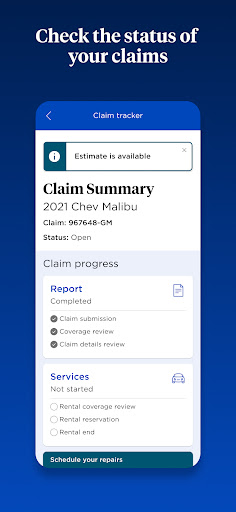
Enhanced Claim Filing Options
When submitting a personal auto insurance claim, users can now choose from a variety of service providers, including:
• repair shops, • drive-in centers, • rental cars, or • other related services. This flexibility ensures a seamless experience during stressful situations such as accidents.
Secure & Convenient Login
The app now supports Face & Fingerprint login (compatible with Android devices only), offering a secure and quick way to access your account without the hassle of passwords.
Improved Performance & Usability
Enjoy a significantly better, faster, and more stable app experience, along with the ability to refresh main screens easily by pulling down.
Financial Management & Notifications
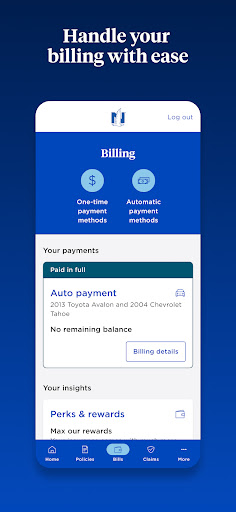
You can now view pending payments and upcoming bills, making financial tracking straightforward. The app also makes it easy to quickly pay your bills and manage your preferred payment methods—adding, editing, or deleting them as needed. For those enrolled in automatic payments, you can stop or update payments seamlessly.
Policy & Document Management
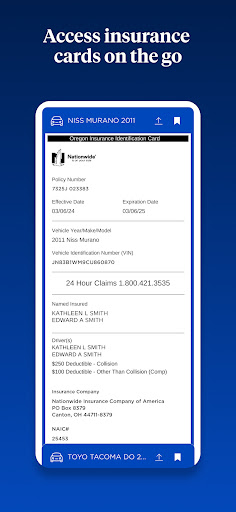
Access and manage your insurance documents effortlessly. You can view, save, and share auto, motorcycle, pet, and homeowners insurance ID cards. Additionally, users can view and store policy documents, ensuring quick access when needed.
Safety & Support Features
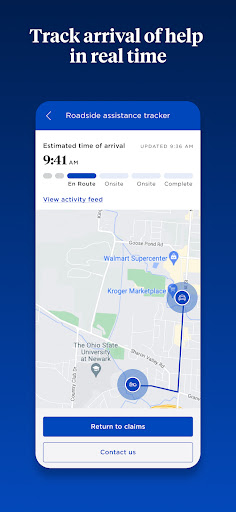
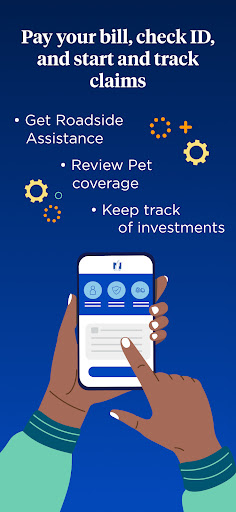
An Accident Checklist guides you through the steps to consider if you're involved in an accident. The app also allows you to get roadside assistance and track your tow truck, providing peace of mind on the road.
Claims & Quotes
Easily file auto or property claims and obtain insurance quotes for auto, renters, or homeowners policies directly through the app.
Agent & Communication Management
Access agent contact information and manage your communication preferences to ensure you receive important updates and notifications.
Rewards & Incentives
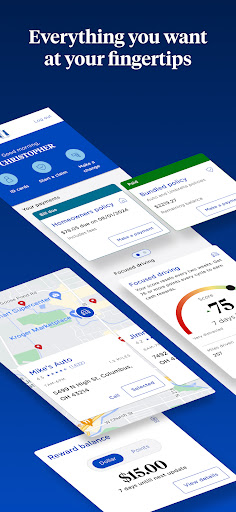
Benefit from our Focused Driving Program in Texas to earn rewards based on good driving behavior, encouraging safer driving habits.
Additional User Tools
From managing your document delivery options to validating your auto, renters, or homeowners insurance quotes, the app serves as your comprehensive insurance management toolkit, all at your fingertips.
Stay Connected & Secure
The Nationwide app is connected to popular social platforms and maintains high standards for privacy and security. For more information, visit our social pages or privacy policy:
Pros
- User-friendly interface that simplifies navigation and usability.
- High performance and quick response times enhance user experience.
- Extensive features and functionalities to meet various user needs.
- Reliable and stable operation with minimal crashes or bugs.
- Regular updates and improvements based on user feedback.
Cons
- Contains some complex options that may overwhelm new users.
- Battery consumption could be higher during intensive use.
- Limited customization options in certain areas.
- Some features require internet connectivity, limiting offline use.
- Pricing structure might be expensive for some users.