
Minecraft Education Preview – A Creative and Educational Gaming Experience
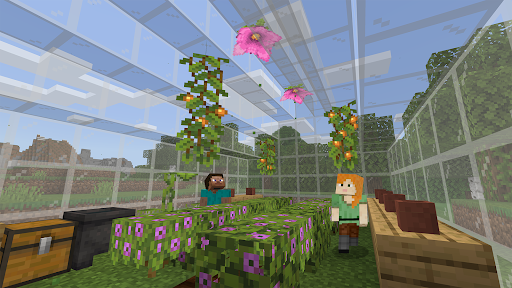
Have you ever wondered what it would be like to combine the engaging world of Minecraft with educational purposes? The Minecraft Education Preview is an innovative tool designed to seamlessly blend fun with learning, making classroom activities more interactive and engaging. This preview version offers a chance to explore upcoming features developed by Mojang Studios, providing educators and students a sneak peek into the future of educational gaming.
Key Features of Minecraft Education Preview
Exclusive Access to Upcoming Features
The Minecraft Education Preview allows teachers and students to test new features before they are officially released. It's a fantastic opportunity for educators to experiment with evolving tools that can enhance the learning environment. However, it’s essential to note that you won't be able to join games played by non-Preview users, and most settings from the retail version will not be preserved during your sessions.
Limitations and Considerations
- Games from the non-Preview version cannot be joined.
- Worlds created in the preview cannot be transferred to the full retail version.
- Most game settings do not carry over from the retail edition.
- Preview builds may be unstable and are not representative of the final product quality.
Educational Content and Licensing
The preview positively integrates with educational content, as lessons from the Library will work within this environment. For schools interested in licensing, Minecraft Education licenses can be purchased through the Microsoft 365 Admin Center, with access limited to those with admin privileges. Be sure to consult your Tech Lead for details on academic licensing options and terms of use. Your subscription terms apply to this download, ensuring compliance with the intended usage policies.
Inspiring Creativity and Learning with Minecraft Education Preview
Imagine merging the legendary pixelated universe of Minecraft with diverse educational opportunities — the Minecraft Education Preview makes this possible. Designed not merely as a game, this version serves as a powerful learning platform that encourages creativity, collaboration, and critical thinking in a playful environment. Whether math, history, or science, the platform opens up a world of possibilities for students and teachers alike.
Fostering Creativity in the Classroom
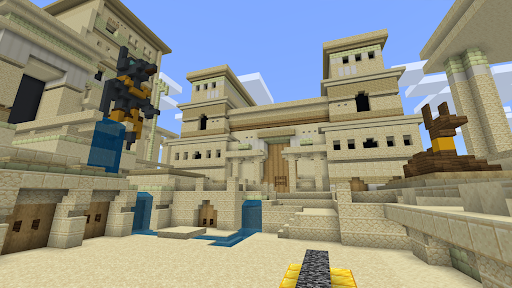
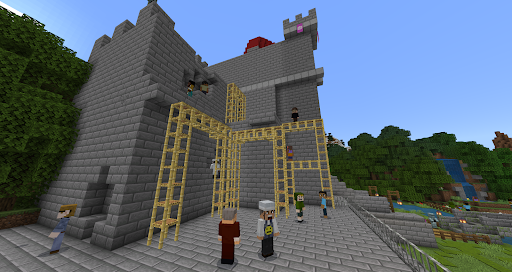
Perhaps the most exciting aspect is the ability to cultivate creativity through built-in lesson plans crafted by educators across the globe. These lessons encompass a wide range of topics, from constructing ancient civilizations to exploring scientific concepts. The collaborative features allow students to work together on projects, promoting teamwork and problem-solving skills in a fun, engaging setting.
Interactive Coding and Problem Solving
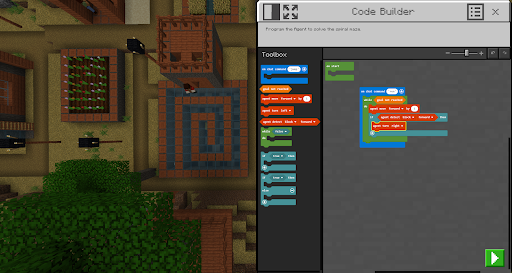
A standout feature is the Code Builder tool, designed to introduce students to the basics of programming. It offers an interactive platform where students can write code, see results in real-time, and develop a foundational understanding of coding principles—all within a familiar Minecraft environment. This integration of coding education makes learning both accessible and enjoyable for younger audiences.
The Gameplay Experience
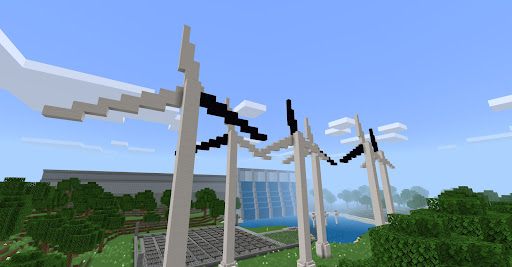
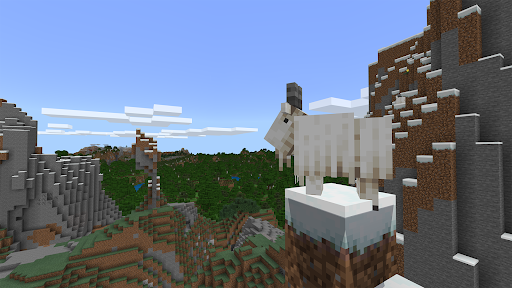
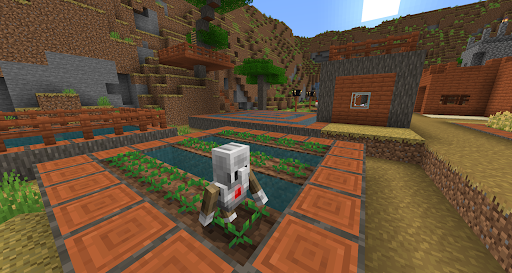
For those familiar with the original Minecraft, the gameplay of the Education Preview feels very familiar — intuitive controls and charming, blocky graphics create a comfortable playing experience. What elevates this version is the educational layer, providing both guidance and freedom for learners. It functions like a map guiding students through learning journeys while still allowing them to explore and innovate freely.
Final Thoughts: Bridging Education and Gaming
The Minecraft Education Preview stands out as an exceptional tool for transforming traditional classroom settings into vibrant hubs of exploration and discovery. It bridges the gap between interactive gaming and educational development, making learning fun and meaningful. Whether you're an educator eager to incorporate innovative teaching methods or a student who loves to learn through play, this platform provides a unique and valuable experience. Dive into the world of Minecraft for education, and see how it can revolutionize the way we think about classroom engagement and skill-building. Who knew that learning could be this much fun?
Pros
- Engaging educational tool for students.
- Enhances creativity and problem-solving skills.
- Offers a wide range of lesson plans.
- Promotes collaboration among users.
- Accessible to learners of all skill levels.
Cons
- Requires a stable internet connection.
- Limited content compared to the full version.
- May be distracting for younger students.
- Subscription costs may be high for some schools.
- Updates might lead to compatibility issues.











