
Introduction to the Learn to Read - Readability App
Discover the ultimate reading app designed for children from Kindergarten through 6th grade. The Readability app is a top-rated AI-powered reading tutor that aims to significantly enhance reading fluency, vocabulary, and comprehension skills. By leveraging cutting-edge speech recognition and artificial intelligence technology, the app makes learning to read both engaging and highly effective. Whether your child is just starting with 1st grade reading or progressing through 6th grade, this app offers a personalized learning experience tailored to each grade level.
Designed for parents and educators seeking a comprehensive, interactive solution, the Readability app transforms traditional reading practice into an exciting journey of literacy development. With its innovative features such as guided oral reading, voice-based comprehension, and a customizable vocabulary builder, it provides optimal support for young learners. Initiate a transformational reading experience for your child with a free 30-day trial and enjoy the flexibility of learning anytime, anywhere.
Key Features of Your Personal Reading Tutor
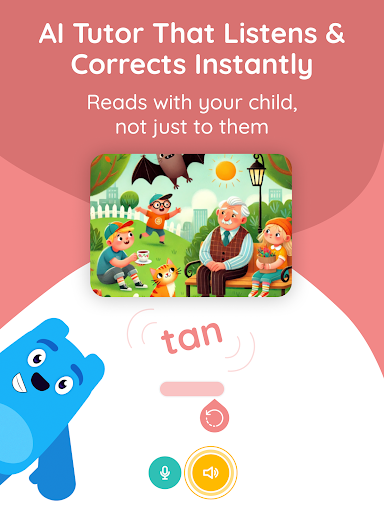
Guided Oral Reading with Real-Time AI
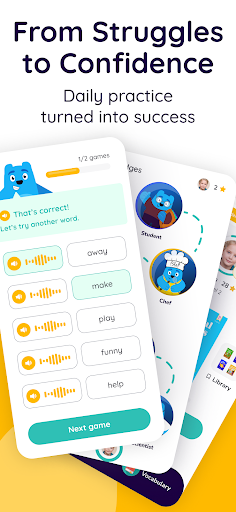
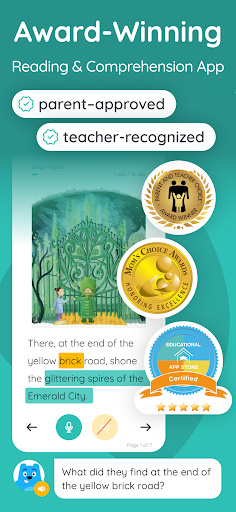
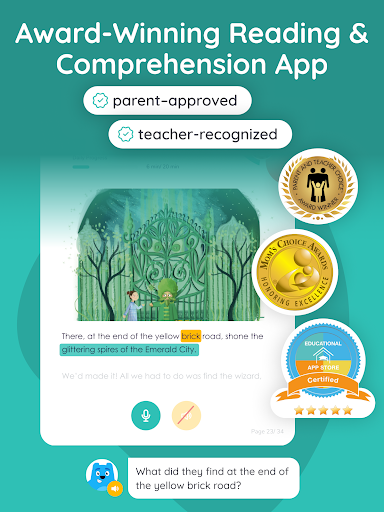
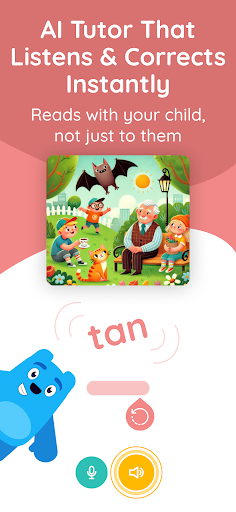
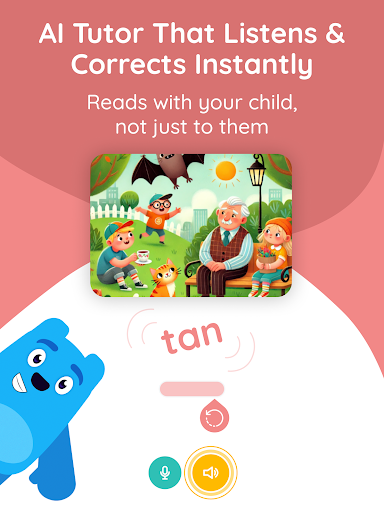
Observe your child's reading confidence grow as the app encourages reading aloud. The advanced AI instantly corrects pronunciation errors, offering immediate feedback. This feature ensures learning to read fluently becomes an interactive and fun experience.
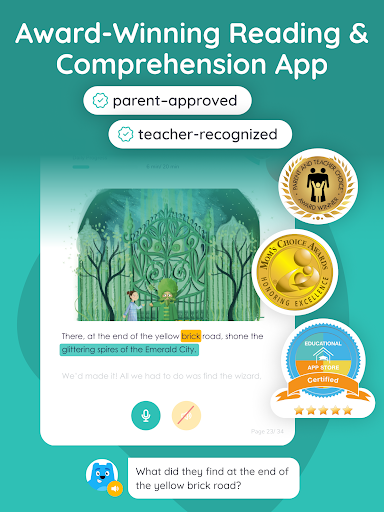
Interactive Voice-based Questions & Answers (IVQA™)
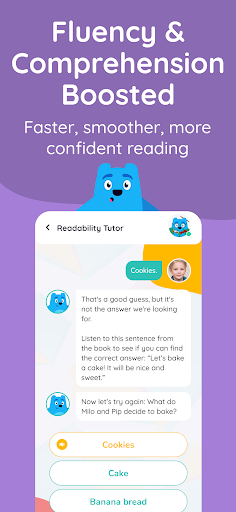
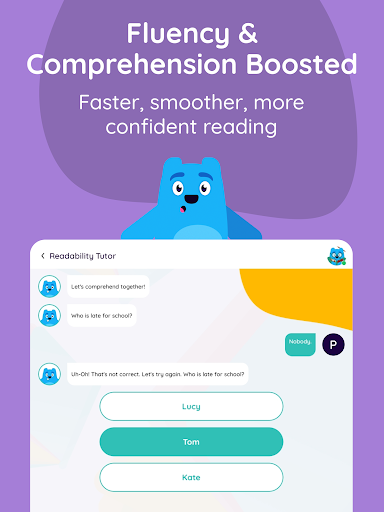
Enhance your child's reading comprehension with personalized voice interactions. The IVQA™ system offers 1-on-1 comprehension checks where your child verbally responds to questions. This helps foster critical thinking and deepens understanding of the reading material.
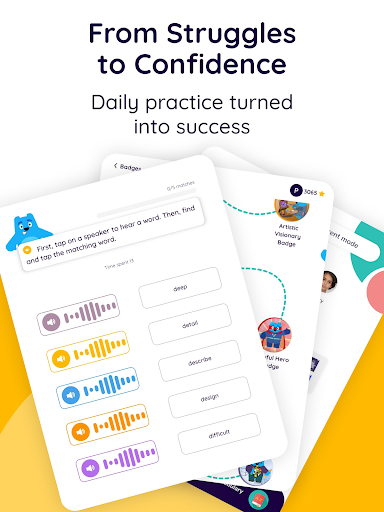
Personalized Vocabulary Builder
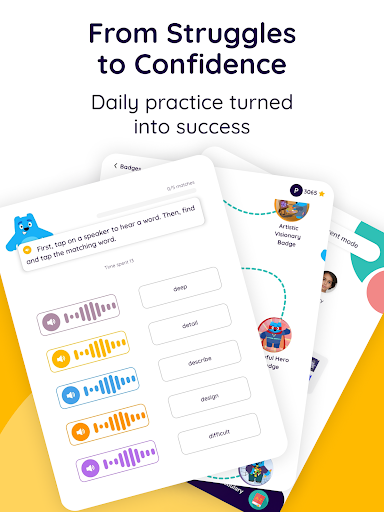
Expand your child's word knowledge effortlessly. While reading, long-press any word to receive its pronunciation and meaning. The word can then be added to a personal review list for continued learning and retention.
Tailored Learning for Every Grade
The app automatically selects appropriate reading materials that match your child's grade level. This ensures the content is always challenging yet manageable, promoting continuous progress across kindergarten to 6th grade.
Empowering Parent Dashboard
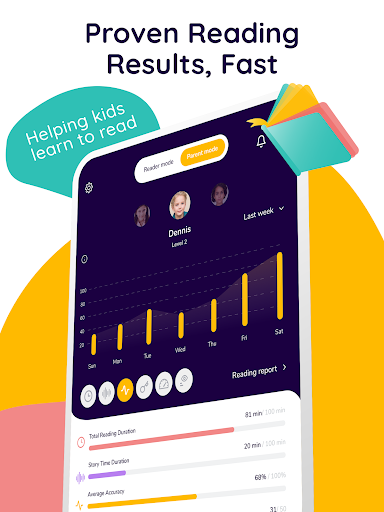
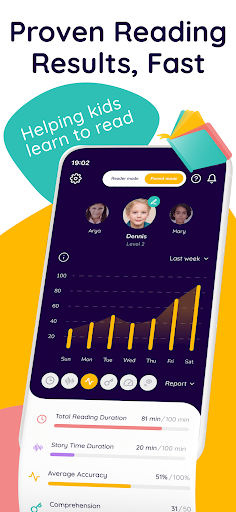
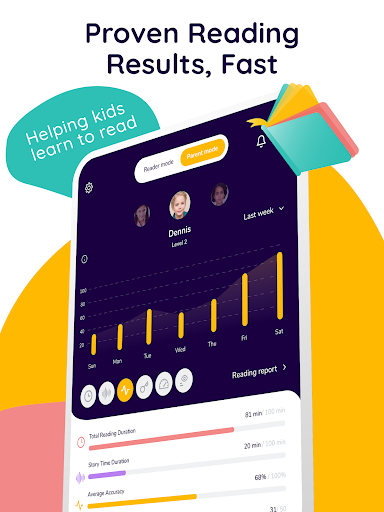
Stay fully informed about your child's development with detailed progress tracking. The dashboard displays metrics like total reading time, accuracy, comprehension scores, and allows customization of the reading schedule.
What Makes Readability Stand Out?
Unlike other learning apps that mainly offer games or phonics drills, Readability delivers a comprehensive learning to read experience with a focus on personalized support. Key differentiators include:
- Real-Time Reading Help: Provides AI-driven, 1-on-1 tutoring that corrects pronunciation and offers support during practice sessions.
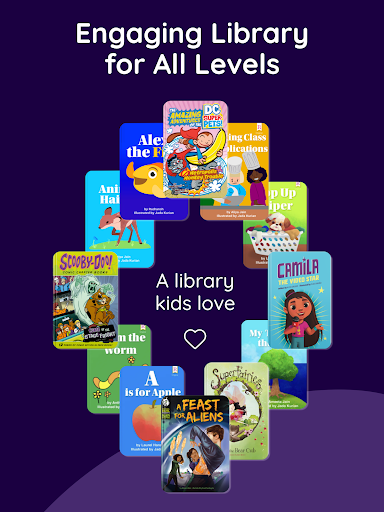
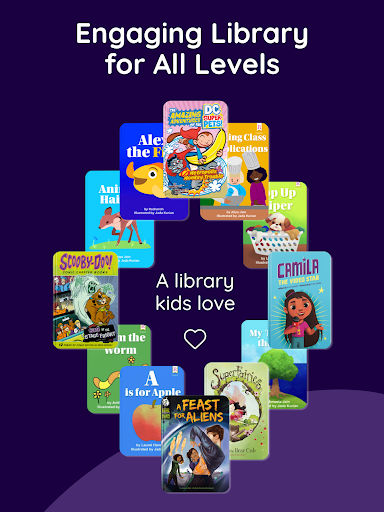
- Engaging leveled books: Features vibrant stories with captivating illustrations that are suitable for each grade level.
- Flexibility: Up to 3 children can share one subscription, making it accessible and cost-effective.
- Learn to read anywhere: The app is accessible on any device, enabling learning anytime, anywhere.
Embark on a transformational reading journey today by starting your free trial. The app's comprehensive design helps children develop strong foundations in literacy, paving the way for academic success.
Subscription and Support Details
Subscriptions automatically renew unless auto-renewal is turned off at least 24 hours prior to the end of the current period. Users will be charged the renewal amount before the next billing cycle. You can manage or disable auto-renewal at Account Settings.
For support, visit support page. To review privacy policies and terms of use, visit their respective links.
Learn more about the Readability app at Official Website.
© 2023 Readability
Pros
- User-friendly interface that simplifies navigation and usage.
- Offers a wide range of features to enhance user experience.
- Regular updates ensure the app remains current and secure.
- Excellent customer support provides prompt assistance.
Cons
- Some features may require a premium subscription.
- Occasional lag or performance issues during heavy use.
- Limited customization options compared to similar apps.
- Contains in-app advertisements that may disrupt experience.











