
Kwikpic - Smart Photo Sharing
Are you searching for a hassle-free way to share your treasured memories with friends and family? Look no further than Kwikpic - Smart Photo Sharing. This innovative app has revolutionized the way we share photos by harnessing advanced AI technology to provide effortless and quick photo sorting and delivery. Whether you’re sharing moments from a wedding, vacation, conference, or birthday, Kwikpic makes the process seamless and enjoyable, eliminating the chaos of handling hundreds of images.
Effortless Photo Uploading and Sharing
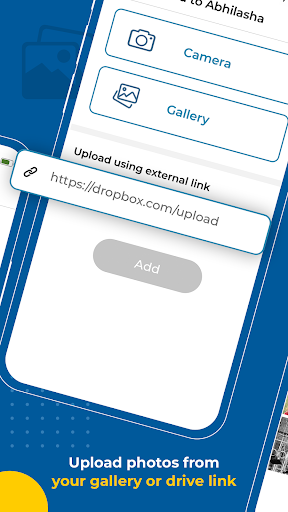
With Kwikpic, uploading photos is simple and preserves high quality—no compression or loss of resolution. You can upload directly from your device gallery, gDrive, or other cloud storage platforms. Once uploaded, the app’s AI-powered face recognition technology automatically face matches, tags friends, and notifies everyone instantly. This means you don’t have to spend hours tagging or alerting people manually.
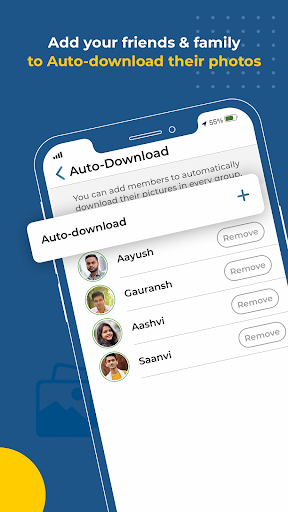
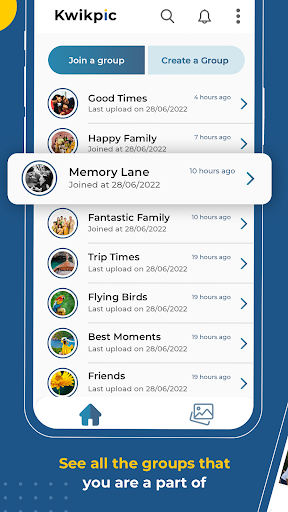
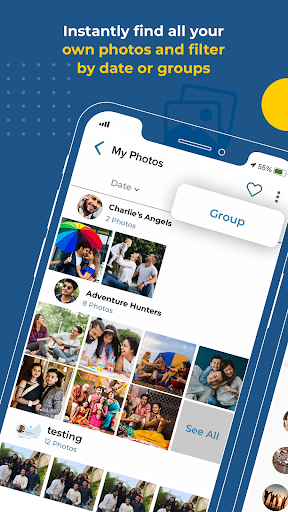
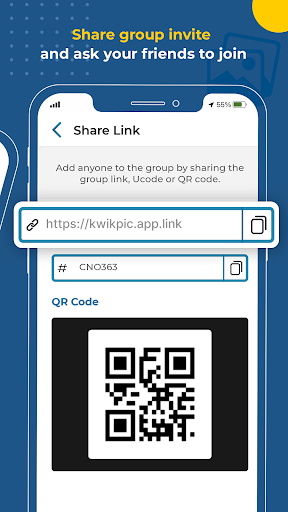
Additionally, Kwikpic allows you to sort and organize your collection by events or create personalized albums with just a few taps. Share these albums effortlessly with specific groups or individuals, ensuring your memories reach the right people at the right time. This smart organization turns a once-daunting task into an enjoyable experience, making sure that each photo finds its rightful owner without any quality compromise.
Key Features of Kwikpic
Smart Face Recognition and Tagging
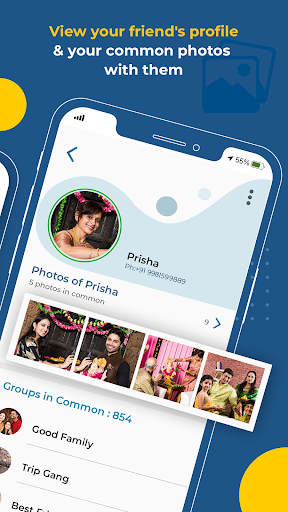
The app’s face match feature is truly standout, enabling instant identification and tagging of friends, family, or colleagues in your photos. This automation accelerates sharing and enhances user convenience.
Instant Notifications and Sharing
Once photos are uploaded and face matched, everyone gets notified immediately. This real-time update ensures your loved ones receive new images promptly without delay, fostering a more interactive sharing experience.
Analytics and Insights
For those interested in tracking the reach of their shared photos, Kwikpic offers analytics such as total impressions, downloads, and more. This feature allows users to gauge how their memories are being viewed and interacted with.
Privacy and Security
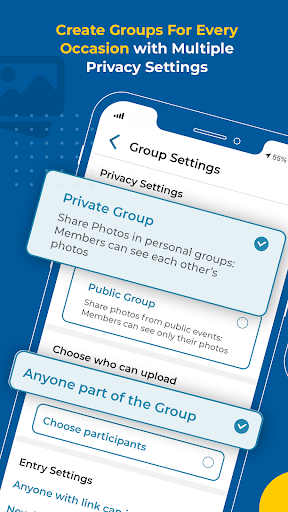
Security is paramount. The app does not store your photos on its servers and employs end-to-end encryption to protect your data during transfers. You can set permissions on albums, choosing who can view, comment, or download your images, providing peace of mind and controlling your digital privacy.
Why Choose Kwikpic?
Kwikpic - Smart Photo Sharing is more than a basic photo sharing app; it is a comprehensive visual communication tool designed for ease, security, and efficiency. Its intuitive interface makes navigation a breeze, no matter your tech proficiency. Plus, the application's ability to organize photos by events or create customized albums ensures that your memories are always well-structured and accessible.
Perfect for everyone from casual users to professional event organizers, Kwikpic offers a game-changing experience by removing the common frustrations associated with photo sharing. Its smart features and robust security measures make it the ideal choice for anyone who values their privacy while wanting to share their stories visually, effortlessly, and securely.
If you’re looking for a secure, efficient, and user-friendly photo sharing solution, give Kwikpic a try. Transform the way you preserve and share your precious moments today!
Pros
- Automatically organize photos into albums
- Use facial recognition for quick tagging
- Intuitive and user-friendly interface
- Securely integrate with cloud storage
- Easy sharing options with friends
Cons
- Requires a constant internet connection
- Limited free storage space available
- Facial recognition may sometimes be inaccurate
- App crashes occasionally reported
- Basic photo editing tools only