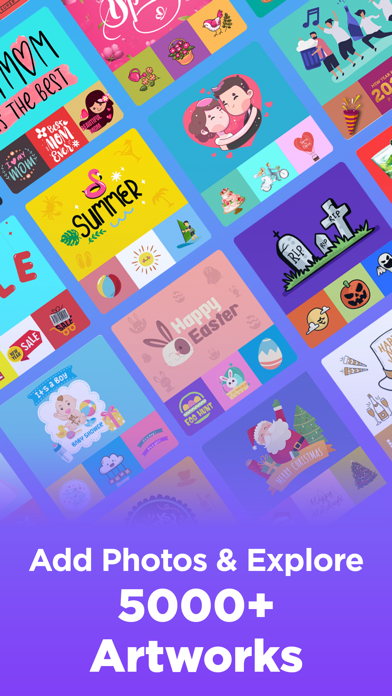
Invitation Maker — Feature Overview
HOW IT WORKS
WHY USE THE INVITATION MAKER?
INVITE 5 MEMBERS FOR FREE
DESYGNER PRO+
FREE YOURSELF TO CREATE ANY GRAPHIC YOU IMAGINED
User Experience — Invitation Maker Review
Ever found yourself stuck on how to create the perfect invitation for your event? Whether it's a wedding, birthday, or casual get-together, you want something that stands out. I discovered the Invitation Maker app, and it’s a game-changer for party planning.
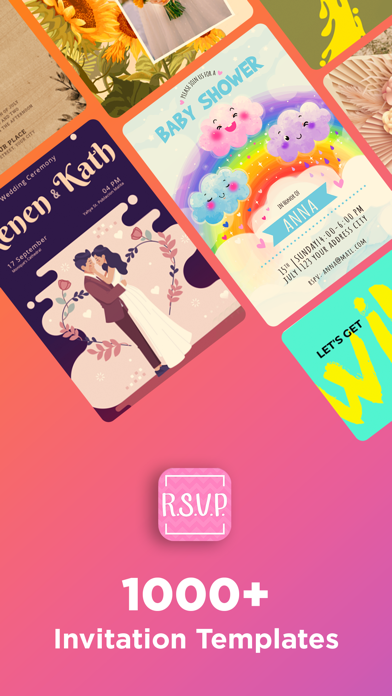
Getting started is refreshingly simple. The app is available on Android and iOS, and it opens with a wide library of templates—from elegant to quirky—so there’s a design for every vibe. The navigation is intuitive, making it easy even for non-tech-savvy users to jump in and start customizing.
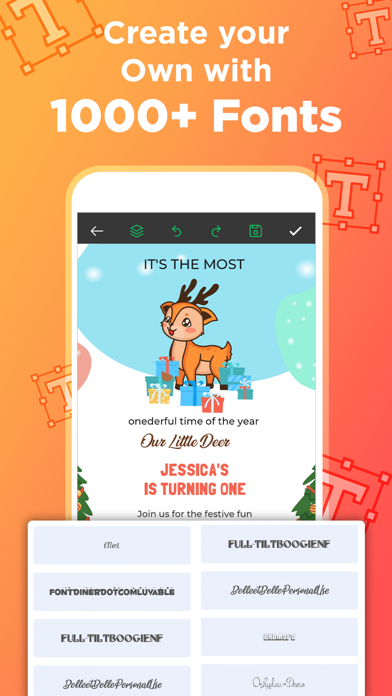
Designing feels surprisingly natural thanks to drag-and-drop functionality. You can start from scratch or tweak an existing template to match your theme. Changing colors, adjusting fonts, adding photos, or dropping in a meaningful quote is just a few taps away. The AI-assisted writing and background-removal features help you polish invites quickly without needing third-party tools.
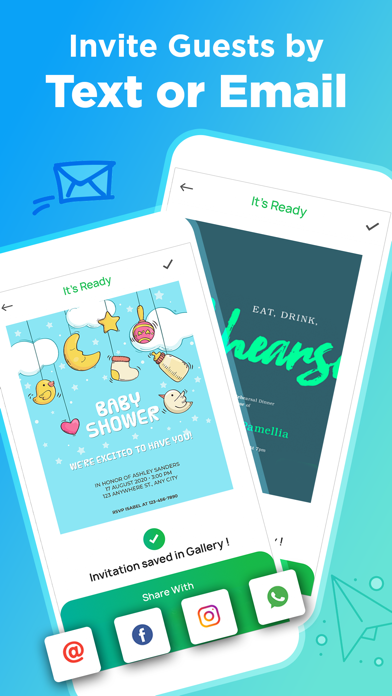
Beyond editing, the app supports high-resolution exports, ensuring crisp, print-ready invitations. Sharing is seamless too—email, social networks, or direct prints—so you can distribute invites with minimal effort. Scheduling invites is a thoughtful touch for events where timing matters, and cloud sync keeps your work accessible across devices, whether you’re on a phone, tablet, or computer.
For professional event planners, it’s a reliable tool to deliver polished invitations to clients, with a steady stream of new templates and on-trend graphics. The mobile-friendly design means you can plan and tweak on the go, then finalize back at the desk. Overall, Invitation Maker proves to be a practical, stylish companion in the world of event coordination.
Invitation Maker — In-Depth Blog-Style Description
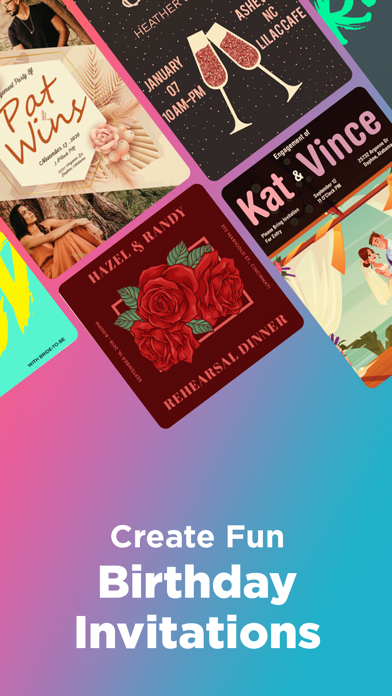
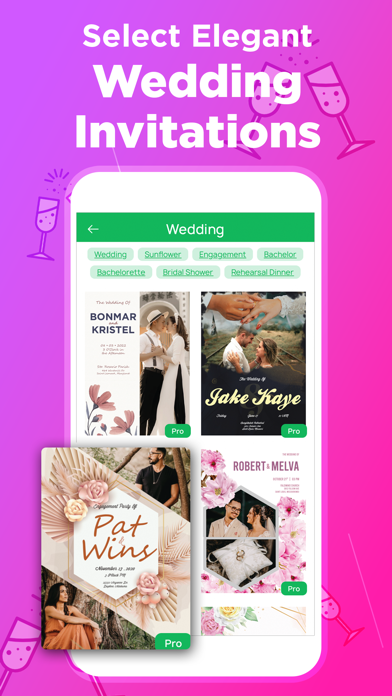
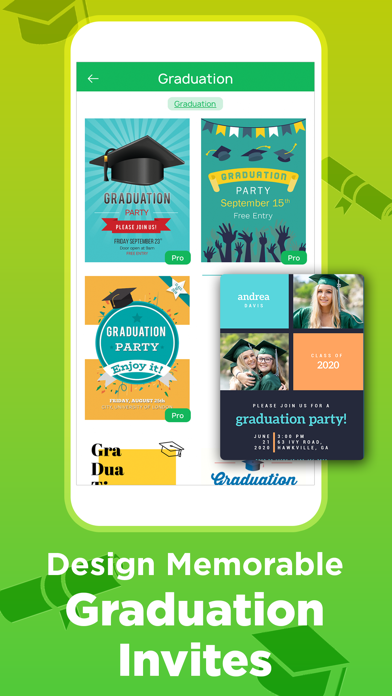
Planning an event starts long before the guest list is sent. The Invitation Maker app acts as your creative partner, offering a vast library of templates and an easy-to-use editor that makes invitation design feel both effortless and rewarding. With thousands of templates spanning weddings, birthdays, baby showers, corporate events, and seasonal celebrations, you can quickly distill your theme into a single, cohesive invite. The app combines professional-grade design assets—royalty-free images, shapes, icons, fonts, and stickers—with a powerful set of customization tools, allowing you to personalize every detail.
One standout feature is the drag-and-drop editor, which transforms invitation design into a tactile, enjoyable activity rather than a chore. You can tweak color schemes to match your event palette, insert photos for a personal touch, add quotes, and even remove backgrounds with AI precision. For those who want to move fast, you can start from a ready-made layout and tailor it to your needs, or craft something from scratch for a truly unique look.
Quality is never sacrificed. The app supports high-resolution exports, ensuring print-ready quality that leaves a lasting impression. Sharing invitations is seamless, with direct options to email or post to social media, and the ability to generate print-ready files for professional printing. Scheduling features add another layer of convenience, letting you plan when invites go out, so timing stays on track for big events.
Collaboration is another strength. Pro+ plans unlock real-time team collaboration, enabling you to work with friends, family, or colleagues across devices. Cloud sync means your project stays synchronized, whether you’re on mobile or desktop, making it ideal for busy hosts and professional event planners who need to iterate quickly. For those who manage multiple events, the suite of templates and design tools stays fresh with monthly updates, ensuring your invitations feel current and on-trend.
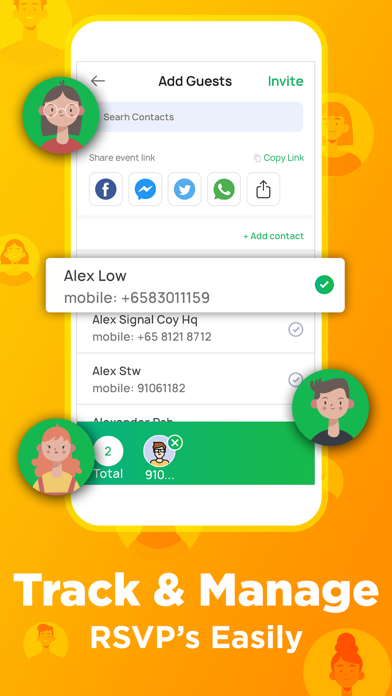
In short, Invitation Maker is more than a tool—it’s a versatile design assistant that lowers the barriers to creating stunning, memorable invitations. Whether you’re planning an intimate gathering or a large-scale affair, this app helps you convey the right tone from the first glance, making guests excited before they even RSVP.
Pros
- User-friendly interface for beginners.
- Wide range of templates available.
- Customizable text and graphics.
- Supports various file formats.
- Allows sharing directly from the app.
Cons
- Limited free version features.
- Occasional app crashes reported.
- Ads may interrupt workflow.
- Some templates require purchase.
- No offline mode available.