Discover the Power of the JBL Portable App
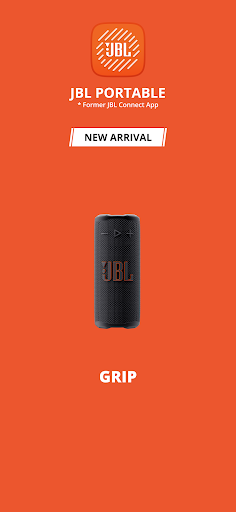
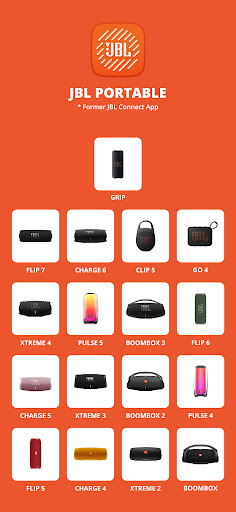
The JBL Portable app is your ultimate companion for maximizing the performance of your JBL portable speakers. Whether you're a music enthusiast or someone who simply enjoys high-quality sound on the go, this app unlocks a plethora of features that elevate your listening experience. Compatible with a wide range of models, including the Clip 5, Go 4, Grip, and various models of the Flip, Charge, Pulse, Xtreme, and Boombox series, the app ensures seamless integration and control. Downloading the JBL Portable app is your first step toward transforming how you enjoy your portable audio devices.
Key Features of the JBL Portable App
The JBL Portable app offers an intuitive and user-friendly interface that makes managing your speakers effortless. Here are some of its standout features:
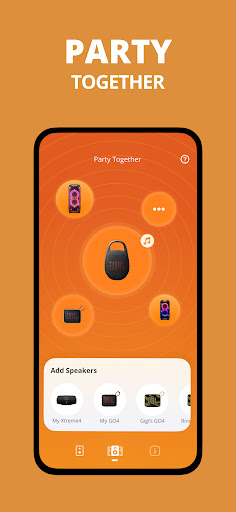
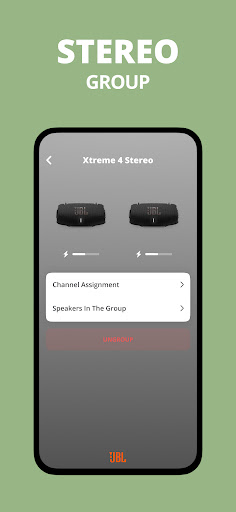
- Connect to compatible JBL speakers for stereo sound or party mode, creating an immersive audio experience whether you're at home or on the move.
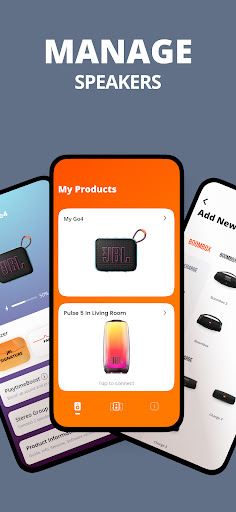
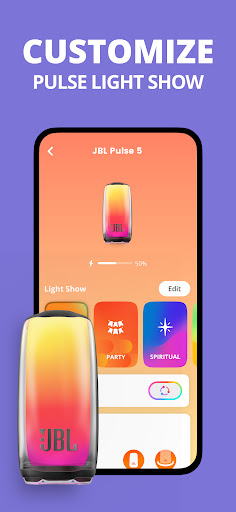
- Control your speaker directly from the app, allowing you to personalize settings, switch between devices, and manage multiple speakers simultaneously.
- Get software updates to keep your speakers functioning at their best, along with access to product support whenever needed.
Enhancing Your Listening Experience
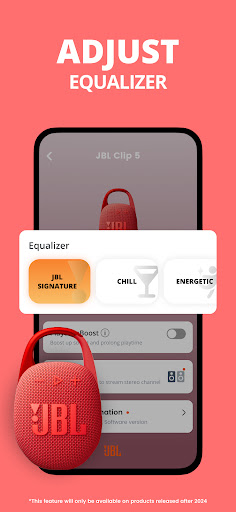
One of the most compelling reasons to use the JBL Portable app is its ability to customize your sound environment. The app provides advanced equalizer settings that let you fine-tune bass, treble, and mids, allowing you to craft your perfect audio profile. Whether you prefer deep, pounding bass or a balanced, nuanced sound, the app gives you complete control to tailor your listening experience. This level of customization makes your music, podcasts, or calls sound precisely the way you want.
Seamless Connection and Management
Connecting your JBL portable speakers through the app is straightforward. The interface guides you step-by-step, ensuring a quick setup. Plus, the app supports managing multiple speakers simultaneously, so if you have various models around your home or at different locations, you can control them all effortlessly. Switching between speakers or creating synchronized PartyBoost setups is intuitive, making it perfect for lively gatherings or multi-room setups.
PartyBoost and Multi-Speaker Features
Another exciting feature is PartyBoost. This allows you to connect multiple JBL speakers for a larger, more powerful sound. Imagine a big party where music flows seamlessly from several speakers, synchronized and amplified for an immersive experience. This feature ensures your music is always loud, clear, and ready to energize any event. Plus, the app’s ability to control these connected speakers gives you a comprehensive toolkit for any social occasion.
Why Choose the JBL Portable App?
If you're serious about getting the most quality and convenience out of your JBL speakers, the JBL Portable app is a must-have. Its user-focused design and robust feature set make it easy to personalize your sound, manage multiple devices, and stay updated with the latest software improvements. Whether you’re hosting a party or enjoying solo playlists, this app ensures your JBL audio experience is always optimized, dynamic, and fun. With natural language control, seamless integration, and advanced customization, the JBL Portable app truly transforms portable sound into an extraordinary experience.
Pros
- High-quality sound output
- Portable and easy to carry
- Durable build with water resistance
- Long battery life for extended use
- Seamless Bluetooth connectivity
Cons
- Can be expensive compared to competitors
- Limited color options available
- Sound distortion at maximum volume
- No voice assistant integration
- Relatively long charging time