




Introduction to Invitation Maker: Cards & RSVP
Searching for an easy-to-use solution to craft beautiful invitations for weddings, birthdays, or parties? Look no further than Invitation Maker: Cards & RSVP. This innovative digital invitation app simplifies the process of designing personalized invites while providing a host of features tailored for both DIY enthusiasts and professional event planners.
Whether you're planning a wedding, birthday celebration, or casual get-together, this platform offers an extensive library of templates and customization tools that make creating professional-looking invitations a breeze. The app's focus on user-friendliness combined with powerful RSVP management features positions it as the perfect choice for anyone looking to elevate their event invitations.
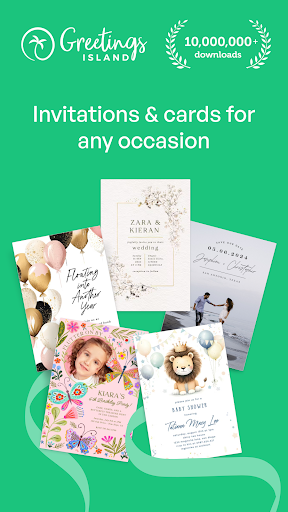
Wide Range of Templates for Every Occasion
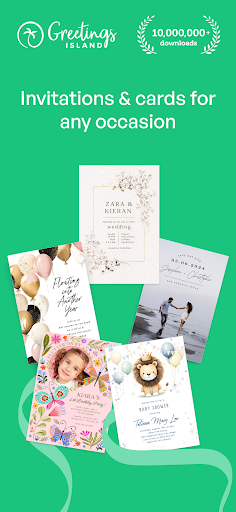
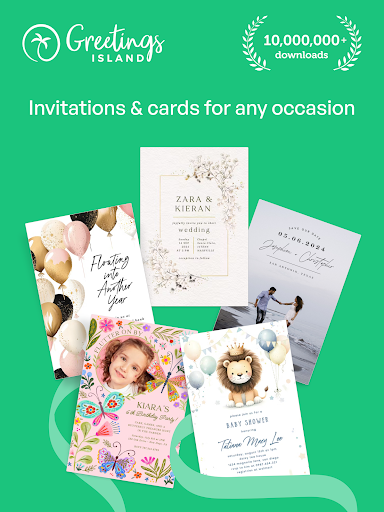
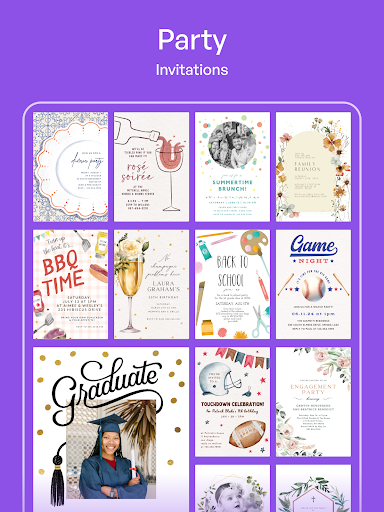
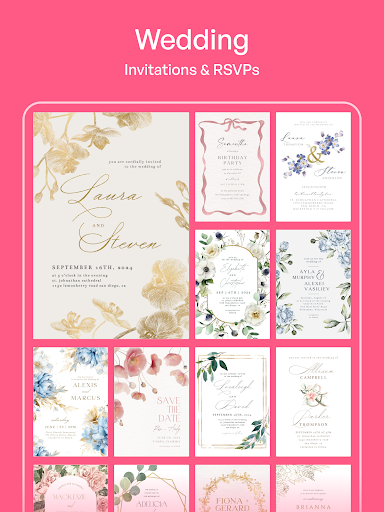
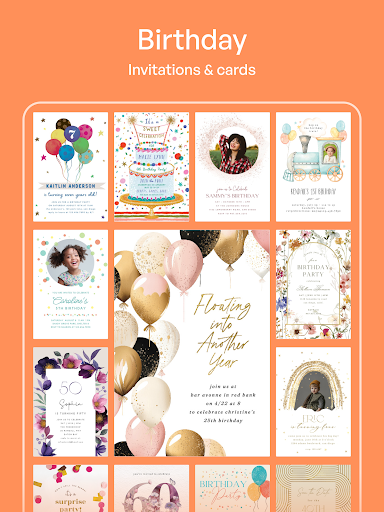
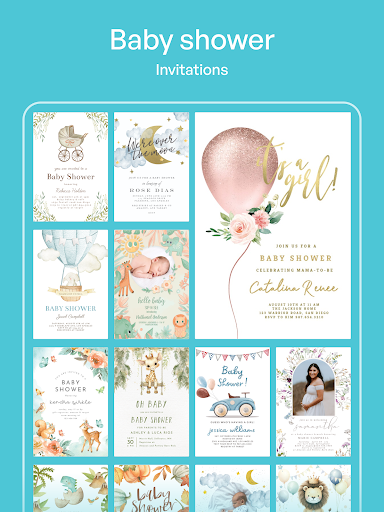
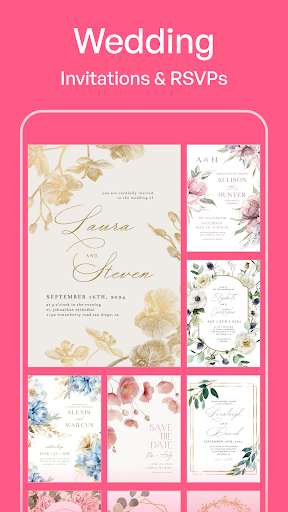
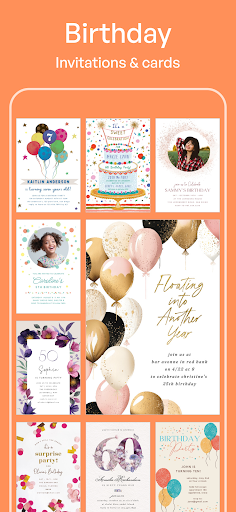
The Invitation Maker: Cards & RSVP provides a comprehensive collection of free invitation templates designed for various events, including:
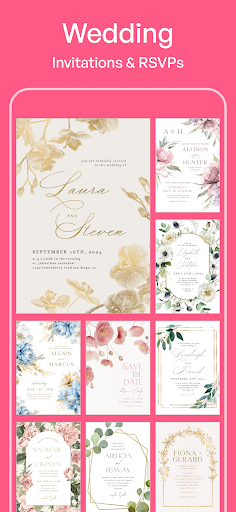
- Wedding Invitations
- Birthday Cards
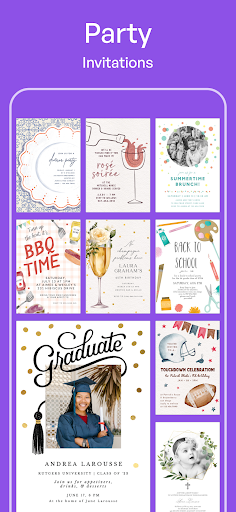
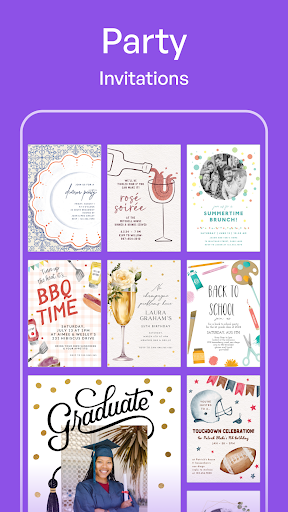
- Party Invitations
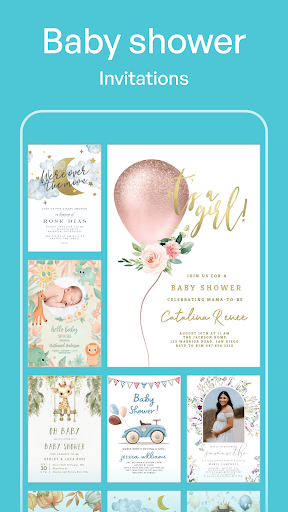
- Bachelorette & Baby Shower Invitations
- Save The Date Cards
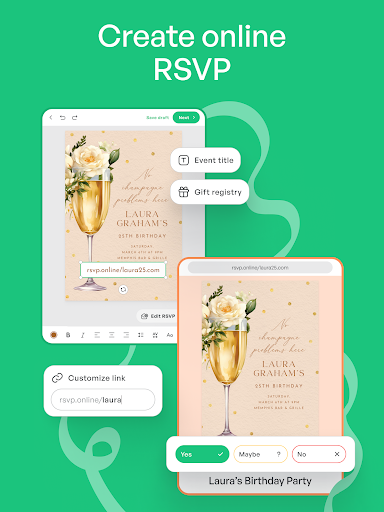
- RSVP cards
With such a diverse template library, users can effortlessly find the perfect design that matches their event theme, whether it’s chic, vintage, or quirky. The platform’s versatility enables both casual users and professionals to explore endless creative possibilities in invitation design.
User-Friendly Interface & Customization Options
Getting started with Invitation Maker: Cards & RSVP is simple. Upon opening the app, you are welcomed by an intuitive interface that makes browsing through templates straightforward—no technical skills required. Once you've selected your preferred template, you can personalize every aspect of your invitation with a variety of editing tools.
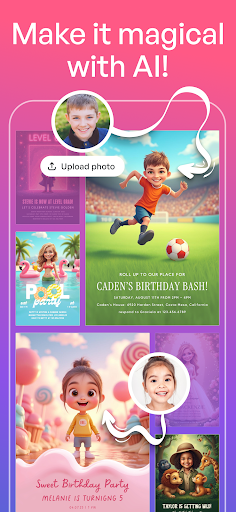
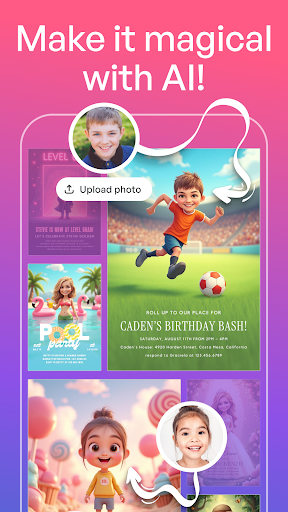
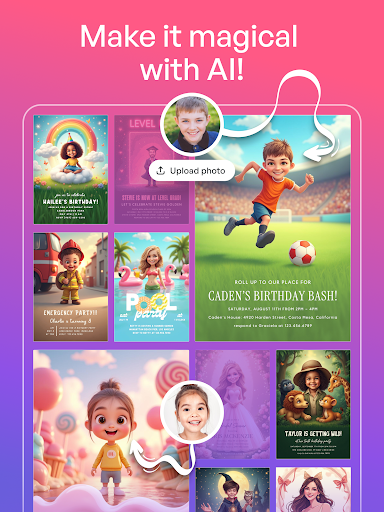
Customize colors, fonts, layouts, and even add your own images or doodles to make your invitation truly unique. The drag-and-drop feature ensures that customizing your digital invites feels natural and efficient, turning you into a graphic designer in minutes.
Advanced RSVP & Event Management Features
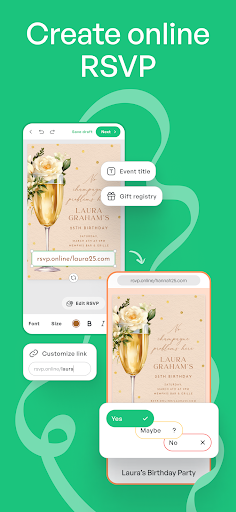
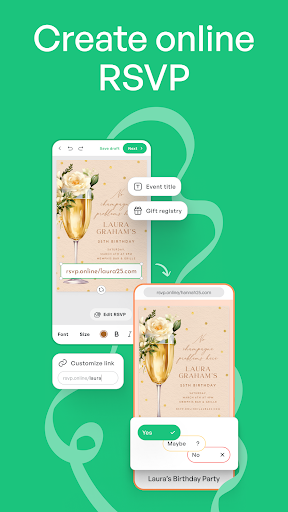
One of the standout features of the app is its robust RSVP management system. Say goodbye to manual tracking and spreadsheets: this app automatically sends reminder notifications to guests, collects responses in real-time, and allows direct communication with attendees. This makes organizing and managing guest lists much more streamlined and less stressful, especially for larger events.
The RSVP feature ensures you stay updated with guest confirmations, making your event planning process much more efficient. It’s a handy virtual assistant for any event organizer, simplifying the entire guest response process.
Effortless Sharing & Printing Options
Once your invitation is designed, sharing is quick and flexible. The app offers various sharing options, including social media, email, or direct links, allowing you to inform your guests instantly. For a more traditional touch, invitations can also be printed directly from the app, blending digital convenience with classic charm.
This versatility makes Invitation Maker: Cards & RSVP an ideal tool for hosting virtual events or physical parties, catering to all kinds of event needs seamlessly.
Additional Benefits & Premium Features
For users seeking even more options, the platform offers a Premium Version that unlocks over 5,000 exclusive designs, removes ads, and ensures no watermarks on your creations. A free trial is available, making it easy to explore premium benefits risk-free. Upgrading provides access to an extensive template library and additional customization tools to elevate your designs further.
Whether you’re a professional event planner or an individual hosting a special occasion, the app allows you to create professional-quality invitations and greeting cards in just a few taps—making your event truly memorable from the first invite.
Conclusion: Design & Share with Ease
Invitation Maker: Cards & RSVP revolutionizes how you create and manage digital invitations. Its easy-to-navigate design interface, extensive template library, and powerful RSVP features make it the perfect solution for any event planning need. Whether you’re designing wedding invites, birthday cards, or party invitations, this app enables you to bring your creative vision to life effortlessly.
Start designing today and experience the joy of crafting beautiful, personalized digital invitations that impress your guests and streamline your event planning process. With Invitation Maker: Cards & RSVP, your perfect invitation is just a few clicks away!
Pros
- User-friendly with an intuitive interface.
- Offers a wide selection of templates.
- Allows customization of design options.
- Supports both digital and printed invitations.
- Enables quick sharing across multiple platforms.
Cons
- Limited features available in the free version.
- Some templates require in-app purchases.
- Reports of occasional app crashes.
- Contains many advertisements in the free version.
- No offline mode is available.