Indoor Thermometer Application
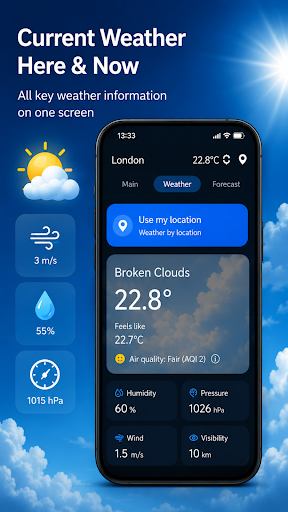
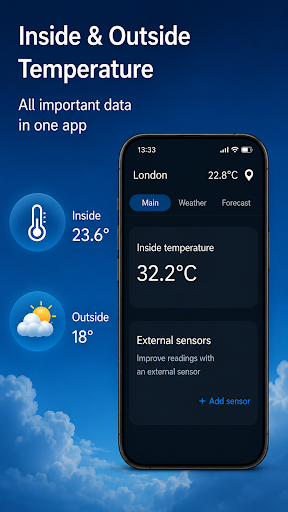
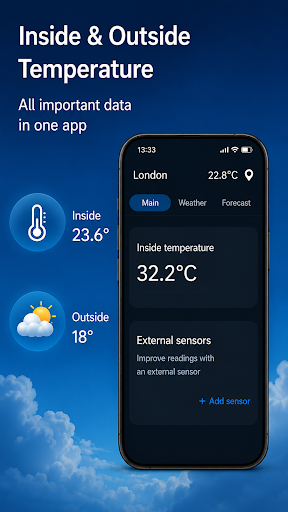
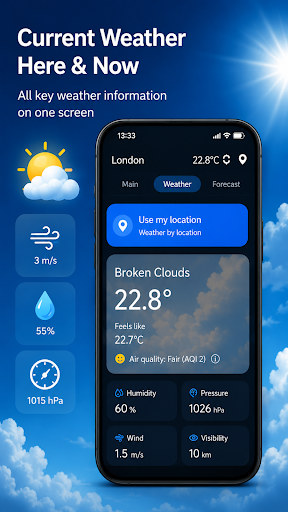
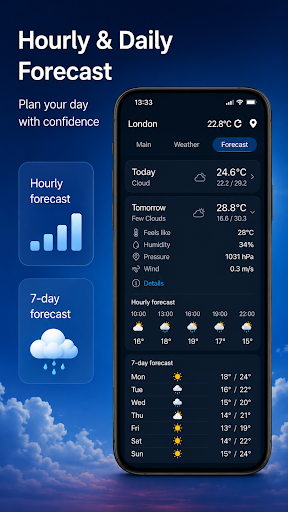
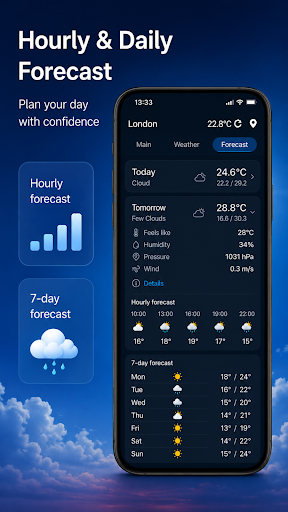
The Indoor Thermometer application provides users with real-time information about outdoor temperature based on their location, as well as the current indoor temperature. By pulling weather data from nearby weather stations, the app displays comprehensive weather updates directly on your phone screen, helping you stay informed about environmental conditions both inside and outside your home.
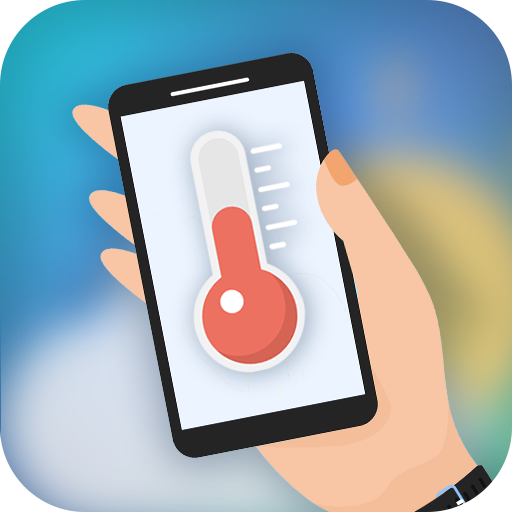
Additionally, the app leverages your phone's built-in temperature sensor ❄ to enable you to easily check the temperature of the room where your phone is placed. Using this feature, you can gain insight into your immediate indoor climate with minimal effort. To operate the indoor thermometer effectively, it’s important to turn on network connections and location services. An important note for accurate measurements: for optimal results, leave your phone unused for approximately 5-10 minutes. During this period, the device stabilizes and provides a precise reading of the room temperature. Keep in mind that when your phone is actively in use, battery heating can cause the measured temperature to be higher than the actual room temperature.
Why Choose the Indoor Thermometer App?
Have you ever wondered if your indoor temperature is affecting your comfort levels? The Indoor Thermometer app acts as your personal climate assistant, helping you maintain an ideal indoor environment. Think of it as having a mini weather station right at your fingertips! This handy tool is compatible with both Android and iOS, ensuring that most users can enjoy its benefits without limitation.
The app uses your phone’s sensors to deliver instant, real-time data on the indoor temperature. It’s a simple, effective way to monitor your environment without the need for external devices, making it perfect for home, office, or any living space. Imagine having your own personal meteorologist—minus the fuss—guiding you towards a more comfortable living space.
Key Features of the Indoor Thermometer App
User-Friendly Interface
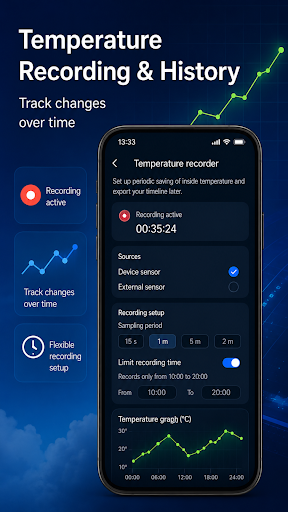
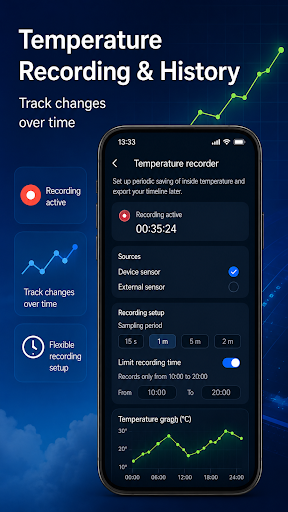
One of the most appealing aspects of this app is its intuitive interface. You don’t have to be tech-savvy to navigate through its features; everything is designed to be straightforward. Users can access instant temperature readings and view historical data to track how their indoor climate evolves over time. This feature is particularly useful for determining when to adjust your thermostat or plan energy consumption.
Customization and Alerts
The app offers customizable options, including setting alerts for when the temperature surpasses or drops below your desired comfort levels. This proactive feature ensures you’re always aware of climate changes within your space, promoting better control over your home environment.
Design and Performance
The design of the Indoor Thermometer app is clean and uncluttered, prioritizing essential features without unnecessary fluff. Furthermore, it’s optimized to minimize battery drain, allowing you to run it continuously in the background for days without significant impact on your device’s battery life.
Benefits of Using the Indoor Thermometer App
If you’re passionate about fine-tuning your home’s climate for maximum comfort and energy savings, this indoor thermometer app is an indispensable tool. By providing accurate and real-time indoor temperature data, it empowers you to make informed decisions about your heating and cooling settings. Whether you aim to reduce energy bills or create a cozy sanctuary, this app offers valuable insights.
What’s more, it’s completely free to download, making it accessible to everyone interested in maintaining ideal indoor conditions. No need for additional hardware—just install the app on your smartphone and start monitoring your environment effortlessly.
In summary, the Indoor Thermometer app converts your smartphone into a smart home assistant capable of providing accurate indoor temperature data and outdoor weather updates. It’s like having a trusted sidekick guiding you toward a more comfortable, energy-efficient living space. If you’ve been playing the guessing game with your home’s climate, this app may be precisely what you need to take control of your indoor environment and improve your overall comfort.
Pros
- Provides accurate temperature readings.
- Features a user-friendly interface.
- Responds quickly to measurements.
- Consumes minimal battery power.
- Free of advertisements.
Cons
- Depends on an internet connection.
- Offers limited functionality without online access.
- Not appropriate for professional applications.
- Requires periodic calibration.
- Limited to indoor temperature measurements.