
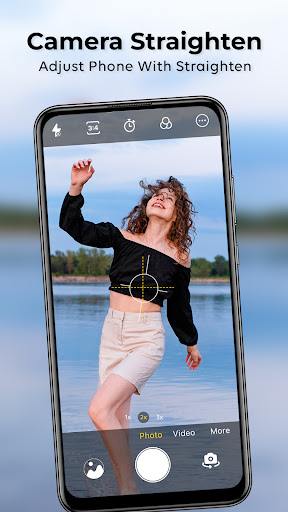
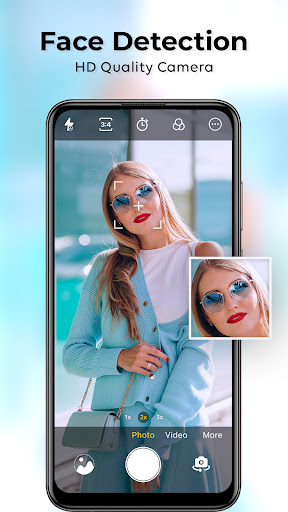
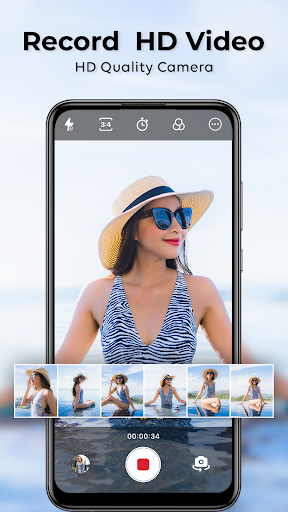


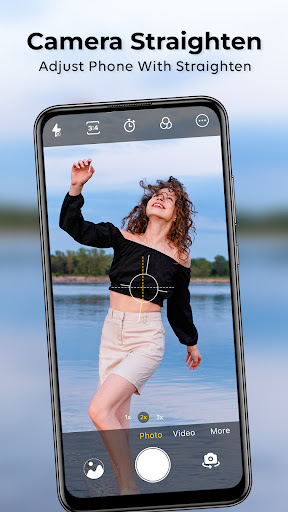
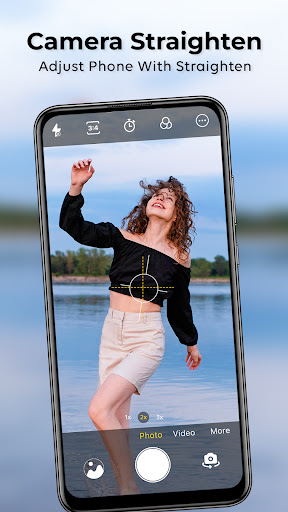

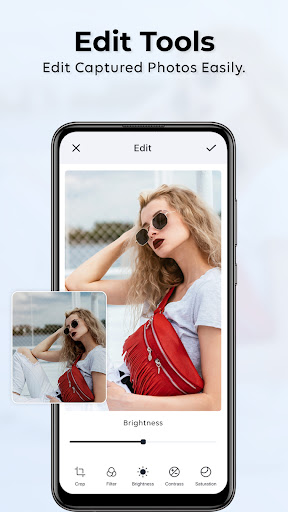
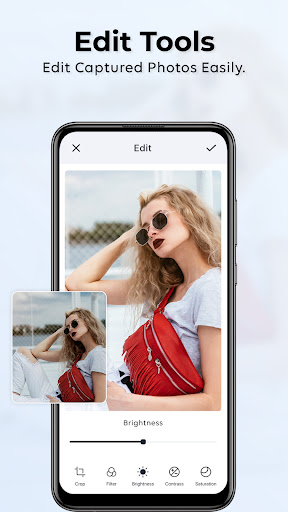

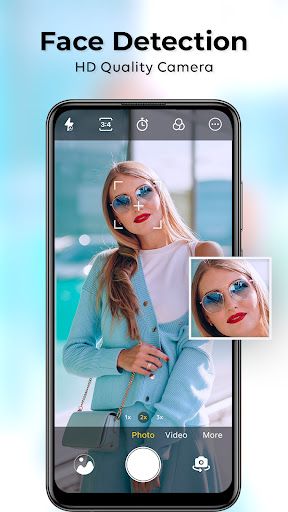





HD Camera for Android icon

HD Camera for Android

47.90K
4.4
Installs
0.01B
Version
1.46
Advertisement
HD Camera for Android screenshot
Advertisement

Capture Stunning Photos with the Ultimate HD Camera for Android

If you’re searching for a powerful yet easy-to-use professional camera application, the HD Camera for Android is your perfect choice. Designed to emulate studio-level photography right on your mobile device, this app transforms your smartphone into a full-featured 4K camera. Whether you're taking quick selfies or capturing detailed landscapes, this app offers a seamless experience with high-resolution capabilities unmatched by standard camera apps.

Why Choose Our HD Camera App?

Armed with advanced tools and intelligent modes, our HD Camera app enables you to achieve professional results without expensive equipment. The app supports ultra-high-resolution shooting, offers a variety of filters, and includes smart image enhancements. Features like cam hd ensure crisp and vibrant photos, while portrait camera mode provides professional-looking portraits every time. Perfect for photography enthusiasts and casual users alike, this app bridges the gap between smartphone photography and professional quality.

Key Features

Ultra-High-Resolution Photography

Take 4K images and videos with ease, capturing every detail in stunning clarity, ideal for landscape, macro, and vlog photography.

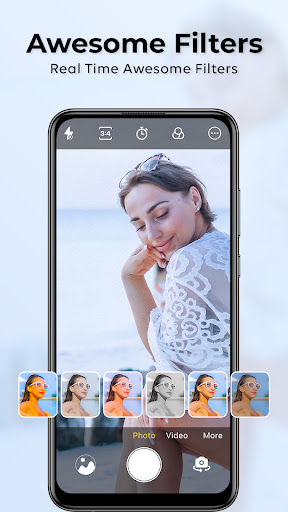
Beauty Camera Filters

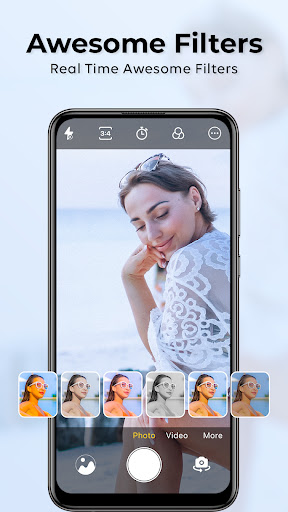
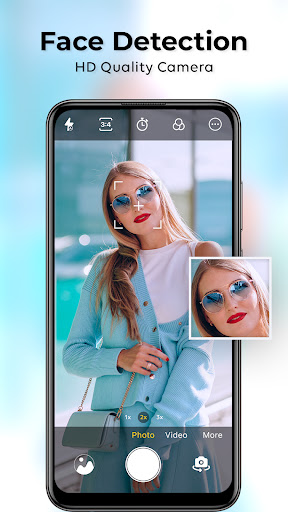
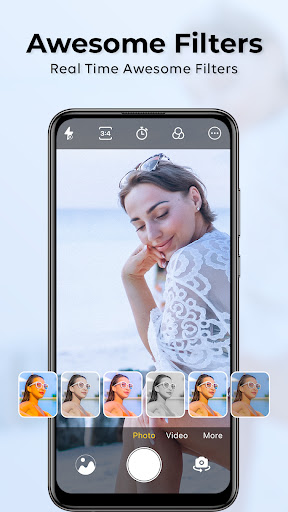
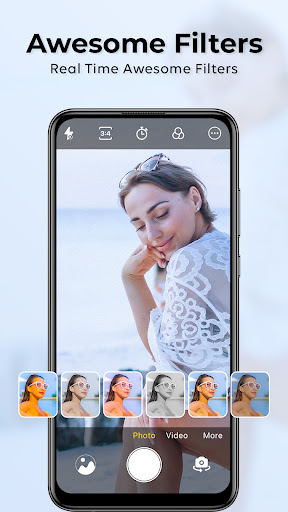
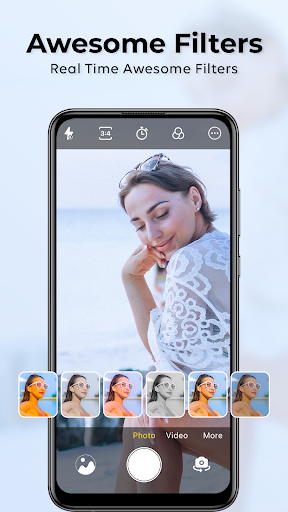
Apply real-time filters to smooth skin, brighten eyes, and enhance your features effortlessly. Say goodbye to relying solely on third-party filters — our cam hd captures your natural beauty with style.

Dedicated Cam HD Setting

Optimized for everyday photography, this setting makes casual shooting simple yet effective, ensuring high-quality results at the tap of a button.

Intelligent Portrait Camera

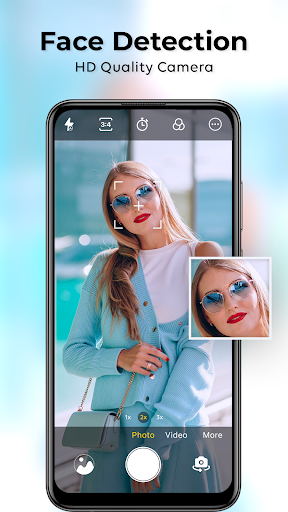
Emulate DSLR-quality imagery with the portrait mode that blurs backgrounds beautifully, making your subjects stand out sharply against a soft, professional backdrop.

Professional Camera Controls

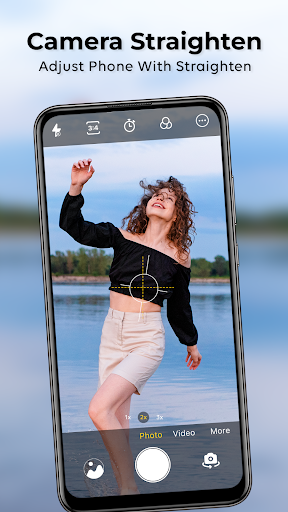
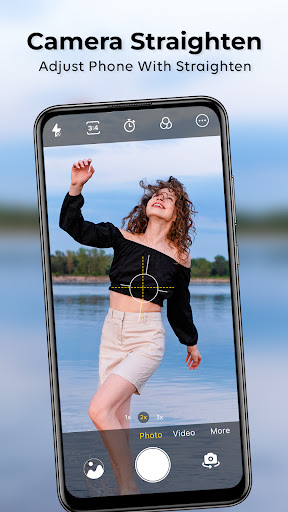
Adjust ISO, white balance, and manual focus to get complete control over your shots. Use manual shooting modes for advanced photography techniques, or let the app automatically optimize settings for perfect results.

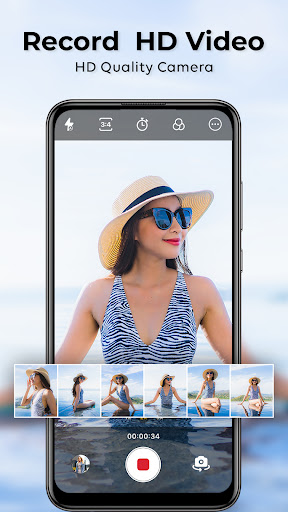
HD Video Recording & Cinematic Effects

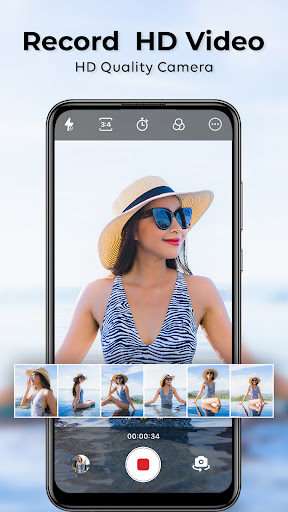
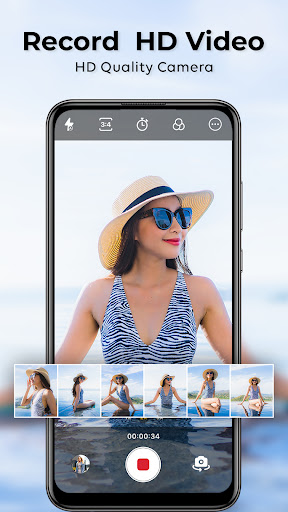
Record cinema-quality videos with smooth motion and rich color. Whether you're creating vlogs, travel videos, or capturing special moments, the app ensures your videos are polished and professional.

Portrait Mode that Rivals DSLR

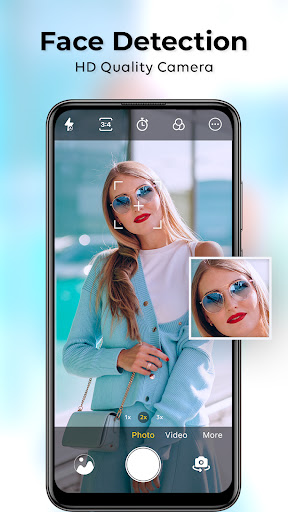
Achieve stunning headshots with a natural bokeh effect, perfect for social media profiles and personal branding. The app's hd camera ensures subjects are sharp while backgrounds are beautifully blurred.

Customization & Filters

Select from dozens of filters and themes that match your style and mood. Use presets or create your own to give your photos a unique look. The app adapts to any genre, from cityscapes to selfies.

Speed, Lightweight & User-Friendly Design

Constructed for fast launch and smooth operation, this lightweight app works flawlessly on all Android devices. Its intuitive layout allows you to focus on capturing moments instantly, making it ideal for both amateurs and professional photographers.

Unleash Your Full Photography Potential

It’s time to upgrade beyond your default camera app and harness a 4K camera that puts creative control at your fingertips. From capturing sweeping landscapes to flawless selfies with the beauty camera, this all-in-one cam hd app empowers you to elevate your mobile photography game. Join millions of users transforming their phones into professional photo studios today and start creating stunning images and videos effortlessly.

Pros

  • High-quality photo capture
  • User-friendly interface
  • Multiple shooting modes
  • Fast autofocus
  • Lightweight app size

Cons

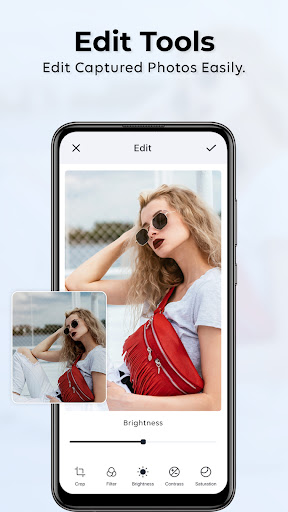
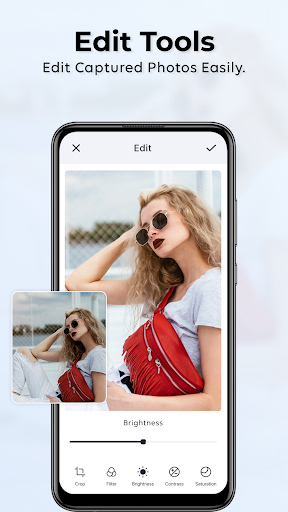
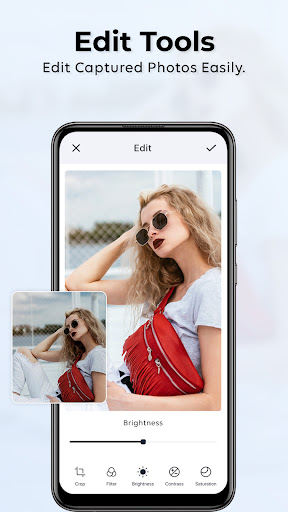
  • Limited editing tools
  • Ads in free version
  • Occasional bugs
  • No cloud backup
  • Requires Android 5.0+
Download From Google Play
Advertisement

Frequently Asked Questions

What are the key features of the HD Camera app for Android?

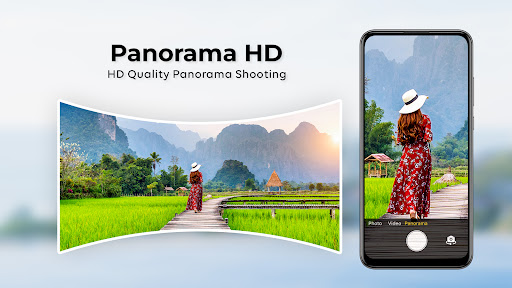
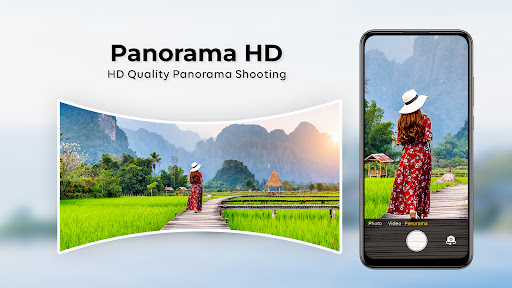
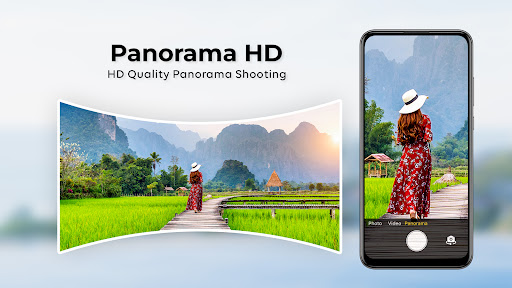
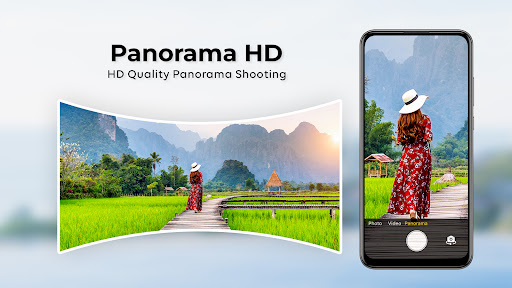
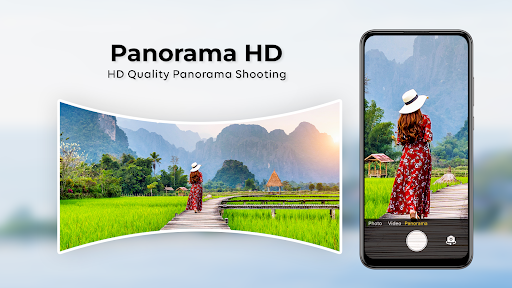
The HD Camera app for Android offers a range of features that boost photo and video quality. These include high-resolution photo capture, a variety of filters and effects, manual controls for exposure and focus, and an easy-to-use interface. It also supports panoramic and slow-motion video modes, making it suitable for both amateurs and professionals.

Is the HD Camera app for Android free to use?

Yes, the HD Camera app is free to download and use on Android devices. It may include in-app purchases and ads, which can unlock premium features or remove advertisements. Users can enjoy the core functionalities at no cost, ensuring broad accessibility.

Does the HD Camera app require special permissions on my device?

The app needs permissions such as access to the camera and microphone, storage for saving media, and location for geo-tagging. These are standard permissions for camera applications and are essential for full functionality. Users can manage permissions through device settings.

How does the HD Camera app compare to the default camera app on Android devices?

The HD Camera app provides advanced features that surpass most default camera apps. While the default app offers basic photo and video functions, the HD Camera enhances image quality with manual focus, exposure adjustments, and various creative filters, appealing to users wanting greater control.

What should I do if the HD Camera app is not working properly on my Android device?

If the app malfunctions, try restarting your device, clearing the app cache, or checking for updates. Make sure your device meets system requirements and that permissions are granted. If problems continue, visit the support page or contact customer service for help.

You May Like