HD Camera for Android: 4K Cam – The Ultimate Mobile Photography App
Are you passionate about capturing life's precious moments with stunning clarity? Look no further than HD Camera for Android: 4K Cam. This feature-rich, free camera application transforms your Android device into a professional-grade camera, allowing you to shoot incredible HD photos and 4K videos with ease. Whether you're snapping selfies, recording special events, or creating content for social media, this app is designed to help you produce high-quality images and videos effortlessly.
Key Features of HD Camera for Android: 4K Cam
Professional Capture and Shooting Modes
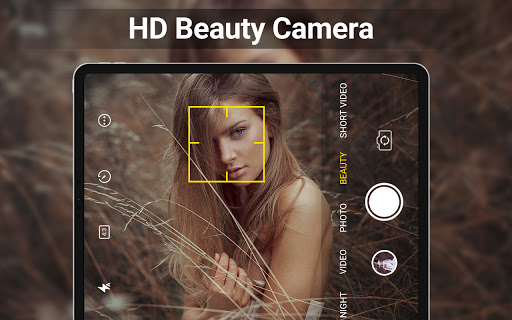
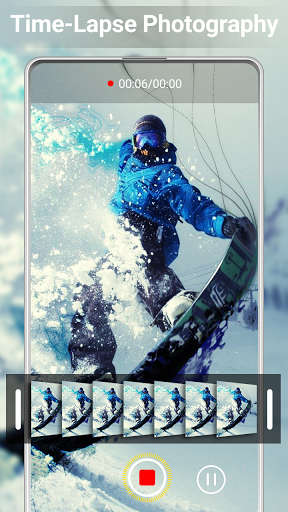
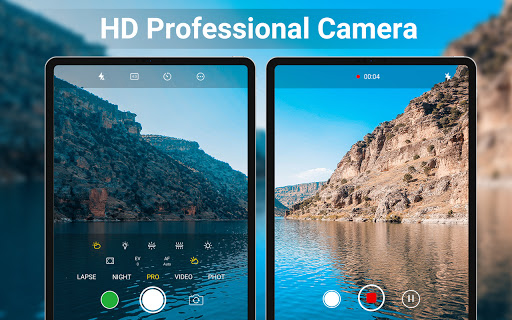
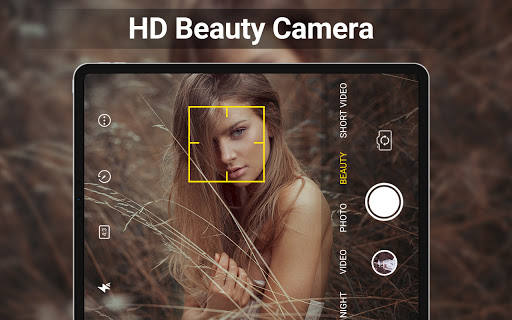
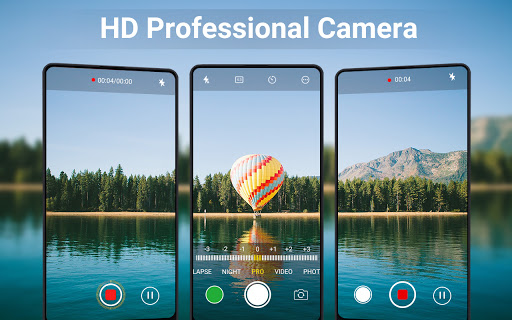
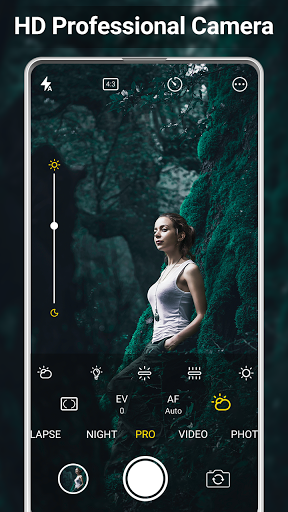
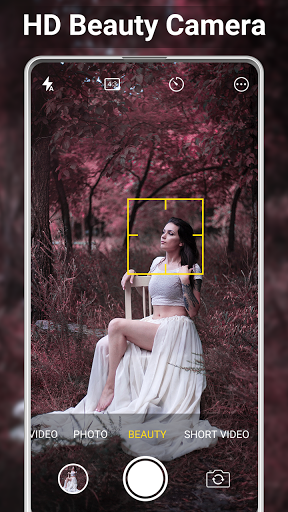
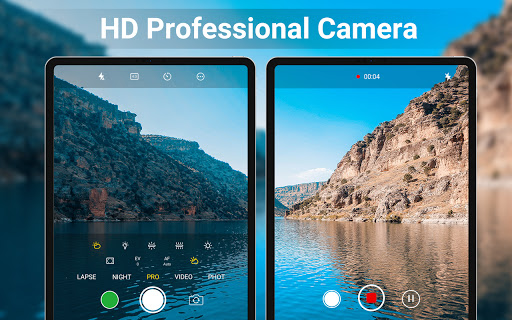
The app offers an array of powerful camera tools that rival standalone cameras. With superb camcorder capabilities, you can record ultra-high-definition 4K videos that preserve every detail. It includes Scene Modes, night mode, panorama, and portrait mode, catering to any shooting scenario. The intelligent Face Detection feature ensures perfect focus on subjects, while auto-stabilization keeps your shots steady and clear.
Real-Time Filters and Editing Tools
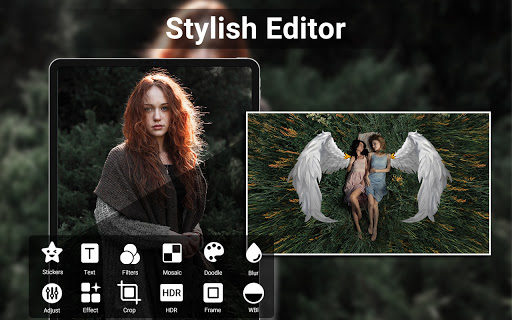
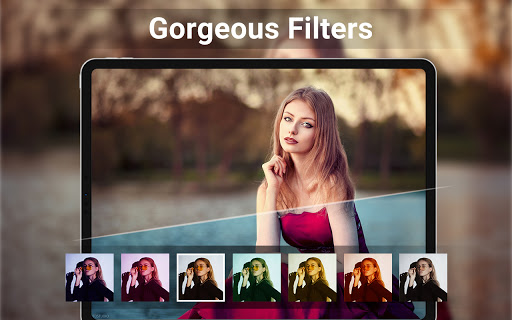
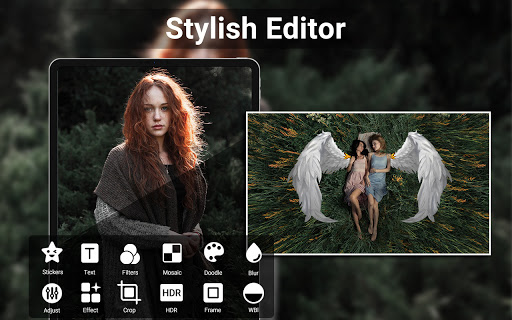
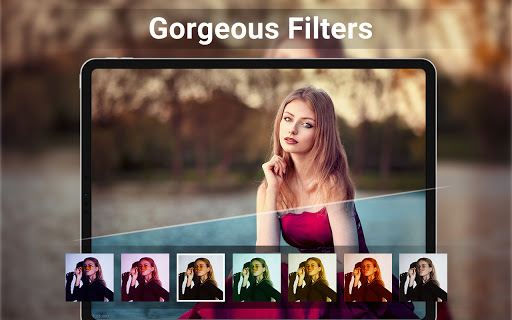
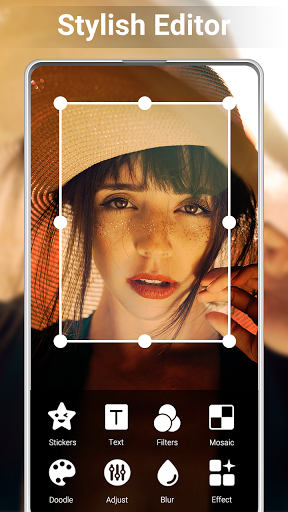
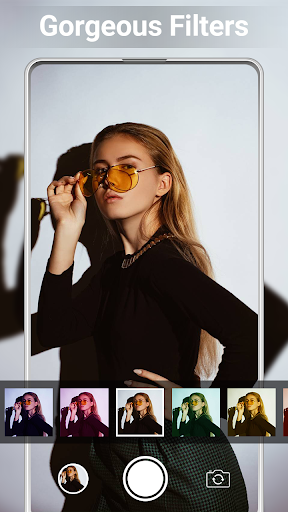
Preview stunning real-time filters before taking photos or shooting videos, giving you creative control on the spot. After capturing, you can quickly edit your images with a powerful built-in editor. Adjust brightness, contrast, vignette, fade, temperature, and more to perfect your photos. With tools like photo collage creator, photo grid, and easy video trimming, you can craft professional-looking content without needing additional apps.
Advanced Camera Settings
Customize your shooting experience with features like HDR, quick snap, and continuous shooting. You can toggle shutter sounds, set a capture timer, and change the save path, even to an external SD card. The app also offers guidelines like the golden ratio line to help compose perfect shots. For added personalization, you can apply date and timestamp, location coordinates (geotagging), and custom texts to your photos.
Seamless Photo and Video Management
Enjoy a user-friendly built-in gallery to review media immediately. Organize your photos and videos, apply edits, or share directly to social media platforms. The app ensures a smooth experience for both casual users and professional photographers aiming to enhance their mobile photography capabilities.
Additional Features
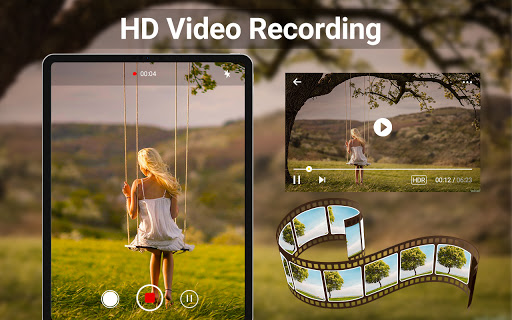
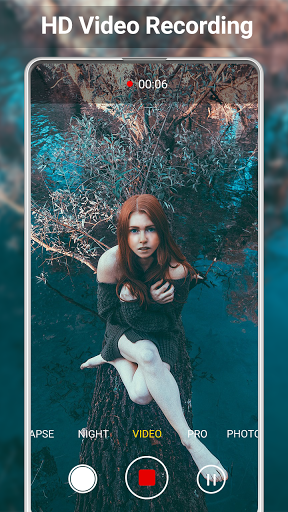
Supporting HDR, HD video recording, and short video shooting, this app offers versatility. You can turn off shutter sounds, enable a capture timer, and support changing save locations. For creative compositions, it provides camera lines, golden ratio guides, and optional GPS geotagging for location-aware photos.
Why Choose HD Camera for Android: 4K Cam?
Have you ever captured a breathtaking sunset or your pet in a cute pose, only to find that your regular camera doesn't do it justice? HD Camera for Android: 4K Cam elevates your mobile photography by allowing you to take crisp, detailed photos and videos that truly reflect your moments. Its intuitive interface makes it easy for beginners and advanced users alike to navigate through the extensive features without hassle.
Exceptional Video Recording and Photography Performance
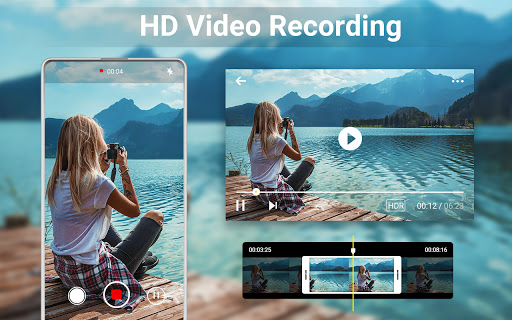
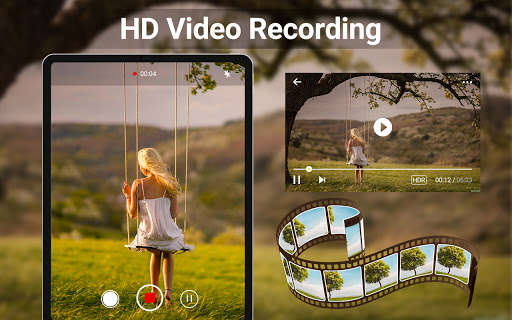
Featuring professional 4K video recording, the app enables you to save memories in stunning clarity. The powerful HDR mode ensures well-balanced photos even in challenging lighting conditions. Its smooth performance and optimized stability mean no crashes or lag during your crucial shots, making it reliable for capturing spontaneous moments or important events like birthdays, weddings, or travel adventures. Compatibility across a wide range of Android devices guarantees top-notch quality regardless of your smartphone model.
Final Thoughts
In summary, HD Camera for Android: 4K Cam is more than just a camera app—it's a complete mobile photography solution. Combining advanced features such as professional shooting modes, real-time filters, high-quality 4K recording, and robust editing options, this app allows users to create, edit, and share stunning content effortlessly. Whether you're a casual user wanting better selfies or a content creator aiming for professional-grade videos, this app provides all the tools you need. Capture your world in remarkable detail and elevate your social media presence today!
Pros
- High-quality 4K resolution support.
- User-friendly interface
- Easy to navigate.
- Wide range of camera modes available.
- Fast and responsive performance.
- Frequent updates with new features.
Cons
- Limited compatibility with older devices.
- Contains in-app advertisements.
- Some features require in-app purchases.
- Can drain battery quickly on high settings.
- Occasional bugs in HDR mode.