Introducing the Handy Art Reference Tool
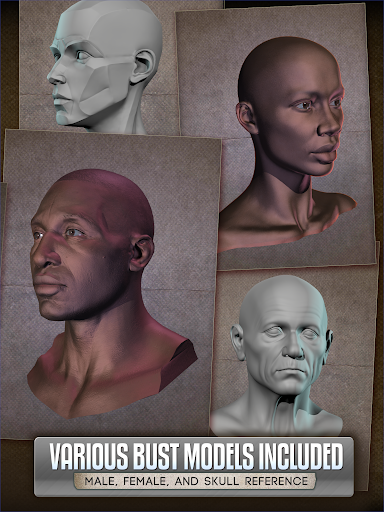
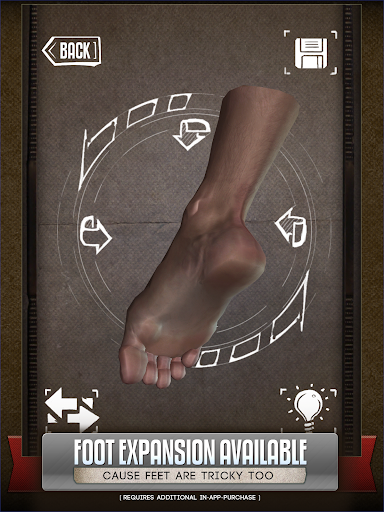
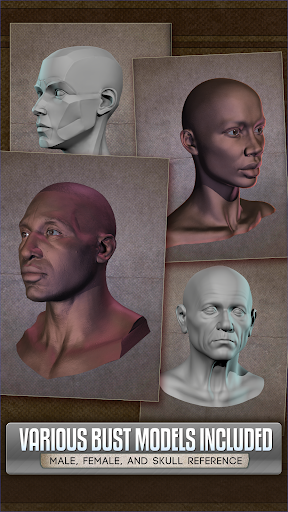
Are you an artist seeking a quick and effortless way to improve your drawing skills? Whether you're honing your craft or exploring new creative avenues, the Handy Art Reference Tool is designed to be your ultimate companion. This innovative application offers an extensive collection of 3D models that serve as versatile reference materials for drawing hands, heads, feet, animals, and even skulls. No more awkwardly positioning limbs in front of mirrors or spending precious time setting up complex references—this app makes acquiring accurate and dynamic references simple and accessible right from your pocket.
Features Tailored for Artists of All Levels
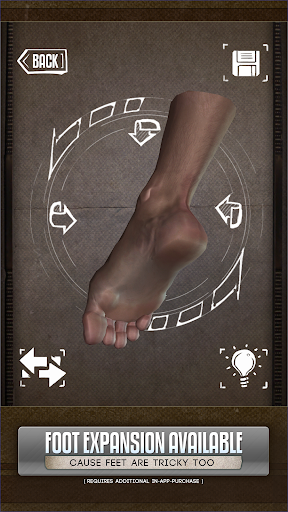
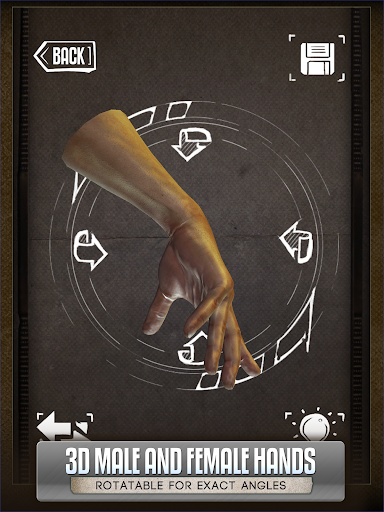
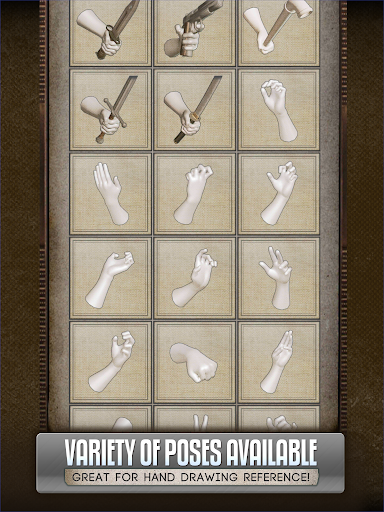
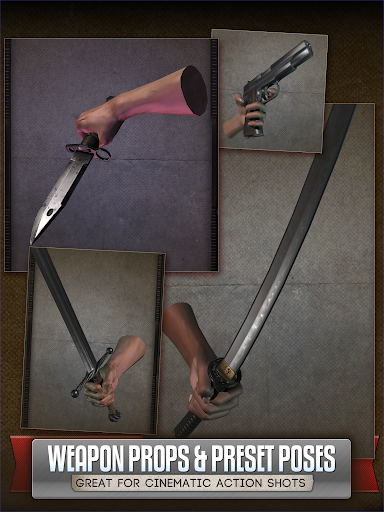
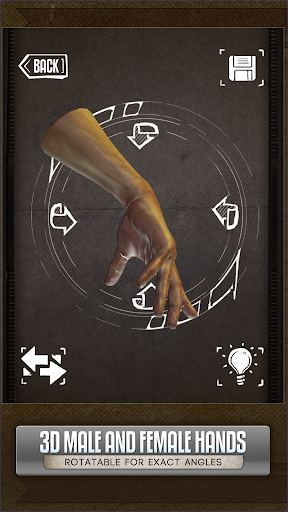
The core strength of the Handy Art Reference Tool lies in its rich library of easy-to-manipulate 3D models. You can rotate and zoom the models, viewing them from every perspective—ideal for capturing those tricky angles that often challenge artists. The app's intuitive controls make navigating through the extensive pose collections effortless, whether you’re a seasoned illustrator or just starting out.
Realistic and Customizable Poses
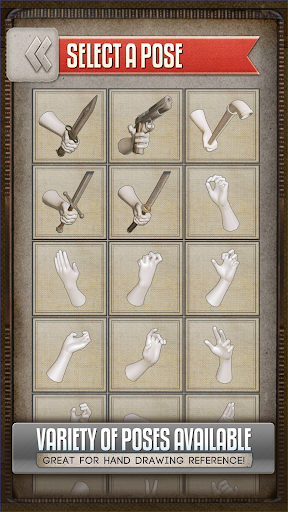
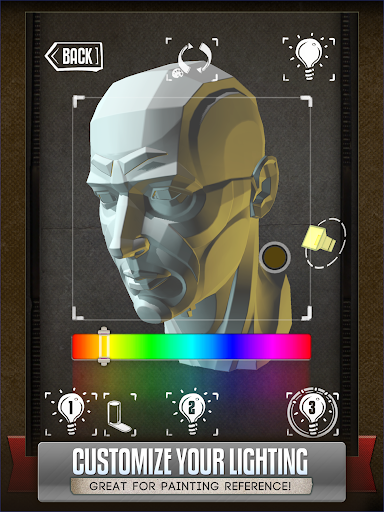
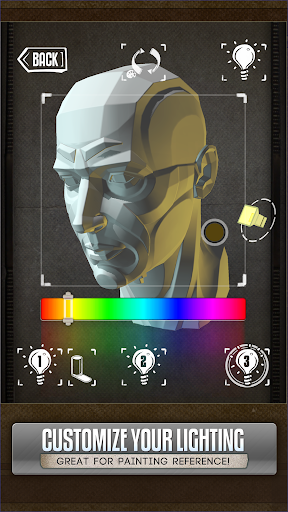
The app includes a wide variety of poses for hands, heads, and feet. Plus, it allows users to create and edit their own poses, providing a tailored experience that caters to specific artistic needs. Fully adjustable 3-point lighting enhances the reference by simulating real-world shadows and highlights, which is especially beneficial for painters and digital artists aiming to add depth and realism to their artwork.
Extensive Library of Anatomical References
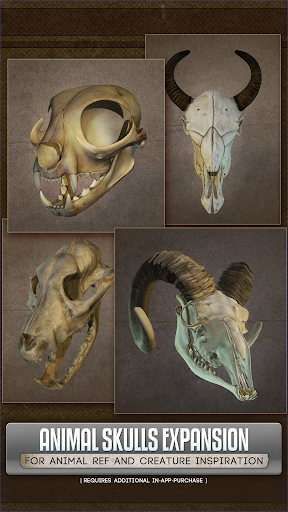
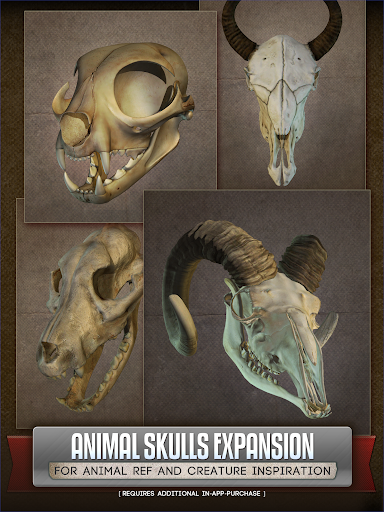
Beyond human anatomy, Handy offers a collection of animal skulls featuring over ten species, making it a perfect resource for creature design and anatomical studies. Whether you're sketching a fierce lion or a cute puppy, these references inspire creativity and accuracy in your work. Keep in mind that Foot rigs and the Animal Skull pack require an additional purchase, adding to the app’s expandable features.
Enhanced Editing Capabilities (New in Version 5)
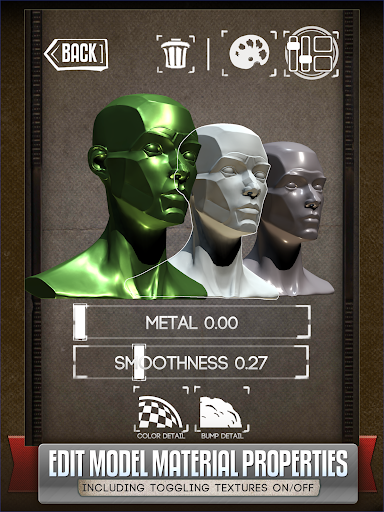
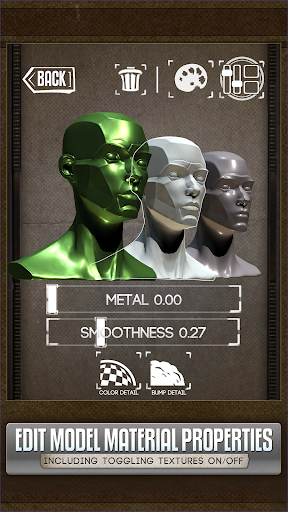
One of the latest updates introduces the ability to customize the material properties of models. Artists can selectively turn off textures, tweak specularity, or tint models with different colors. This feature is a game-changer for comic artists, painters, and casual sketchers alike, enabling unique visual effects and better integration of reference images into your workflow.
Additional Benefits and User Experience
Designed with user-friendliness in mind, the Handy Art Reference Tool boasts a sleek interface that’s easy to navigate, even for those new to digital modeling or reference apps. Once downloaded, references are accessible offline, making it convenient to work on-the-go—whether you're in a café, on a train, or away from Wi-Fi.
Why Artists Rave About It
Featured in ImagineFX's Top 10 Must-Have Apps, this application truly stands out as a versatile digital reference resource. It’s like having a virtual art studio at your fingertips—ready to inspire and inform your next masterpiece. The extensive pose library, combined with adjustable lighting and customization features, empowers artists to capture complex scenes and details with ease.
Watch the Demo and Stay Updated
For a firsthand look, check out the video demo. Additionally, you can stay informed about new features by signing up for the HANDY newsletter. Follow HANDY on Twitter and Facebook to connect with the growing community of artists using this powerful tool.
Conclusion
In summary, the Handy Art Reference Tool is an indispensable resource for artists aiming to improve their technical skills and artistic accuracy. Its comprehensive collection of 3D models, customizable features, and user-friendly design make it perfect for all skill levels, from hobbyists to professionals. Whether you’re drawing dynamic hands, complex heads, or detailed animal skulls, this app provides the visual references and tools to bring your artwork to life. It’s like having a personal art tutor in your pocket, guiding your creative journey every step of the way.
Pros
- Extensive collection of art references
- Easy-to-use interface
- Frequent updates
- High-quality images
- Access offline
Cons
- Limited free functionality
- Potential for app crashes
- Requires substantial storage space
- Lacks community features
- Subscription may be expensive