Drive Weather - Your Ultimate Travel Weather Companion
Are you tired of unpredictable weather ruining your road trips or travel plans? Drive Weather is an innovative app designed to help you travel smarter by providing precise and real-time weather forecasts along your route. Whether you're embarking on a quick trip or planning an extensive cross-country journey, this app empowers you with the critical weather information needed to make informed decisions. With its comprehensive features and intuitive interface, Drive Weather transforms complex meteorological data into an easy-to-understand visual timeline, helping you anticipate and avoid hazardous conditions before they happen.
Key Features of Drive Weather
Accurate Weather Visualization
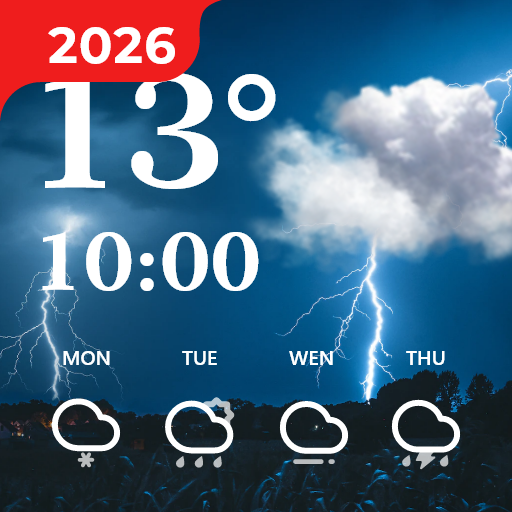
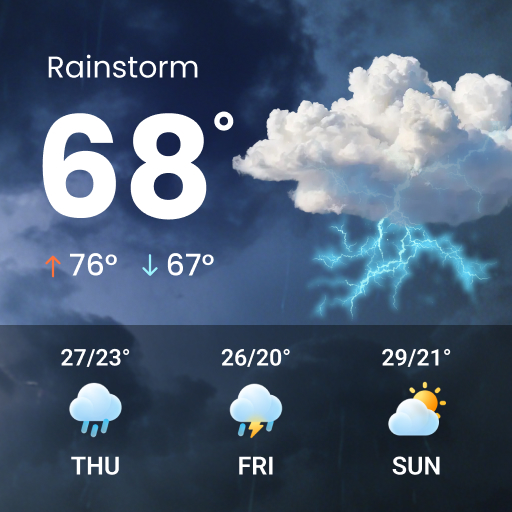
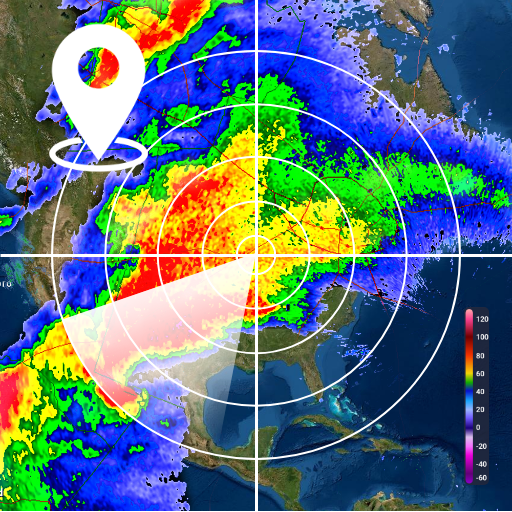
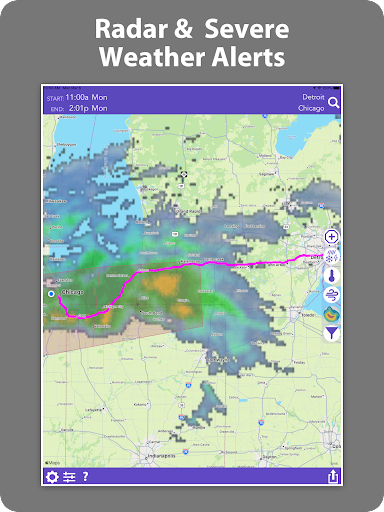
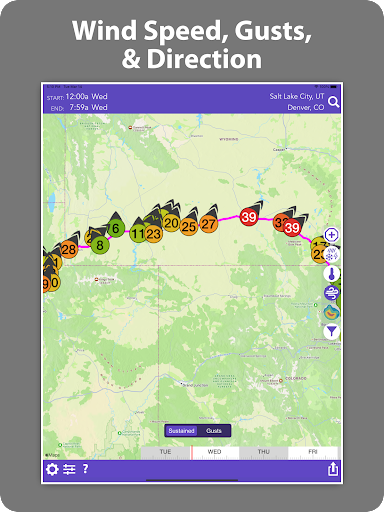
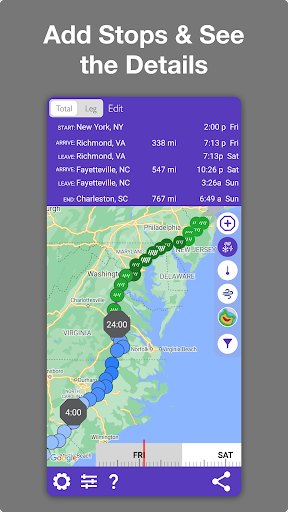
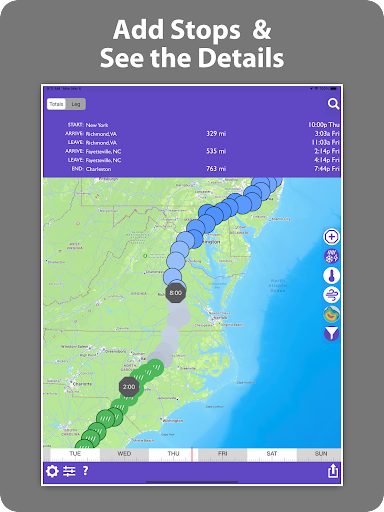
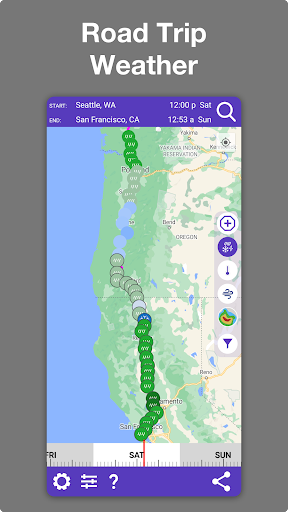
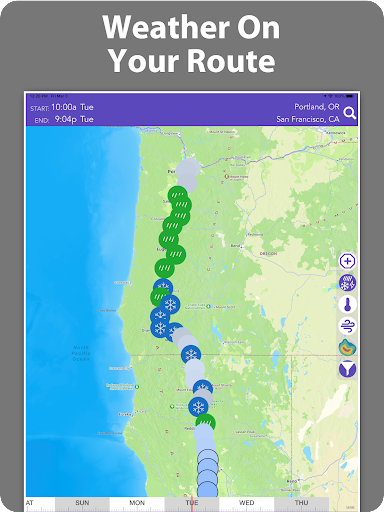
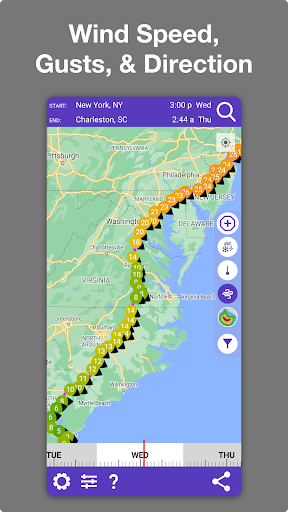
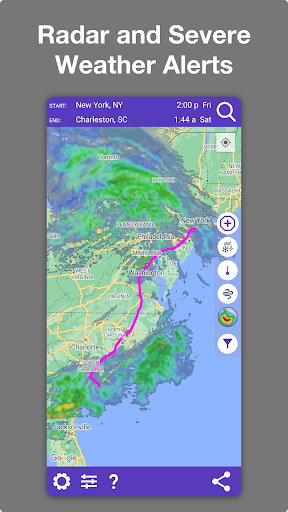
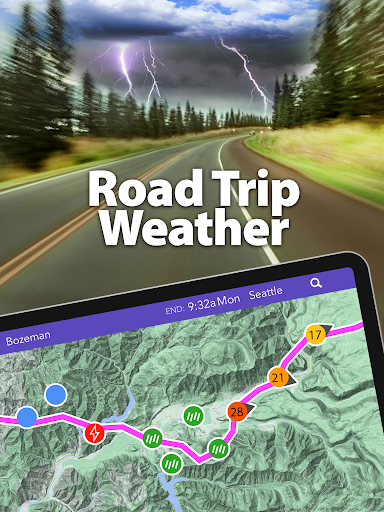
Drive Weather displays detailed weather data, including • weather : tailored specifically to your route. This includes real-time updates on • wind speed and direction, • temperature, radar imagery, and National Weather Service alerts such as watches, warnings, and advisories. All this data is based on your selected departure time, ensuring that you get relevant, actionable information for your trip.
Intuitive and User-Friendly Interface
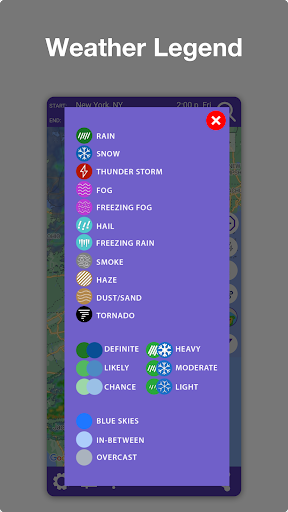
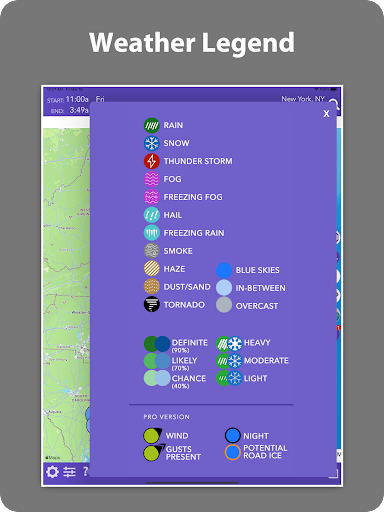
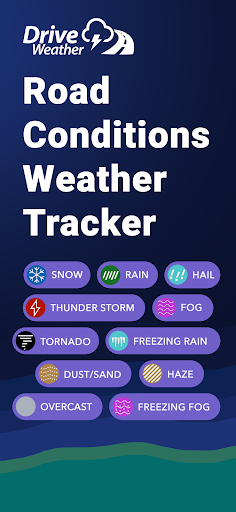
The app’s clean, organized layout makes it simple to navigate, even under time constraints. You can quickly input your start and destination points, then adjust your departure time using a convenient time slider. The visual map features icons representing different weather conditions—rain, snow, fog, thunderstorms—helping you grasp the forecast at a glance.
Route Optimization & Comparison
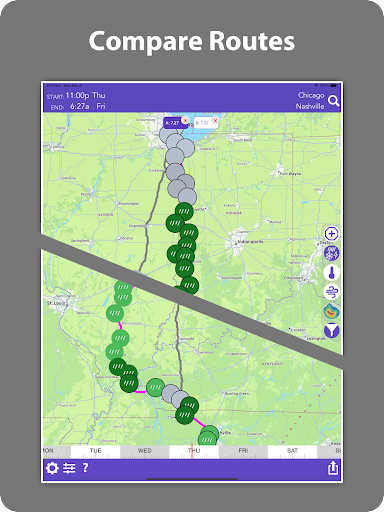
One of the standout features is the ability to compare multiple routes. You can select alternative paths, view their respective • weather forecasts, and choose the safest or most efficient option. Additionally, the app allows you to add stops or waypoints, plan complex routes, and fine-tune forecasts based on your driving speed for even greater accuracy.
Continuous Weather Updates
While en route, Drive Weather provides ongoing weather updates. This real-time monitoring helps drivers stay ahead of developing dangers such as storms, icy roads, or heavy winds, which are especially important for commercial drivers, RV travelers, bikers, and adventure seekers.
Rich Data and Coverage
The app sources data from a dense network of forecast locations, offering • richer and more granular weather insights than many other travel-weather apps. Its nationwide coverage encompasses all major states and highways, including interstate routes in Iowa, Utah, Montana, Wyoming, New York, California, and beyond. This ensures that no matter where you are, you have reliable weather information at your fingertips.
Why Choose Drive Weather?
Imagine starting your day with confidence, knowing exactly what • weather conditions to expect along your route. Drive Weather acts as your personal weather forecaster, providing detailed forecasts that help you avoid headwinds, reduce fuel consumption, and steer clear of dangerous weather scenarios such as thunderstorms or icy patches. Its risk-mitigation capabilities make it an essential tool for truckers, RV travelers, bikers, and everyday drivers alike.
Enhanced features like an • icy pavement indicator, wind speed and direction information, and a 7-day forecast further elevate the app's utility. The ability to compare routes, receive severe weather alerts, and add custom waypoints makes planning your journey more interactive and precise.
With its fully interactive interface, Drive Weather offers an innovative approach to road trip planning, ensuring you reach your destination safely and comfortably, regardless of weather challenges. Its seamless updates, detailed weather overlays, and user-centric design make it a standout among travel weather apps.
Whether you're a seasoned traveler or a casual road tripper, this app is a must-have companion that keeps you ahead of the weather, securing peace of mind and enhancing your travel experience.
Conclusion
In summary, Drive Weather is much more than a simple weather app—it’s a comprehensive travel planning tool that integrates advanced weather forecasting with route optimization. Its ability to visualize hazardous conditions, provide real-time updates, and assist in choosing the safest path makes it an invaluable resource for drivers across the United States. Plan your trips with confidence, stay safe on the road, and enjoy smoother journeys with the help of Drive Weather.