

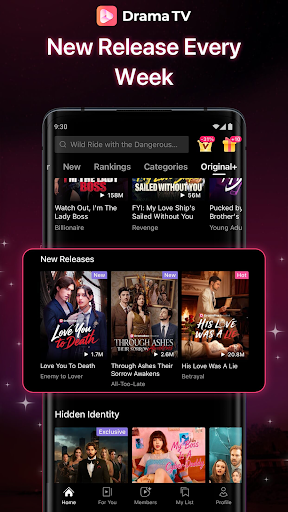
Discover the Excitement of Drama TV: The Ultimate Short Drama Streaming App
Are you tired of lengthy movies and slow-paced stories? Drama TV – Short Drama & TV is the perfect solution for modern viewers seeking quick, powerful entertainment. This next-generation HD streaming platform specializes in short drama series, mini-series, and short films, all crafted in a vertical format designed specifically for mobile viewing. With episodes lasting only a few minutes, Drama TV delivers intense emotions, dramatic twists, and unforgettable moments—anytime and anywhere. Whether you're taking a break, commuting, or relaxing at night, this app allows you to immerse yourself in compelling stories without spending hours in front of a screen.
The Extensive Short Drama Library That Keeps Growing
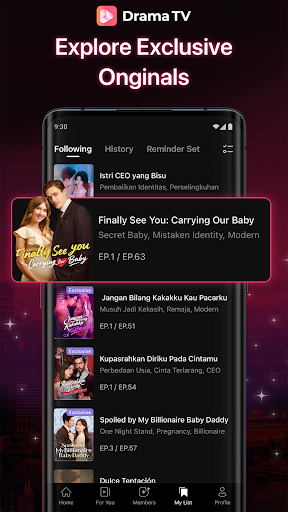
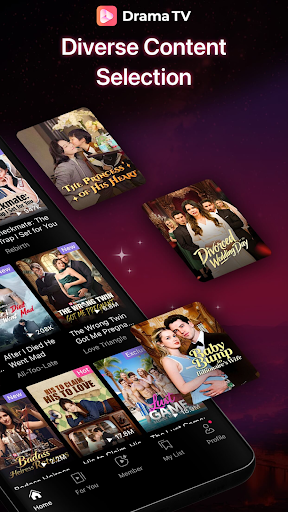
Dive into an ever-expanding collection of high-quality short dramas, updated daily with fresh content. Explore a variety of genres and themes, such as:
- Romance with billionaires and secret identities
- Love, betrayal, revenge, and dramatic returns
- Modern romance, fantasy, suspense, and family drama
- Episodes packed with excitement, perfect for marathoning
Designed for Your Modern Viewing Experience
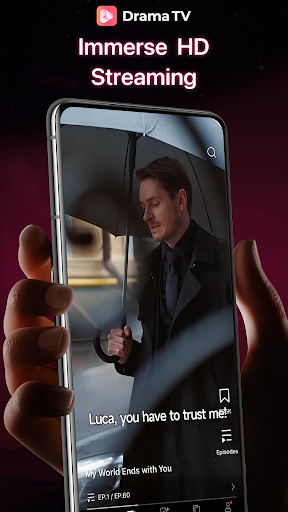
- Immersive vertical full-screen viewing for mobile devices
- Smart recommendations tailored to your watching habits
- Short, intense episodes perfect for quick breaks
- Flawless streaming with crystal-clear images and no complicated settings—just open the app and start watching
Unlimited Drama Entertainment
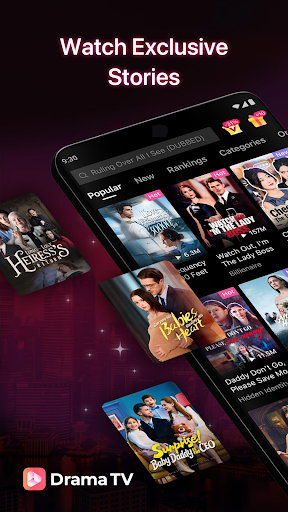
Stay entertained with regular updates featuring new dramas and episodes. Discover exclusive stories you won't find anywhere else. Enjoy the freedom to watch whenever and wherever you want, directly from your phone. The platform offers global narratives designed to appeal to an international audience, making Drama TV truly a drama platform without borders.
Why Fans Love Drama TV
Enthusiasts love Drama TV for its:
- Short episodes with compelling hooks
- The ease of marathon viewing, making it hard to stop
- Frequent new content updates
- Stories designed to keep you watching episode after episode
Pros
- Offers a user-friendly interface that makes navigation simple for users.
- Provides a wide range of features that enhance user experience.
- Frequent updates ensure improvements and new functionalities are added regularly.
- Reliable performance with minimal crashes or bugs.
- Excellent customer support available to assist users with any issues.
Cons
- Some features require an active subscription, which may be costly for some users.
- Limited compatibility with older devices or operating systems.
- Initial setup can be time-consuming for new users.
- Occasional lag or slow response times during peak usage periods.
- Lack of certain customization options that advanced users might expect.