Digital Compass for Android: The Ultimate Navigation Tool
Are you tired of getting lost during outdoor adventures or navigating unfamiliar city streets? Digital Compass for Android is here to change that. As the most precise and accurate digital compass available for Android devices, this app combines functionality, ease-of-use, and versatility to ensure you always find your way with confidence. Whether you're camping, hiking, traveling, or simply exploring new places, this app is your perfect navigation partner.
Key Features of Digital Compass for Android
Precision and Accuracy
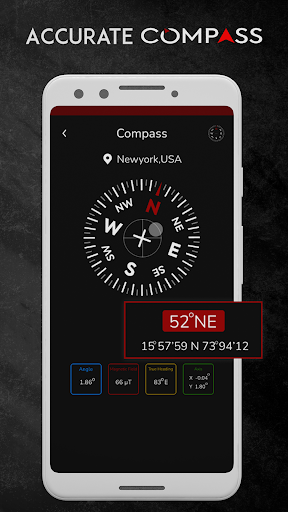
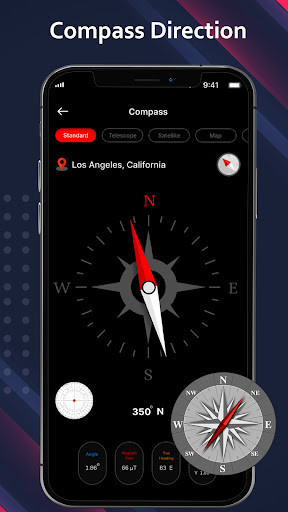
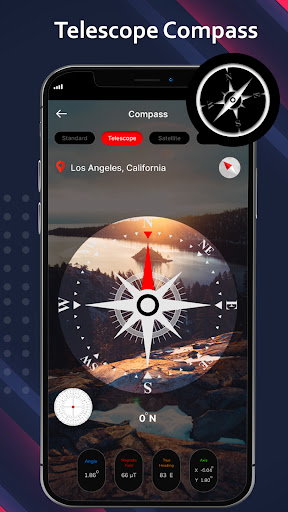
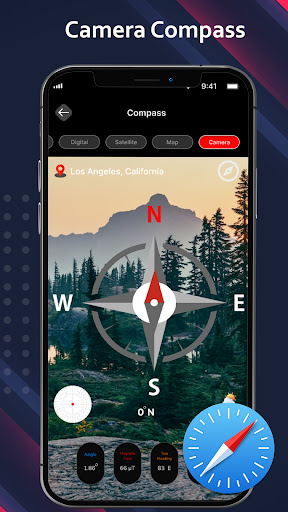
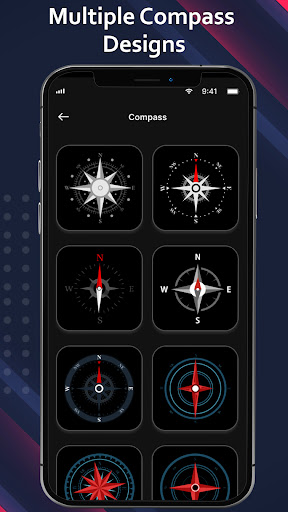
This digital compass for Android offers the most accurate direction guidance by utilizing advanced sensors to detect the Earth's magnetic field. It provides a highly reliable standard compass with a magnetic needle pointing toward Earth's magnetic north, helping you determine • true north easily. The app also boasts features like satellite compass, camera compass, telescope compass, qibla compass, and weather updates to enhance your navigation experience.
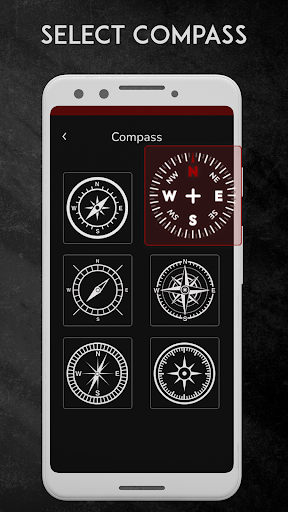
Multiple Compass Modes
The app includes specialized compass modes tailored for different needs:
- Standard compass: Reliable for basic cardinal direction finding.
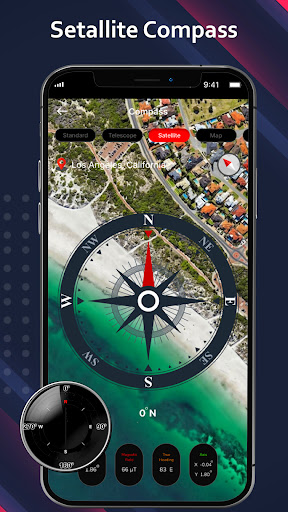
- Satellite compass: Shows precise destination locations for clear navigation.
- Camera compass: Overlay compass information onto live camera views, making orientation visual and intuitive.
- Telescope compass: Improves object measurement accuracy using camera focus features—ideal for observations.
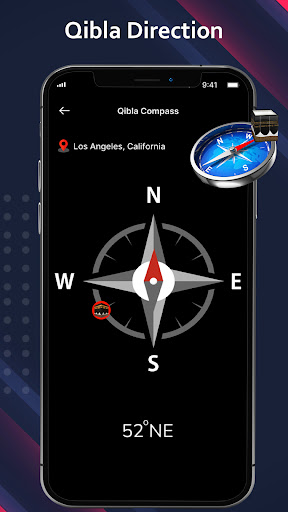
- Qibla compass: Helps Muslims find the correct prayer direction with high precision.
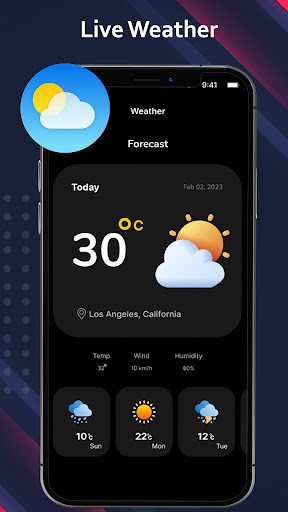
- Weather updates: Provides real-time weather information while guiding you.
User-Friendly Interface
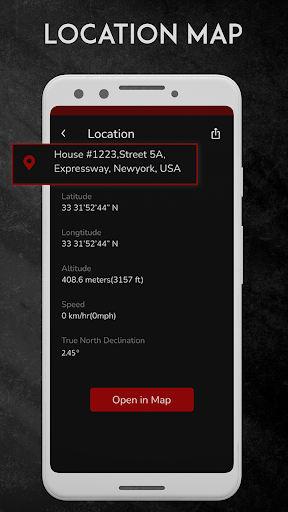
Designed with simplicity in mind, the smart compass app offers an intuitive interface. Point your device in your desired direction, and the app will guide you with clear visuals and accurate readings. It displays your current location along with • latitude and • longitude, supporting offline use—perfect for remote areas where internet connectivity is limited.
Additional Functionalities
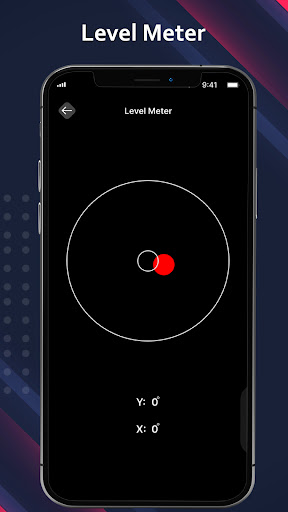
Besides basic directional guidance, this app features a GPS speedometer for tracking travel speed during hiking or cycling, and a level meter to check the flatness of surfaces, making it a versatile tool for outdoor enthusiasts and DIY projects alike. The app seamlessly integrates with Google Maps for route planning and visual navigation, enhancing your outdoor adventures.
Why Choose Digital Compass for Android?
Versatile and Reliable
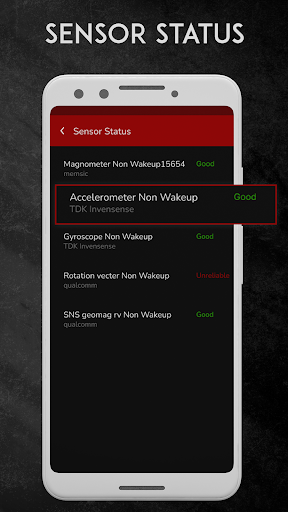
Whether you're exploring the woods, navigating a new city, or involved in outdoor sports, this digital compass app is designed to meet diverse navigation needs. Its advanced sensor technology measures magnetic fields accurately, ensuring precise directions even in challenging environments.
Built for Outdoor Enthusiasts and Travelers
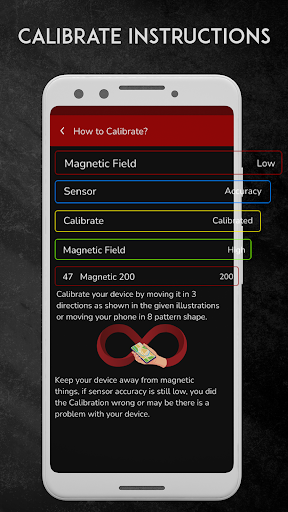
The app is especially helpful for Muslims needing to locate the • Qibla, as well as travelers, hikers, and adventurers who require dependable navigation without relying on internet connectivity. Remember, to maintain optimal accuracy, it's recommended to recalibrate your compass if you haven't used it for an extended period or if the device is near magnetic objects like batteries or magnets.
Safe and Convenient Navigation
With real-time updates, straightforward controls, and enhanced features, the best digital compass app ensures you can confidently explore any environment. It turns your device into a comprehensive navigation aid capable of guiding you everywhere safely and efficiently.
Conclusion
In summary, Digital Compass for Android is an essential app for anyone who values reliable directions, whether in outdoor adventures or urban exploration. Its high precision, diverse functionalities, and user-friendly design make it a top choice for navigation enthusiasts and casual users alike. Download this free, smart compass today and discover the world with confidence—never get lost again!
Pros
- Provides accurate directional guidance
- Features a user-friendly interface
- Has a compact size and is lightweight
- Energy-efficient design
- Saves battery life
- Offers offline functionality
Cons
- Displays intrusive advertisements
- Offers fewer features compared to competitors
- May experience lag on older devices
- Not suitable for professional purposes
- Requires occasional calibration