ComicScreen - PDF, ComicReader
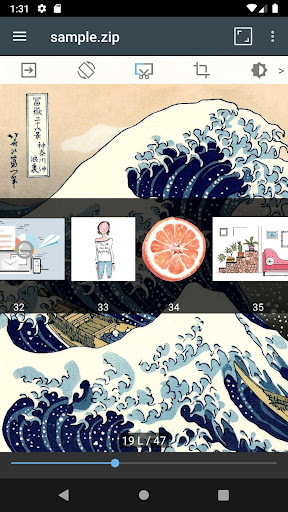
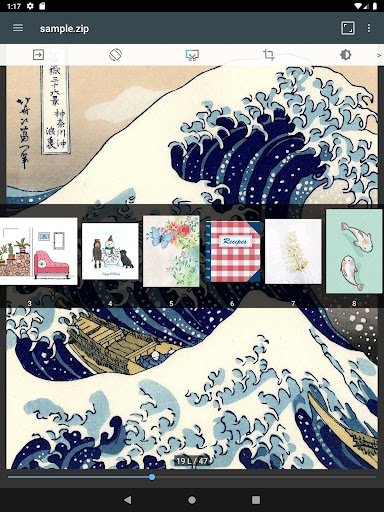
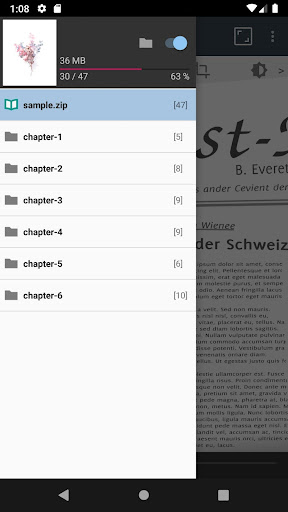
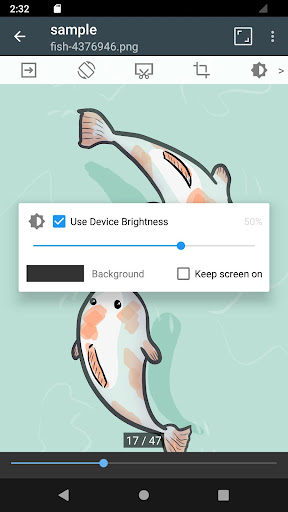
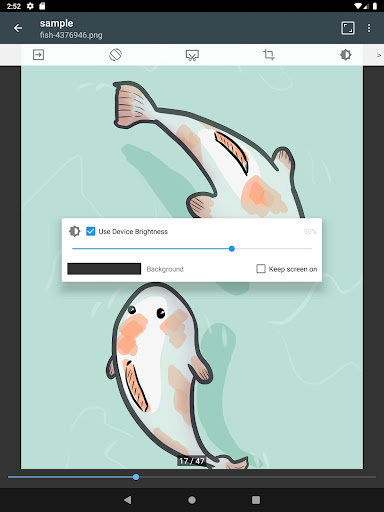
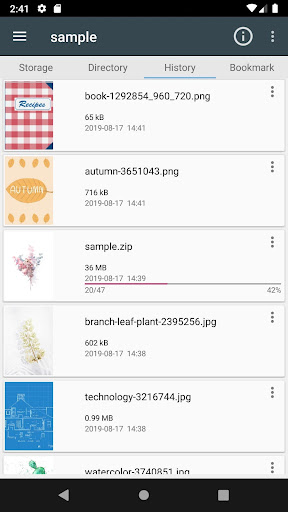
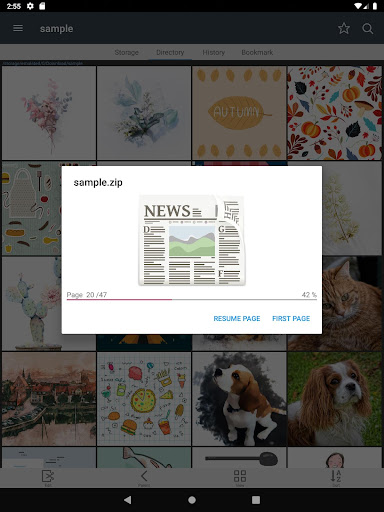
ComicScreen - PDF, ComicReader is a versatile companion for anyone who loves comics, manga, or graphic novels on mobile. Available for both Android and iOS, it promises a smooth, distraction‑free reading experience with broad format support, powerful navigation, and thoughtful customization. Whether you’re juggling CBZ/CBR archives or sprawling PDFs, this app aims to keep your library fast, organized, and easy to navigate. The first impression is a clean, user‑friendly interface designed to minimize taps and maximize immersion, making it accessible to casual readers and power users alike. Supported formats cover a wide spectrum. The app handles compressed archives—ZIP, RAR, CBZ, CBR—and standard PDFs, ensuring you can open and view titles from diverse sources without converting files. It also acts as a capable image viewer, supporting common image formats such as JPG, PNG, GIF, BMP, TIFF, WEBP, and AVIF. With such versatility, ComicScreen becomes a one‑stop solution for reading material beyond traditional ebook formats. Reading is designed to feel natural and responsive. You can swipe through pages, zoom smoothly, and rely on efficient page transitions that stay responsive even with large libraries. Features like bookmark previews, zip quick view, and page move previews help you navigate quickly, while layout options give you control over how you read—horizontal two‑page spreads or vertical single‑page views. Automatic page resort adapts to your preferred reading order, and a chapter Drawer helps you jump directly to the right section when a zip contains a subfolder. Beyond core viewing, ComicScreen emphasizes practical management and customization. You can tailor the reading space with brightness, day/night modes, and background color choices to suit your mood or environment. For multitasking enthusiasts, split‑screen support enables reading while you browse or check email. File organization is made easy with a built‑in Folder and File Explorer that supports search, rename, and delete operations. Drag & drop makes reorganization a breeze, while USB‑OTG drive support and SMB/FTP network access expand your sources beyond your device. Margin cutting and hardware key navigation further refine the experience, making it simple to align pages exactly how you prefer. In short, ComicScreen - PDF, ComicReader blends robust format support with intuitive navigation, flexible viewing options, and practical file management. It’s a stable, reliable choice for anyone who wants a feature‑rich reader that can handle everything from comic archives to image collections on the go.
Feature Highlights and Capabilities
Supported formats
Supports compressed file types including ZIP, RAR, CBZ, CBR, and PDFs for quick access to archives and documents.
Supports a wide range of image formats, such as JPG, PNG, GIF, BMP, TIFF, WEBP, and AVIF for direct viewing of image libraries.
Navigation and viewing
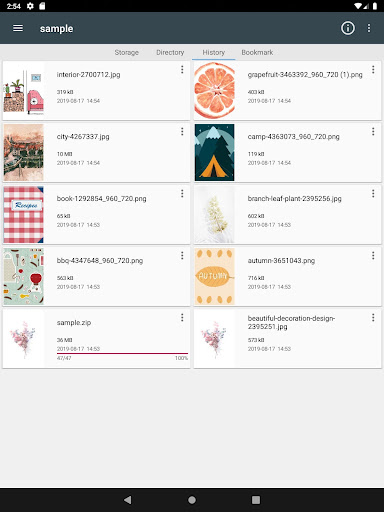
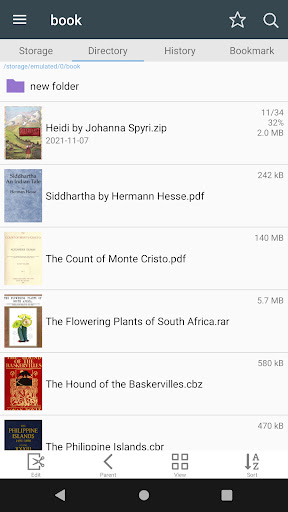
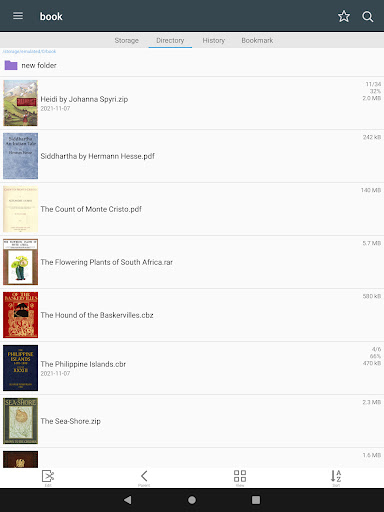
Folder and File Explorer with Search, Rename, and Delete capabilities for easy file management.
USB‑OTG drive support to access external storage directly from the app.
SMB and FTP network support to fetch titles from network shares or servers.
Drag & Drop (files, folders, etc.) to reorganize or move content quickly.
See list images in folders to quickly skim content before opening.
Smooth image scrolling for a seamless reading flow.
Reading and organization tools
Bookmark previews to return quickly to favorite pages.
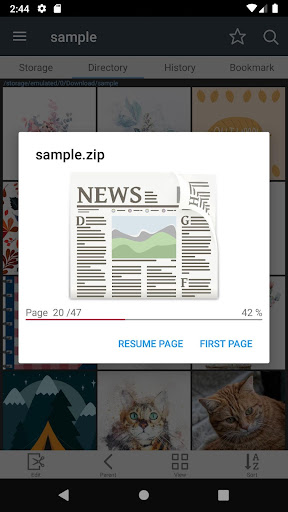
Zip file quick view for fast access to archive contents.
Page move preview to anticipate the next page transition.
Horizontal view mode (2 pages) and Vertical view mode (1 page) for flexible layouts.
Automatic page resort to adapt to your preferred reading order.
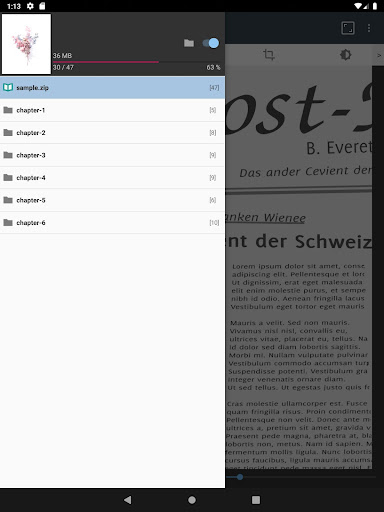
Support chapter Drawer when a folder exists inside a zip file to facilitate navigation inside archives.
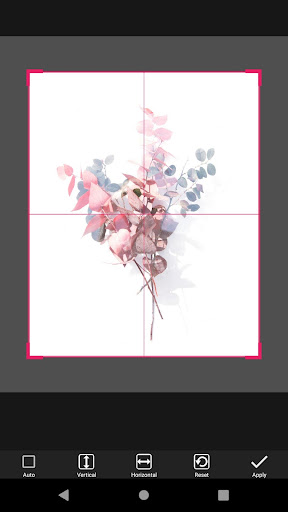
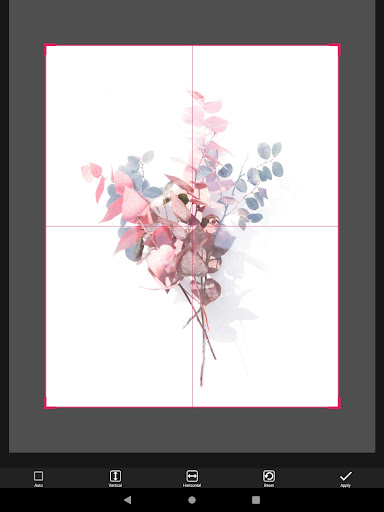
Cut margins to maximize page space and improve immersion.
Page move by hardware keys for convenient navigation without touching the screen.
Usability and performance
Designed for easy management and display of images, even when there are no standalone images and only compressed files.
Pros
- Supports multiple file formats.
- Fast rendering of large files.
- User-friendly interface.
- Customizable reading settings.
- Offline reading available.
Cons
- Limited annotation features.
- Ads in free version.
- No cloud sync support.
- Occasional crashes reported.
- Requires frequent updates.