

Overview of Challenger Comics Viewer
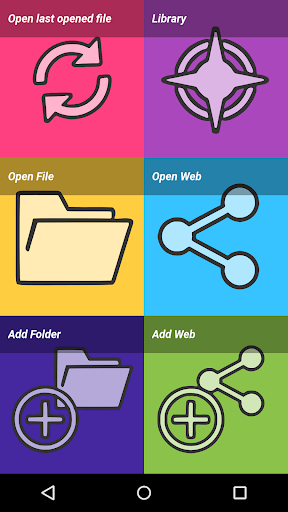
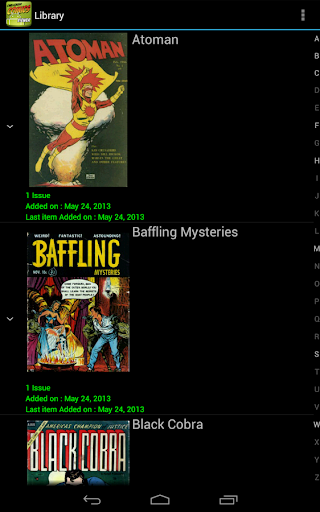
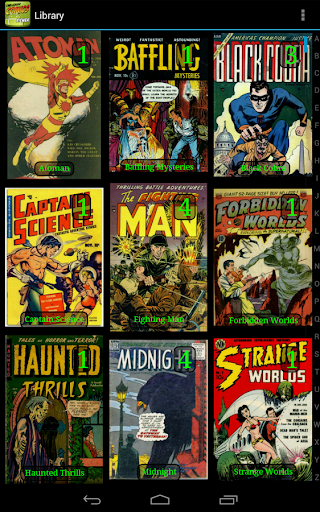
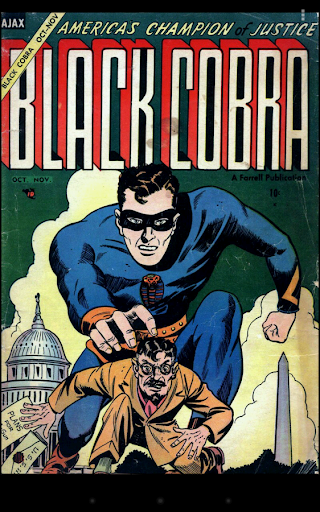
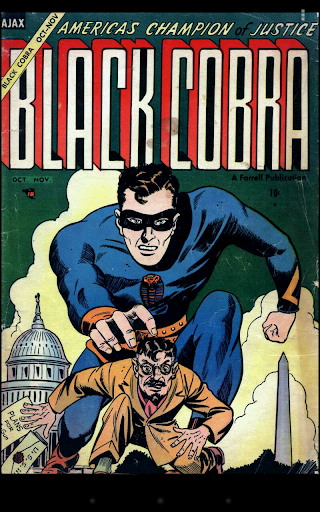
Challenger Comics Viewer is a FREE and ad-free advanced comics, manga, books, and PDF viewer designed for comic enthusiasts. Its user-friendly interface makes navigating through your digital library effortlessly. With automatic page loading and display, the app eliminates the need for clicking to go to the next page—simply scroll and enjoy your reading experience. Compatible on both phones and tablets, Challenger Comics Viewer supports a wide array of image formats including JPG, PNG, GIF, WebP (Android 4.0+), and BMP, along with various book formats such as PDF, CBZ/ZIP, CBR/RAR, CBT/TAR, CB7/7Z, DjVu, and ePUB. The app is packed with features that enhance your reading, from customizable viewing options to seamless cloud accessibility, making it the go-to tool for comic lovers of all levels.
Key Features of Challenger Comics Viewer
Automatic and Customizable Viewing
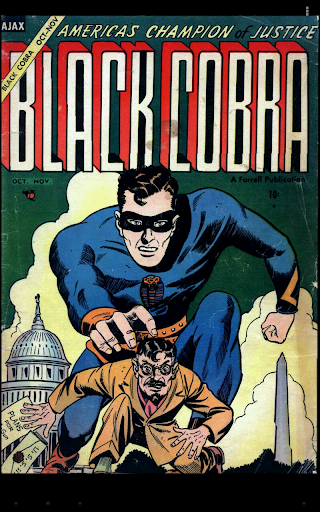
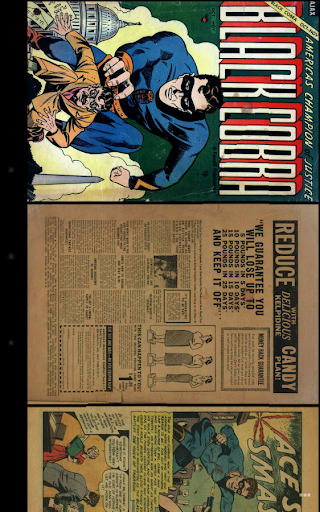
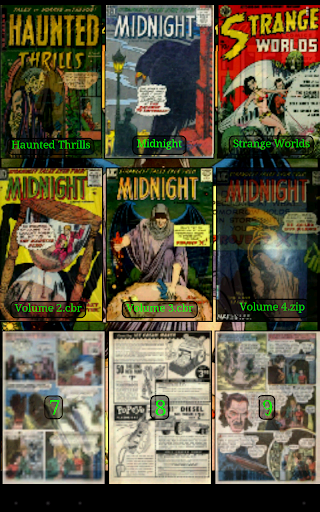
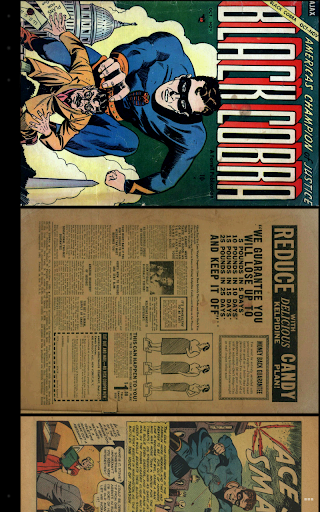
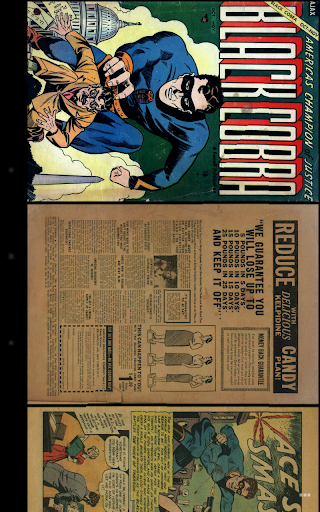
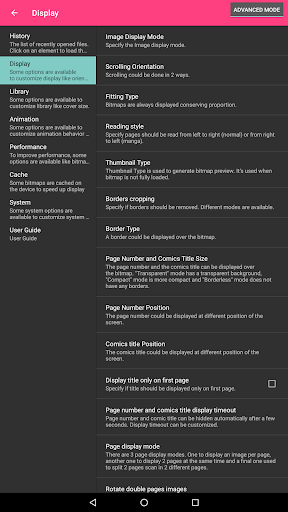
One of the standout features is • Automatic page loading, allowing you to scroll through your comics naturally without manual page turns. With support for multi-touch zoom and manual scrolling, you have full control over your viewing experience. The app offers • vertical and horizontal scrolling modes, as well as • fit to Width/Height/Screen display options. You can choose between • simple view (single page) and • multiple image view (all pages in a sequence) for flexible navigation.
Enhanced Image and Reading Options
To optimize image quality, • scale filters such as Bilinear, Bicubic, and Lanczos4 are provided. You can adjust contrast, brightness, and saturation, or manage • border cropping to focus on the content. The app supports reading from • left to right or • right to left, catering to different comic styles. Additionally, features like • border display over bitmaps, • manual and autoscrolling, and • tap navigation enhance the overall reading experience.
Customizable Actions and Display Modes
The application allows • customizable actions for gestures or button presses. It supports • 1-page and 2-page display modes, providing options to suit your reading preferences. Users can also • prompt direct access to specific pages and • manage history of viewed pages to resume reading easily.
Device Compatibility and Storage
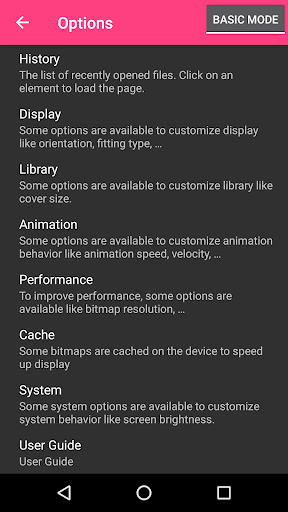
Challenger Comics Viewer is optimized for devices with ample memory and processing power but performs well on various models, including Nexus 4, Galaxy S series, and Galaxy Tab. The app supports • storing cached data either in internal memory or on the SD Card. It can be moved to the SD Card for convenience, and actively supports Samsung Multi-Window mode.
Network and Cloud Support
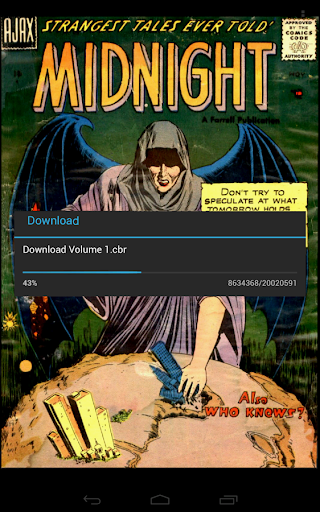
Access your comics from device storage or through supported network protocols such as • Google Drive, • OneDrive/SkyDrive, • Mega, • Ubooquity, • DLNA/Upnp (Android 4.0.3+), • OPDS (beta), • Windows/SAMBA/CIFS, • DropBox, • WebDav/cloud services (like box.com or 4shared.com), • FTP, and • SFTP. This flexibility ensures your comics are always within reach, regardless of where they are stored.
Additional Features and User Support
The app provides • multiple language options, including English, French, Russian, and Italian. Users can also enable • contrast, brightness, and saturation controls, as well as manage • screen brightness. The interface offers • multiple color themes for personalization. Extensive documentation is available to assist new users, accompanied by FAQs and a dedicated forum for feedback and feature suggestions.
Please note, for optimal performance, a device with a powerful processor and plenty of memory is recommended. The app works flawlessly on many popular devices such as Nexus 7, Nexus 10, Galaxy S3, S4, S5, and S6 series, ensuring pretty much any serious comic reader can enjoy a seamless experience.
Final Thoughts
In summary, Challenger Comics Viewer excels as a comprehensive, flexible, and intuitive comic reading application. Its support for multiple formats, cloud integration, and customizable viewing options make it an excellent choice for both casual readers and dedicated comic fans. With a clean interface, no ads, and regular updates based on user feedback, this app stands out in the crowded marketplace of digital comic readers. Whether you're scrolling through a manga or flipping through a Western comic, Challenger Comics Viewer enhances every aspect of digital comic consumption. Give it a try and elevate your reading experience today!
Pros
- Supports multiple comic formats.
- Smooth zoom and pan features.
- Customizable reading settings.
- Offline reading available.
- User-friendly interface.
Cons
- No cloud sync feature.
- Occasional crashes reported.
- Limited library management.
- Ads in free version.
- No in-app purchases.