Cartoon Comic Strip Maker: A Creative Storytelling Platform
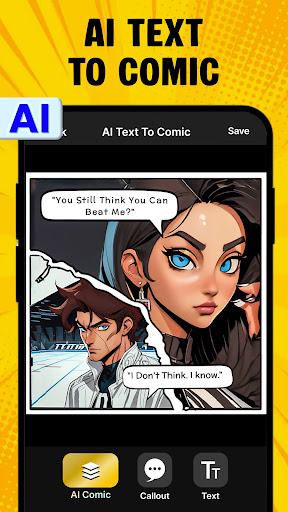
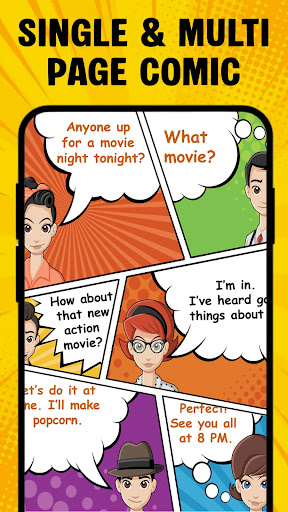
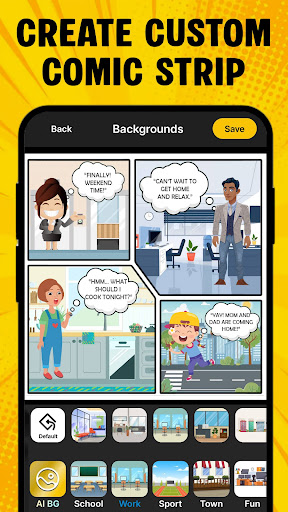
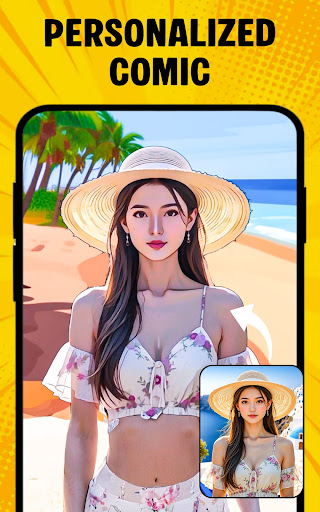
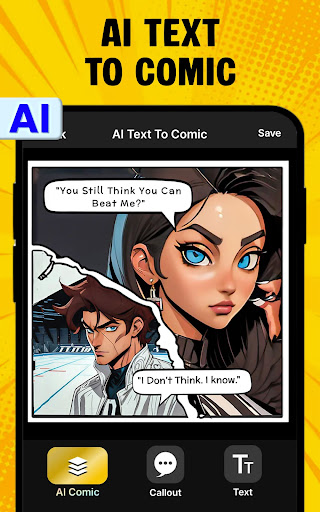
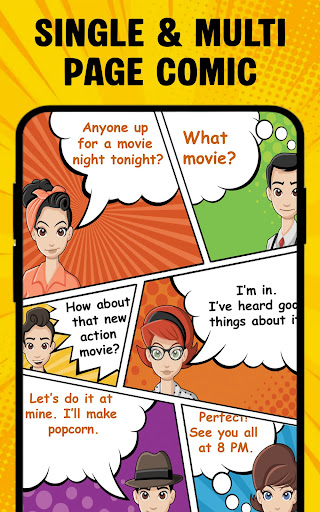
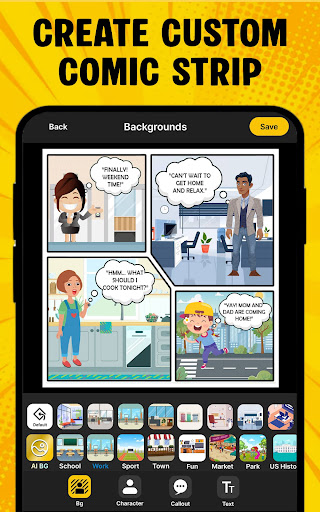
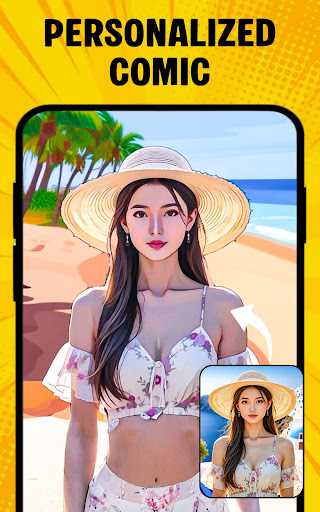
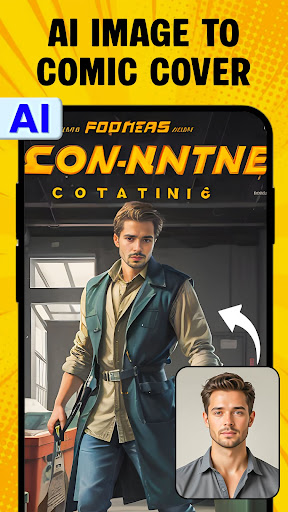
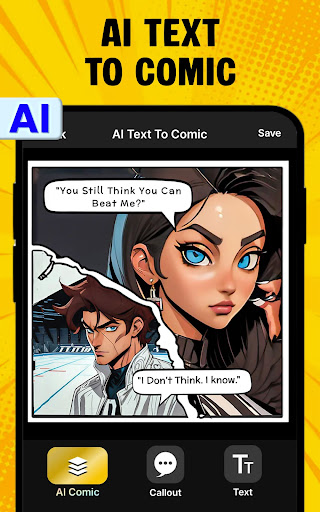
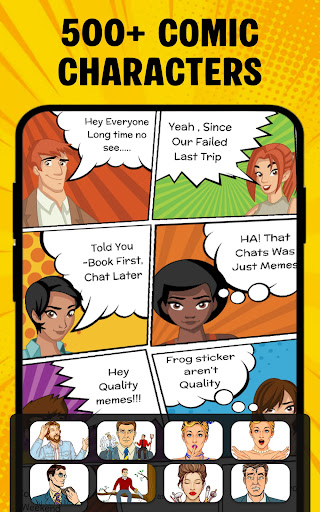
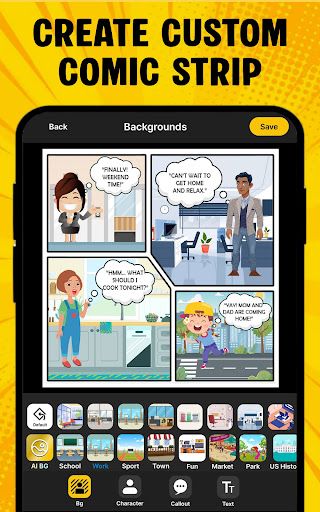
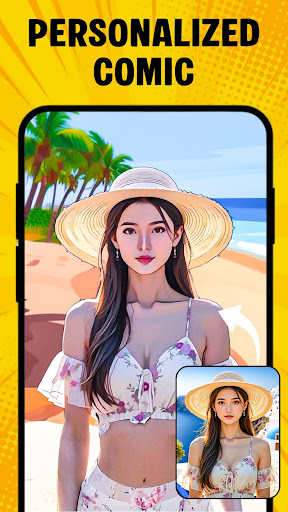
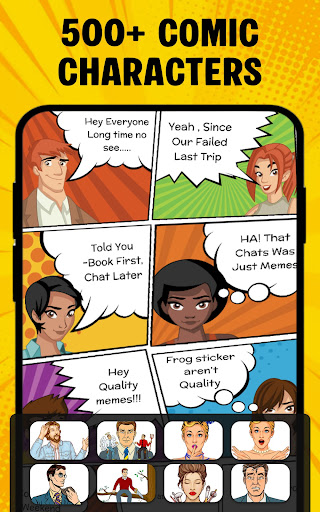
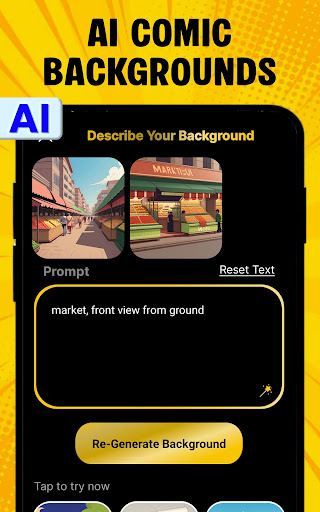
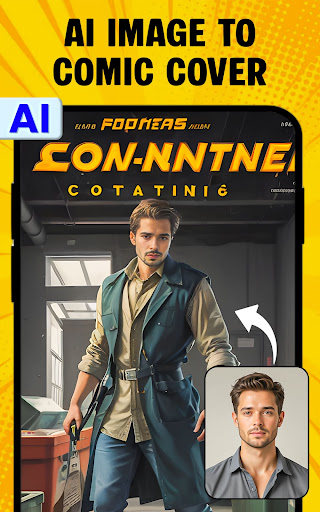
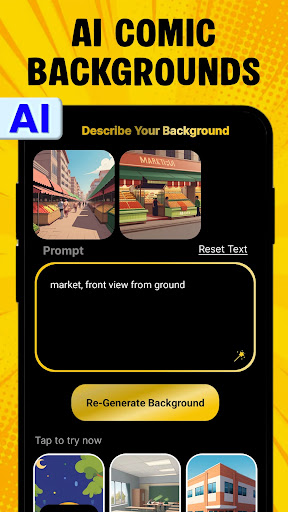
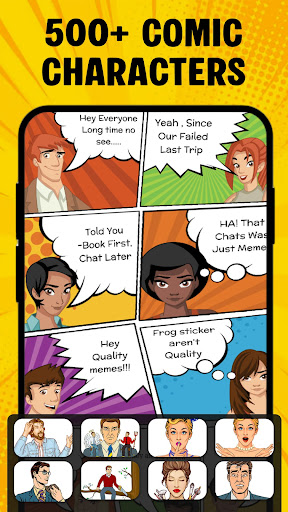
Discover Cartoon Comic Strip Maker, a dynamic app that turns your ideas into vivid visual stories. This versatile storytelling tool lets you craft a comic strip, storyboard, or meme with just a few taps. Start by selecting a character and a background image, then place speech bubbles to write dialogue that drives your scene. The app is designed to be approachable for beginners while delivering satisfying results for seasoned creators, offering a playful way to express humor, drama, or a simple moment in a single frame or across a multi-panel sequence. With a rich library of characters drawn from anime, avatars, and superheroes, you can mix iconic personalities with expressive backdrops to visualize your imagination. Each character comes with a range of emotions, so you can show surprise, joy, mischief, or determination in a single glance. The tool also demonstrates how images and dialogue can be used to explain complex ideas in a memorable way—perfect for teaching concepts, illustrating storytelling techniques, or simply explaining a process through visuals. Whether you’re crafting a storyboard for a video project, creating a short comic for friends and kids, or exploring storytelling for classroom activities, this app provides a canvas to produce art you’re proud of. Once your strip comes to life, sharing is effortless—post to social networks like Facebook and Twitter to spark laughter and conversation. Getting started is straightforward: pick a layout, choose characters, set the background, and add dialogue in the speech bubbles before exporting or sharing your story. The experience is enhanced by a broad feature set: a diverse character library, multiple speech bubble styles, HD backgrounds, and options to save your work as a PDF or image. Professional pages designed by cartoonists help you achieve a polished, publication-ready look, while templates offer quick-start solutions for everything from a single panel to a multi-page saga. Beyond creation, the app acts as a creative playground and learning hub. Explore templates for different storytelling formats and customize layouts to match your narrative pace. The library of character emotions helps you convey mood without words, while community features invite you to share work, receive feedback, and participate in regular challenges that inspire new ideas and keep the creative momentum going. In short, Cartoon Comic Strip Maker blends approachable tools with professional design to empower storytellers of all ages and skill levels, transforming imagination into engaging, shareable art that others will enjoy.
How to Create Your Comic Strip
How to create
- Choose the storyboard layout.
- Choose characters.
- Add the background.
- Write the text in the speech bubble.
- Share your story with all.
Best Features
Key attributes
- Anime, Superhero & other characters to choose from.
- Different types of speech bubbles.
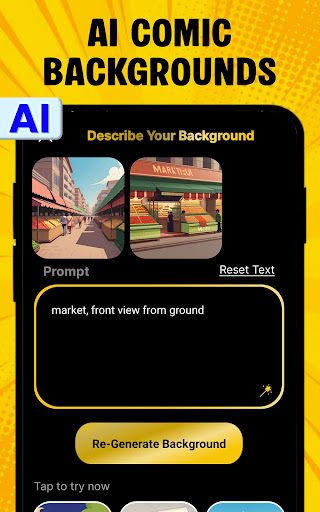
- HD backgrounds.
- Save as a PDF or image.
- Professional cartoonist and artist-made strip pages.
- Share your story with all.
Pros
- User-friendly interface for beginners
- Wide variety of templates available
- Supports high-resolution exports
- Regular updates with new features
- Includes a vast library of assets
Cons
- Limited free version features
- Occasional app crashes
- Ads in the free version
- No collaboration tools
- Requires internet for some features