

Introduction to the Canvas Student App
The Canvas Student app is a powerful mobile application designed specifically for students who want to access their courses anytime, anywhere. Perfect for both college freshmen and graduate students, this app streamlines the educational experience by offering quick and easy access to essential tools and resources. Whether you're managing multiple classes or just trying to stay on top of your academic commitments, the Canvas Student app provides a seamless way to stay organized and connected in your online learning journey. With its user-friendly interface and comprehensive features, this app is becoming an indispensable part of students' digital toolkit.
Key Features of the Canvas Student App
The app offers a wide range of features tailored to meet the needs of modern students, ensuring they can accomplish **everything** from viewing grades to participating in discussions—all from their mobile devices.
Access Your Courses on the Go
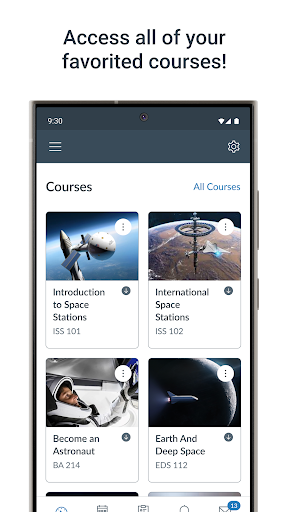
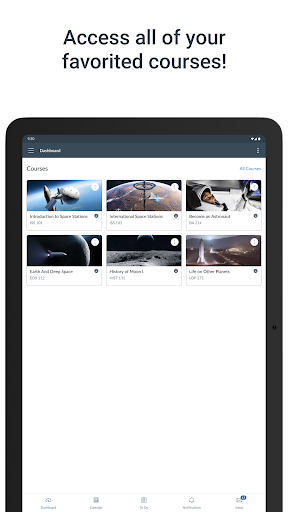
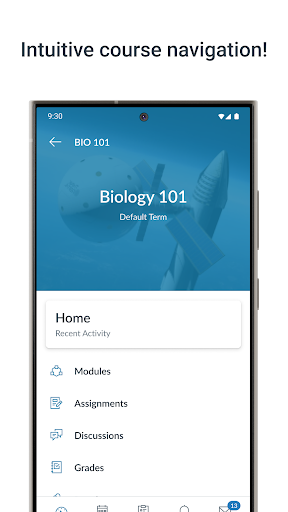
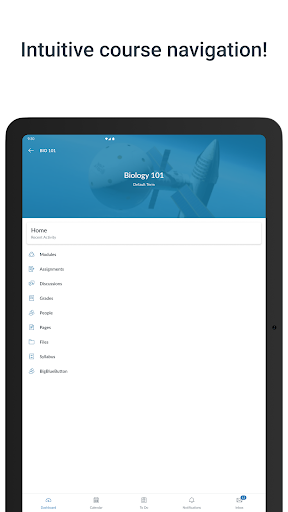
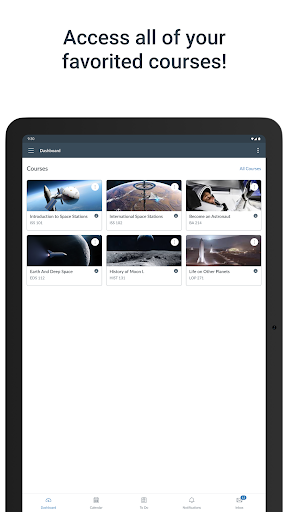
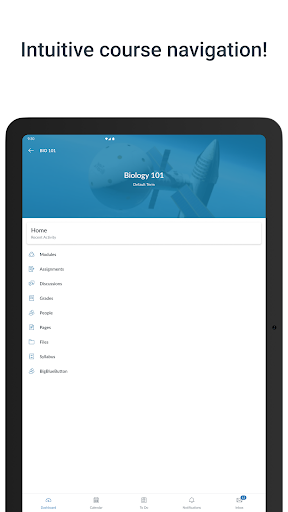
With the Canvas Student app, students can effortlessly access their courses across any device, be it a smartphone or tablet. The app's intuitive interface displays all enrolled courses in one place, allowing for quick navigation. Each course is visually distinguished through color-coding, making it easy to identify and prioritize your classes. From there, students can browse course content, view assignments, watch videos, and participate in activities without needing a desktop computer.
Stay Up-to-Date with Assignments and Grades
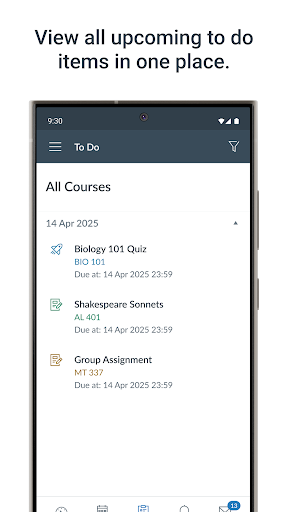
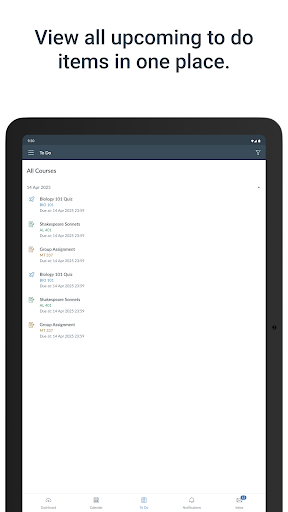
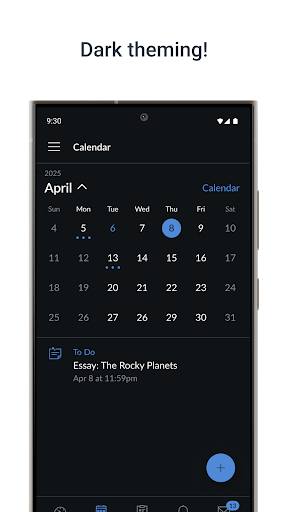
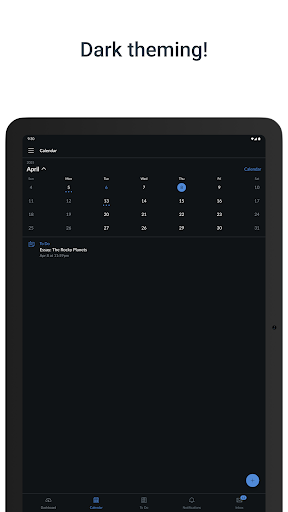
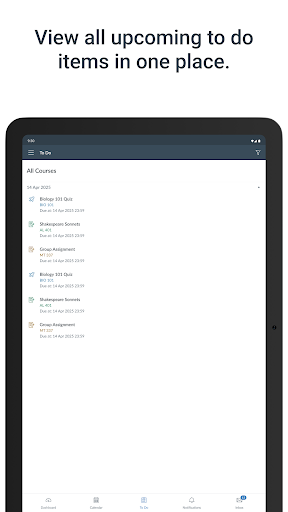
One of the standout features of the Canvas Student app is its ability to help students stay organized with their coursework. The integrated to do list highlights upcoming assignments, deadlines, and due dates, acting like a personal academic assistant. Submitting assignments is streamlined—students can upload files directly within the app, which saves time and reduces last-minute stress. Additionally, the app provides instant access to grades once they are posted, empowering students to monitor their academic progress and identify areas for improvement promptly.
Effortless Communication and Collaboration
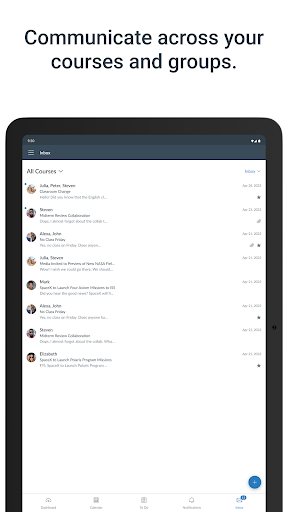
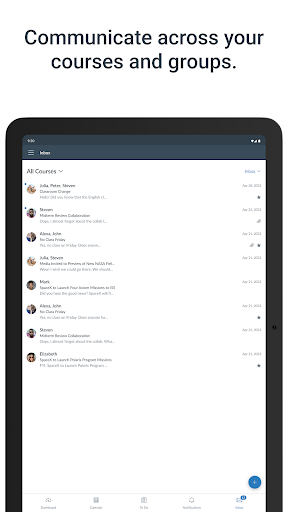
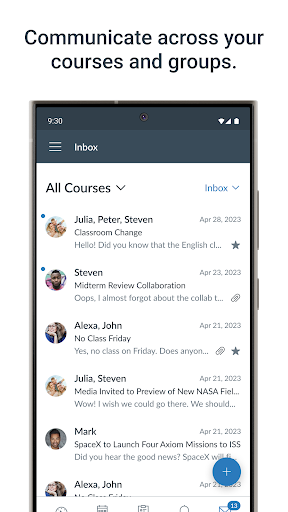
Connecting with professors and peers has never been easier. The Canvas Student app supports messaging, enabling direct communication with instructors and classmates. It also facilitates participation in course discussions, promoting active engagement. Many courses offer recorded lectures accessible through the app, so students can revisit complex topics or catch up on missed classes—all at their convenience. These features make online learning less isolating and more interactive.
Customizable Notifications for Better Productivity
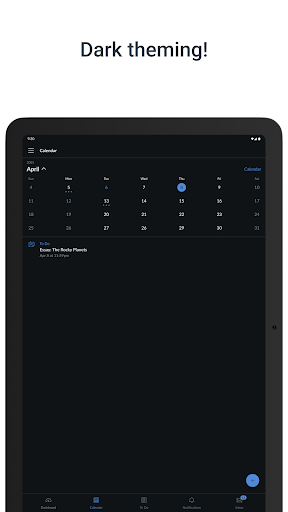
Understanding the importance of timely updates, the app allows users to customize their notification settings. You can choose to receive alerts for new grades, upcoming deadlines, or discussion replies, ensuring you stay informed about significant course activities. This personalization helps minimize distractions while keeping you engaged with critical updates, making your online academic experience more efficient.
Why Choose the Canvas Student App?
The Canvas Student app is more than just a platform; it serves as a reliable academic companion for today’s digital learners. Its easy-to-navigate interface combined with robust features helps reduce the chaos often associated with managing multiple courses. Whether it's checking grades, submitting assignments, or participating in discussions, this mobile app centralizes everything in one place for convenience and ease of use. If you're looking to make your online education more manageable and less stressful, the Canvas Student app is worth exploring.
Conclusion
In summary, the Canvas Student mobile app is an essential toolfor students seeking to optimize their online learning experience. Its comprehensive features like viewing grades, submitting assignments, and easy communication streamline academic workflows. Designed for accessibility and efficiency, this app helps students stay organized, proactive, and engaged—no matter where their studies take them. Embrace the future of education with the Canvas Student app and turn your mobile device into a powerful learning station.
Pros
- User-friendly interface
- Supports multiple file formats
- Real-time notifications
- Offline access
- Integration with other tools
Cons
- Limited customization
- Occasional synchronization issues
- Requires a stable internet connection
- Interface may appear cluttered
- Limited support for older devices











