

Brightspace Pulse icon

Brightspace Pulse

26.40K
4.7
Installs
1.00M
Version
2.2604.1.1003512
Advertisement
Brightspace Pulse screenshot
Advertisement

Overview of the Brightspace Pulse App

The Brightspace Pulse app is an innovative tool designed to help both instructors and learners stay connected and organized, no matter where they are. With its user-friendly interface and powerful features, this mobile application acts as a personal academic assistant, providing real-time updates, seamless course management, and offline access to vital content. Whether you're managing coursework or keeping track of important deadlines, Brightspace Pulse ensures that you stay informed and on top of your academic responsibilities.

Key Features of Brightspace Pulse

Stay Organized with Academic Calendar

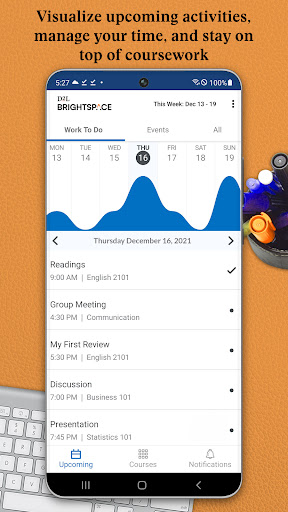
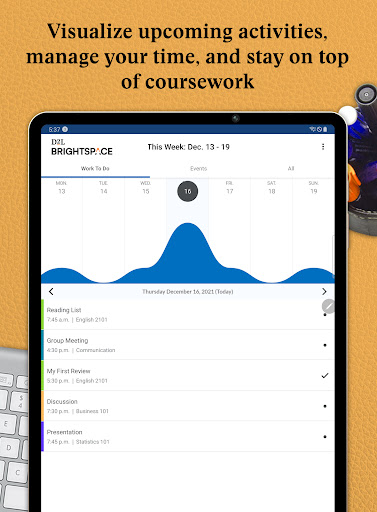
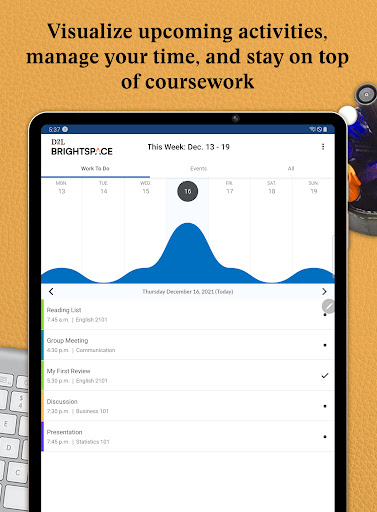
The app offers a centralized calendar that displays upcoming activities, deadlines, and important dates for all your courses. It syncs effortlessly with your institution’s Brightspace platform, allowing you to see all essential dates and add your own personal reminders. This helps eliminate last-minute surprises and ensures you meet every deadline with confidence.

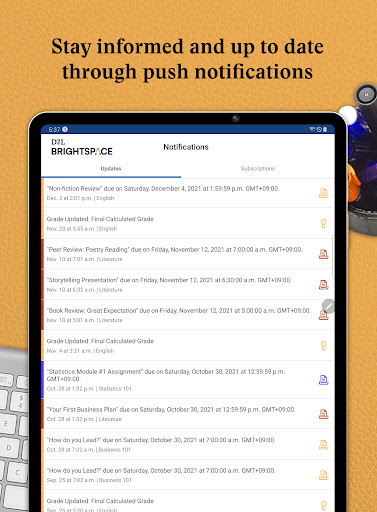
Receive Instant Notifications

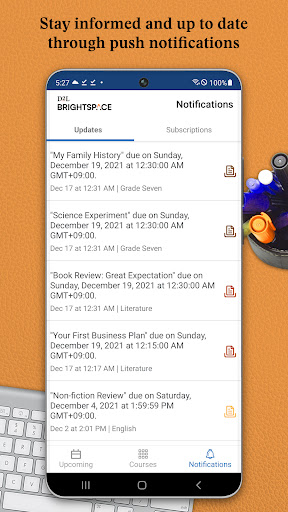
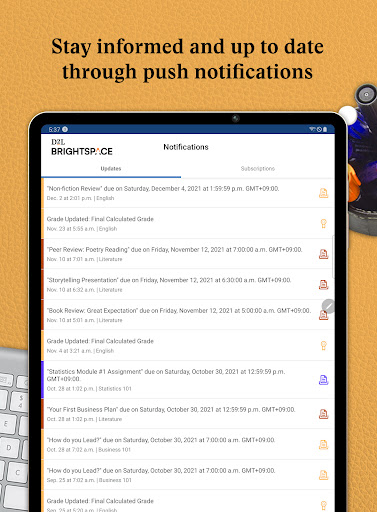
One of the standout features is the ability to get push notifications directly to your phone. Whether it’s a new grade, an upcoming quiz, or a course announcement, you'll be promptly informed through alerts. This real-time communication minimizes the risk of missing critical updates and keeps you engaged with your coursework.

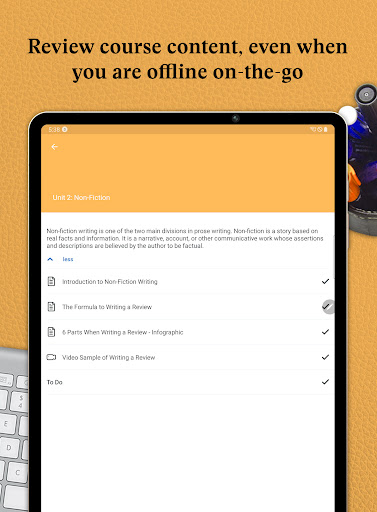
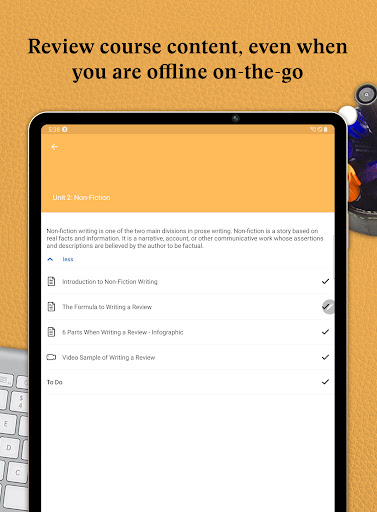
Offline Content Review

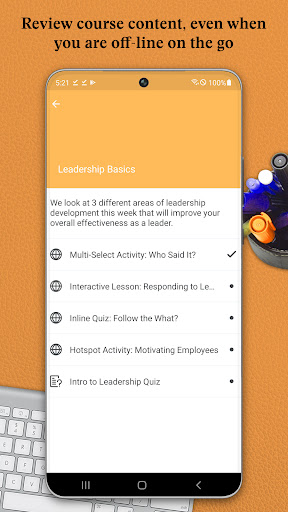
The Brightspace Pulse app allows users to access course content offline, including videos and audio files. This makes it possible to review material without an active internet connection, perfect for studying on the go or in areas with limited connectivity.

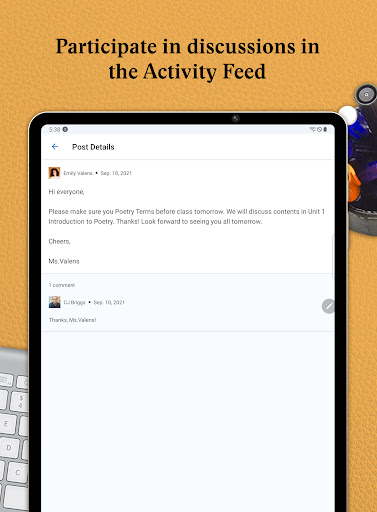
Engage with Course Discussions

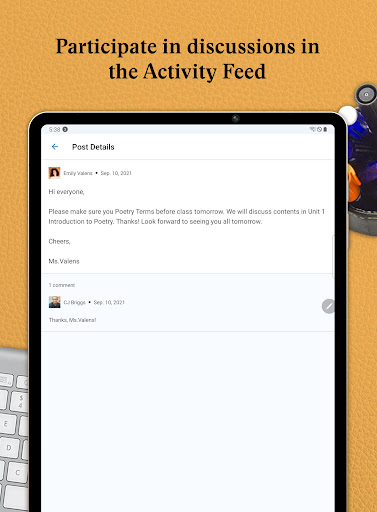
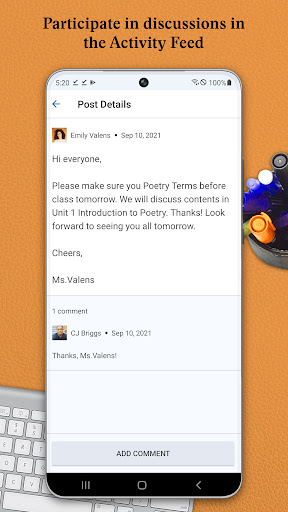
Students can participate in Activity Feed discussions directly through the app, enabling active engagement with classmates and instructors without needing to access the full platform via browser.

Seamless Integration with Brightspace

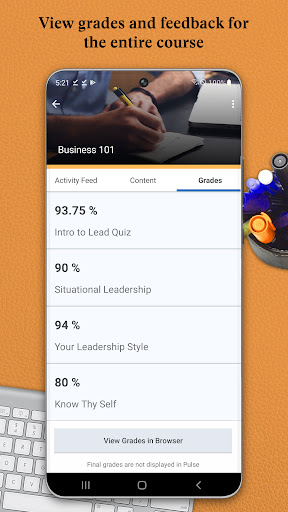
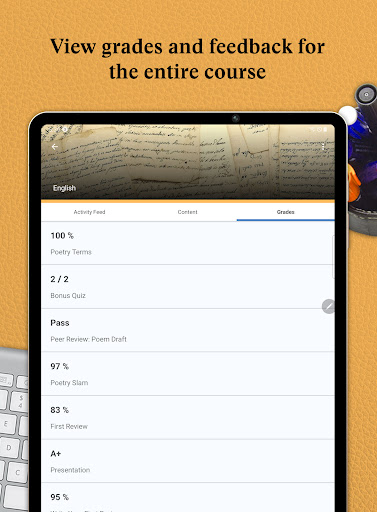
Users can easily log in to D2L Brightspace through the app to complete additional tasks, such as checking grades, submitting assignments, or participating in quizzes. This seamless integration makes the app a comprehensive companion for managing your entire learning experience.

Benefits of Using Brightspace Pulse

Imagine having all your course deadlines, updates, and grades in one place — Brightspace Pulse makes this a reality. The app simplifies complex academic schedules by consolidating important information, reducing stress, and boosting productivity. Its intuitive design and customization options allow users to set personalized notifications, ensuring that relevant updates reach them without being overwhelming.

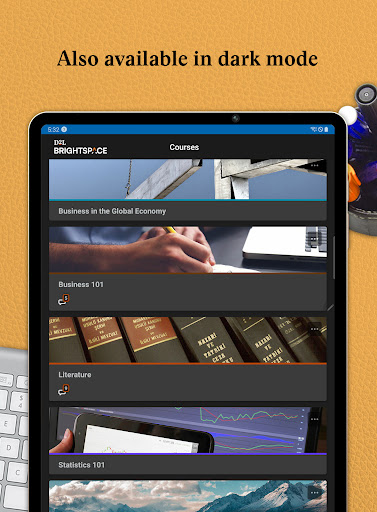
The app’s sleek design features a clean layout, making navigation easy and enjoyable. With a calendar view that displays your week or month at a glance, students can better plan their studies and avoid overloading themselves. Its offline capabilities enable continuous learning even when disconnected from the internet, making it an indispensable tool for busy students and educators.

Overall, Brightspace Pulse is more than just a mobile app; it is a strategic partner that helps streamline academic responsibilities, improve communication, and enhance overall learning success. Whether you're preparing for exams, tracking your progress, or staying connected with course updates, this app empowers you to take control of your education in a modern, accessible way.

If you're looking for a reliable, user-friendly academic management app that keeps you organized, informed, and motivated, giving Brightspace Pulse a try could be a game-changer in your educational journey.

Pros

  • User-friendly interface for easy navigation.
  • Real-time notifications for important updates.
  • Integration with multiple learning platforms.
  • Customizable alerts for assignments and grades.
  • Offline mode available for study on-the-go.

Cons

  • Limited features on the free version.
  • Occasional syncing issues with some courses.
  • Heavy battery usage during prolonged use.
  • Interface can be overwhelming for new users.
  • Requires constant internet connection for full functionality.

Download From Google Play
Advertisement

Frequently Asked Questions

What is Brightspace Pulse and how does it help students?

Brightspace Pulse is a mobile application designed to keep students connected and on schedule with their courses. It offers real-time updates on grades, announcements, and deadlines, helping students organize their study plans more effectively. The app also features calendar synchronization and access to course content, making it a comprehensive tool for managing academic responsibilities.

Is Brightspace Pulse compatible with all mobile devices?

Brightspace Pulse is available for Android and iOS devices, ensuring broad compatibility with most smartphones and tablets. It can be downloaded for free from the Google Play Store or the Apple App Store. Users should verify that their device meets the minimum software requirements listed on the app's download page for optimal performance.

How secure is my personal information on Brightspace Pulse?

Brightspace Pulse prioritizes user privacy and data security by implementing encryption protocols to protect personal information and adhering to relevant data protection regulations. Users are also advised to keep their device security up to date and regularly update the app to benefit from security improvements.

Can I access my course materials offline using Brightspace Pulse?

While Brightspace Pulse mainly requires an internet connection for real-time updates and access to course materials, some content may be available for offline viewing depending on the course settings and instructor-provided materials. For reliable access, it is recommended to check course details and download necessary files while connected to the internet.

How do I customize notifications on Brightspace Pulse?

Customizing notifications on Brightspace Pulse is simple. Users can go to the app's notification settings to select which alerts they want to receive, such as grade updates or new announcements. This feature allows users to personalize their experience and receive only the most relevant information.

You May Like










