


Discover the Power of the Bookshelf App for Your Reading Journey
Are you overwhelmed by a growing collection of physical books, e-books, and audiobooks? Do you wish for an easier way to organize, access, and enhance your reading experience? Look no further than Bookshelf, the innovative book management app designed to be your ultimate digital librarian. Whether you’re a student, a casual reader, or a dedicated bibliophile, Bookshelf seamlessly integrates your entire library into one intuitive platform that keeps your reading habits on track and your knowledge growing.
Unmatched Features to Elevate Your Reading Experience
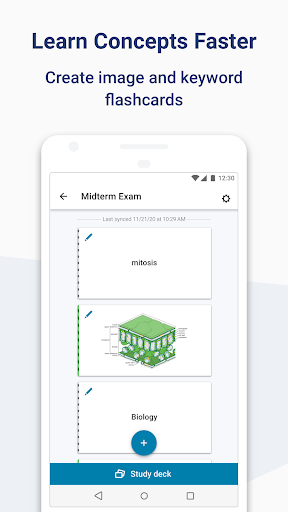
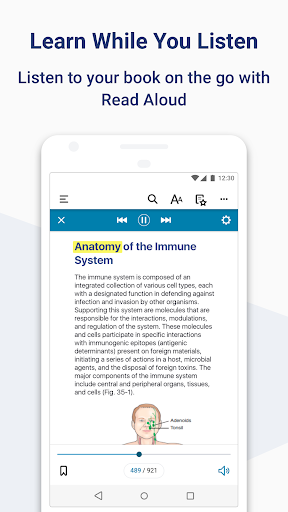
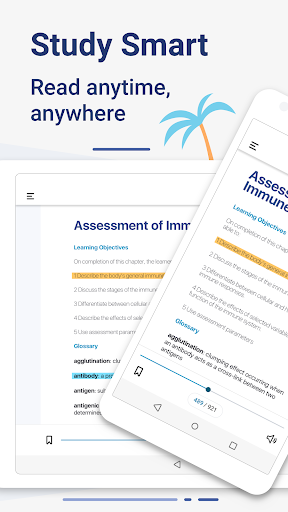
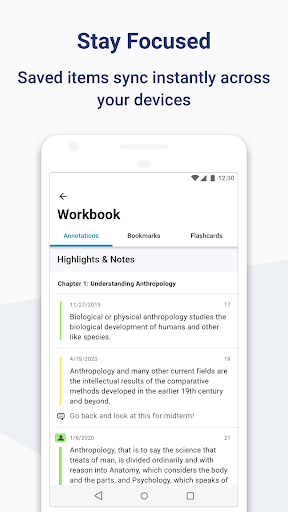
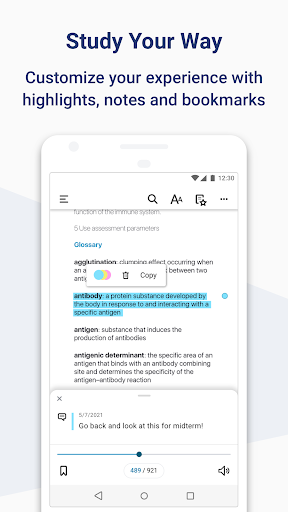
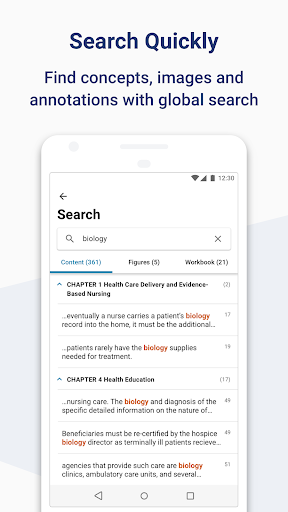
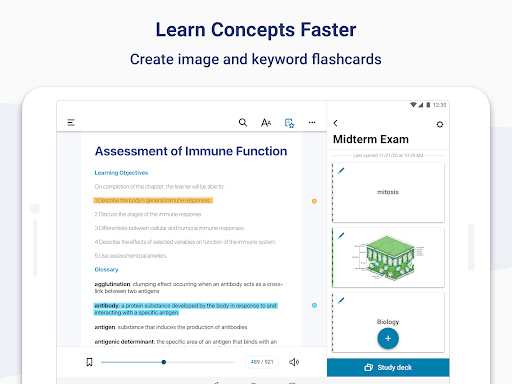
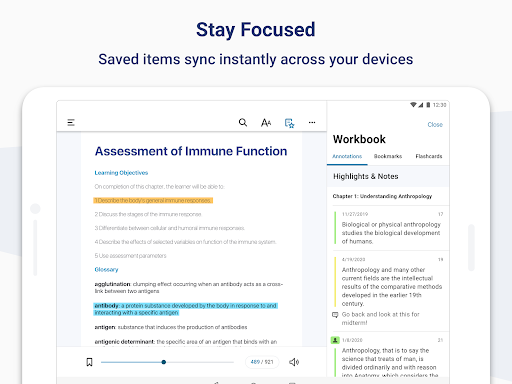
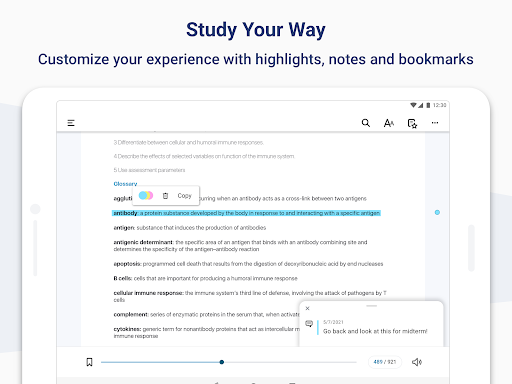
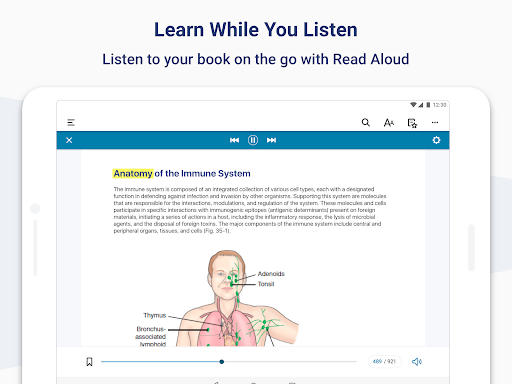
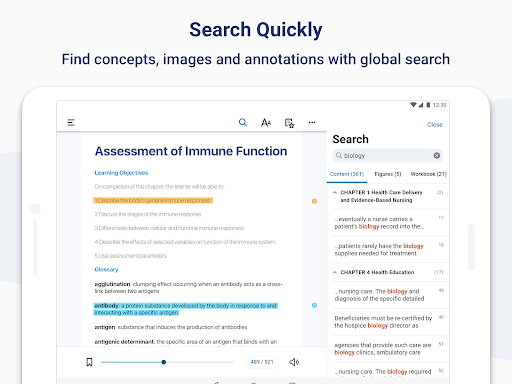
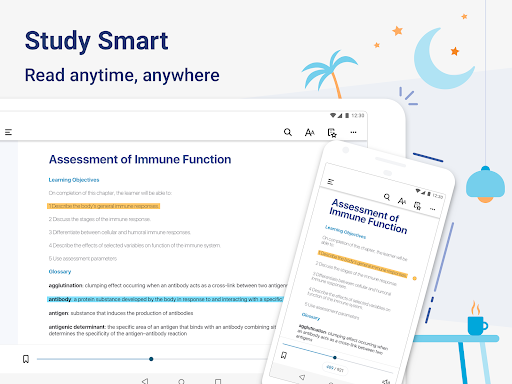
One of the standout features of Bookshelf is its capability to provide a content-rich study experience directly from your Android device. You can easily access all of your VitalSource textbooks and study anywhere, anytime. The app supports offline reading, allowing you to download your textbooks onto your device for 100% offline access. This means no interruptions during your commute or while traveling—your study materials are always at your fingertips.Customization is key to effective learning, and Bookshelf delivers. You can highlight important sections, add notes to deepen your understanding, and create flashcards with both text and images to facilitate faster concept retention. Personalize your reading experience with adjustable font styles, sizes, and background colors to reduce eye strain and make reading more comfortable.Listening to your books is also made simple with Read Aloud, enabling you to learn on the move and multitask effectively. The app smartly syncs your reading progress and annotations across multiple devices, so you can switch between your phone and tablet without losing your place. Designed with accessibility in mind, Bookshelf ensures an inclusive experience for all users.
Maximize Your Reading Efficiency with Organizational Tools
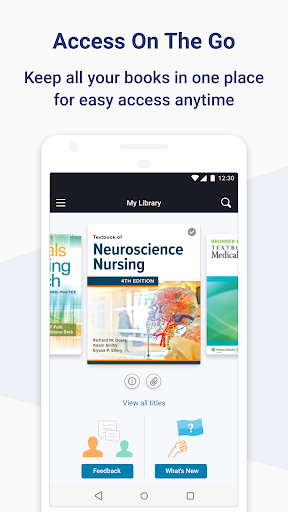
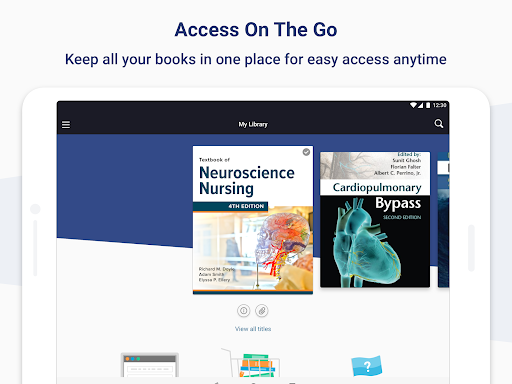
If managing a vast collection of books feels daunting, Bookshelf simplifies it with its user-friendly interface. You can effortlessly catalog your entire library—be it on your Kindle, physical shelves, or elsewhere—by scanning barcodes or searching by title. The neat organization allows for quick access and easy management, transforming your reading list into a well-ordered library.Set personal reading goals to stay motivated and track your progress effortlessly. Get friendly reminders to nudge you toward completing your books, making sure you stay on top of your literary pursuits. Creating custom lists for summer reads, borrowed books, or future must-reads helps you stay organized and inspired.
Connect, Share, and Engage with a Vibrant Reading Community
<Bookshelf isn’t just a personal library management tool—it also fosters a lively reader community. Share your thoughts on the latest thrillers, discuss plot twists, or exchange recommendations with friends. This social dimension transforms Bookshelf into a digital book club that’s active 24/7, perfect for those who love engaging conversations around literature.While the app is robust, some users may experience minor syncing delays, especially when updating across multiple devices. However, these quirks are generally manageable and do not diminish the overall user experience. The basic features are accessible for free, making it a valuable tool for casual readers and avid bibliophiles alike. For additional capabilities, a premium upgrade is available, offering advanced features for the dedicated reader.
Why Choose Bookshelf? A Final Word
Ultimately, Bookshelf is a comprehensive and user-friendly app that streamlines your reading experience and amplifies your knowledge. It combines rich features like offline access, customizable reading options, note-taking, and collaborative tools to help you read smarter, organize better, and stay motivated. Whether you’re aiming to read more books this year, efficiently manage your textbook collection, or join a vibrant reading community, Bookshelf stands out as a top choice for modern book lovers.Don’t wait any longer—embrace the future of digital reading and make your literary journey unforgettable with Bookshelf. Happy reading!
Pros
- User-friendly interface
- Extensive collection of books
- Available for offline reading
- Customizable reading preferences
- Synchronizes across multiple devices
Cons
- Limited options for audiobooks
- Occasional app crashes
- Advertisements in the free version
- Internet connection needed for updates
- Restricted free content











