Blink Beauty Cam: Photo Makeup
Overview
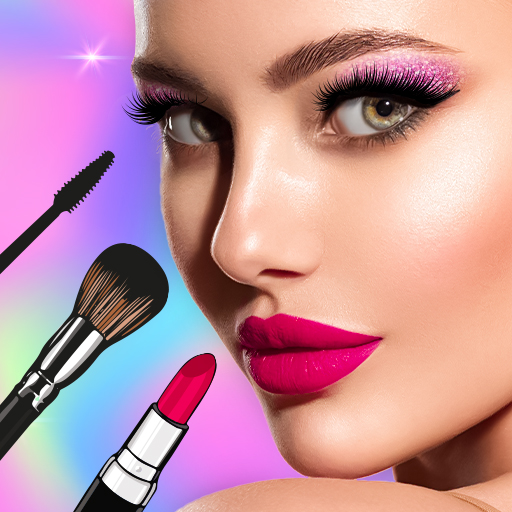
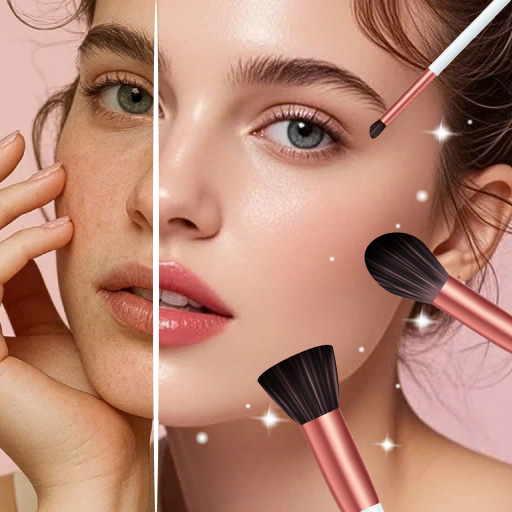
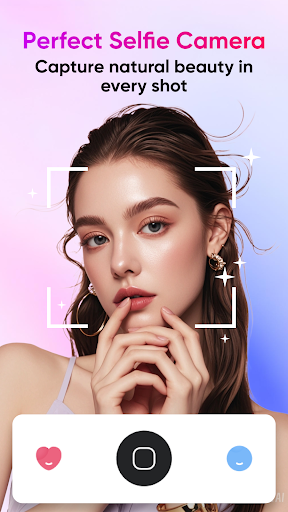
Blink Beauty Cam: Photo Makeup is a versatile photo editor and beauty camera designed for selfie lovers and creators. It combines makeup filters with advanced face retouching to help you achieve polished selfies in seconds. You can shoot with the built‑in selfie camera and apply makeup enhancements in real time, so you never waste time on post‑processing. With Blink, you can capture beautiful photos anytime, anywhere, and experiment with a range of makeup looks—from natural to glamorous.
Live Makeup and Real-Time Preview
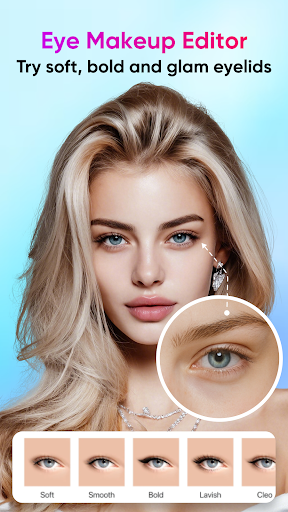
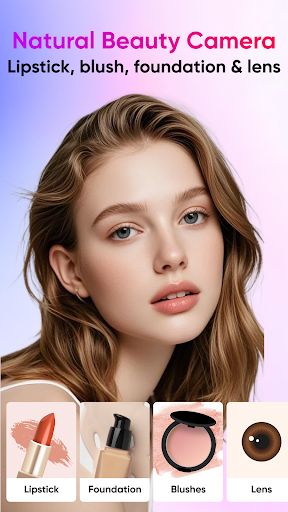
One standout feature is the real‑time makeup preview. You can adjust lipstick color, eye makeup, mascara, brows, and contouring while you watch the changes apply on your face. The interface is intuitive and the intensity controls let you dial in exactly the vibe you want, making each look feel like you—just enhanced for the moment.
Makeup Styles and Themed Looks
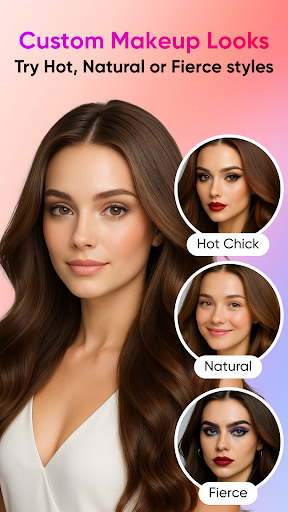
blink offers 50+ makeup styles, ranging from gentle daytime looks to bold personal statements. The app also includes themed makeup sets for holidays and events—such as Christmas, Halloween, and seasonal trends—so you can quickly adapt to any occasion and keep your selfie game fresh.
Face Retouch and Contouring
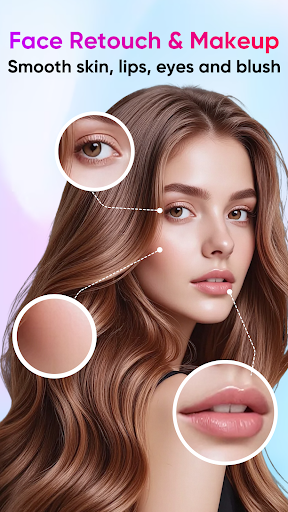
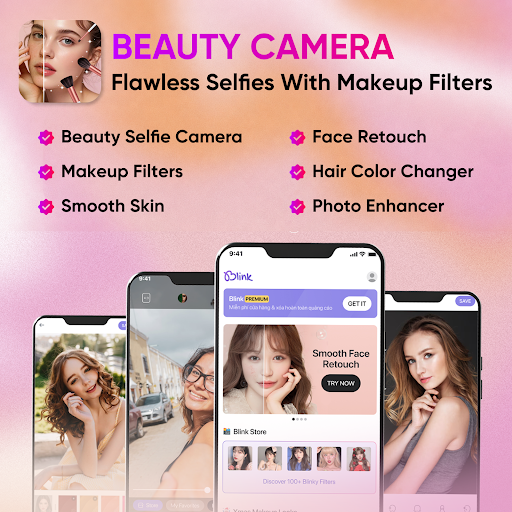
Beyond makeup, Blink provides detailed facial retouch capabilities. You can refine facial contours, smooth skin, remove blemishes, brighten eyes, and adjust skin tones. Features like nose shaping, dark‑circle reduction, and teeth whitening help you achieve a balanced, natural enhancement without overediting.
Hair Color and AI Enhancements
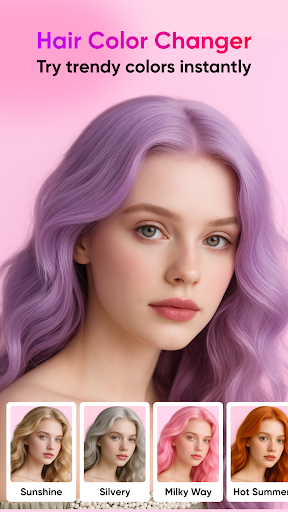
The AI-powered hair color tool lets you experiment with new hues directly on your photo—without changing your real hair. Try bold, trending colors to discover what suits your complexion and style, then decide if you want to take the look further.
Pro Tools for Photo Editing
Pro‑level controls include cropping with common ratios (16:9, 3:4, 1:1), a timer, optional flash, and touch‑to‑shoot capture. Snapshots can be saved directly to your photo album, and edited images remain accessible in the app for quick tweaks later.
Blink Store and Filters
Explore the Blink Store with 100+ filters organized by themes such as Trend, Festival, Nature, and Personality. This makes it easy to discover the right vibe for any shot and keep your feed consistently stylish.
Experience and Final Thoughts
Users often describe Blink Beauty Cam as a portable glam squad—fast, intuitive, and capable of producing natural‑looking enhancements. The app’s face detection feels accurate, and the combination of makeup, lighting adjustments, backgrounds, and artistic effects provides a powerful, approachable workflow for beginners and seasoned editors alike. If you love sharing polished selfies on social media, Blink can turn everyday photos into confident, salon‑ready snapshots in seconds.
Pros
- User-friendly interface
- Easy navigation.
- Wide range of makeup styles available.
- High-quality filters enhance photos.
- Real-time preview of makeup effects.
- Customizable beauty settings.
Cons
- In-app ads can be disruptive.
- Limited free features available.
- Requires internet connection.
- Some features are available as in-app purchases.
- Occasional app crashes.