
Baby Shark Coloring Book: Kids
Discover the world of Baby Shark, the beloved YouTube star that has captured the hearts of children worldwide! The Baby Shark Coloring Book: Kids app is a delightful and engaging platform designed specifically for toddlers and young children aged 1 to 6 years old. This free coloring app brings the fun of baby coloring and baby drawing games into a vibrant, interactive experience that encourages creativity and artistic development.
Features and Content
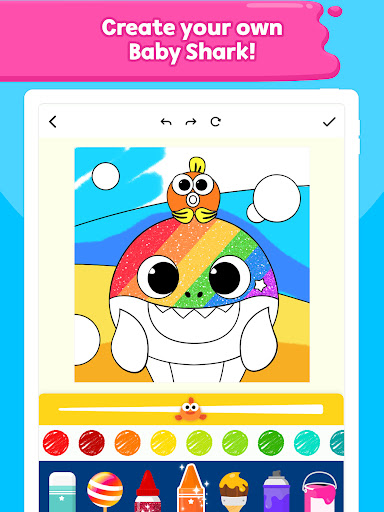
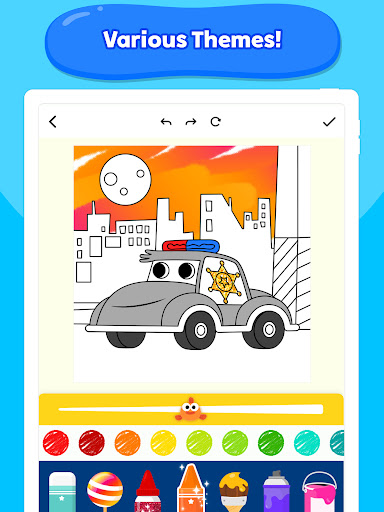
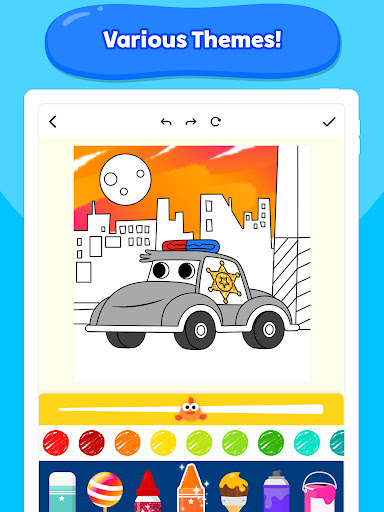
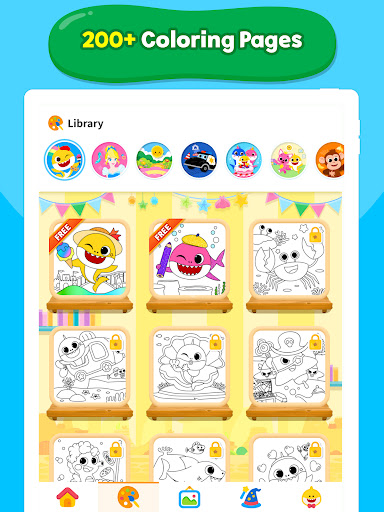
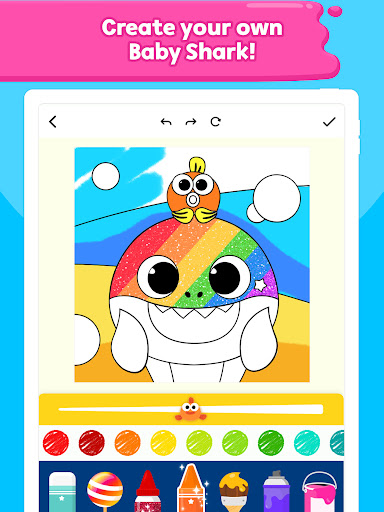
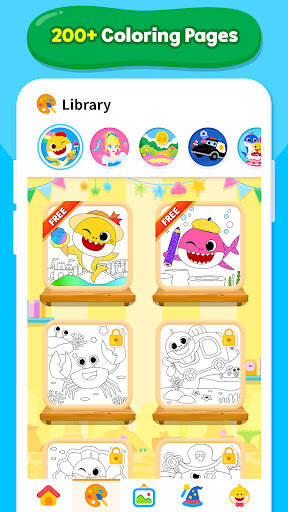
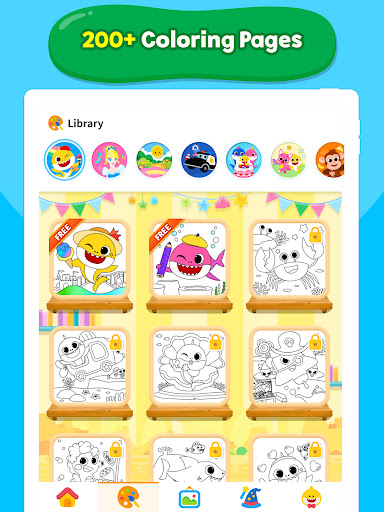
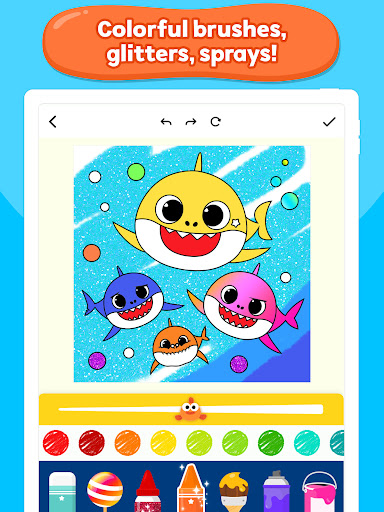
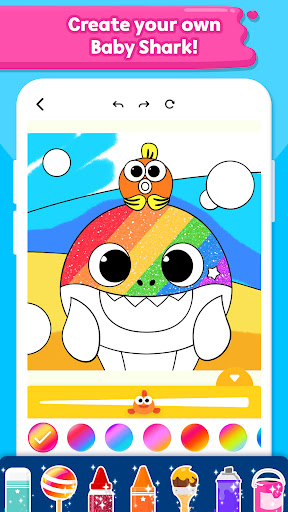
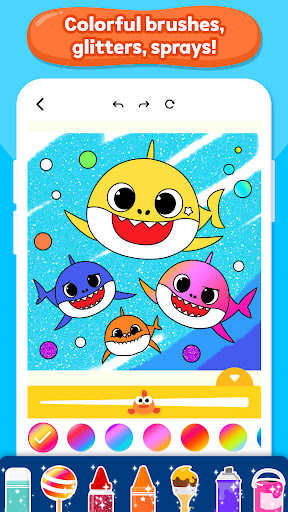
With over 200 pages of captivating themes ranging from Sea animals like Baby Shark, fish, crabs, dolphins, and octopuses, to delightful scenes featuring princesses, cars, and dinosaurs, this app offers endless fun and learning opportunities. Kids can explore and color their favorite characters such as Pinkfong and the Shark Family, bringing them to life with a beautiful rainbow brush, glitter pencils, and various artistic tools.
The app aims to boost your child's creativity, artistic sense, and coloring skills through engaging activities. Once their masterpiece is complete, children can proudly showcase their artwork in the dedicated Gallery Tab, creating a virtual exhibition of their colorful creations!
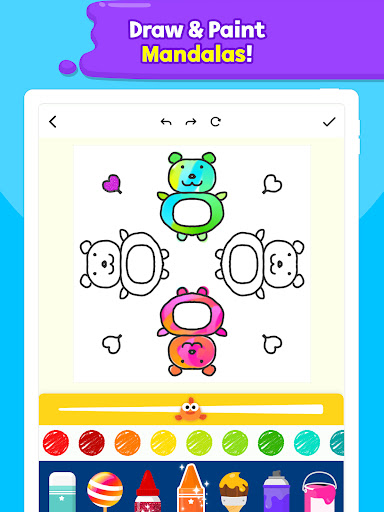
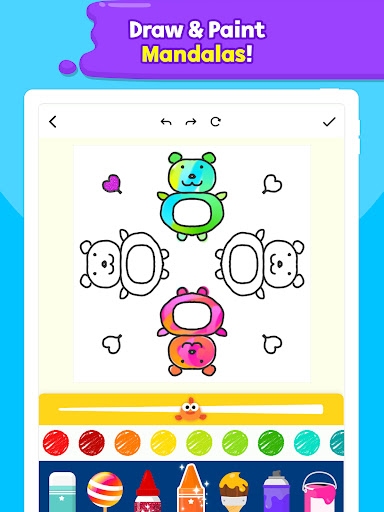
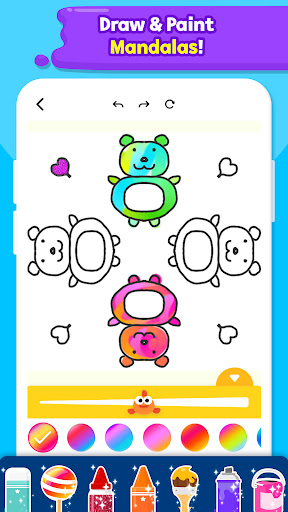
In addition to basic coloring, the app features fun mandala drawing games that allow children to create their own intricate designs. These mandalas can be customized easily—just a few taps are needed to draw, color, and complete a stunning piece of art that can be saved and shared.
The app is continuously updated with new coloring activities each week, ensuring fresh content keeps children engaged and inspired. It's not only a coloring app but also an educational tool that promotes learning through play.
Tools and Creative Options
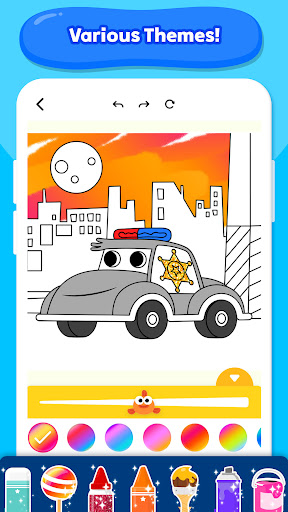
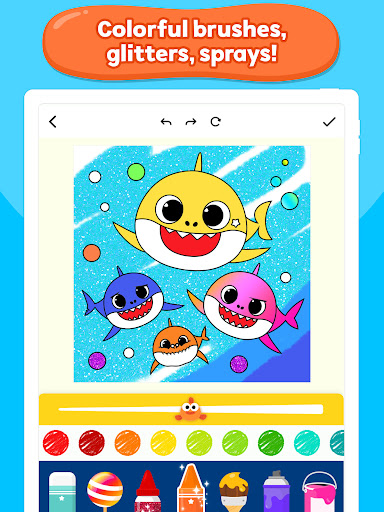
Kids can experiment with a vibrant color palette and a variety of magical art tools including color pencils, crayons, glitters, rollers, spray brushes, and stickers. The playful tools enable children to express themselves freely and develop their fine motor skills.
Furthermore, the app encourages self-expression by allowing children to sketch, add stickers, or experiment with different drawing styles. Each completed artwork can be saved in the Gallery, fostering a sense of achievement and pride.
Educational and Fun Learning Experience
Beyond coloring, Baby Shark Coloring Book features educational mini-games that promote creative thinking and cognitive development. Kids can learn about various animals and objects within the themes of the coloring pages, making it a comprehensive learning through play platform.
Parents and children can enjoy sharing their masterpieces, turning the process of coloring into a fun and motivational activity that enhances artistic skills and confidence.
Exclusive Pinkfong Plus Membership
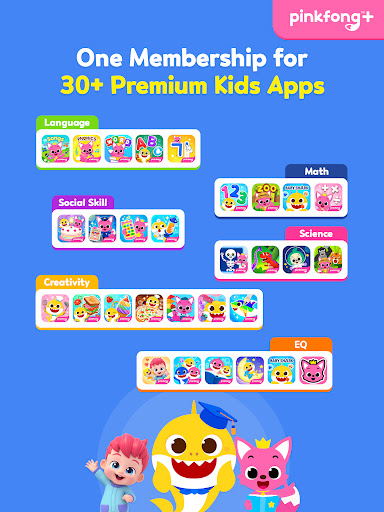
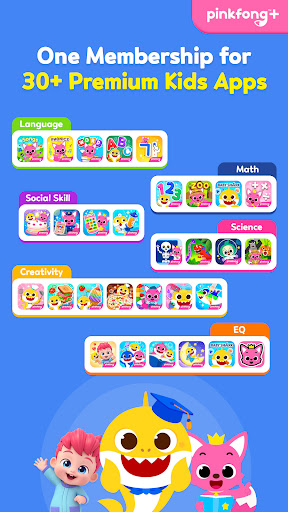
For a richer experience, Pinkfong Plus offers a premium membership providing access to more than 30 apps tailored for various stages of child development. This includes interactive games, storybooks, and educational content designed by experts. The membership ensures a safe environment by blocking inappropriate ads and content, and connecting seamlessly with multiple devices like smartphones, tablets, and smart TVs.
With certified content vetted by educational professionals, Pinkfong Plus guarantees a trusted platform that supports self-directed learning and fun play for children.
Popular apps within the Pinkfong ecosystem include Baby Shark World, Pinkfong Shapes & Colors, Pinkfong Dino World, and many more, all aimed at fostering curiosity, creativity, and early learning skills.
Get Started Today!
Download Baby Shark Coloring Book: Kids and let your child embark on a colorful adventure filled with fun themes and learning! Share their vibrant masterpieces and watch their artistic growth flourish in a safe and engaging environment. Discover the joy of creative play combined with early education—perfect for sparking your child's imagination and love for art.
Pros
- Intuitive and user-friendly interface for easy navigation
- Offers a wide range of features to enhance user experience
- Reliable performance with minimal bugs or glitches
- Regular updates and improvements based on user feedback
- Excellent customer support and responsive assistance
Cons
- Limited customization options for advanced users
- Some features may require additional payments or subscriptions
- Occasional slow loading times in certain sections
- Requires stable internet connection for optimal use
- Learning curve for new users unfamiliar with the platform











