

AnkiDroid Flashcards – Your Ultimate Study Companion
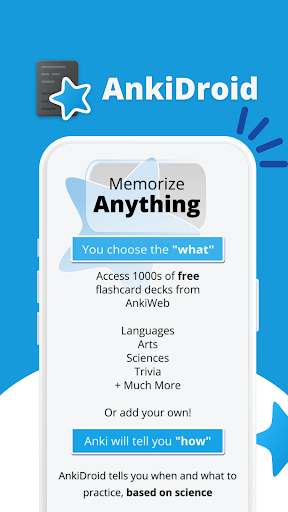
Memorize anything with AnkiDroid! AnkiDroid is a powerful learning tool designed for Android users that allows you to learn and review flashcards very efficiently. By leveraging the scientifically-supported spaced repetition technique, AnkiDroid ensures you review information just before you would forget it, maximizing retention and study effectiveness. Whether you're a student preparing for exams, a language enthusiast learning vocabulary, or someone eager to acquire new knowledge, AnkiDroid makes your learning process seamless and engaging.
Features and Functionality
Comprehensive Flashcard Support
AnkiDroid supports a variety of flashcard contents including text, images, sounds, and mathjax. This multimedia approach creates dynamic and interactive study materials that cater to different learning styles. Whether you're studying complex formulas or vocabulary with audio pronunciations, AnkiDroid has you covered.
Synchronization and Cross-Device Compatibility
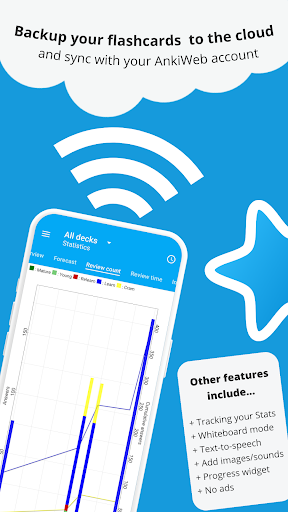
One of the standout features is its ability to sync with AnkiWeb, allowing you to seamlessly continue your studies across multiple devices. Start reviewing on your Android smartphone and pick up right where you left off on your desktop computer. This flexibility makes it easier to incorporate study sessions into your busy schedule, whether you're using Windows, Mac, Linux, ChromeOS, or iOS devices.
Rich Content Creation and Editing
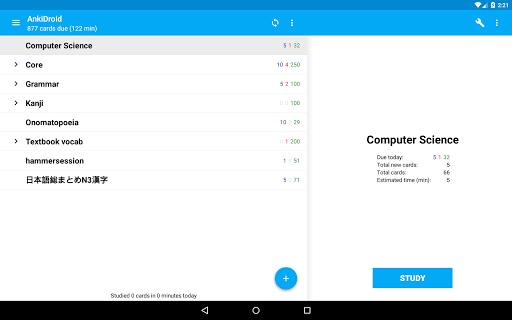
Creating and customizing your own flashcard decks is straightforward. AnkiDroid offers a user-friendly card editor/adder and supports adding material directly from the desktop application or through other apps like dictionaries. You can also import existing collections with ease. Features like full backup system and custom font support ensure your data is secure and personalized to your preferences.
Additional Learning Tools
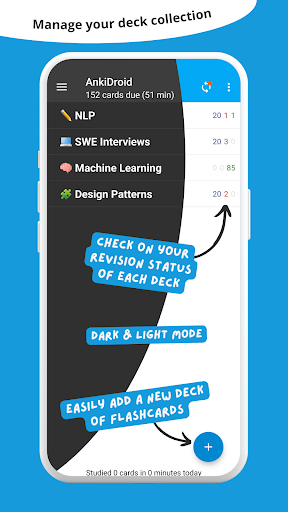
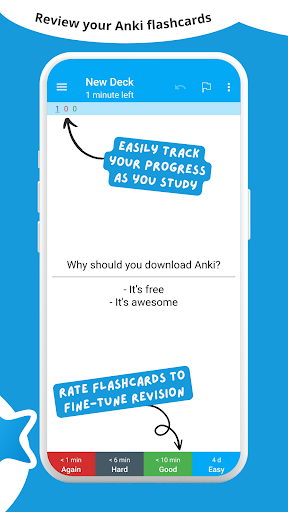
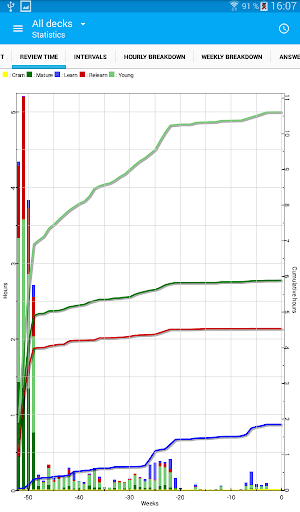
Beyond basic flashcards, AnkiDroid provides features such as write answers (optional), whiteboard mode, progress widget, and detailed statistics to track your improvement. The app supports text-to-speech integration for audio reinforcement and offers a full backup system for safety. Navigation is intuitive with swipe, tap, and shake controls, and the app is highly customisable with options for dark mode and over 100 localisations.
Why Choose AnkiDroid?
If you're searching for an effective and versatile Android flashcard app, AnkiDroid is an excellent choice. Its support for various content types and rich feature set empower learners to tailor their study sessions. The ability to synchronize across devices means your learning experience can be continuous and uninterrupted, whether you're studying during commutes or at home.
Another compelling reason is the vibrant community that shares thousands of pre-made decks across countless topics and languages. From Japanese kanji and medical terminology to history facts, you'll find decks suited to your needs. Moreover, being an open-source app, AnkiDroid benefits from ongoing improvements by developers worldwide, ensuring you get regular updates and new features at no cost.
Designed to be fully customizable, AnkiDroid allows users to adapt the app to their unique learning style. Features like dynamic deck handling and importing collection files enrich the learning experience. Its simple yet powerful interface, combined with functionalities such as dark mode and support for multiple localizations, makes it accessible and user-friendly for learners worldwide.
Conclusion
In summary, AnkiDroid Flashcards is an indispensable tool for anyone eager to improve their memory and learning efficiency on Android devices. Its support for multimedia content, synchronization capabilities, extensive customization, and active community make it a standout educational app. Whether you're studying languages, preparing for exams, or acquiring new skills, AnkiDroid can be your dedicated study partner. Give it a try and discover how it can transform your learning journey into an engaging and productive experience.
Pros
- Highly customizable flashcard decks.
- Supports multimedia content.
- Easily synchronizes with AnkiWeb.
- Open-source and free to use.
- Effective for spaced repetition learning.
Cons
- Steep learning curve for beginners due to complex interface.
- Limited options for card design customization.
- Occasional synchronization problems.
- Some features require manual configuration.
- No built-in community support included.











