Spades: Classic Card Games
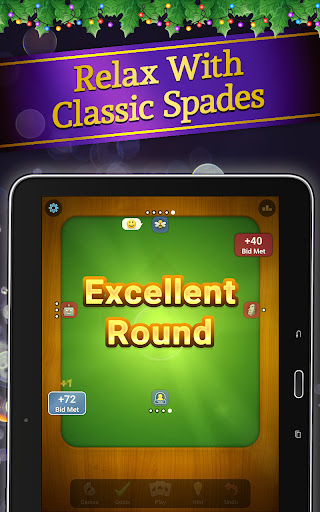
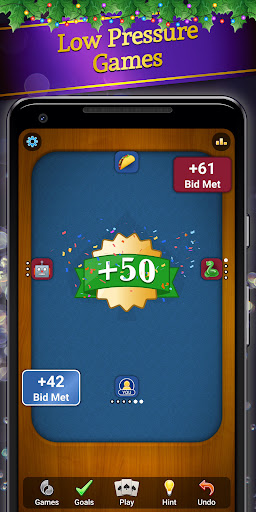
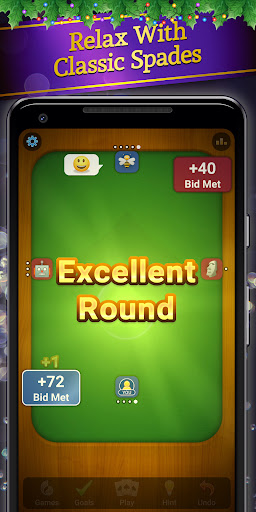
Spades: Classic Card Games brings the timeless trick-taking thrill to your device with a lightweight, modern design. It offers both solo play against smart AI and lively multiplayer challenges against real opponents, all centered around accessible rules, quick matchmaking, and a social edge that makes every hand feel meaningful.
Overview
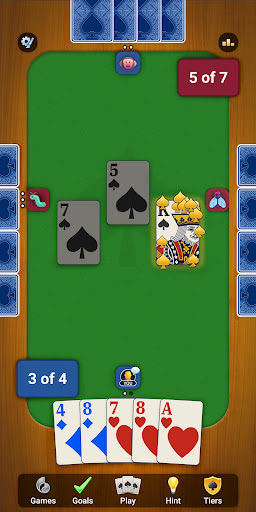
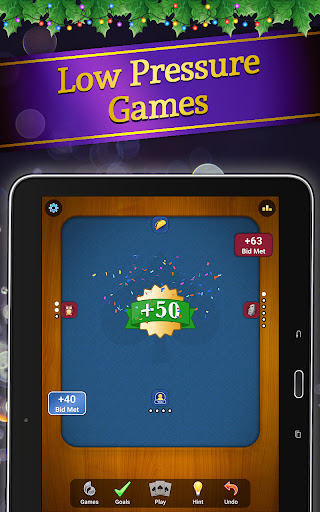
The app captures the familiar rhythm of Spades with a clean, mobile-optimized interface, smooth gameplay, and clear objectives. If you enjoy free card games such as Hearts, Rummy, Euchre, Cribbage, or Pinochle, you’ll find Spades approachable and engaging for social play and competitive matches alike.
Gameplay and Modes
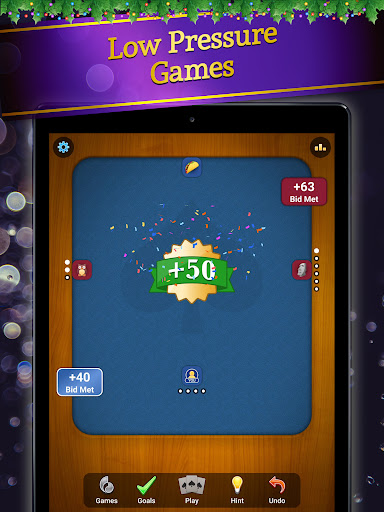
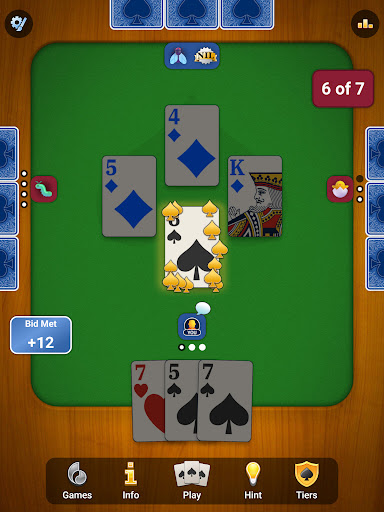
Choose between a solo mode against intelligent AI or multiplayer battles against real opponents. You can tailor the experience by adjusting rules to the traditional Spades format or trying house rules for extra variety. The AI provides a solid challenge, and the fast matchmaking means you’ll be playing with friends or players worldwide in no time. A built-in chat keeps things lively, while a competitive leaderboard tracks your progress over time.
Features
- Classic Spades gameplay redesigned for a mobile, easy-to-navigate interface.
- Drop-in, drop-out sessions so you can play whenever you have a moment.
- Expressive emojis to share mood and reactions during hands.
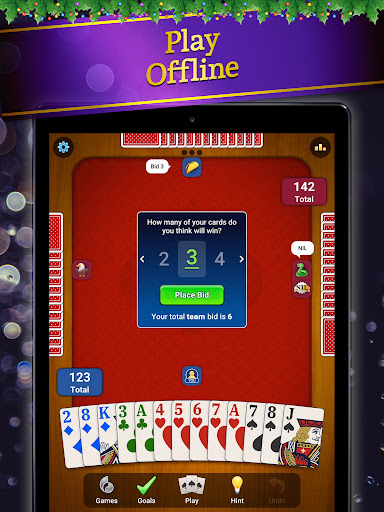
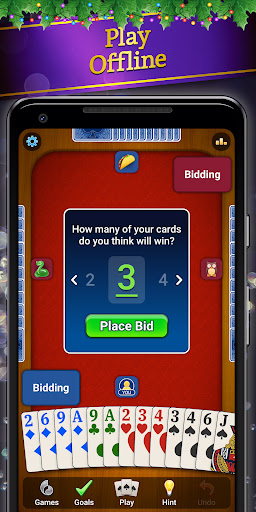
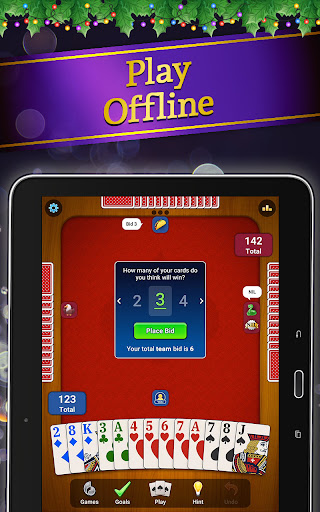
- Online play or offline play against smart bots with adjustable AI difficulty.
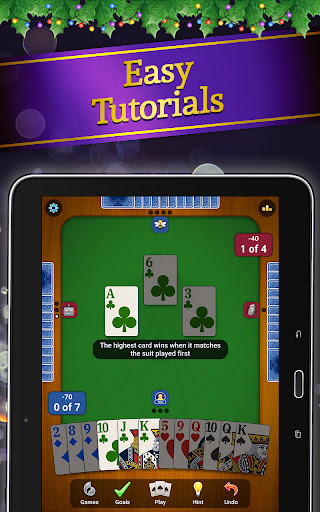
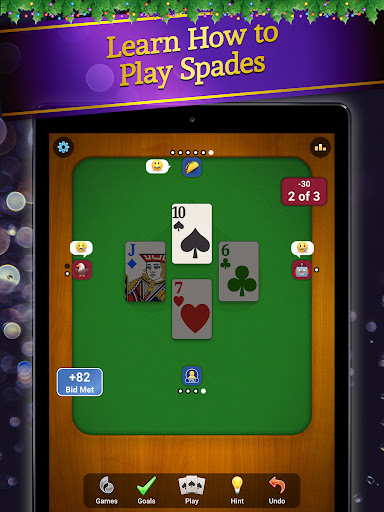
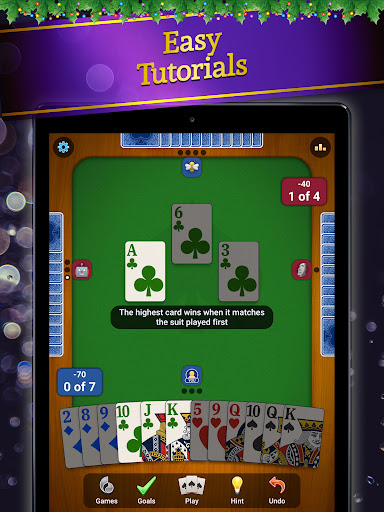
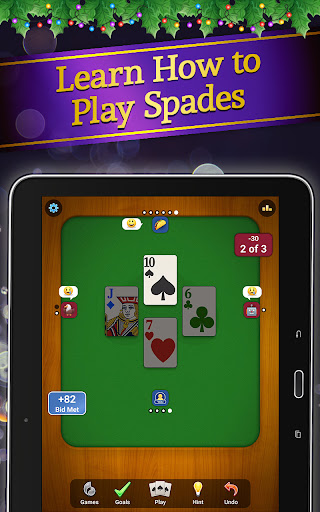
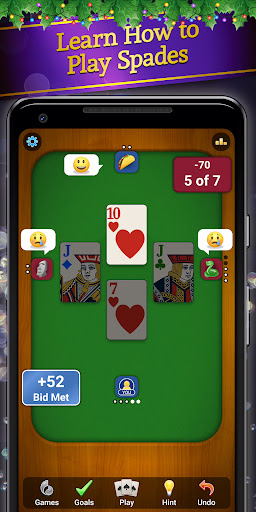
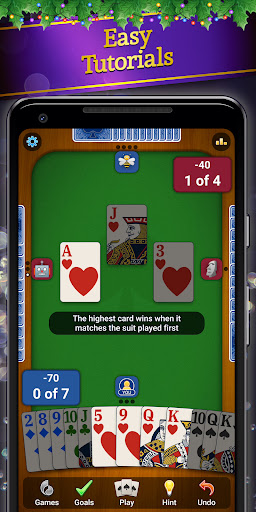
- Guided learning with tutorials to help beginners and returning players sharpen strategy.
- Hints and undos to ease learning while you master timing, bidding, and tricks.
- Auto-save keeps your progress across sessions.
- Themed opponents each month with exclusive boosters, emotes, hats, and avatars to unlock.
Strategy and Depth
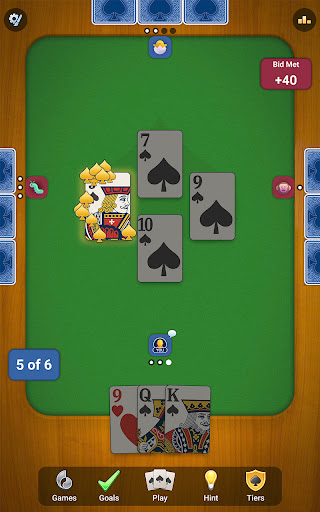
Spades is a game of timing, bidding, and teamwork. The core objective remains to win the most tricks and reach the target score first. Spade cards typically come into play after the trick is broken, adding a layer of strategic decision about when to push for tricks and how to manage your bid. The game rewards planning, communication with partners, and quick adaptation as the hand develops.
Learning, Progress, and Accessibility
The title includes built-in guidance to help you learn and improve, with options to play online or offline and a clear way to track your stats and high scores. It’s designed to be welcoming for players of all skill levels, offering a relaxing yet engaging experience that keeps your brain sharp.
Why Spades Fans Will Love It
If you’ve enjoyed classic card games like Hearts, Rummy, Euchre, Cribbage, or Pinochle, you’ll likely appreciate the social, competitive energy of Spades: Classic Card Games. This mobile take preserves the strategic core of the classic while delivering a polished, modern experience that fits a commute or a quick session between tasks. Whether you aim to climb the leaderboard or simply enjoy a satisfying, strategic pastime, this Spades app offers a robust and enjoyable playing experience—online or offline.
Pros
- Easy to learn and play format.
- Smooth and user-friendly interface.
- Engaging multiplayer options.
- Offline play mode available.
- Regular updates with new features.
Cons
- Contains in-app advertisements.
- Occasional connectivity issues.
- Limited customization options.
- Requires internet for some features.
- Can be addictive for some users.