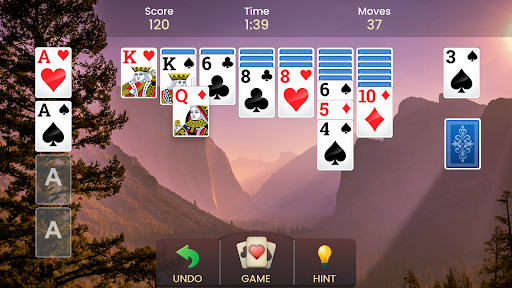
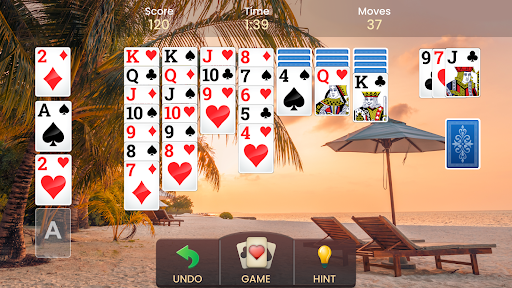
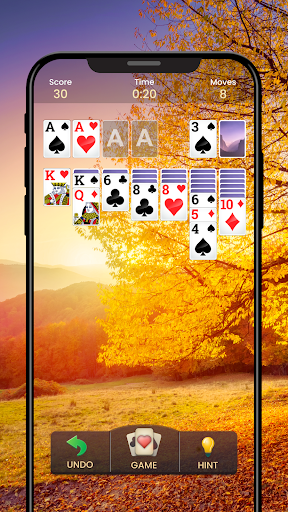
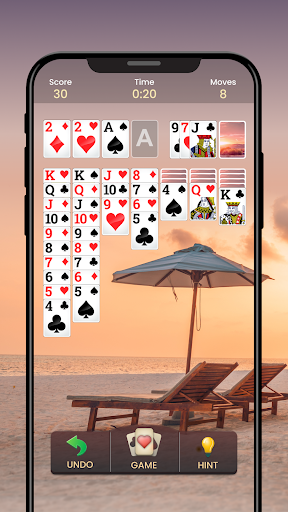
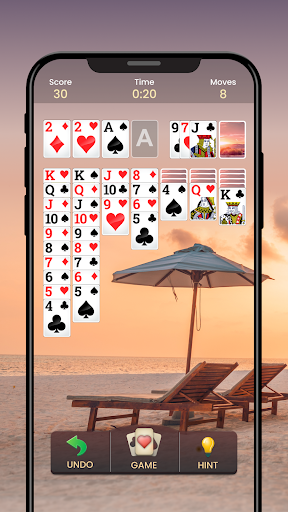
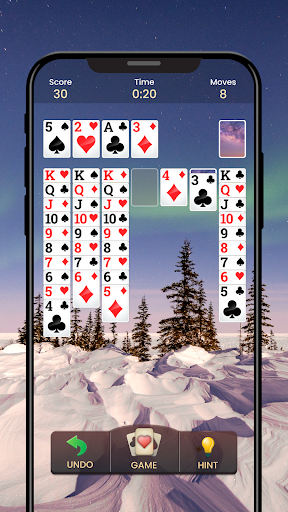
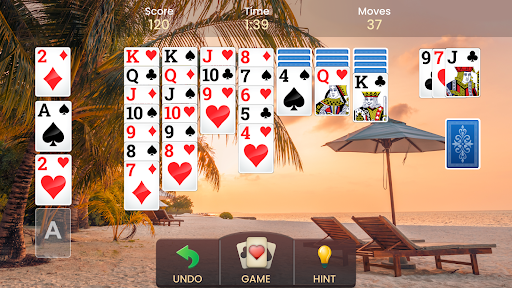
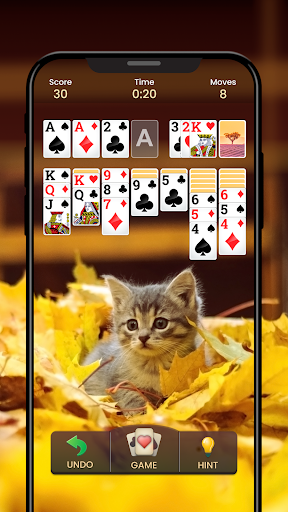
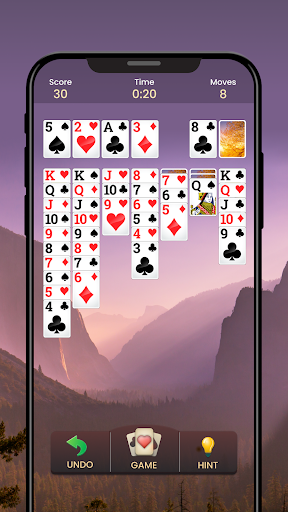
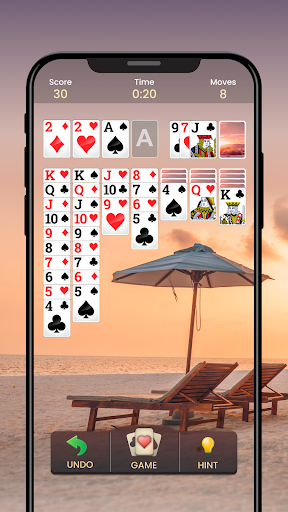
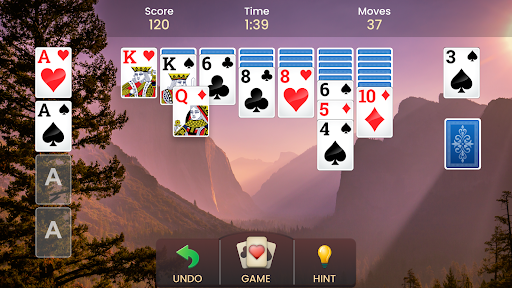
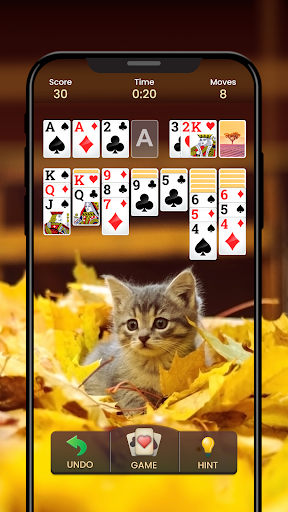
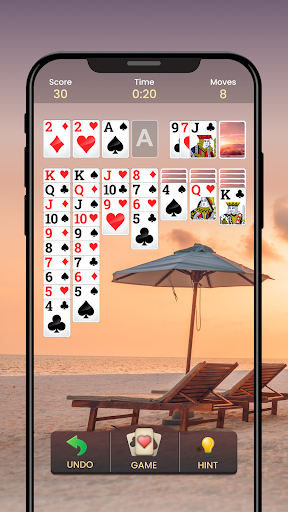
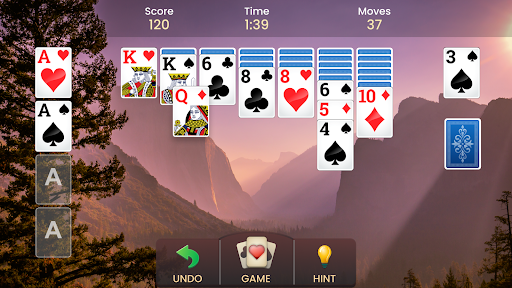
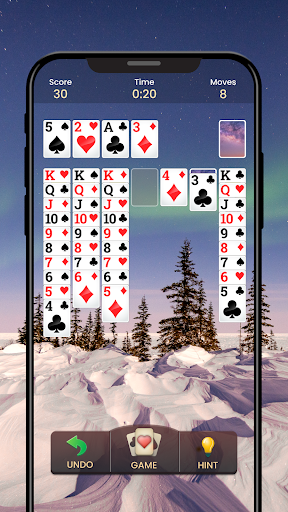
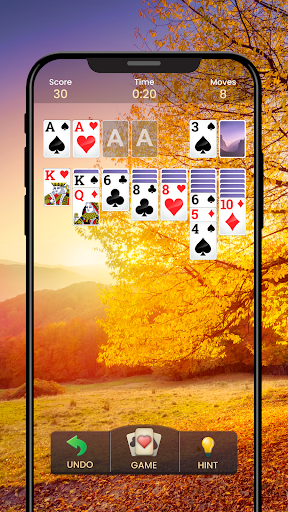
Overview
Features
Key Features
- Enjoy a wide variety of Solitaire games on the go—play wherever you are and switch between landscape and portrait modes for comfort.
- Device compatibility so you can play on a broad range of smartphones and tablets.
- Move cards with a simple tap or a smooth drag-and-drop motion for intuitive gameplay.
- Available in multiple languages to welcome players worldwide.
Special Features
- Left-handed mode—perfectly tailored for left-handed Solitaire players.
- Auto-complete option for lightning-fast wins in Solitaire card games.
- Daily Solitaire challenges with incredible rewards to unlock.
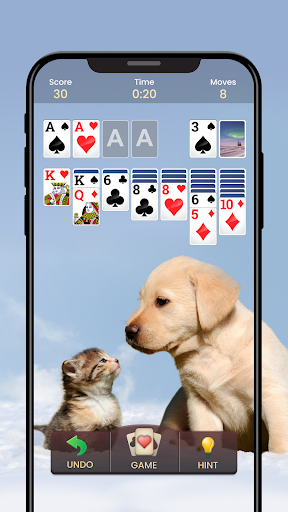
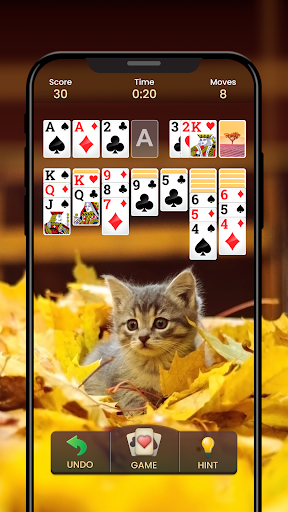
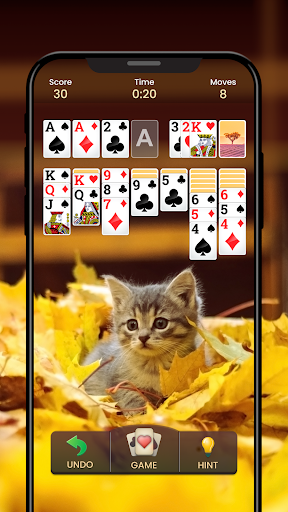
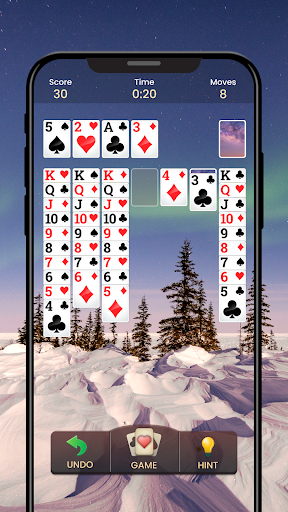
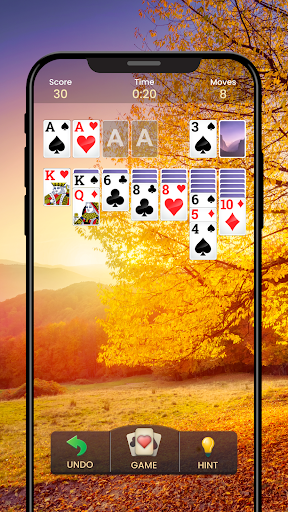
- Personalize your Solitaire with various card faces, backs, and backgrounds along with win animations.
- Hints to help you overcome tricky situations when you get stuck.
- Choose between Draw-1 or Draw-3 card modes for added challenge.
- Detailed personal statistics to keep track of your progress in Solitaire games.
- Classic Solitaire mode plus exciting variations like Solitaire Race to keep things fresh.
How to Play
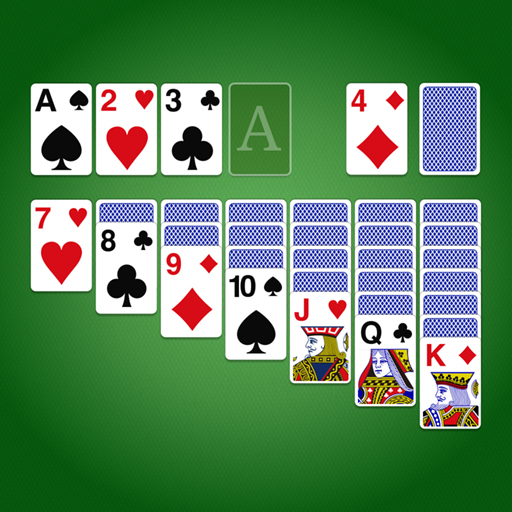
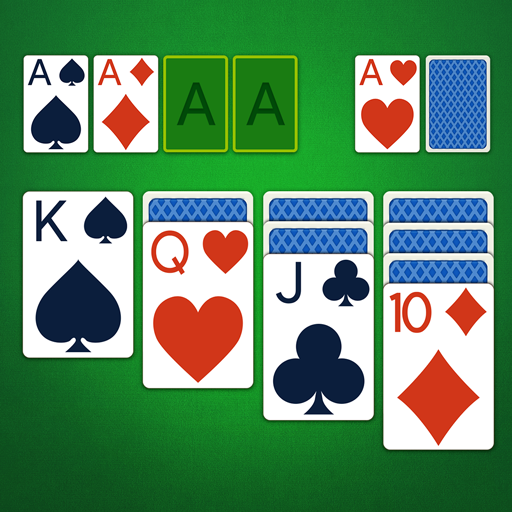
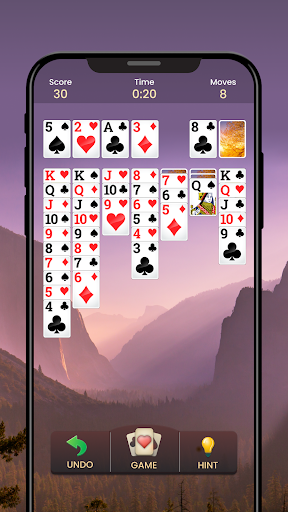
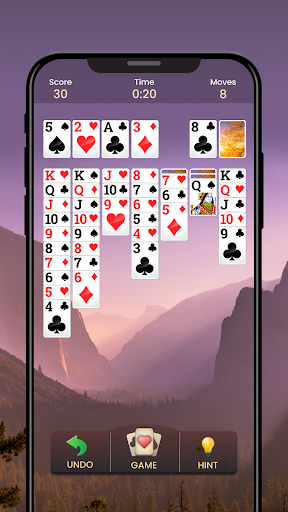
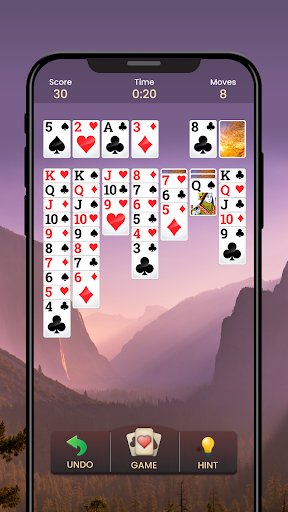
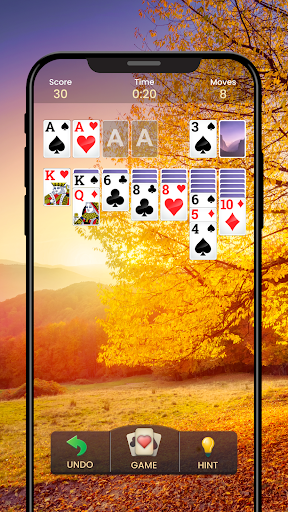
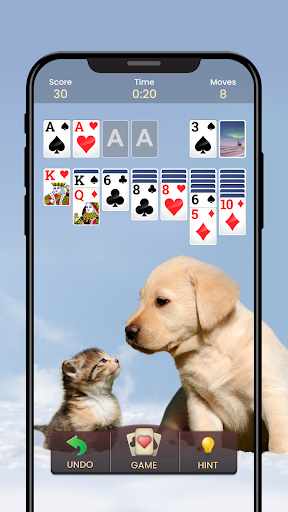
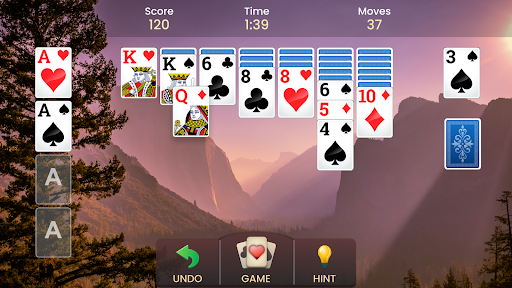
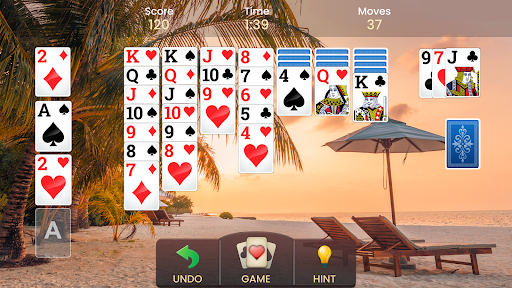
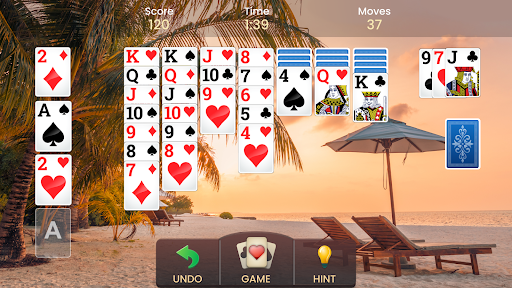
To solve this free original solitaire puzzle, move all cards from the four suits—hearts, diamonds, spades, and clubs—to the Foundations. In the classic Solitaire setup there is one deck with 52 cards. Stack cards by suit from Aces up to Kings (A, 2, 3, and so on), and you can also move cards between columns, building in descending order and alternating red and black suits. You can move an entire stack by dragging it to another column. Whether you call it Solitaire, Patience, or a familiar classic, the goal remains the same: organize the cards and complete the foundations. This timeless game blends strategy with a relaxing pace, offering a satisfying challenge whether you’re a longtime fan or just discovering the genre.
With modes like Draw-1 and Draw-3, daily challenges, and clear progress tracking, you can tailor the experience to your skill level and mood. It’s a delightful way to unwind, sharpen your mind, and enjoy a modern take on a desktop classic.
Getting Started
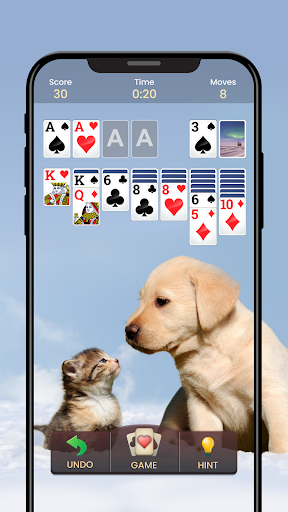
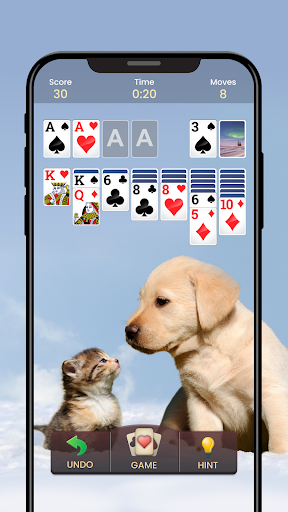
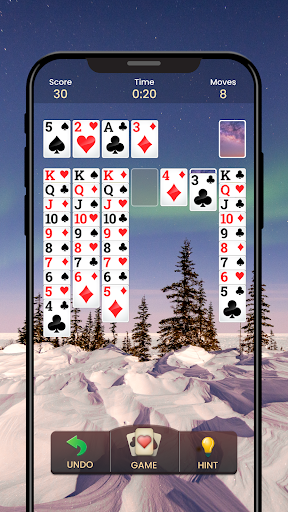
Solitaire - Classic Card Game is available on both Android and iOS, so your device is covered. The installation is quick, and you’ll be flipping cards and stacking suits in moments. The interface is clean and user-friendly, preserving the nostalgia of the classic PC version while feeling right at home on a mobile screen. The visuals are crisp with smooth animations that make each move rewarding, and the subtle background audio creates a relaxing atmosphere. You can adjust the sound effects to suit your preference, and autosave ensures you can pick up right where you left off. From casual play to daily competition, this app delivers a delightful nod to the original while delivering modern conveniences for on-the-go gaming.
Why Solitare - Classic Card Game Stands Out
If you’ve spent hours chasing high scores on a computer screen, this mobile Solitaire update is a welcome companion. It preserves the essence of the classic game while adding thoughtful touches—left-handed layouts, rotation options, personalized themes, and engaging daily challenges—that keep gameplay fresh and accessible to players worldwide. Whether you’re aiming for a perfect run or simply want a soothing, brain-stimulating pastime, this app offers a polished, reliable Solitaire experience that you’ll want to return to day after day.
Pros
- Easy-to-navigate interface
- Seamless gameplay mechanics
- Offline play is available
- A variety of game modes
- Customizable card designs
Cons
- Ads appear during gameplay
- Free features are limited
- Occasional in-app purchases
- Not suitable for younger children
- Battery may drain quickly