
Discover the Capabilities of PPSSPP Gold - PSP Emulator
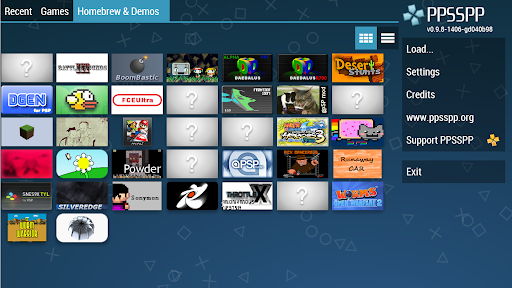
Are you a gaming enthusiast longing to revisit the legendary titles of the PlayStation Portable (PSP)? Look no further than PPSSPP Gold – the premier PSP emulator designed specifically for Android devices. This powerful app enables users to play all their favorite PSP games in high definition, delivering an authentic gaming experience right on their smartphones or tablets. Whether you're nostalgic for classics like Final Fantasy or God of War, or eager to explore new homebrew titles, PPSSPP Gold offers a seamless and feature-rich way to enjoy portable gaming on the go.
Seamless PSP Gaming Experience with PPSSPP Gold
PPSSPP Gold stands out as the best, original, and only dedicated PSP emulator for Android, supporting a wide variety of games with impressive performance. It allows players to relive the golden days of PSP gaming, transforming their mobile devices into a portable console. The emulator’s compatibility is extensive, capable of running numerous PSP titles; however, the actual performance will depend on your device’s power. Users can enhance their gaming visualizations by boosting their game's graphics resolution, turning pixelated memories into crisp, high-definition visuals. This feature breathes new life into classic titles, making gameplay even more immersive.
Get Started Easily and Flexibly
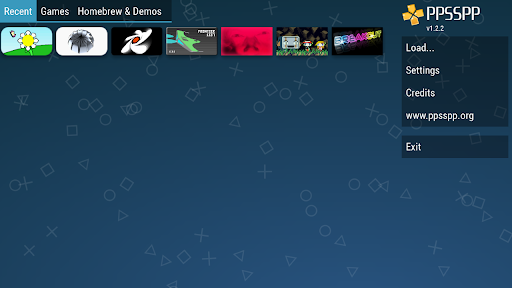
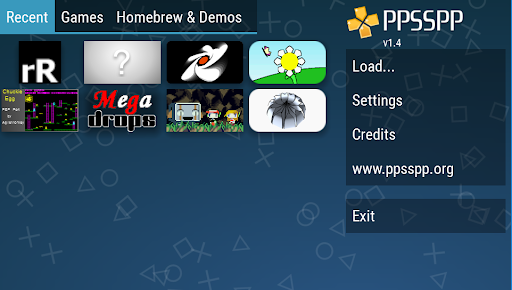
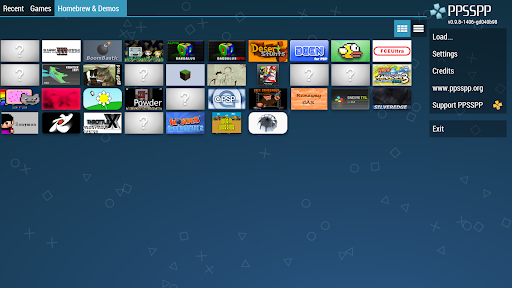
Getting started with PPSSPP Gold is straightforward. After purchasing the app to support ongoing development, you simply need to transfer your .ISO or .CSO files—dumps of real PSP game discs—into your device’s storage, specifically into the /PSP/GAME directory on your SD card or USB device. Alternatively, you can enjoy free homebrew games that are readily available online. The user-friendly interface makes managing your game library a breeze, and customizable controls allow you to tailor the gameplay experience to your device’s screen size and preferences. The app also supports external controllers, giving you an authentic gaming feel whether you’re using a dedicated gamepad or touchscreen controls.
Why Choose PPSSPP Gold Over the Free Version?
Opting for PPSSPP Gold not only supports ongoing development but also provides a streamlined experience with additional features that free versions may lack. While the free version offers the core emulator functionality, the Gold version ensures premium quality, faster updates, and additional customization options. Remember, no games are included in the download, so you’ll need to supply your own game files, but this flexibility allows you to play your personal collection of PSP titles or explore new homebrew games found online, all while enjoying high-definition visuals and enhanced performance.
Final Thoughts: Your Gateway to Nostalgic Gaming
In conclusion, PPSSPP Gold - PSP emulator is an exceptional tool for gamers seeking to relive the cherished memories of PSP gaming directly from their Android device. Its robust graphics enhancement capabilities, customizable controls, and wide game compatibility make it a must-have application for both veteran gamers and newcomers alike. Whether you want to revisit iconic games or discover new ones, PPSSPP Gold offers a smooth, high-quality emulator experience that bridges the gap between past and present gaming. Embark on a nostalgic journey and enjoy the timeless thrill of PSP games with this outstanding emulator—your portable gaming console is just a download away.
Pros
- Excellent compatibility with PSP games.
- Intuitive interface and controls.
- Regular updates and enhancements.
- Supports high-definition resolution and shaders.
- Enables game saving and loading states.
Cons
- Needs a powerful device for optimal performance.
- Some games may run with lag.
- Free version contains intrusive advertisements.
- Limited support for certain game features.
- May occasionally crash on older devices.