
Overview of Pixel Art - Color by Number
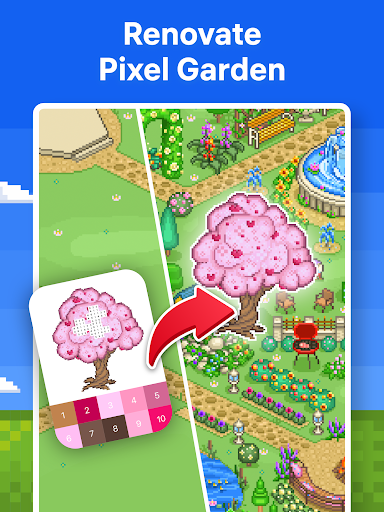
Discover the relaxing world of Pixel Art - Color by Number, a popular coloring game available on Google Play that captivates millions of users worldwide. Designed by gaming experts, this app offers a meditative coloring experience that helps you find your zen through a simple yet engaging paint by number journey.
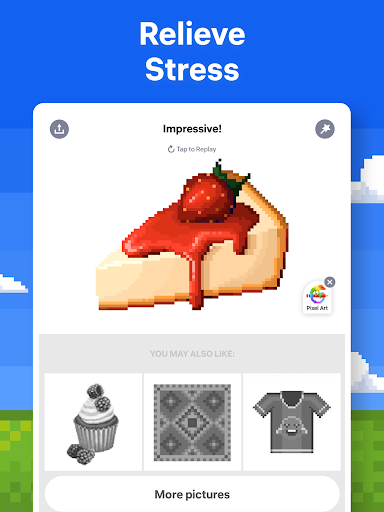
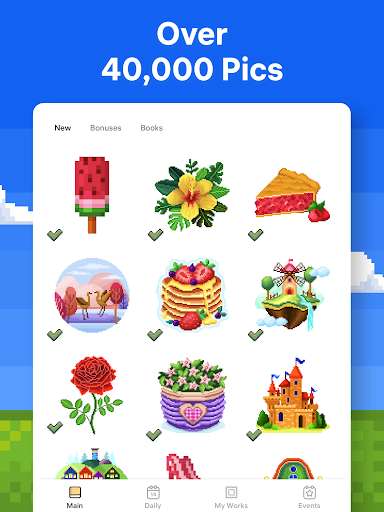
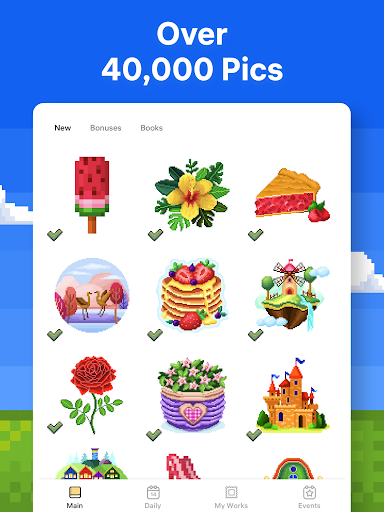
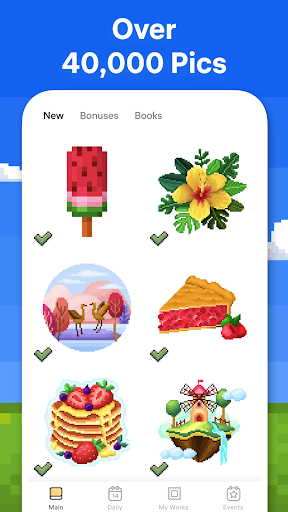
With over 40,000 artworks to explore and the option to create your own pixel masterpieces, Pixel Art combines creativity with stress relief. Whether you're seeking a calming activity after a busy day or want to unleash your inner artist, this app provides a soothing environment to relax and unwind.
Developed to be user-friendly, Pixel Art features an intuitive interface where you just tap on numbered sections to fill colors—no complicated tools needed! The app's versatility makes it suitable for all ages and skill levels, from easy designs to highly detailed images.
Key Features of Pixel Art - Color by Number
Easy to Use Coloring by Number
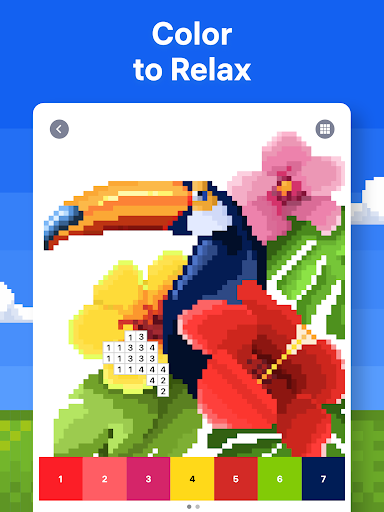
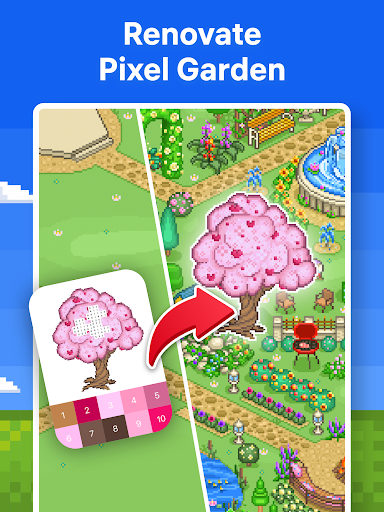
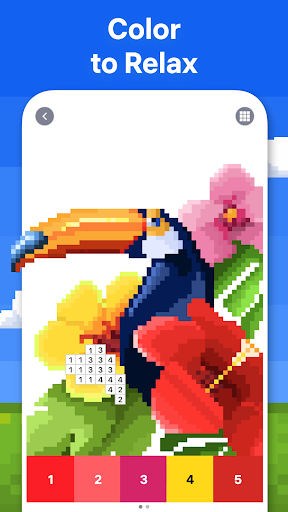
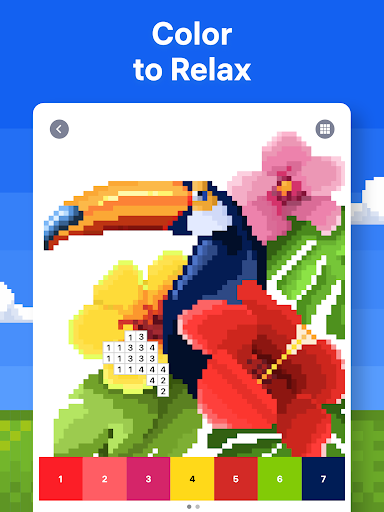
Experience the simplicity of coloring by number: browse images and tap the corresponding color number to fill in the sections. This straightforward method ensures you always know what color to use and where, making it accessible to everyone.
Vast Library of Images
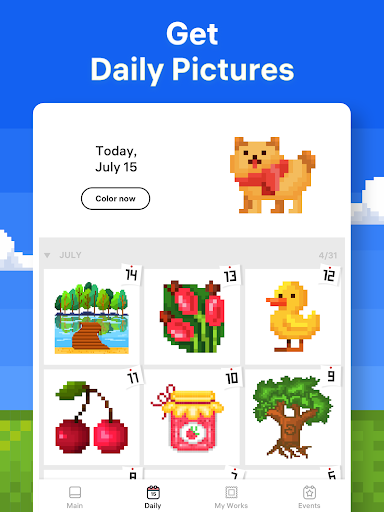
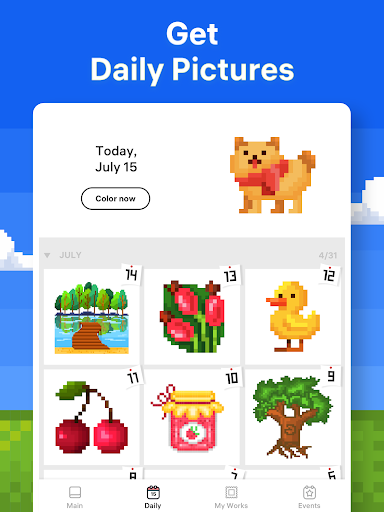
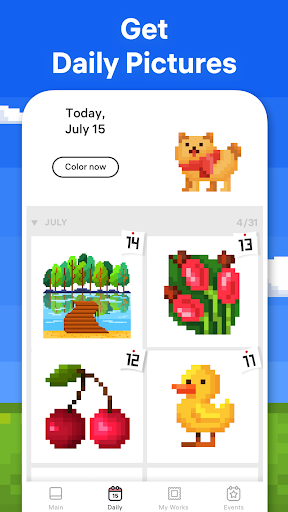
Enjoy a diverse collection of images, including mandalas, flowers, animals, landscapes, and more. The coloring pages range from easy to highly detailed, catering to various moods and preferences, with new images added daily to keep your creative flow alive.
Special Seasonal and Event Themes
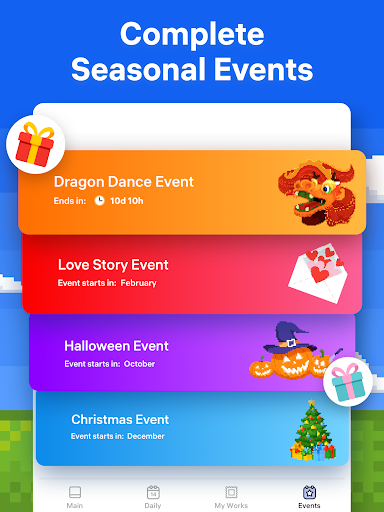
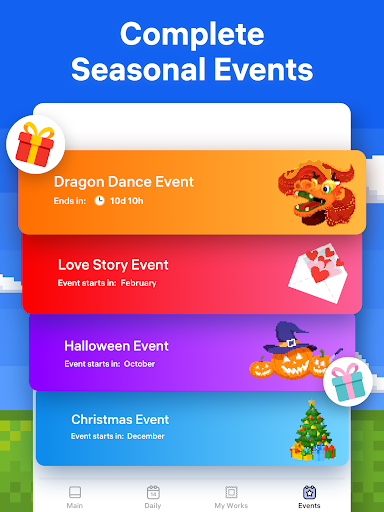
Celebrate holidays and festivals with themed coloring pages like Christmas, Halloween, and Thanksgiving. These special images are designed to enhance your festive spirit and allow you to collect unique bonuses during seasonal events.
Creative Personalization with Pixel Art Camera
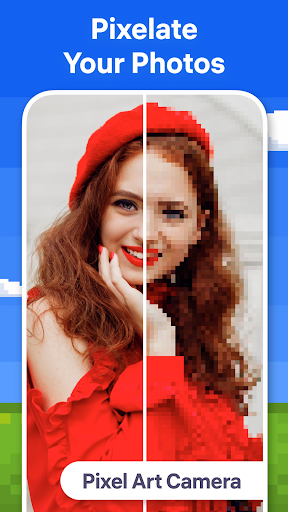
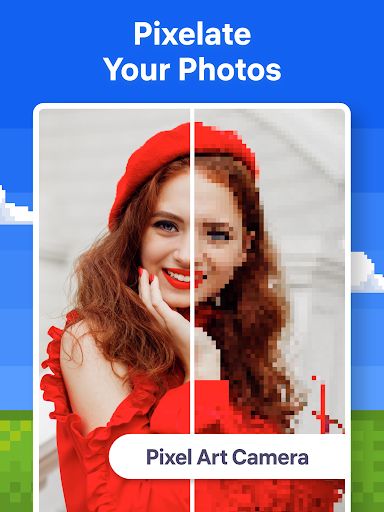
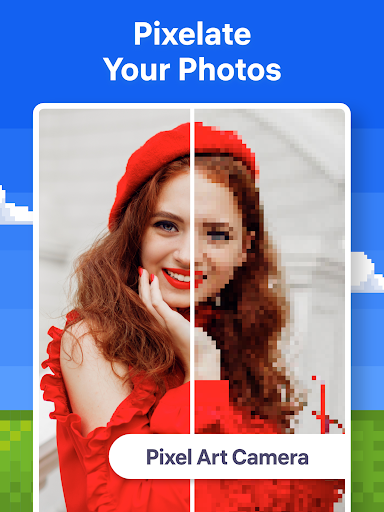
Transform your favorite photos into pixel art using the in-app camera. Upload pictures, adjust difficulty levels, and enjoy coloring your own images for free, adding a personal touch to your artistic journey.
Innovative 3D Coloring & Boosters
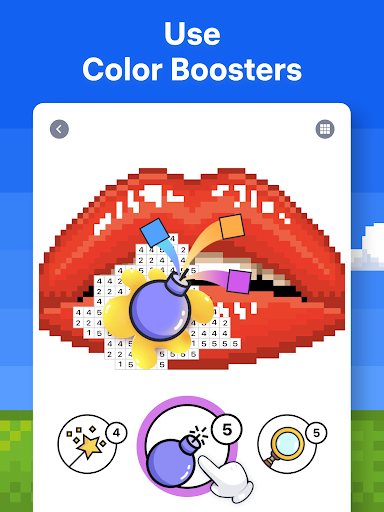
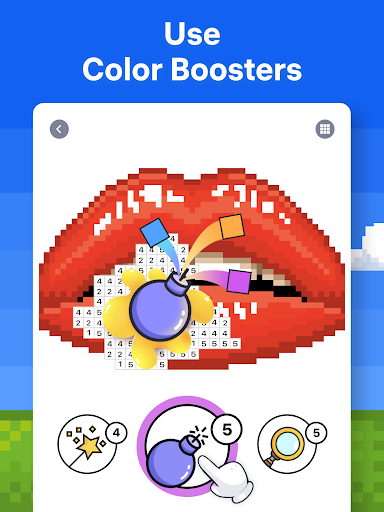
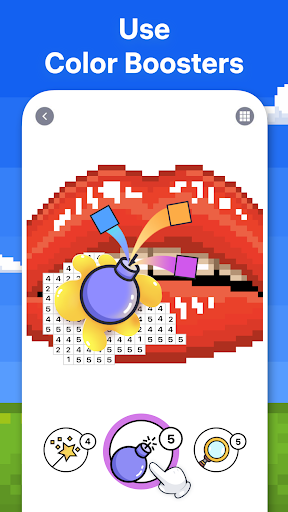
For a more advanced experience, try the 3D coloring feature, which allows you to paint on three-dimensional objects. Additionally, tools like Color Splash and Magic Wand help you complete complex images quickly and easily.
Share and Celebrate Your Artwork
Show off your creations by sharing time-lapse videos or finished pictures directly from the app. Engage with a community of coloring enthusiasts and inspire others with your colorful masterpieces.
Benefits of Playing Pixel Art - Color by Number
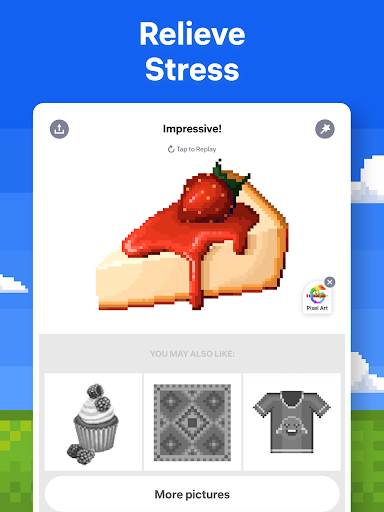
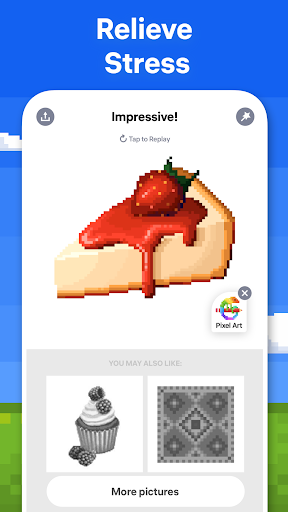
This app is more than just a fun pastime—it’s a form of art therapy that promotes mindfulness and mental well-being. As you focus on filling in colors, your mind relaxes, and stress diminishes. It’s an ideal activity to help manage anxiety and find clarity.
There are no time limits or competitive pressures—just pure, accessible creativity. Whether you want to color quietly at home or on the go, Pixel Art provides a versatile platform to express yourself and enjoy some much-needed mental relaxation.
Moreover, the app’s social features allow you to share your favorite moments and connect with a global community of coloring lovers, making the experience even more enjoyable and engaging.
If you're looking to add a splash of color to your routine, Pixel Art - Color by Number is the perfect app to help you unwind, unleash your creativity, and achieve a peaceful state of mind through art. It’s an excellent way to turn stress into a colorful, calming activity.
Pros
- Provides a relaxing and stress-relieving experience.
- Enhances focus and attention to detail.
- Offers a wide range of designs and categories.
- Features an easy-to-use interface and controls.
- Supports offline mode for use without internet.
Cons
- Limited free content options.
- In-app purchases can be expensive.
- Advertisements may interrupt the experience.
- Color schemes can become repetitive.
- Lacks options for custom designs.