Overview of the John GBC App
John GBC is a powerful GB/GBC emulator designed for Android 6.0+. This versatile app allows users to relive classic Game Boy Color experiences right on their smartphones. It’s important to note that the app does not come with any game files; users need to supply their own ROMs. For those unsure about the app's capabilities, trying the John GBC Lite version beforehand is recommended, as data from Lite can be seamlessly transferred to the full version. If you are an enthusiast of retro gaming and looking for high-quality emulation, John GBC offers a comprehensive set of features aimed at providing a delightful gaming experience for enthusiasts and newcomers alike.
Main Features of John GBC
Emulation Quality and Performance
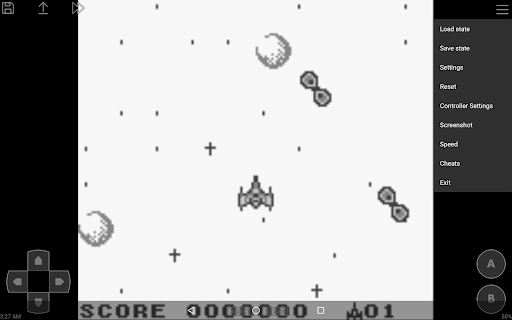
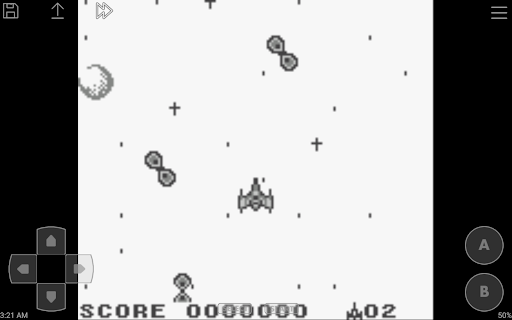
This Game Boy Color emulator boasts an original GBC engine for authentic gameplay, combined with high-quality rendering. The app is optimized for speed, making gameplay very fast and smooth. It can scan game files stored on SD card and internal storage, providing easy access to your favorite titles.
Customization and Control Options
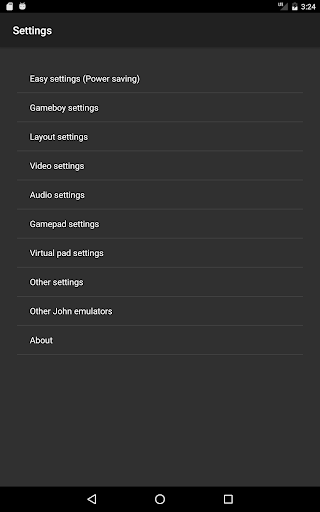
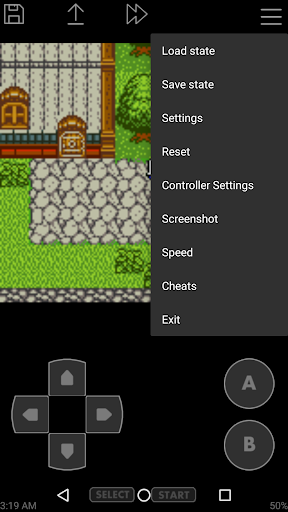
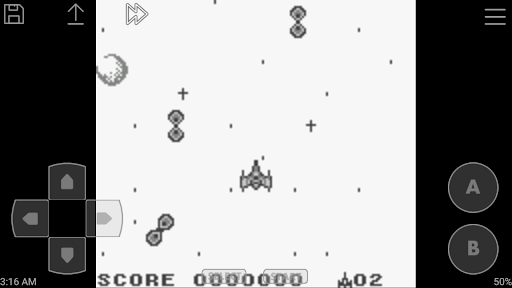
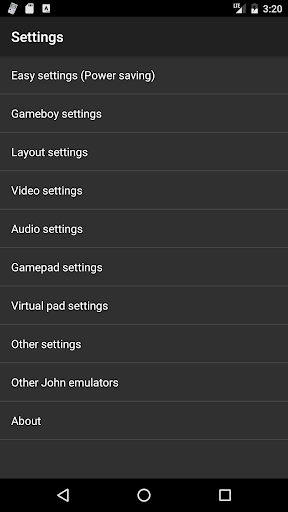
The app features a virtual on-screen keypad that can be customized to suit your preferences. For those who prefer using physical controllers, Bluetooth and MOGA controller support are available. Additional controls include turbo buttons, enabling rapid input, and screenshot functionality to capture memorable moments. The emulator also supports save states with previews, allowing players to save their progress at any point and load it instantly later. Users can also employ cheats via Game Genie, Game Shark, or PAR codes, enhancing the gameplay experience.
Graphics and Extras
To enhance the visual experience, John GBC offers Super Gameboy borders and screen filters to customize the look of your games. Support for zipped files makes managing ROM collections more convenient, and the inclusion of Dropbox support (through John DataSync) provides cloud backup options. Moreover, the app is free of anuncios, requiring no internet connection for gameplay, ensuring uninterrupted gaming sessions.
Why Choose John GBC for Retro Gaming?
Relive Nostalgia with Authentic Gameplay
There’s something inherently nostalgic about the beep-beep sounds of Game Boy games and the colorful pixelated graphics. John GBC encapsulates this essence with authentic emulation, making it a favorite among retro gamers. Its intuitive interface allows for quick setup—just load your ROMs and start playing.
Enhanced User Experience
The app's customizable controls and support for external gamepads make for an adaptable gaming experience. The save/load game states feature ensures players can pause their session at any moment, perfect for gaming on the go. Visual adjustments like screen filters add a personal touch, allowing gamers to select their preferred display style—crisp and clean or nostalgic and grainy.
Performance and Compatibility
Performance-wise, John GBC performs reliably without lag or glitches, supporting a broad range of Game Boy and Game Boy Color titles. Its compatibility across Android and iOS broadens its accessibility, making it an excellent choice for portable retro gaming. Whether you’re a long-time fan or new to classic gaming, this emulator helps you easily access and enjoy your favorite old-school games.
Conclusion
If you’re seeking an easy-to-use, feature-rich Game Boy Color emulator, John GBC is undoubtedly one of the top options available. It offers authentic gaming, extensive customization, and seamless performance, making it a perfect companion to relive childhood memories. Just bring your ROMs, fire up the app, and embark on a nostalgic journey into the pixelated worlds of your favorite 90s classics. Happy gaming!
Pros
- User-friendly interface for easy navigation.
- Supports a wide range of Game Boy games.
- High-quality graphics rendering.
- Customizable control layouts.
- Regular updates and bug fixes.
Cons
- Ads can be intrusive during gameplay.
- Limited free features without purchase.
- Requires additional BIOS files.
- Occasional crashes on older devices.
- Compatibility issues with some ROMs.