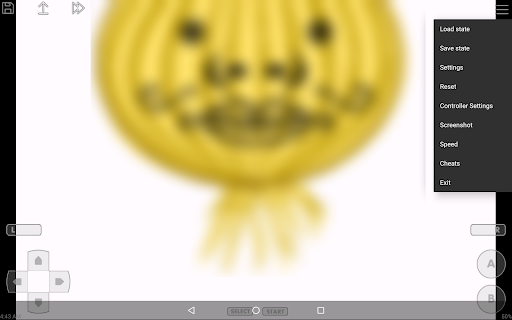
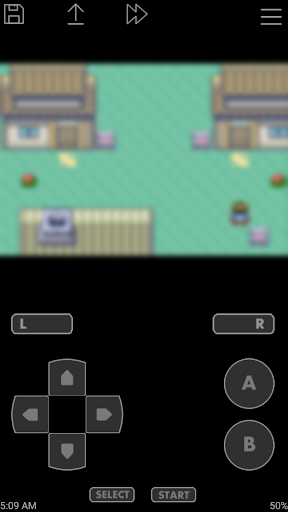
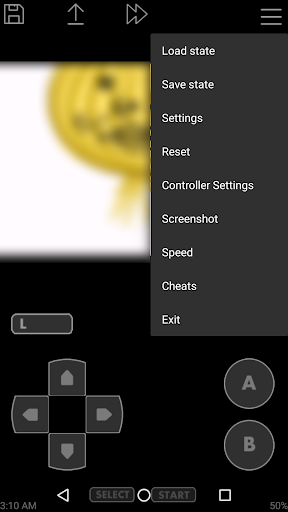
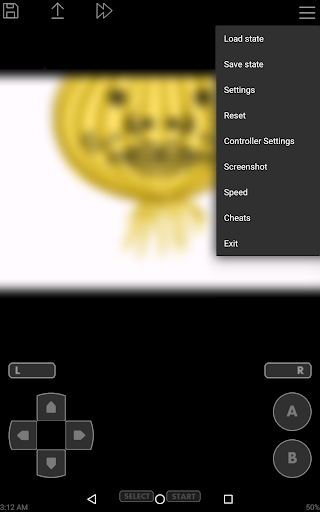
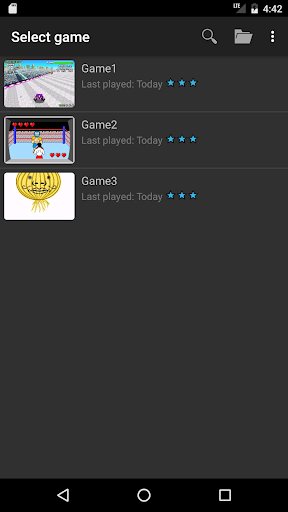
Introducing John GBA: Your Ultimate GBA Emulator for Android
When it comes to reliving the nostalgic charm of classic Game Boy Advance (GBA) titles, the John GBA app stands out as a top choice for Android users. Designed for devices running Android 6.0+, this emulator opens up a world of pixelated adventures right at your fingertips. Whether you're reminiscing about Pokémon, Mario, or Zelda, John GBA makes it easy to enjoy your favorite GBA games without the need for the original console. Packed with an array of powerful features, this emulator delivers a seamless and authentic gaming experience, making it a must-have app for any retro gaming enthusiast.
Key Features of John GBA
The John GBA emulator offers a comprehensive set of features that enhance gameplay and maximize convenience:
- Original GBA engine ensures accurate game emulation
- Cheats support including Raw, GameShark, and CodeBreaker
- High quality rendering with OpenGL for vibrant visuals
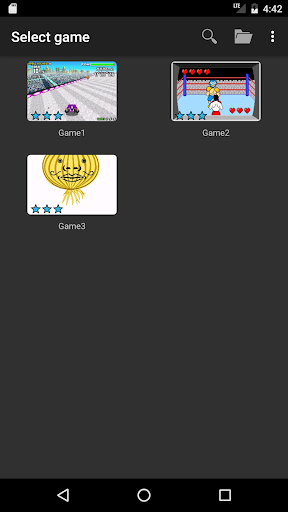
- Easy search for game files stored in SDCard and Internal Storage
- Virtual on-screen keypad customizable to your gaming preferences
- Zipped file support for easier game management
- Save States with previews allowing you to save and load game progress at any point
- Flexible customizable keys for a personalized control setup
- Turbo buttons for accelerated gameplay or quick button pressing
- Ability to take screenshots during gameplay
- Support for fast forward / slow down (x0.25 - x16) for better game speed control
- Compatibility with Bluetooth and MOGA controllers for enhanced game control
- Dropbox support (requires John DataSync) for cloud saves
- No ads and no internet connection required for uninterrupted gaming
Hardware Requirements and Compatibility
To ensure smooth emulation, John GBA recommends the following hardware specifications:
- CPU: ≥ 1.0GHz Dual-core
- RAM: ≥ 1GB
Why Retro Gamers Love John GBA
The charm of retro gaming lies in revisiting childhood favorites and experiencing those pixelated worlds once more. John GBA taps into this nostalgia with its simple yet powerful interface, allowing players to effortlessly access and enjoy their GBA game library. Its features like save states and fast forward mode are especially appreciated by players who want to skip cutscenes or retry difficult sections without losing progress. The emulator’s support for external controllers enhances the gaming experience, offering a more authentic feel reminiscent of actual consoles.
Ease of Use and User Experience
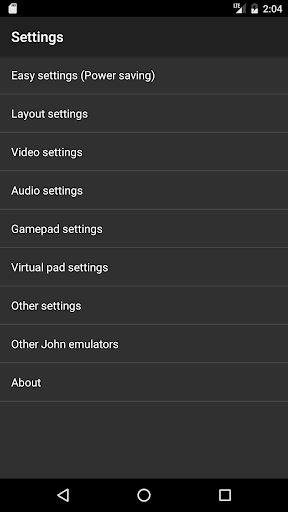
Designed with user-friendliness in mind, John GBA boasts an intuitive interface suitable for both tech-savvy users and newcomers. Searching for and loading game files is straightforward, and the customizable control layout ensures that you can tailor the setup to your preferences. Performance-wise, the emulator runs smoothly without noticeable lag, providing a fluid gameplay experience. Although the free version includes advertisements, an ad-free paid version is available for those seeking uninterrupted play.
Final Thoughts
Overall, John GBA is an excellent choice for anyone looking to dive into classic GBA titles on their Android device. Its robust feature set—including cheat support, save states, controller compatibility, and high-quality rendering—delivers an authentic and enjoyable retro gaming experience. Whether you’re reminiscing about childhood or exploring GBA titles for the first time, this emulator offers a seamless and fun solution to carry your gaming library everywhere. Give John GBA a try and relive those pixel-perfect memories today!
Pros
- High-quality graphics improve the gaming experience.
- Allows customization of on-screen controls.
- Features fast forward and slow motion options.
- Compatible with cheat codes.
- Supports external game controllers.
Cons
- May require a high-performance device for smooth gameplay.
- Limited features in the free version.
- Occasional advertisements can be disruptive.
- Does not support cloud-saving options.
- Full features available through in-app purchases.