
Introduction to FPse for Android Devices
Have you ever wished to play your favorite PlayStation games directly on your Android device? FPse is a remarkable emulator that transforms that dream into reality, allowing you to enjoy classic PSone titles on your smartphone effortlessly. With its powerful features and high compatibility, FPse offers a nostalgic gaming experience combined with modern technology enhancements.
Discover the Latest Version of FPse
Stay ahead with the newest release of FPse, which has been entirely redeveloped to deliver superior performance and user experience. This version is faster, smoother, and boasts an improved design that makes navigating your game library a pleasure. It enhances compatibility across a broader range of devices, ensuring that you can enjoy your favorite classics regardless of your hardware. Experience the improved speed and visual clarity by downloading the latest FPse from Google Play Store. The developers have worked tirelessly to optimize FPse, making it more reliable and feature-rich than ever before.
Core Features of FPse for Android
FPse is renowned for being the best, fastest, and most compatible PlayStation emulator available for handheld devices. It supports a wide array of features designed to elevate your gaming experience:
High-Resolution Graphics with OpenGL
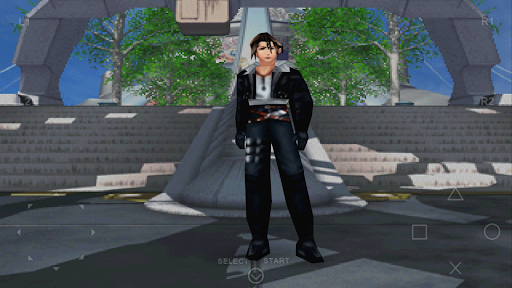
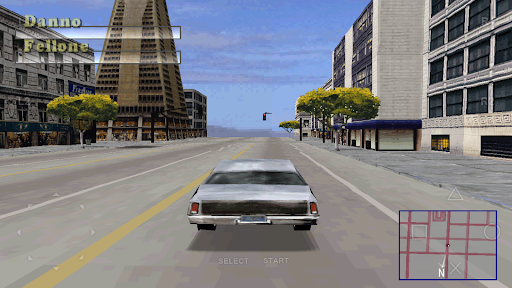
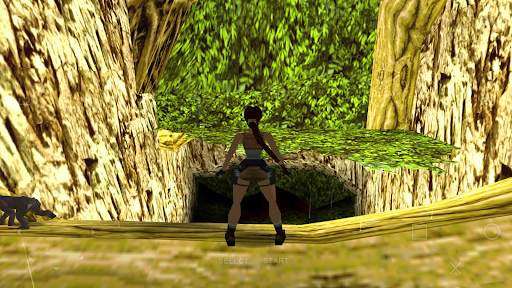
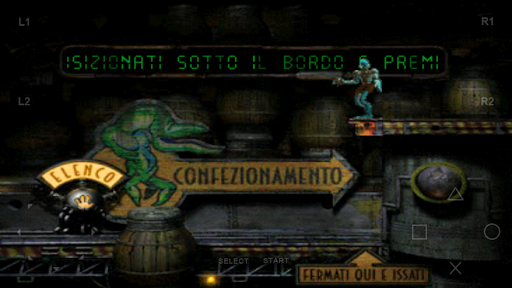
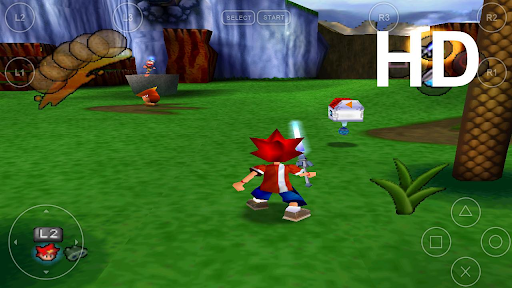
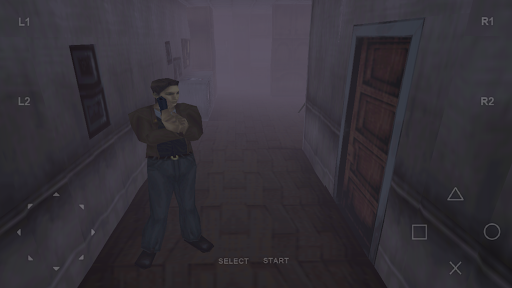
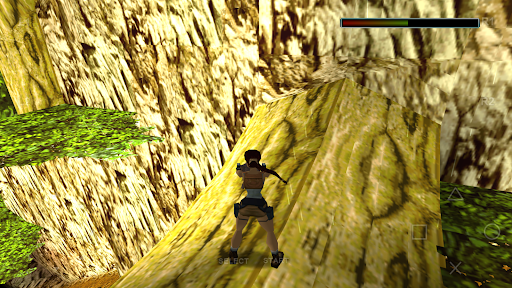
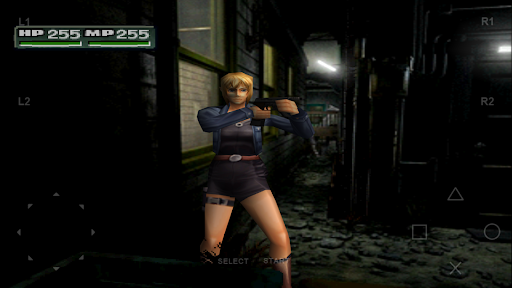
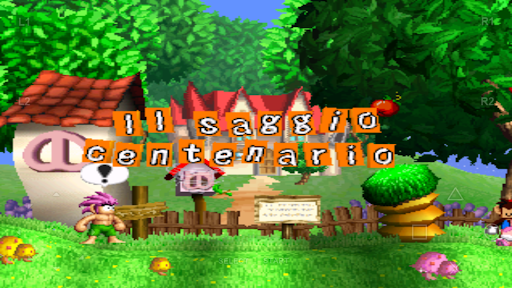
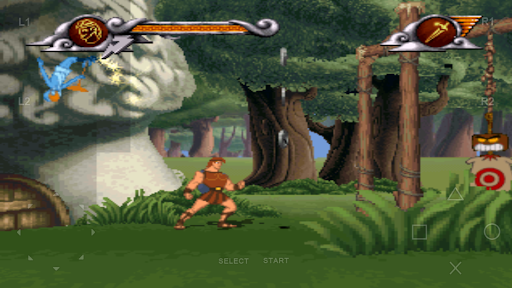
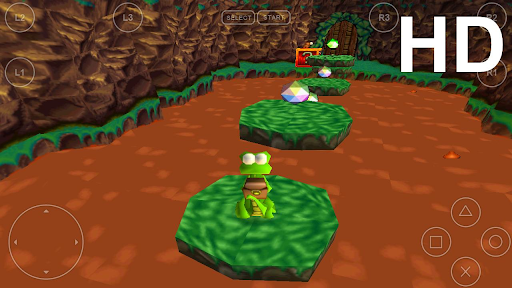
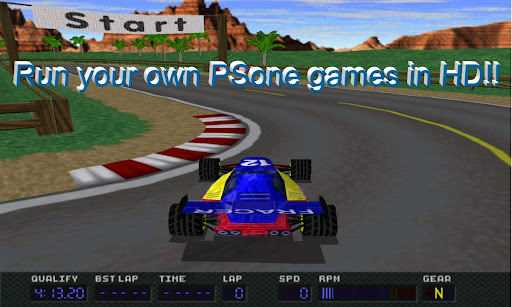
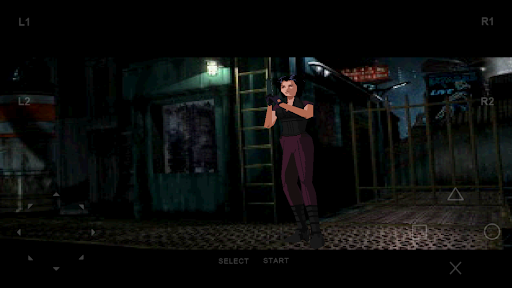
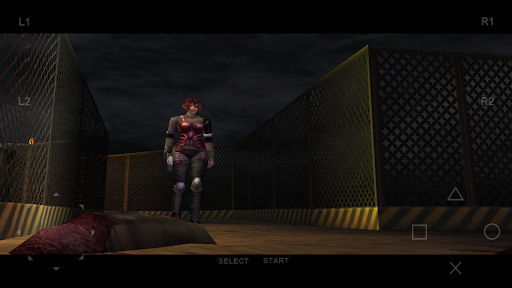
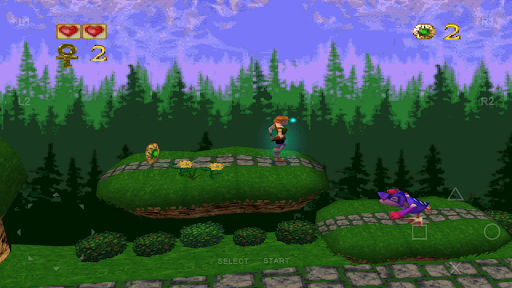
One of FPse’s standout features is its ability to render PSone games in high resolution using OpenGL. This technology significantly enhances graphics, providing crisp visuals and outstanding image quality that breathe new life into classic titles. You can even create an ISO image from your original game discs, allowing you to enjoy the enhanced graphics on your Android device.
User-Friendly Interface
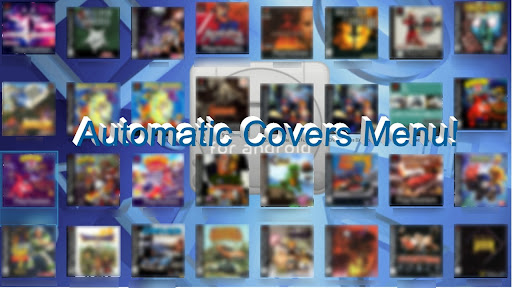
FPse boasts an intuitive interface that automatically scans your device’s storage for PlayStation games and displays their covers, making navigation straightforward. You can press and hold on a game icon to access additional options or view more details. The app offers multiple menus, all featuring game covers, with one even capable of showcasing video samples from the games—a fantastic way to preview titles before playing.
Performance and Compatibility
Designed to run on a broad spectrum of devices—from Android 2.3 up to Android 8—FPse delivers excellent performance even on low-end hardware. This broad compatibility ensures that older devices can still enjoy smooth gameplay, while newer devices benefit from significant performance boosts. The emulator supports numerous file formats, including .img, .iso, .bin, .cue, .nrg, .mdf, .pbp, and more, with automatic handling of compressed files like .zip, .rar, .7z, and .ecm.
Audio and Control Options
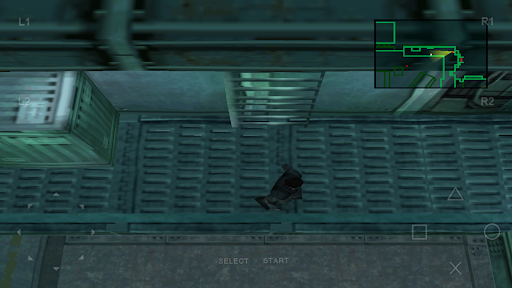
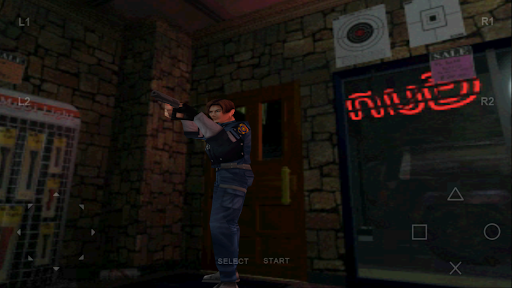
Experience high-quality sound that faithfully reproduces the original game soundtracks. FPse supports various control schemes, including up to 10 overlay gamepads, external controllers such as PS3, PS4, and XBOX360, and emulates features like force-feedback and analog sticks. For shooters, the integrated Guncon feature allows you to shoot using your finger, adding a fun, tactile dimension to compatible games.
Advanced Gaming Features
FPse offers a wealth of advanced features, including:
- Multiplayer LAN mode using multiple Android devices—play games like Tekken 3 with friends over Wi-Fi or Bluetooth.
- Automatic cheat code searching and autofire functionality for extra gaming fun.
- Wide-screen display support, offering native rendering for 3D games that look fantastic on modern screens.
- Texture dithering and shaders to replicate authentic PS1 visual effects.
- Preliminary support for VR glasses such as Oculus, Google Cardboard, and Homido, opening new immersive gaming possibilities.
- Support for networked game loading using the NFS protocol, allowing direct access to games stored on NAS or PCs.
- Exclusive features like multi-player modes with up to 4 devices, transforming Android devices into wireless game controllers for multiplayer sessions.
Enhancing Your Gaming Experience
Beyond basic emulation, FPse offers various options to customize and optimize your gaming library:
- Cheat codes are automatically searched and applied, enhancing gameplay.
- Advanced video sampling and shader effects make games look more vivid and authentic.
- Game compression tools allow you to individually or collectively compress your game library, saving storage space.
- Support for wide screens and VR devices makes FPse versatile for various gaming setups.
Conclusion
FPse for Android stands out as the premier PlayStation emulator, seamlessly blending nostalgic gameplay with modern enhancements. Its extensive feature set—from high-resolution OpenGL graphics to multiplayer LAN support and VR compatibility—makes it an excellent choice for retro gaming enthusiasts. Whether you want to revisit classic titles or explore gaming history on your mobile device, FPse offers a robust, user-friendly platform that elevates your gaming experience to the next level. Dive into your favorite PlayStation titles today and rediscover the magic of the golden era of gaming!
Pros
- High compatibility with PlayStation 1 games.
- Customizable controls.
- Smooth graphics rendering.
- Supports multiple file formats.
- Regular updates and support.
Cons
- Complicated setup process.
- Limited free features.
- Occasional application crashes.
- Requires BIOS file to run games.
- No cloud save functionality.