
DIY Keyboard: A Creative Playground for Keyboard Art
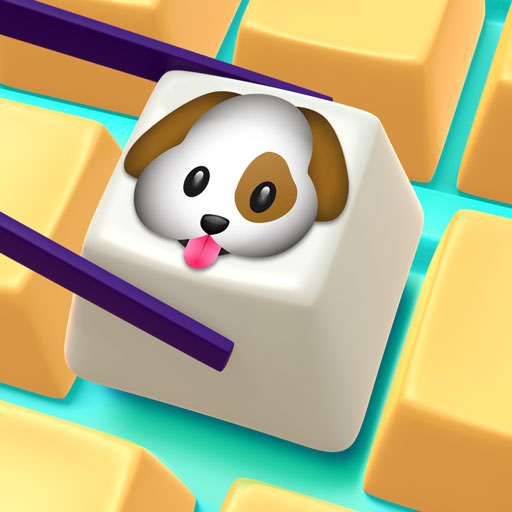
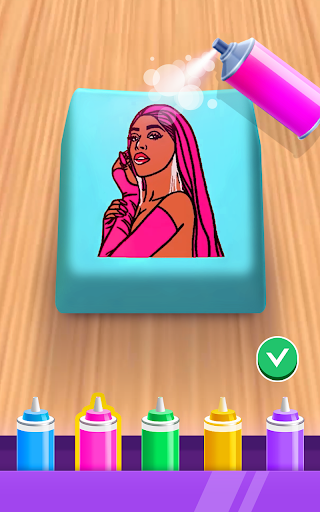
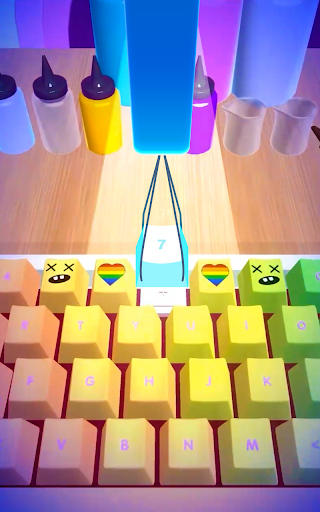
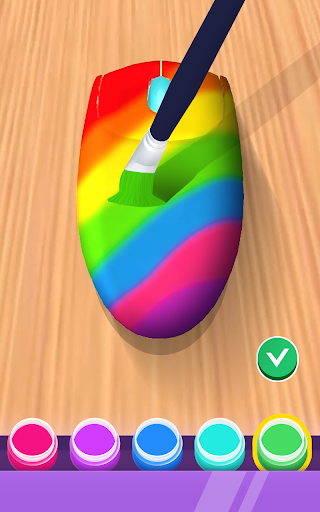
If you're into keyboards or curious about mechanical keyboard design, the DIY Keyboard app invites you into a playful world of keyboard art. It blends creativity with practical design tools, letting you become a keyboard designer and craft a custom keyboard that’s all your own. There are several gameplay options to help you shape your keyboard art masterpiece just the way you like, whether you're aiming for a minimalist vibe or a bold, colorful centerpiece. Choose colors, finishes, and details to decorate every part of your design. The DIY Keyboard 3D experience makes it simple to build your own keyboard and step into the designer role that creates the best custom keyboard for you.
Features and Customization
From the start, the app feels like a treasure trove for both newcomers and veteran keyboard enthusiasts. The interface is friendly and intuitive, making it easy to navigate through a wide range of options. You can select from a diverse lineup of switches, keycaps, and layouts, turning keyboard design into a genuine form of self-expression. It’s like dressing up a keyboard—every part can be tailored to suit your taste and typing needs.
Creative Customization
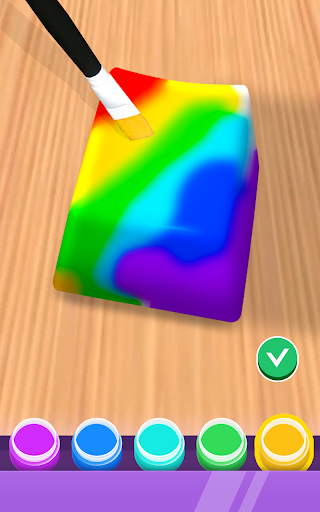
One of the standout aspects is the depth of customization. You can mix and match different parts, experiment with color schemes, and enable RGB lighting to bring your board to life. You can also test out different key sounds to hear how your switches will feel in real use. I spent hours tweaking combinations, and the process felt like a real playground for mechanical keyboard builders who crave personalization and tactile variety. Whether you want a sleek, low-profile setup or a high-contrast showpiece, the app supports it all.
Ease of Use and Learning
The design flow is guided and approachable, so you can try new layouts and see how each choice affects the final look and typing experience. Built-in help, tutorials, and context tips keep you moving forward, turning experimentation into a smooth, educational journey.
Community, Tutorials, and Support
Beyond design tools, the DIY Keyboard app hosts a vibrant community of keyboard lovers. You can share your builds, receive feedback, and draw inspiration from others’ configurations—creating a social network centered on creativity and collaboration. For newcomers, a rich library of tutorials and guides helps you progress from fan to pro, with step-by-step instructions that are clear and actionable. An FAQ and a supportive community are always ready to help you troubleshoot and refine your technique, making learning feel less solitary and more engaging.
Final Thoughts: Why DIY Keyboard Delivers
Overall, the DIY Keyboard app offers a deeply satisfying experience for anyone curious about mechanical keyboards. Whether you’re building your first board or remixing an existing one, you’ll find practical tools, friendly guidance, and a welcoming community at your fingertips. It’s fun, informative, and genuinely rewarding to hold a creation you designed yourself. If you’re ready to unleash your creativity, give DIY Keyboard a try—your next keyboard could be the perfect reflection of your typing style, aesthetic, and personality.
Pros
- Highly customizable layouts
- Wide range of color themes
- Supports various languages
- User-friendly interface
- Regular updates enhance features
Cons
- Limited free features
- Some themes require purchase
- Occasional app crashes
- High battery usage
- Ads in free version