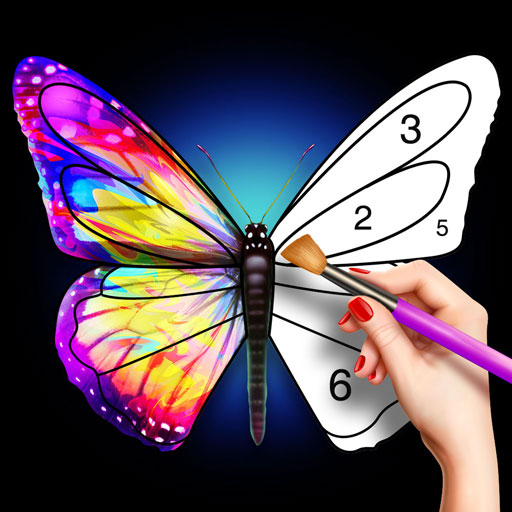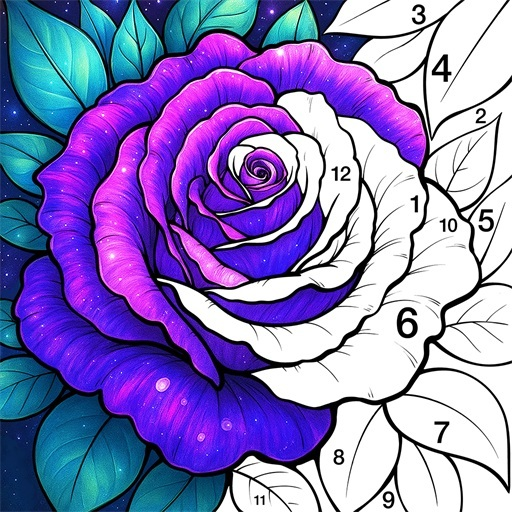
Introduction to Color Master - Color by Number
Key Features of Color Master - Color by Number
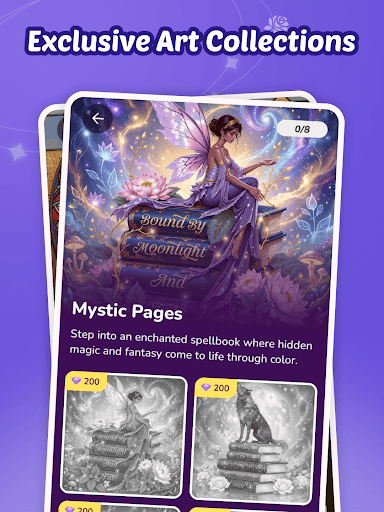
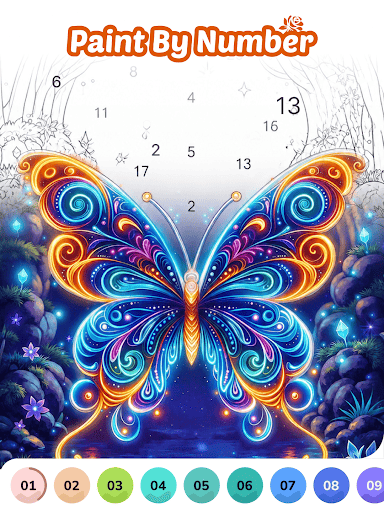
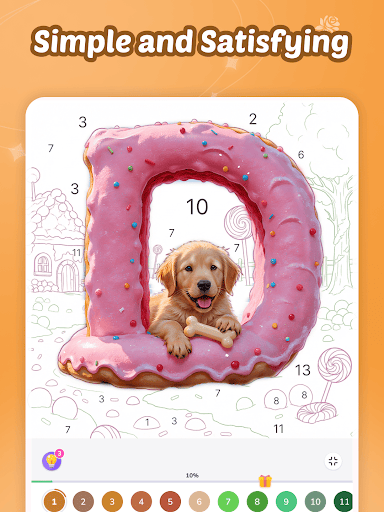
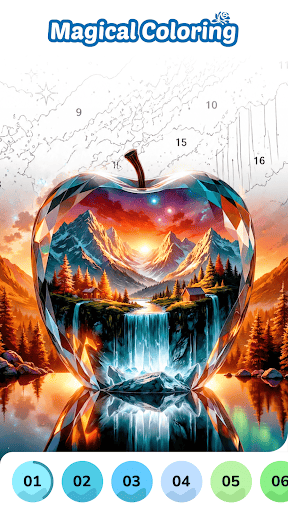
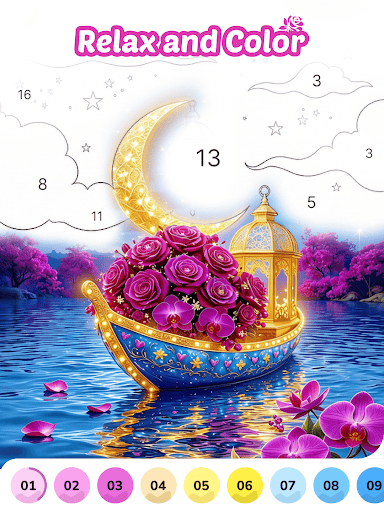
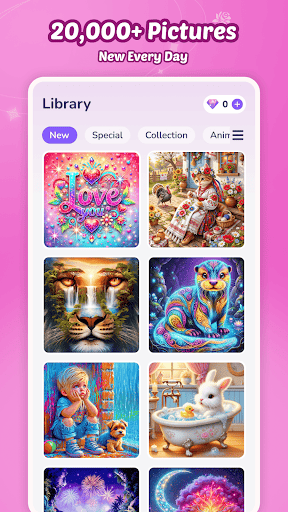
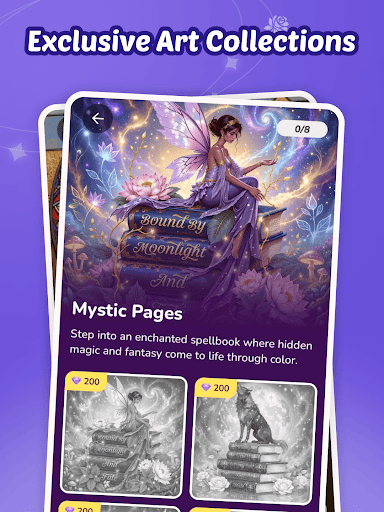
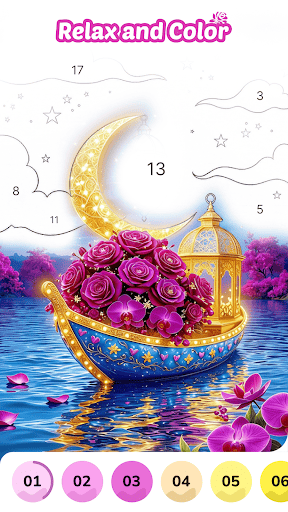
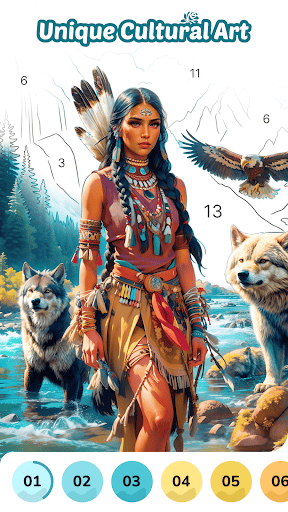
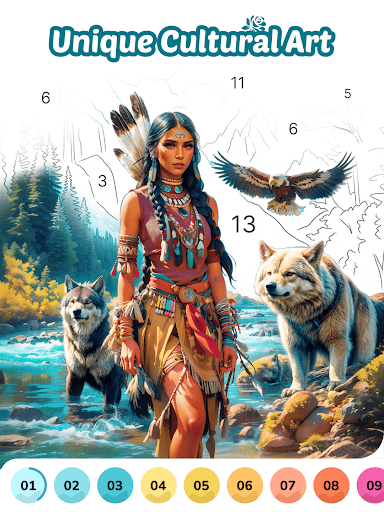
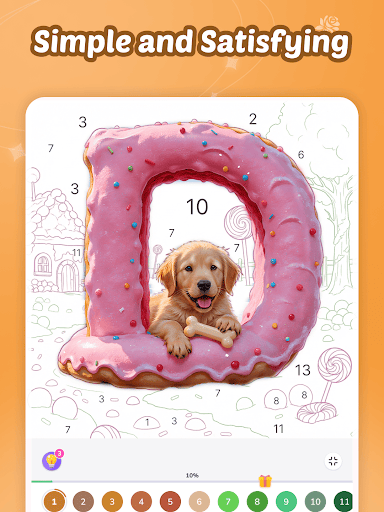
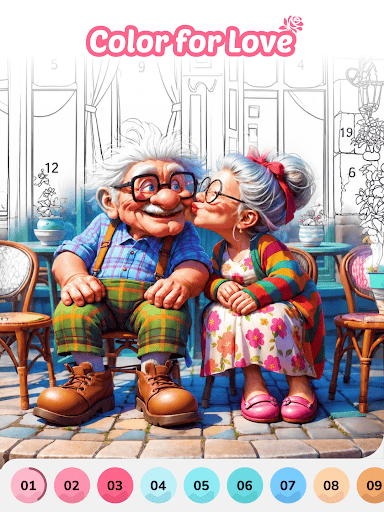
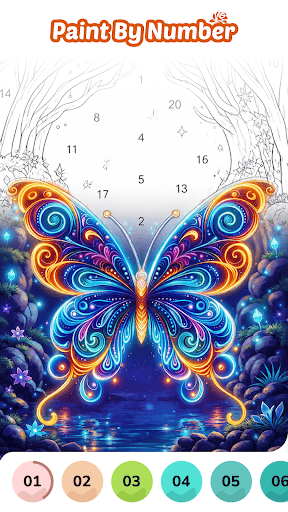
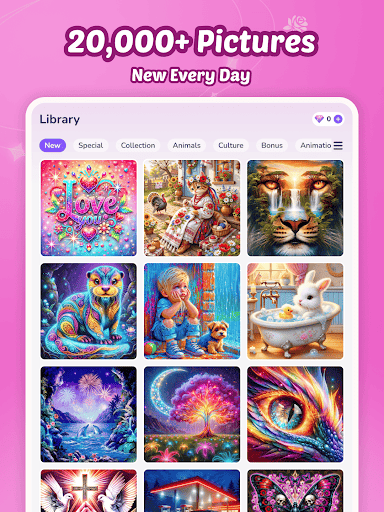
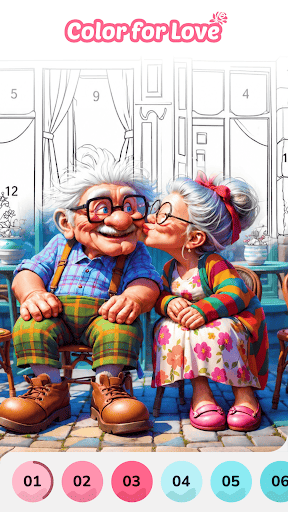
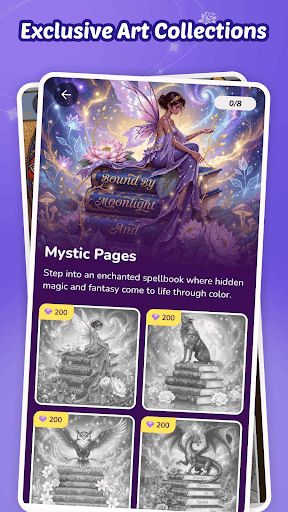
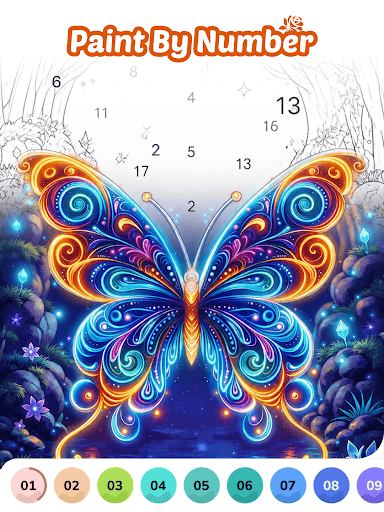
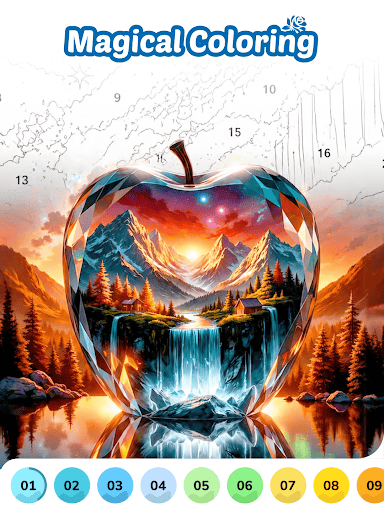
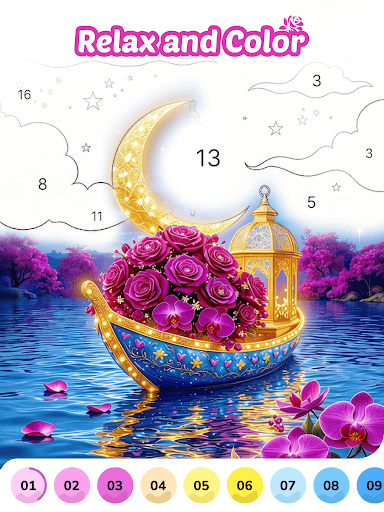
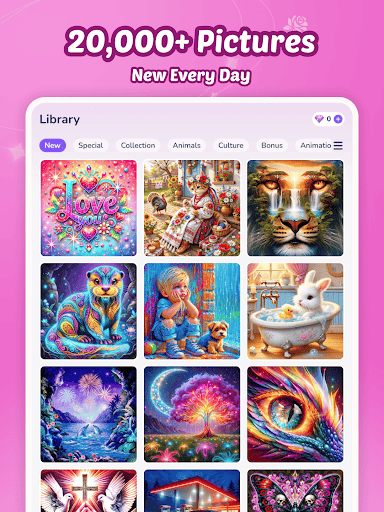
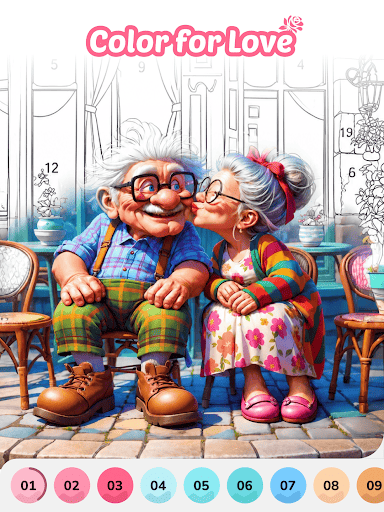
One of the standout aspects of Color Master is its impressive collection of diverse artworks. With over 10,000+ Dynamic Artworks encompassing categories like mandalas, animals, landscapes, and pop culture, there is always something new to explore. These artworks are regularly updated, ensuring users have fresh content to enjoy. The app’s smart color tools, including one-tap fill options, customizable palettes, and adaptive color recommendations, provide seamless and intuitive coloring experiences for users of all skill levels.
Users can also earn Free Rewards by completing daily challenges, unlocking access to premium content without any in-app purchases. The Global Gallery feature allows users to showcase their finished masterpieces and gain inspiration from an active community of artists worldwide. This social aspect cultivates motivation and connection, elevating the coloring process into a shared creative journey.
Why Artists and Enthusiasts Love Color Master
Precision & Flexibility
The app wonderfully balances structure and freeform creativity, combining guided number coloring with opportunities for freestyle artistic expression. This flexibility caters to all skill levels, from beginners to seasoned artists, and ensures everyone can enjoy the satisfaction of creating vibrant artwork.
High-Resolution Export & Cross-Device Sync
Finished projects can be exported in 4K quality, perfect for printing or sharing on social media. Additionally, the app supports Cross-Device Sync, allowing users to seamlessly switch between their mobile device and tablet without losing progress. This ensures a consistent and hassle-free creative experience across different devices.
Community & Motivation
The integrated community feature lets users share their artwork, view others’ creations, and receive feedback. This interactive environment fosters camaraderie and inspiration, motivating users to continue exploring their artistic potential. Many users note that engaging with this vibrant community provides a dopamine boost, especially on challenging days.
Enhanced Features for a Better Coloring Experience
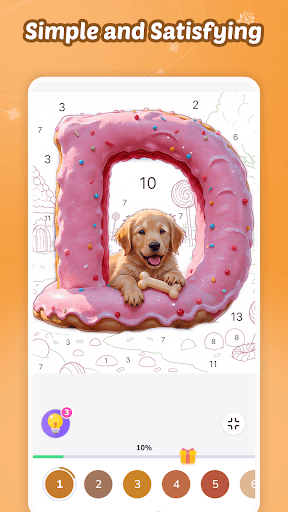
Color Master continually enhances its user experience with features such as a hint system for difficult sections, a time-lapse video function to watch your coloring journey unfold, and regular content updates. These features make the app not only a relaxing pastime but also a tool for developing artistic skills and achieving a sense of accomplishment. The app’s thoughtful design ensures that users can focus on enjoyment and mindfulness without any technical hurdles, making it a top choice for digital coloring enthusiasts.
Conclusion: Discover Creativity and Relaxation with Color Master
If you’re seeking a soothing activity that combines creativity with mindfulness, Color Master - Color by Number is an excellent app to consider. Its extensive art library, supportive community, high-quality export options, and user-friendly design make it stand out among coloring apps. Whether you wish to de-stress after a long day, challenge yourself with intricate designs, or connect with like-minded artists worldwide, Color Master offers a delightful escape into a world of colors and imagination. Download Color Master today and start transforming your digital canvas into a masterpiece!
Pros
- Intuitive interface that allows for easy navigation.
- A wide selection of coloring pages to choose from.
- Regularly updated with new images for coloring.
- Allows coloring offline without an internet connection.
- Provides a relaxing experience with calming music.
Cons
- Advertisements can interrupt gameplay experience.
- The free version has limited features.
- Color palette options are fairly basic.
- Some images require additional in-app purchases.
- Application may perform poorly on older devices.