

Introduction to Classic Words Plus
When searching for an engaging word game on your smartphone, Classic Words Plus stands out as a cozy, reliable choice. This app brings the timeless appeal of crossword-style puzzles to your device, offering a simple yet satisfying experience for players of all skill levels. Whether you're a beginner trying to improve your vocabulary or a seasoned player seeking quick and challenging matches, Classic Words Plus has something to offer.
Core Features of Classic Words Plus
Exclusive Features for Enhanced Gameplay
• Ad-free experience ensures uninterrupted play, creating a smooth and enjoyable gaming environment. The app also includes a Teacher feature to help users expand their vocabulary and learn new words. For social players, the Pass-and-Play mode for 2 players allows offline gameplay on a single device, perfect for casual matches with friends or family. Please note, online multiplayer mode is not supported in this mode.
Multilingual Support and Difficulty Levels
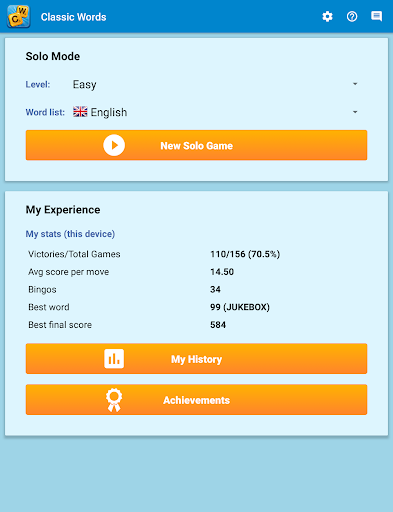
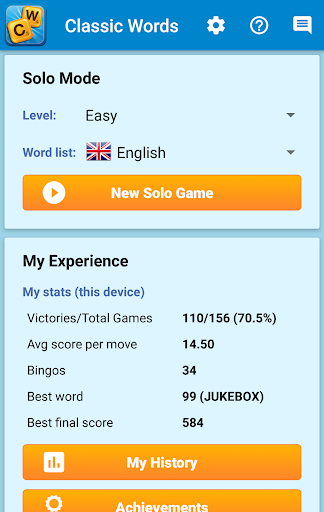
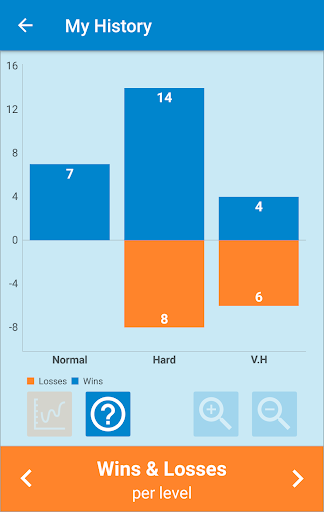
With 6 difficulty levels and support for many languages—English, Spanish, French, Italian, German, Dutch, and Polish—players can customize their experience. The game utilizes official and up-to-date word lists, including the NASPA Word List 2020 for English, ensuring accurate and fair gameplay.
Gameplay Mechanics and Strategies
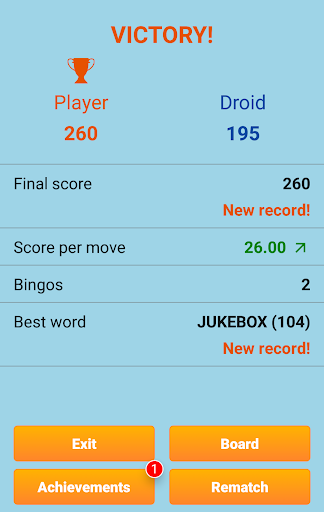
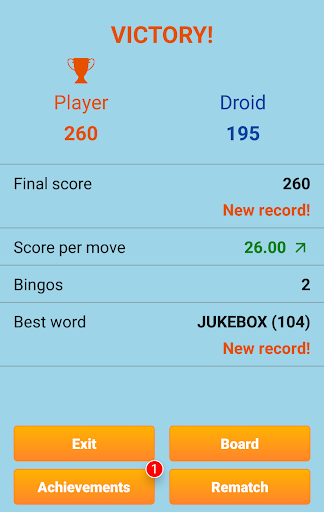
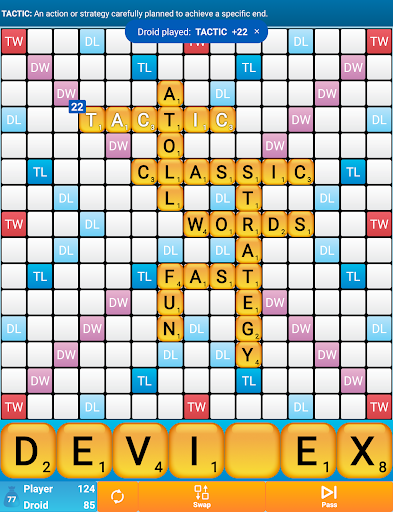
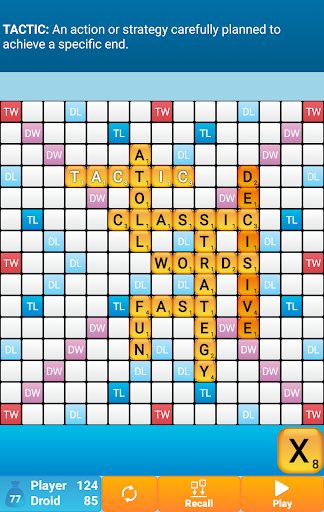
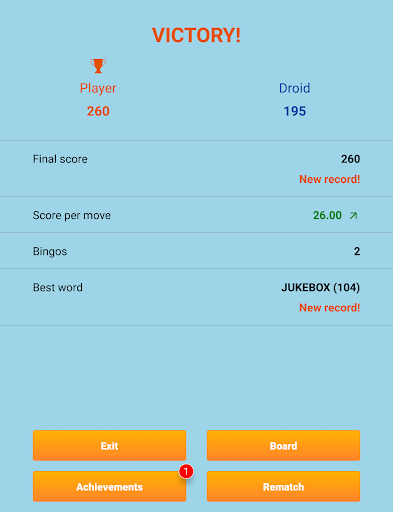
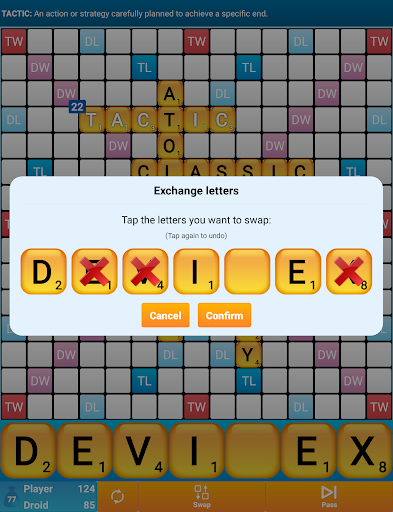
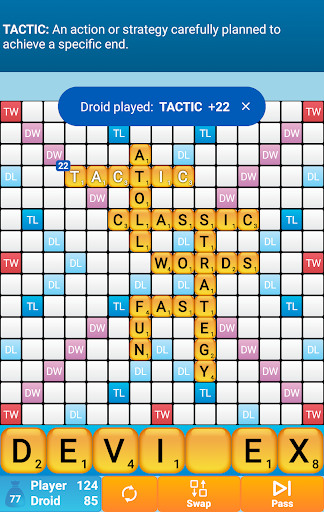
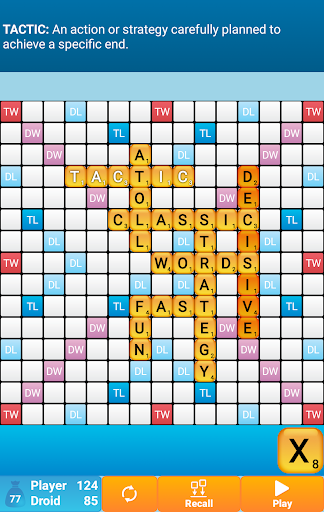
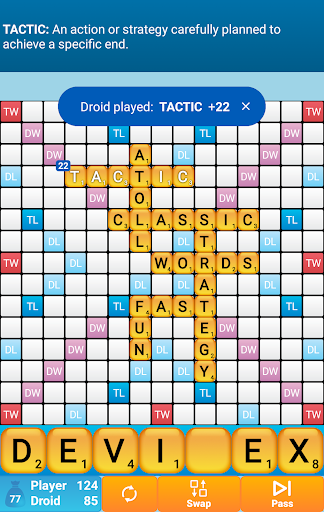
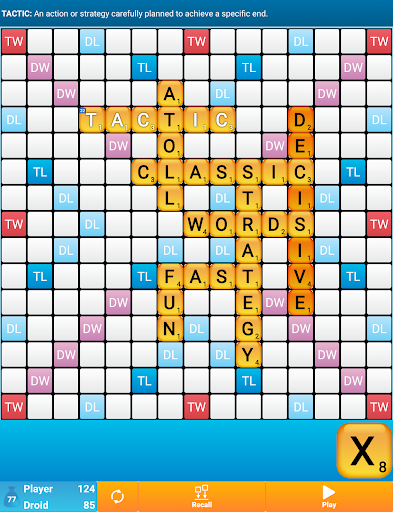
Inspired by classic crossword board games, the gameplay involves creating and placing words on a virtual board. Players are encouraged to strategically use premium squares—Double Letter, Double Word, Triple Letter, and Triple Word—to maximize points. Achieving a Bingo by using all 7 letters from your rack grants a 50-point bonus.
Enhanced AI and Vocabulary Learning
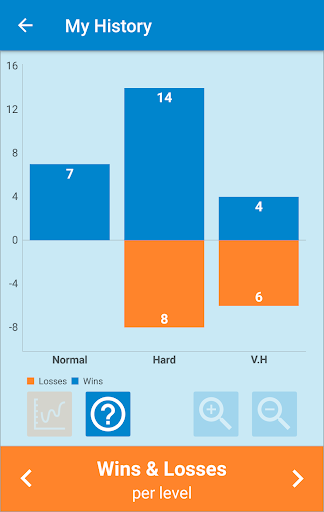
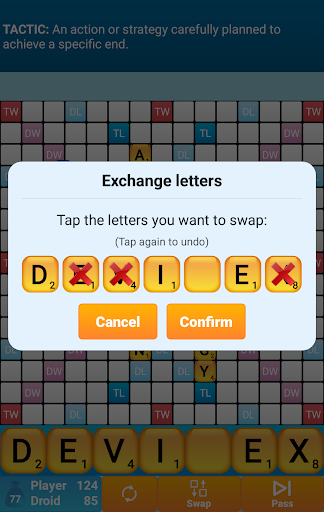
What makes Classic Words Plus especially appealing to enthusiasts is its smart AI capable of six different difficulty settings, providing a challenging match for everyone from beginners to experts. You can learn new words by swiping to view definitions directly in the app, making it as much an educational tool as a game. The game’s design also ensures no cheating occurs—letters and blanks are picked randomly, and the AI doesn’t have concealed information, meaning your strategy and vocabulary truly determine the outcome.
Personal Experience and Reflection
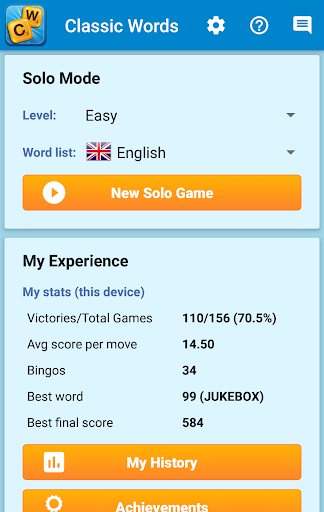
Playing Classic Words Plus feels like revisiting a cherished old game—simple, honest, and rewarding. From the outset, the interface is straightforward, with clean layout and minimal distractions, perfect for focusing on word-building. The game does not rely on flashy graphics, instead emphasizing functional usability that allows you to jump straight into the action.
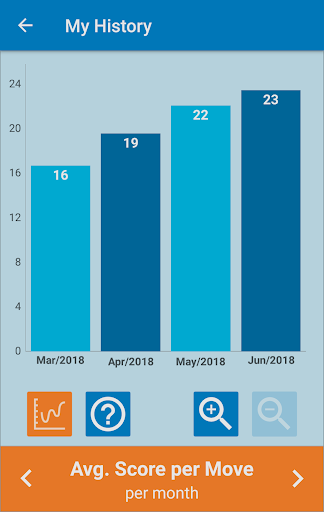
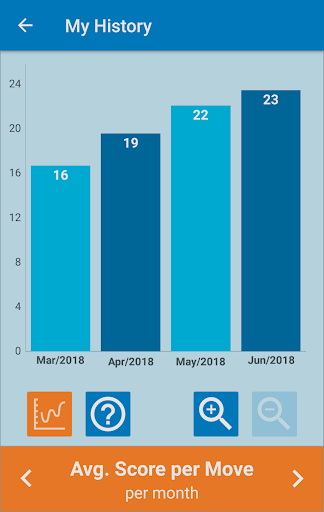
Personally, I enjoyed testing the moderate AI difficulty and appreciated the built-in dictionary for expanding my vocabulary. The challenge keeps me coming back, trying to outsmart the AI with clever placements and strategic use of high-scoring tiles. This game not only provides entertainment but also helps in improving spelling and vocabulary over time, especially with frequent play and practice.
Whether you are commuting, relaxing at home, or looking for a quick brain teaser, Classic Words Plus offers a nostalgic yet modern experience that perfectly balances simplicity with strategic depth. Its emphasis on skill and vocabulary makes it a standout choice among word puzzle games.
Pros
- Challenging AI opponents help improve skills.
- Offline mode allows play without interruptions.
- Difficulty levels can be customized to suit all players.
- Large word database supports effective learning.
- Ad-free experience for continuous gameplay.
Cons
- Limited options for social interaction.
- Occasional issues with recognizing words.
- Graphics are simple and look outdated.
- Multiplayer online mode is not available.
- Full features require a purchase.