Introduction to the Chess App
Do you enjoy engaging in strategic battles and testing your intellect? The Chess app offers a perfect platform to immerse yourself in the timeless game of Chess. Whether you're a beginner looking to learn the fundamentals or an experienced player seeking to refine your skills, this application is designed to cater to all levels. With a user-friendly interface and advanced features, the Chess app transforms your smartphone into a virtual chessboard, allowing you to challenge AI opponents, play with friends, and explore the depths of strategic gameplay.
Key Features of the Chess Mobile Application
Comprehensive Gameplay Options
The app provides a range of exciting gameplay modes including solo matches against a powerful AI with ten difficulty levels, as well as multiplayer mode where you can challenge friends or random opponents online. The multiplayer feature incorporates a chat system, fostering a social environment where players can exchange moves, strategies, and friendly banter.
Rich Educational Resources
For players eager to improve their chess skills, the app includes tutorials, strategy guides, and a historical game database. These tools allow users to analyze classic matches, learn complex tactics, and experiment with different strategies to see how they influence the game’s outcome. The app acts as a virtual chess coach, providing feedback and tracking your progress to highlight areas for improvement.
Engaging Gameplay Features
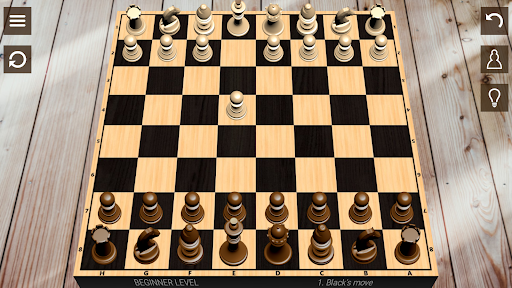
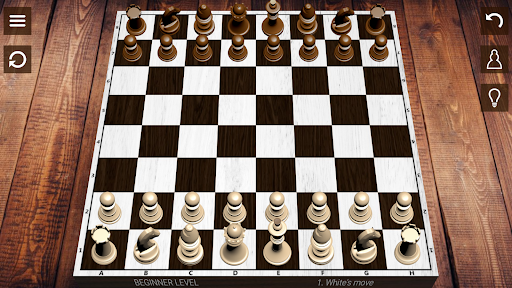
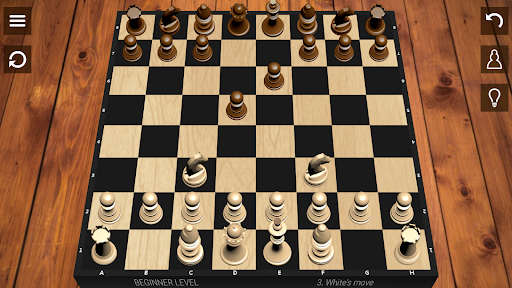
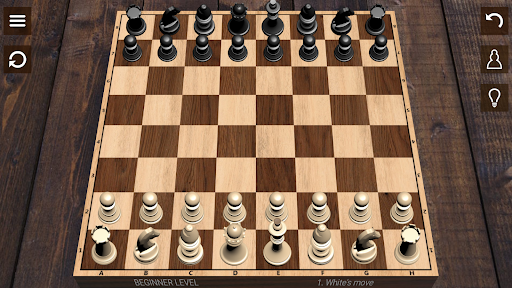
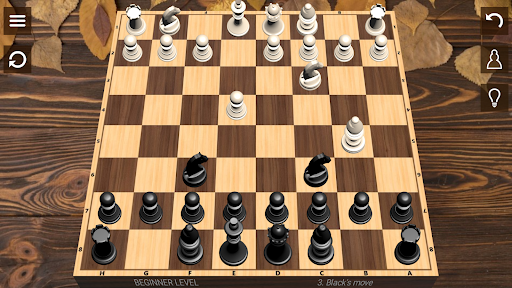
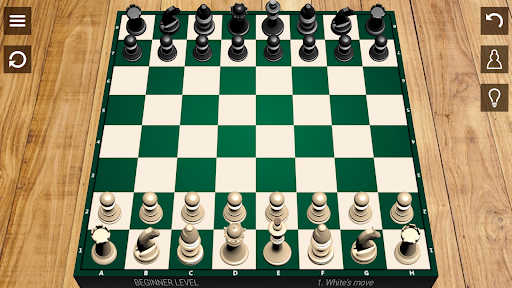
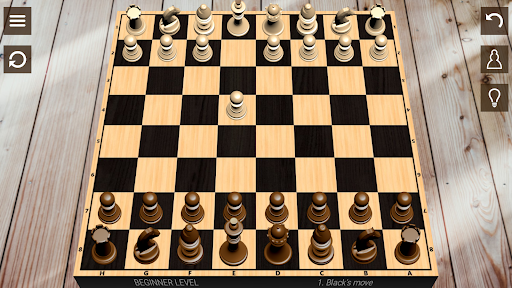
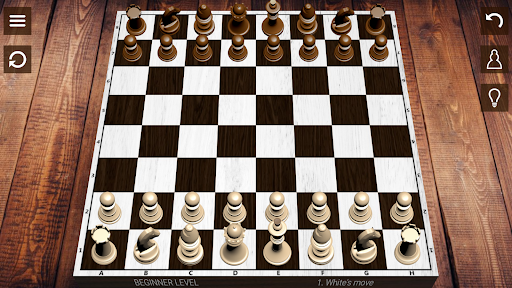
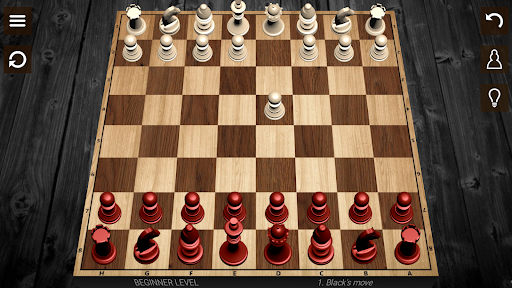
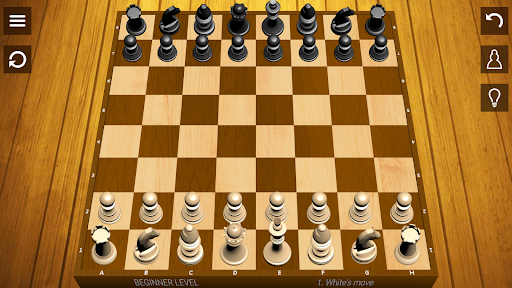
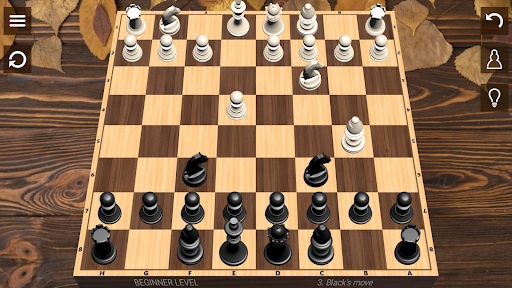
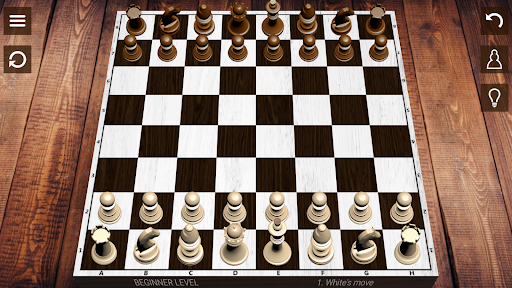
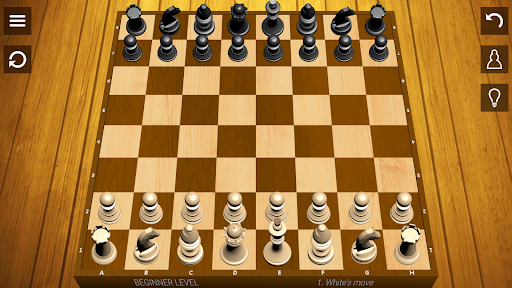
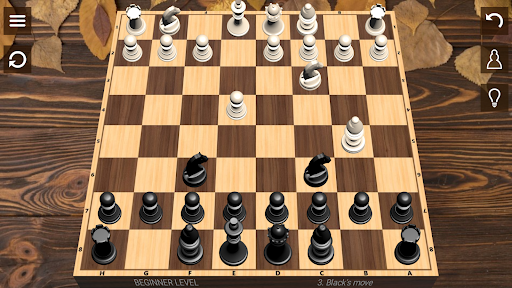
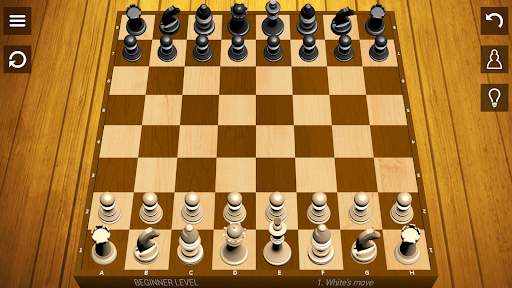
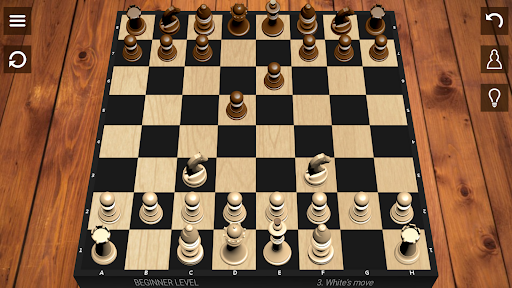
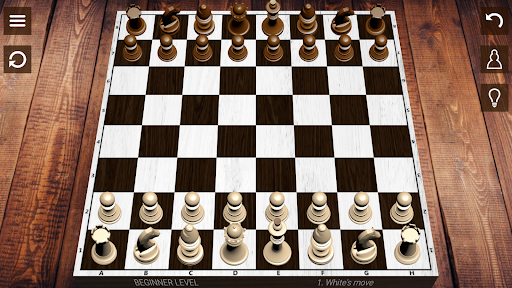
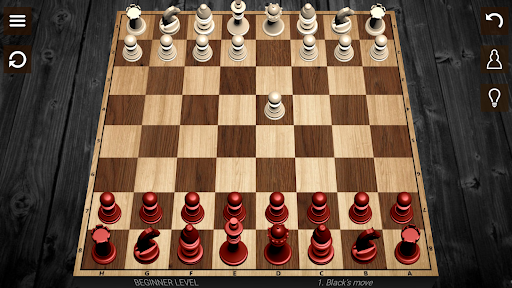
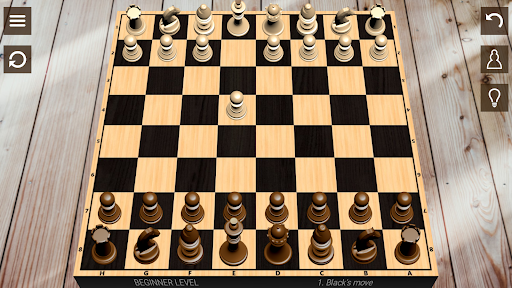
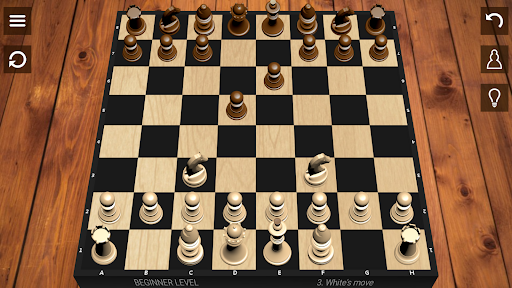
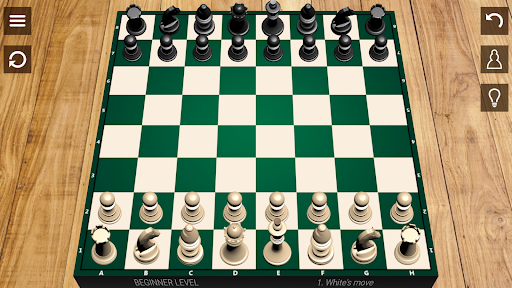
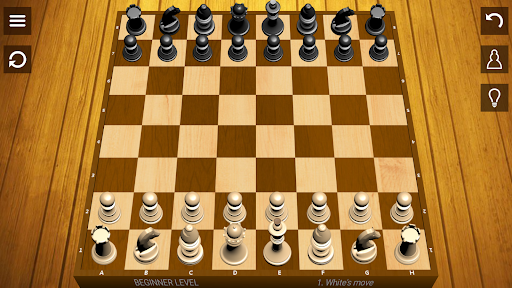
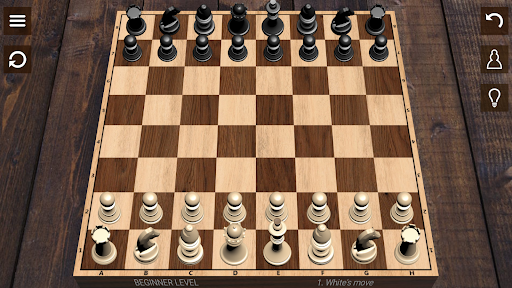
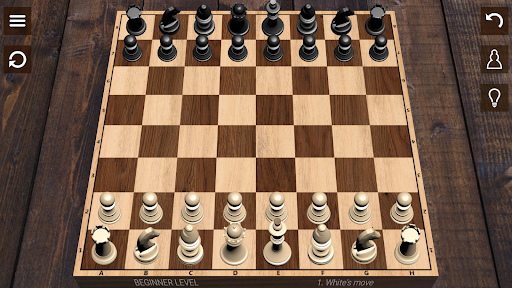
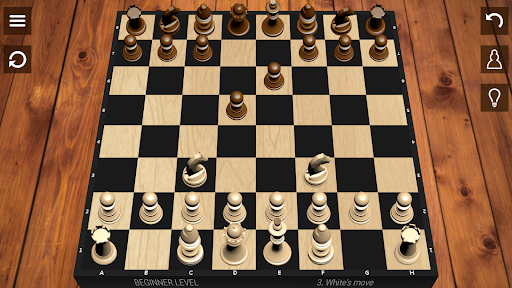
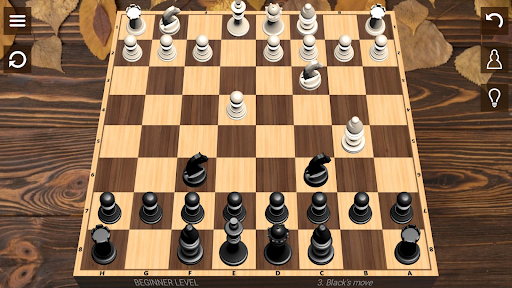
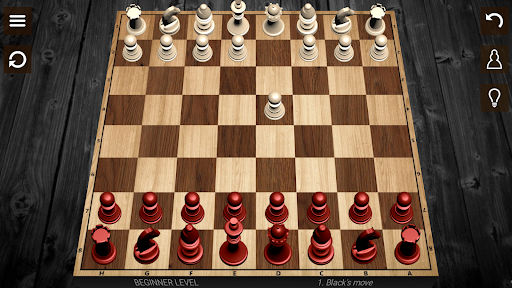
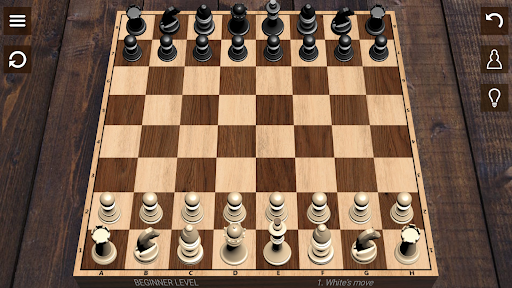
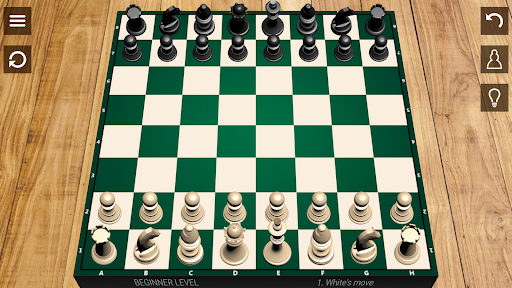
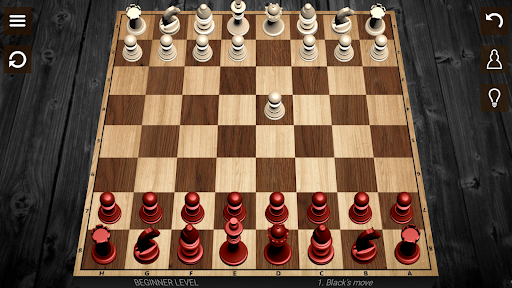
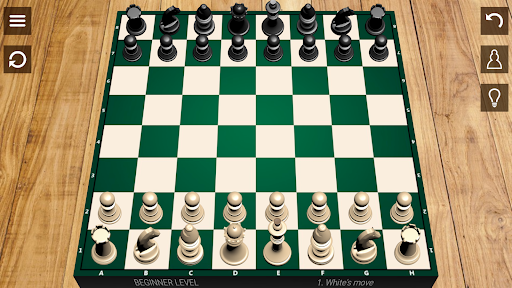
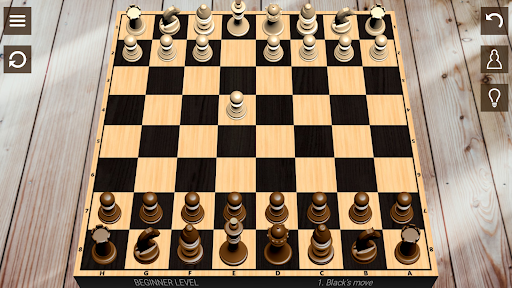
The application boasts features such as hints for tricky moves, the ability to undo previous moves, achievement stars for completed levels, and diverse themes to customize the appearance of your chessboard. Visuals are designed to be realistic and appealing, with options for 2D (vertical) and 3D (horizontal) board views to enhance your gaming experience.
Advanced Chess Mechanics
The app incorporates special moves like castling and en passant, as well as key game situations such as check, checkmate, and stalemate. These elements ensure an authentic chess experience that respects traditional rules and strategies of the classic game.
Additional Features
Enjoy realistic graphics, sound effects, and a small app size optimized for smooth performance. The app also allows saving your games, and provides an alternate mode for different game styles.
Why You Should Try This Chess App
This chess application seamlessly blends traditional gameplay with modern technology. It serves as an educational tool for improving your tactics and strategies, as well as a source of entertainment. Whether you want to play a quick game, study famous matches, or challenge an AI with increasing difficulty, this app is your perfect online chess companion. Dive into the world of strategy, sharpen your visual memory, and become a Chess Master with just a few taps.
Pros
- Enhances strategic thinking skills
- Improves problem-solving ability
- Accessible for all ages
- Allows for offline play
- Promotes concentration
Cons
- Steep learning curve for beginners
- Can be time-consuming
- Requires strong focus
- Limited social interaction
- May cause frustration