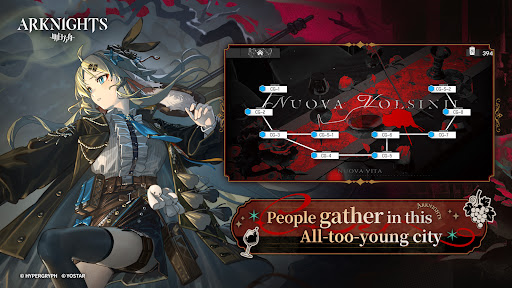
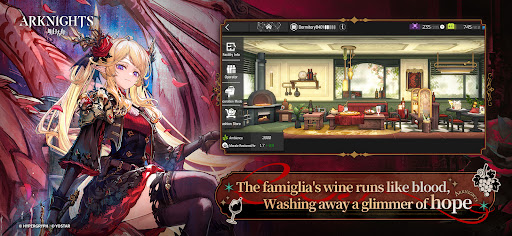
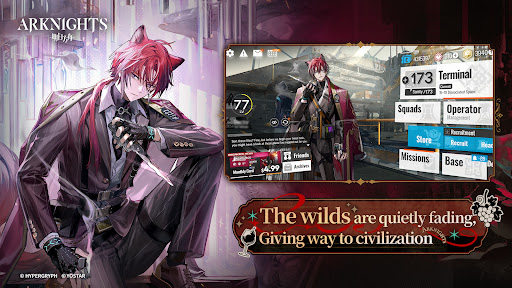
Discover the Exciting World of Arknights
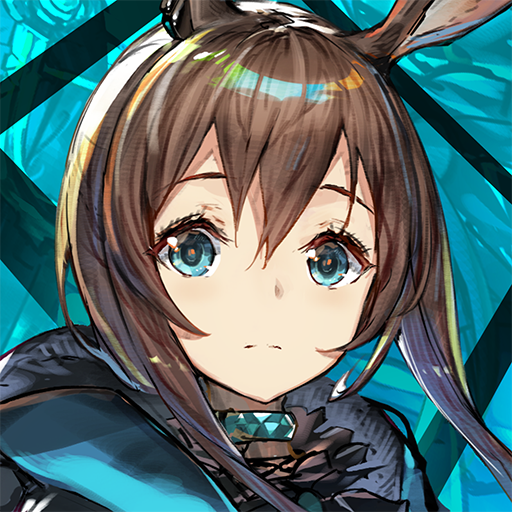
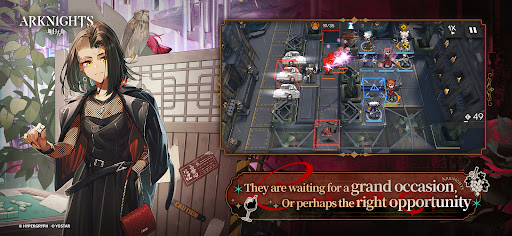
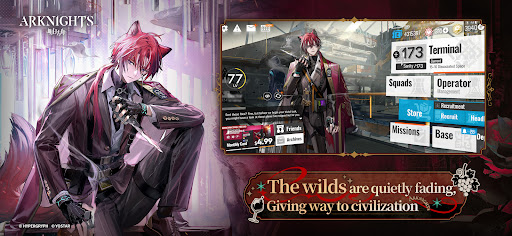
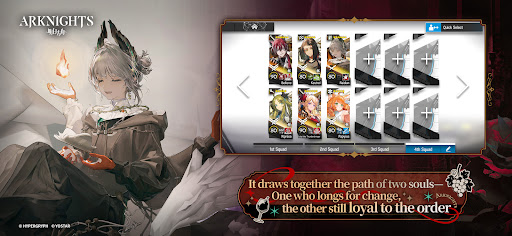
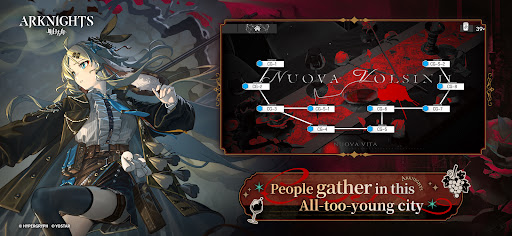
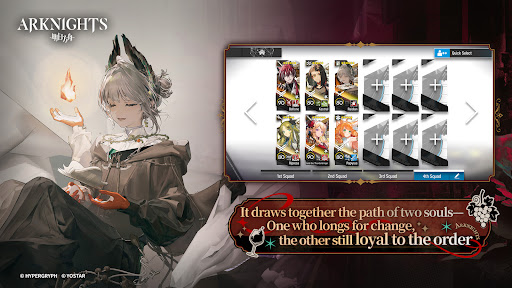
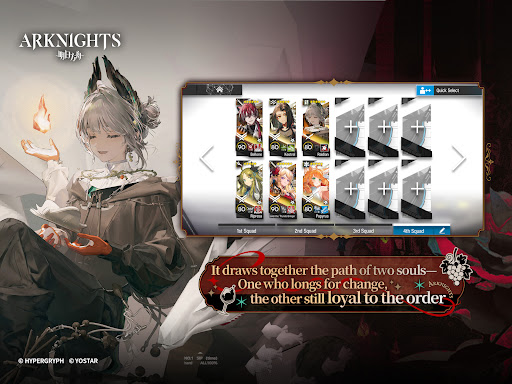
Immerse yourself in the captivating universe of Arknights, a stunning anime-style mobile game that masterfully combines role-playing game (RPG) and strategy elements. As a key member of Rhodes Island, a frontline pharmaceutical organization, you are tasked with battling a deadly infection and the chaos it incites. Leading alongside your commander Amiya, you will recruit skilled Operators, train them, and assign them to various tactical operations to safeguard the innocent and resist threats that aim to plunge the world into turmoil.
Engaging Gameplay and Strategic Depth
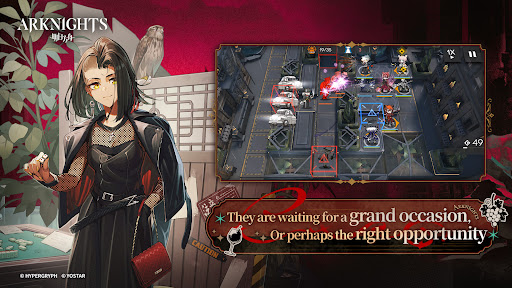
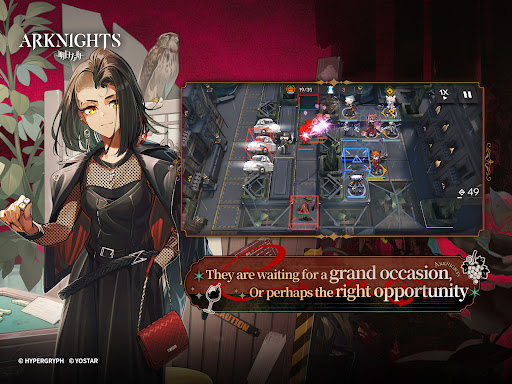
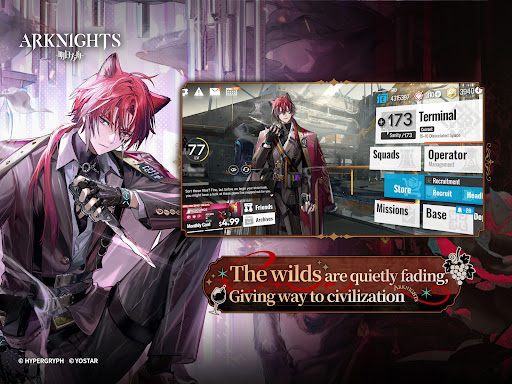
One of the standout features of Arknights is its vast roster of hundreds of unique Operators spanning diverse classes, expanding your gameplay options endlessly. Whether you prefer direct combat, support roles, or strategic placement, the game offers a rich array of tactics to explore. The innovative Auto Deploy system enhances gameplay by allowing you to efficiently deploy Operators without constant manual input, making it accessible for quick matches or casual play.
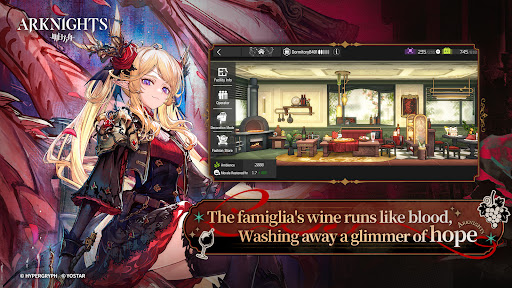
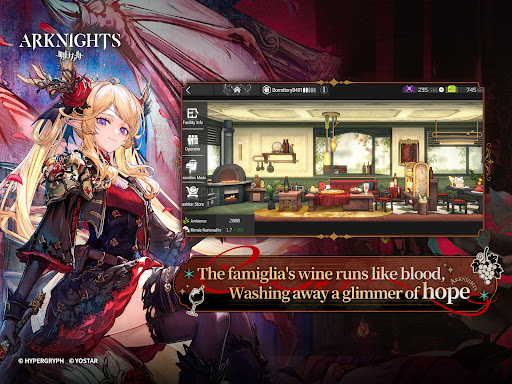
Additionally, the Base construction system invites players to carve out and customize their own home within the game. This feature allows you to build and upgrade facilities, creating a personalized space that reflects your strategic style and preferences.
Immersive Audio and Visual Experience
Enjoy an exceptional auditory experience with a robust soundtrack complemented by some of Japan’s most renowned voice actors and actresses. The game’s gorgeous anime-style graphics bring each Operator and environment to life, providing a visually stunning backdrop for your tactical battles.
System Requirements and Permissions
Arknights requires minimal device specifications for smooth gameplay, with a minimum of 2GB RAM and 2GB free storage space on Android devices. To ensure seamless updates, the game requests permissions such as WRITE_EXTERNAL_STORAGE and READ_EXTERNAL_STORAGE, which enable users to download hotfixes promptly without compromising privacy.
Official Resources and Community
Stay connected with Arknights through its official channels, including the Official Homepage, Discord Server, X Account, Facebook Page, and Instagram. These platforms offer updates, community interaction, and more insights into the game’s development and events.
Join the Fight and Fight for the Dawn!
Whether you are a strategy enthusiast or a fan of anime-style visuals, Arknights provides a compelling and immersive gameplay experience. Recruit, train, and deploy your Operators wisely to defend Rhodes Island and shape its future. Dive into this epic tactical adventure today and see if you have what it takes to fight for the dawn!
Pros
- Offers a seamless user experience with intuitive navigation.
- Provides a wide range of features to meet diverse user needs.
- Regularly updated with new content and improvements.
- User-friendly interface suitable for all skill levels.
- Strong community support and active user base.
Cons
- Occasional app crashes and stability issues.
- High battery consumption during extended use.
- Limited customization options for advanced users.
- Some features require a paid subscription to access.
- Navigation can be sluggish on older device models.