Introduction to WalletPasses | Passbook Wallet
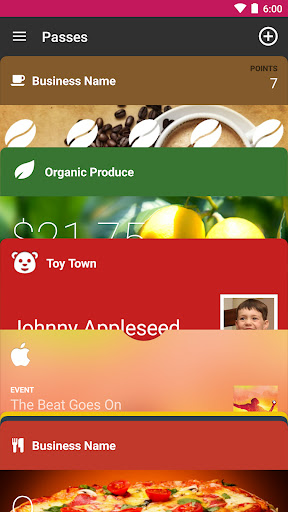
WalletPasses, the ultimate Passbook Digital Wallet application, offers a comprehensive solution for managing all your digital passes in one convenient place. Whether you need to store boarding passes, event tickets, coupons, or loyalty cards, WalletPasses makes it easy to go paperless and streamline your digital lifestyle. Designed specifically for Android devices (with compatibility across platforms), this app helps you organize, access, and update your passes effortlessly, making travel, shopping, and entertainment simpler than ever before.
Key Features of WalletPasses
The app is packed with features that enhance your digital wallet experience:
• Cloud sync for real-time updates
Stay informed with instant updates to your passes, ensuring you have the latest information regardless of where you are.
• User-friendly design
Navigate intuitive interfaces with minimal permissions, making the app easy for everyone to use.
• Battery efficient
WalletPasses smartly minimizes battery usage by avoiding background operations, allowing you to focus on your tasks.
• Smart sorting and location alerts
Organize passes efficiently and receive notifications based on your location or time, such as airport arrivals or event start times.
• Simple import features
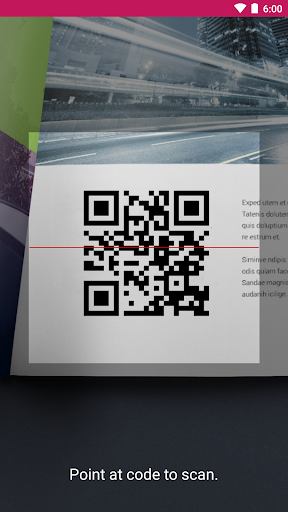
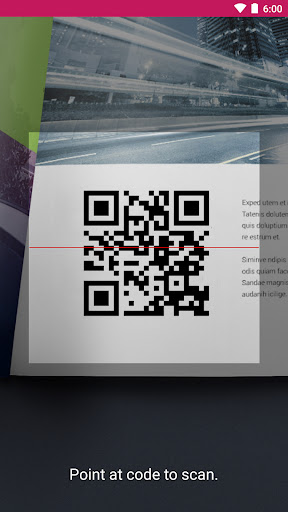
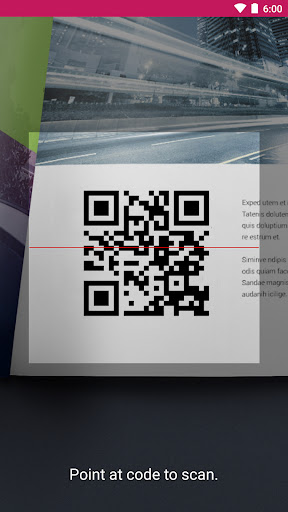
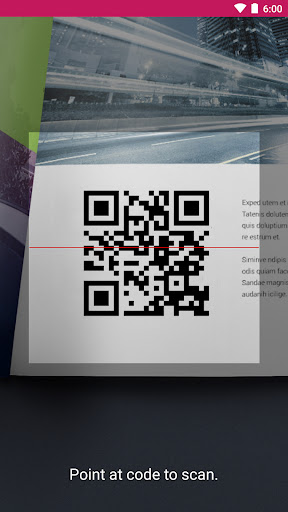
Use built-in scanners to quickly import passes from QR codes or files, simplifying setup and management.
• Wide support for pass types
Manage coupons, tickets, loyalty cards, and support for various WalletPasses: Passbook Digital Wallet formats to ensure compatibility.
Experience Seamless Digital Organization
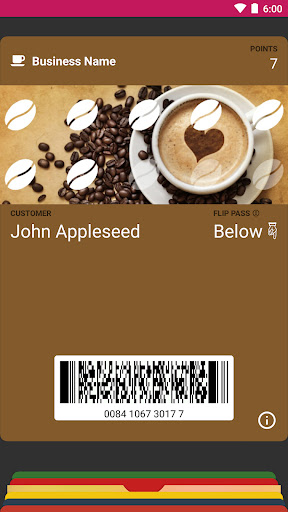
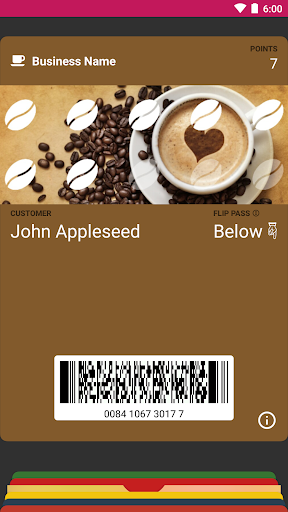
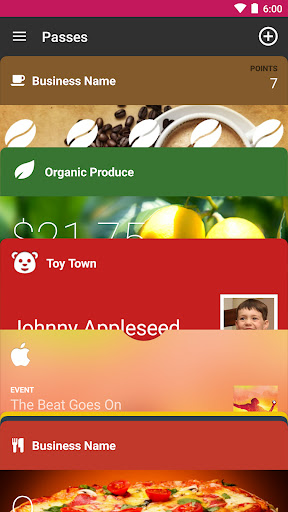
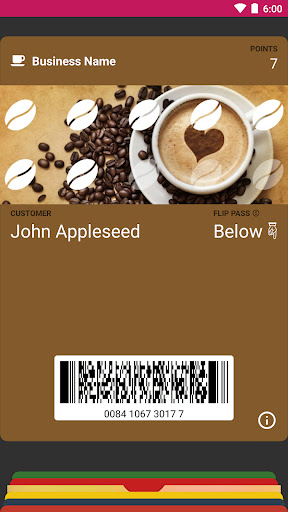
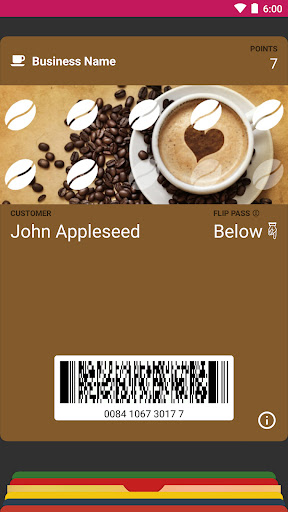
Managing your passes becomes effortless with WalletPasses. Whether you're handling boarding passes, concert tickets, or loyalty stamps, everything is accessible at a tap. The app displays essential details such as account balances, seat assignments, and expiration dates, simplifying your daily routines. Say goodbye to physical clutter and hello to a streamlined digital life that ensures all your passes are organized and always within reach.
Designed for Efficiency and Security
WalletPasses prioritizes security and performance. Your data is stored securely with minimal permissions, ensuring privacy and safety. The app runs smoothly without crashing and offers offline access, so your passes are available even without internet connectivity. This reliability guarantees that your important tickets and cards are always accessible, whether you are traveling or shopping.
Smart Updates and Location-Based Alerts
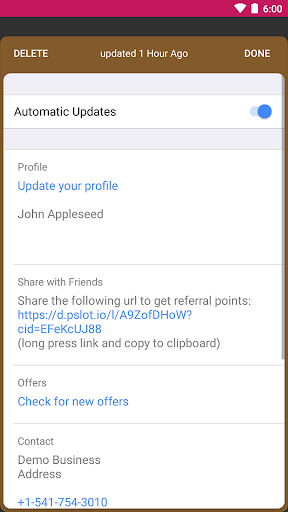
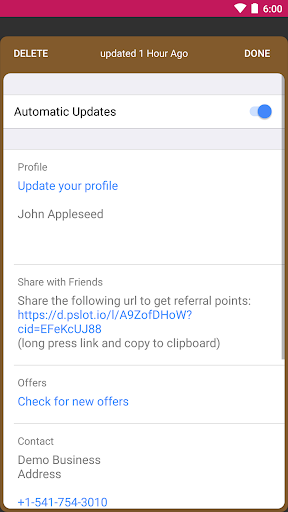
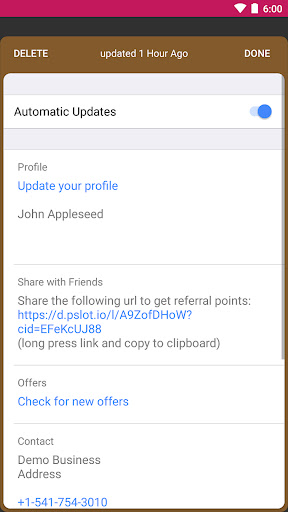
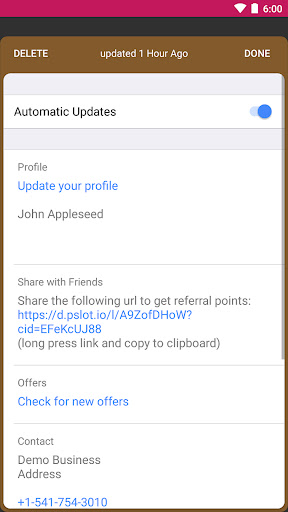
With automatic updates, your passes refresh themselves without any manual effort. The app provides timely alerts based on time, location, or iBeacon proximity—such as airport gate changes or event reminders—helping you stay prepared and informed at all times.
Universal Compatibility and Ease of Use
WalletPasses supports standard Passbook (.pkpass) files, making it compatible with a wide array of passes like flight check-ins, loyalty stamps, and movie tickets. Its simple import process via built-in scanners ensures quick setup, making digital pass management hassle-free.
Conclusion: Take Control of Your Digital Passes Today
For anyone seeking an efficient way to manage their digital passes, WalletPasses offers a smart, secure, and user-friendly solution. It simplifies daily activities such as traveling, shopping, and attending events, providing instant access to all your passes in one reliable app. Whether you're a frequent traveler or someone who loves digital organization, WalletPasses is an indispensable tool to enhance your digital lifestyle. Embrace the future of digital wallet management with WalletPasses and enjoy seamless, clutter-free convenience every day.
Pros
- Supports a variety of pass types.
- Easy to organize and access passes.
- User-friendly interface design.
- Quick integration with existing applications.
- Secure with strong privacy measures.
Cons
- Limited customization options.
- Occasional synchronization problems.
- Advertisements can be intrusive at times.
- No offline access to passes.
- Requires frequent updates.