
Voice Tools: Your Personal Voice Studio for Creativity and Therapy
Voice Tools is a pocket-sized, all-in-one toolkit designed for both creative vocal experiments and practical voice therapy support. Whether you want to tailor your voice for a podcast, a performance, or playful experiments, this app brings a versatile set of capabilities to your fingertips.
Therapy-focused feedback and real-time insights
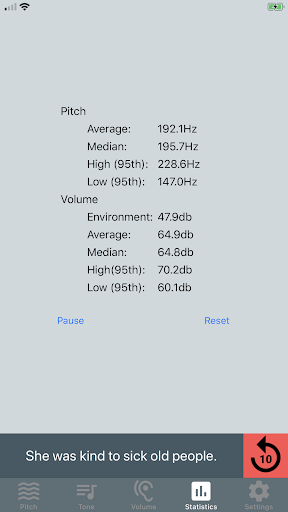
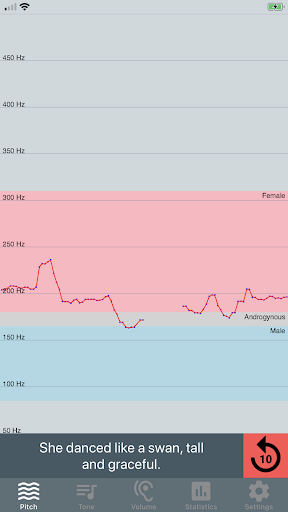
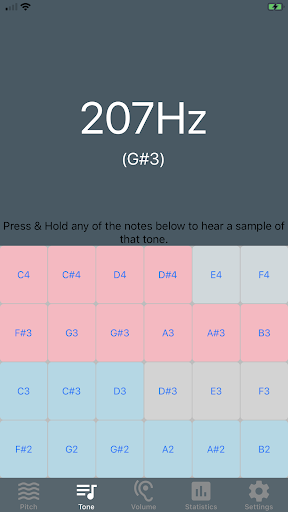
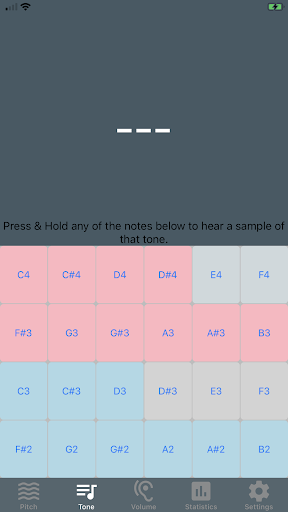
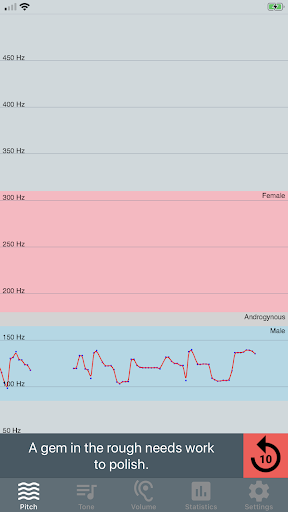
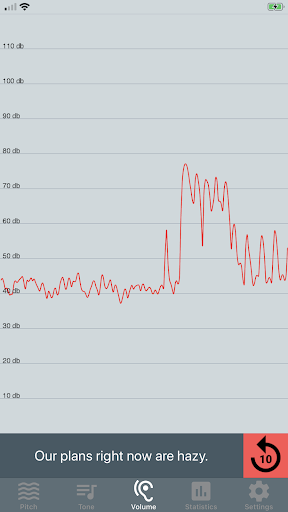
For users exploring voice therapy, Voice Tools provides real-time visual feedback that helps you track your progress. You can view a live pitch graph and listen to tones of specific pitches to mimic, while also reading phonetically balanced sentences to guide pronunciation. The app also includes record and playback features without saving files to your device, making practice quick and private. It does not alter your voice; instead it visualizes pitch, resonance, and volume to support therapy goals. The pitch analysis works best with an external microphone, though it will function without one; a relatively quiet environment minimizes background noise from phone mics and improves accuracy. This tool is designed as an aid for voice therapy and is not a substitute for professional guidance, with a suggested routine of about five minutes of daily practice over several months. Privacy is respected: no recordings leave the device.
Creative voice effects and practical tools
Beyond therapy, Voice Tools doubles as a compact studio for playful experiments and content creation. Transform your voice to sound like a robot, a chipmunk, or add eerie echo effects for performances or storytelling. Practical features like noise reduction and voice enhancement help polish recordings for podcasts or video projects, letting you focus on content rather than editing. It’s like carrying a full mini studio in your pocket, ready for a quick take or a polished episode.
Intuitive design and guided onboarding
The interface is clean and approachable, so you don’t need to be a tech wizard to get started. Recording is a single tap away, and swiping through effects makes experimentation effortless. A friendly built-in tutorial guides first-time users, ensuring you understand how to apply settings and save your work. Whether you’re a beginner or an experienced editor, Voice Tools aims to be welcoming and efficient.
Customization, sharing, and ongoing updates
Fine-tune your audio by adjusting pitch, speed, and tone to suit your needs. The app continuously evolves with updates that add new features and effects, keeping your toolkit fresh and inspiring. You can save your modified clips and share them across platforms, making it easy to collaborate, showcase your work, or drop a quick audition reel to clients or friends.
Free and paid versions
Voice Tools is available in two flavors: a free, advertisement-supported version and a paid, ad-free version. You can remove the adverts via an in-app purchase in the settings, giving you a streamlined workspace for serious editing or casual play. This flexible model makes the app accessible to casual users while offering a premium experience for those who want to focus on quality and speed.
Pros
- Intuitive user interface
- Wide range of voice modulation options
- High-quality voice recording
- Supports multiple audio formats
- Efficient noise reduction feature
Cons
- Requires internet for some features
- Premium features are paid
- Occasional app crashes
- Limited free version capabilities
- Some features require permissions